
This page is not an official page of the app or its developer, but an independent editorial publication created for informational and commentary purposes. Unless expressly stated otherwise, neither the app nor its developer is affiliated with, endorsed by, sponsored by, authorized by, or otherwise officially connected with MWM, Apple, Google Play, the app publisher, or the app's developer, and nothing on this page implies that the app was developed using MWM's services. Any trademarks, logos, screenshots, and other content remain the property of their respective owners.


Ditto Pasteboard
Stop cluttering your Notes app. Automatically sync, edit, and archive up to 500 copied items across your Mac, iPad, and iPhone for a truly frictionless workflow.
Downloads
0User Rating
Total Ratings
0Publisher
Category
UtilitiesLocales
1Latest Version
2.0Size
1.5 MBFirst Released
Aug 4, 2022Master Your Digital Workflow
Ditto transforms your clipboard into a powerful, multi-device productivity hub. Say goodbye to lost links and messy Notes apps with a seamless second brain for your snippets.
Seamless Apple Integration
Start on your MacBook and finish on your iPhone. Transfer links, code snippets, and text between all your devices with zero friction.
A Safety Net for Your Ideas
Never lose a 'good find' again. Archive up to 500 items in a chronological, time-stamped history that acts as your ultimate backup.
The following screenshots and description are sourced directly from the app's official store listing and are the property of the app developer.
App Store
Screenshots
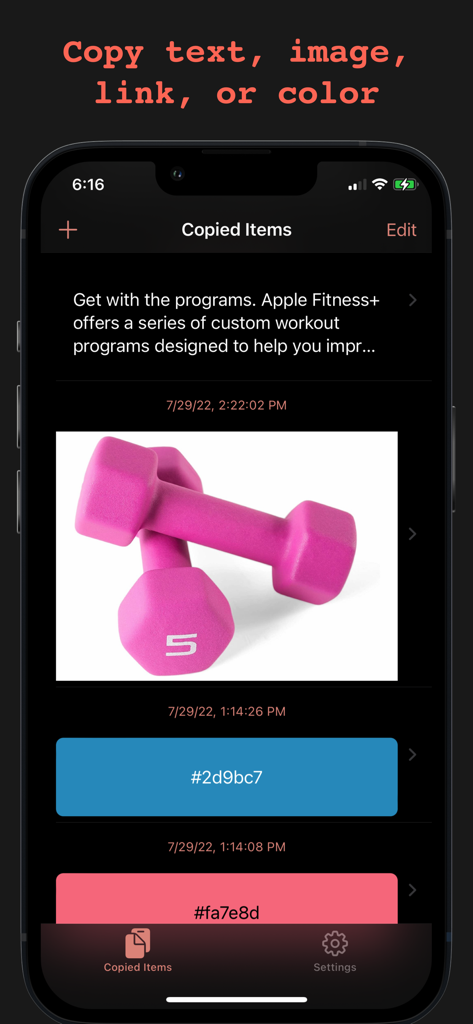
Screenshot of the Ditto Pasteboard app interface showing a list of copied items including text snippets, images, and color hex codes with timestamps.
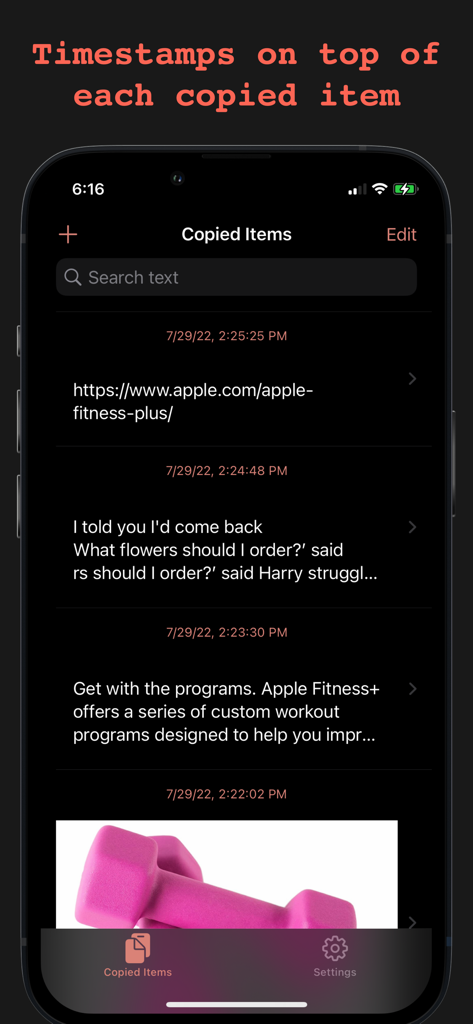
A list of copied items including links and text snippets with chronological timestamps in the Ditto Pasteboard app.
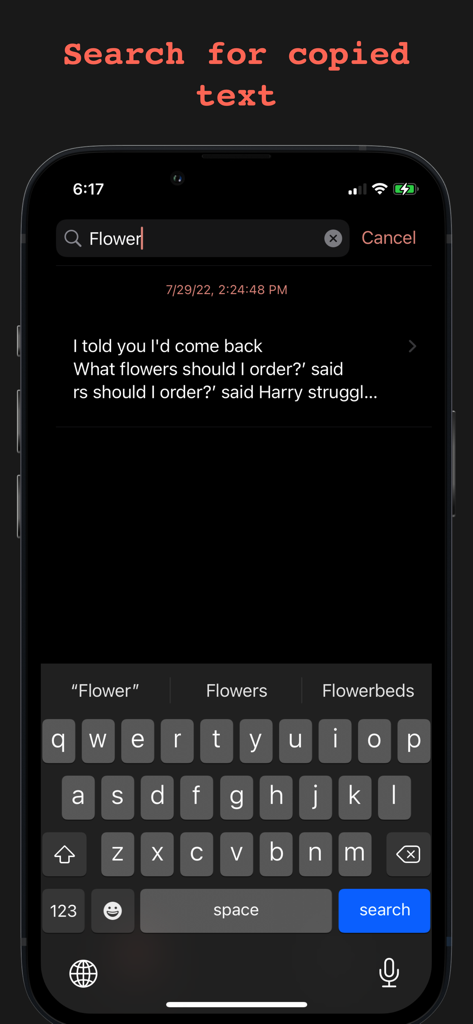
Searching for copied text in the Ditto Pasteboard app clipboard history
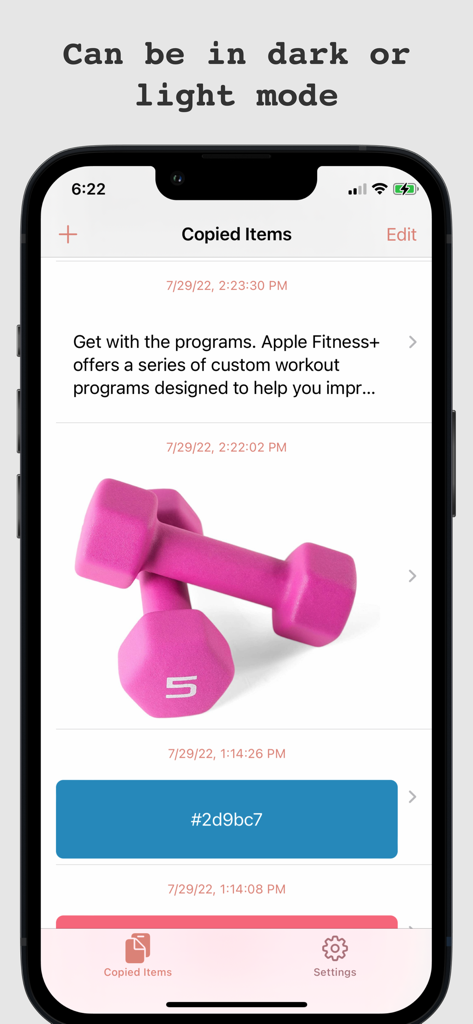
A chronological list of copied items including text, an image of dumbbells, and a color hex code in the Ditto Pasteboard app interface.
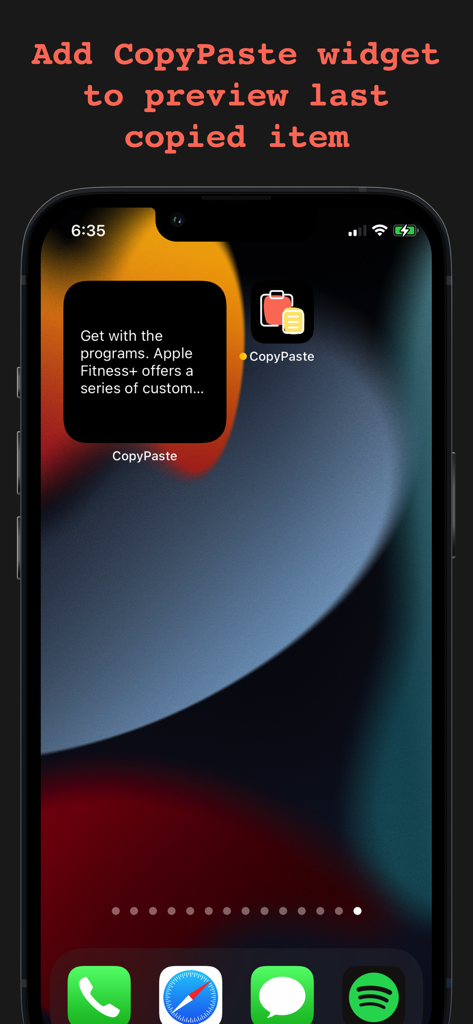
A preview of the Ditto Pasteboard widget on an iPhone home screen showing the most recently copied text
Description
Download
More Like This
Top-ranked apps in the same category

Google LLC

Google Chrome
Google LLC

中国移动(手机营业厅)
China Mobile Online Services Co., Ltd.

Google Authenticator
Google LLC

gov.br
Servicos e Informacoes do Brasil

Super VPN Fly 2026
YUNFAN TECHNOLOGY CO., LIMITED

Cleanup: Phone Storage Cleaner
DEEP FLOW SOFTWARE SERVICES - FZCO

百度-AI智能搜索
Beijing Baidu Netcom Science & Technology Co.,Ltd

Microsoft Edge: AI Browser
Microsoft Corporation
This page is not an official page of the app or its developer, but an independent editorial publication created for informational and commentary purposes. Unless expressly stated otherwise, neither the app nor its developer is affiliated with, endorsed by, sponsored by, authorized by, or otherwise officially connected with MWM, Apple, Google Play, the app publisher, or the app's developer, and nothing on this page implies that the app was developed using MWM's services. Any trademarks, logos, screenshots, and other content remain the property of their respective owners.