
This page is not an official page of the app or its developer, but an independent editorial publication created for informational and commentary purposes. Unless expressly stated otherwise, neither the app nor its developer is affiliated with, endorsed by, sponsored by, authorized by, or otherwise officially connected with MWM, Apple, Google Play, the app publisher, or the app's developer, and nothing on this page implies that the app was developed using MWM's services. Any trademarks, logos, screenshots, and other content remain the property of their respective owners.


Dolby On: Record Audio & Video
Turn your phone into a professional recording suite with one tap. Capture music, podcasts, and videos with legendary Dolby technology and automatic studio effects—no extra gear required.
Downloads
1M+User Rating
Total Ratings
17K+Publisher
Category
MusicLocales
1Latest Version
1.15Size
92.5 MBFirst Released
Sep 4, 2019Pro Studio Sound, No Gear Required
Transform your phone into a high-end recording studio. Capture, polish, and share your music and videos with the legendary power of Dolby technology.
One-Tap Professional Polish
Apply automatic EQ, compression, and spatial audio to make your demos and videos sound like they were mixed in a professional studio.
Intelligent Noise Reduction
Record anywhere—from busy streets to noisy rooms. Our AI removes background distraction, leaving only your talent.
Frequently Asked Questions
Everything you need to know about Dolby On: Record Audio & Video
What is Dolby On?
Dolby On is a free audio recorder and sound editor. It uses Dolby audio technology to record and enhance voice, music, and video, providing automatic studio effects and sharing options.
Is Dolby On free to use?
Yes, Dolby On is a free audio recorder and sound editor. It offers cutting-edge Dolby audio technology and studio effects without cost.
What sound editing tools are available in Dolby On?
Dolby On provides tools like noise reduction, Dynamic EQ, stereo widening, compression, de-essing, volume maximization, normalization, and easy fades for audio perfection.
Can Dolby On be used for livestreaming?
Yes, Dolby On enables livestreaming directly to platforms like Twitch and Facebook Live. It applies automatic studio effects to ensure professional sound quality during broadcasts.
How does Dolby On reduce background noise?
Dolby On uses patented noise reduction technology. This feature automatically clears up audio quality by cutting unwanted hums, buzz, and fuzz from recordings and imports.
Can I import audio and video into Dolby On for editing?
Yes, users can import audio and video captured in other apps into Dolby On. The app then applies Dolby technology to reduce background noise and improve sound quality.
What sharing options does Dolby On offer for recordings?
Dolby On allows sharing recordings directly to SoundCloud, Instagram, Facebook, and via messages or email. Users can also livestream to Facebook Live or Twitch.
Does Dolby On support lossless audio recording and export?
Yes, Dolby On supports recording and exporting audio in lossless format. This feature ensures even better sound quality for creators.
Can I use an external microphone with Dolby On?
Yes, Dolby On supports the use of your favorite external microphone. This allows users to enhance voice memos, music recordings, or video recordings.
Who is Dolby On designed for?
Dolby On is designed for creators including podcasters, musicians, social media content creators, and livestreamers. It provides professional audio tools in an easy-to-use app.
The following screenshots and description are sourced directly from the app's official store listing and are the property of the app developer.
App Store
Screenshots
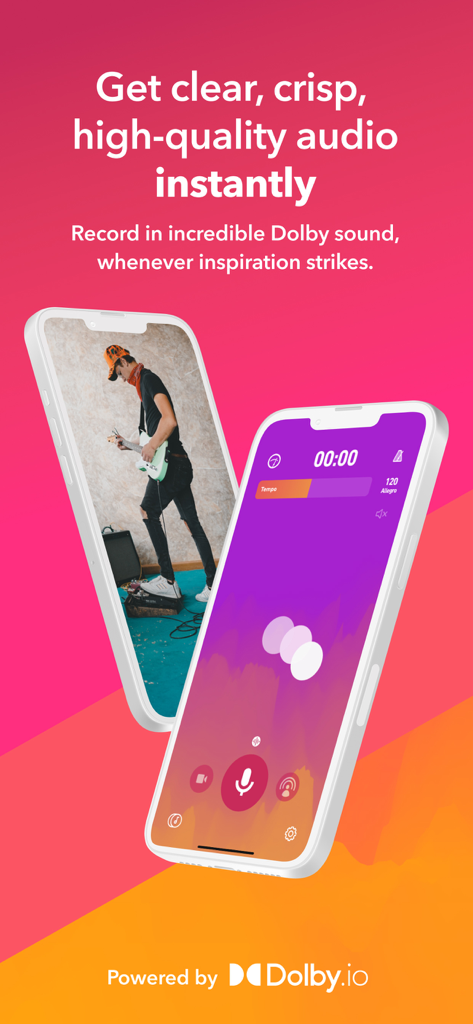
Dolby On mobile app interface for recording high quality audio and video
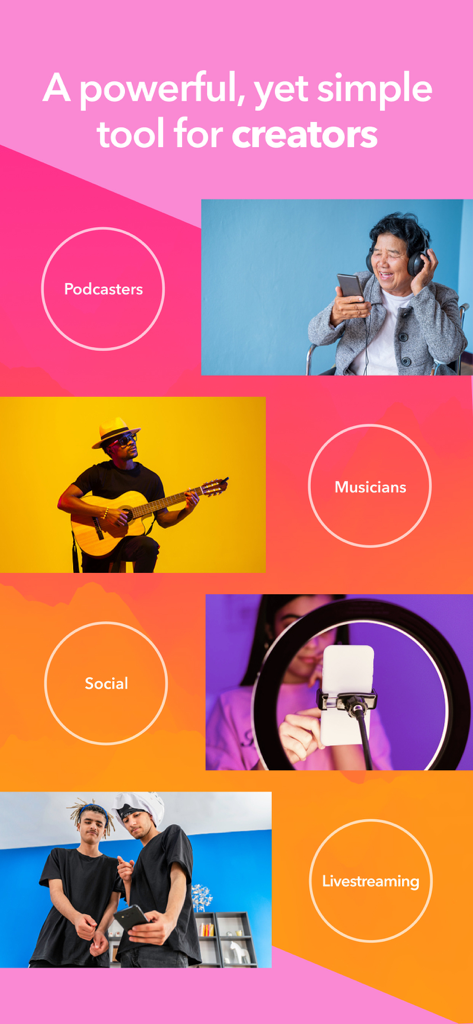
Collage showing musicians podcasters and social media creators using the Dolby On app
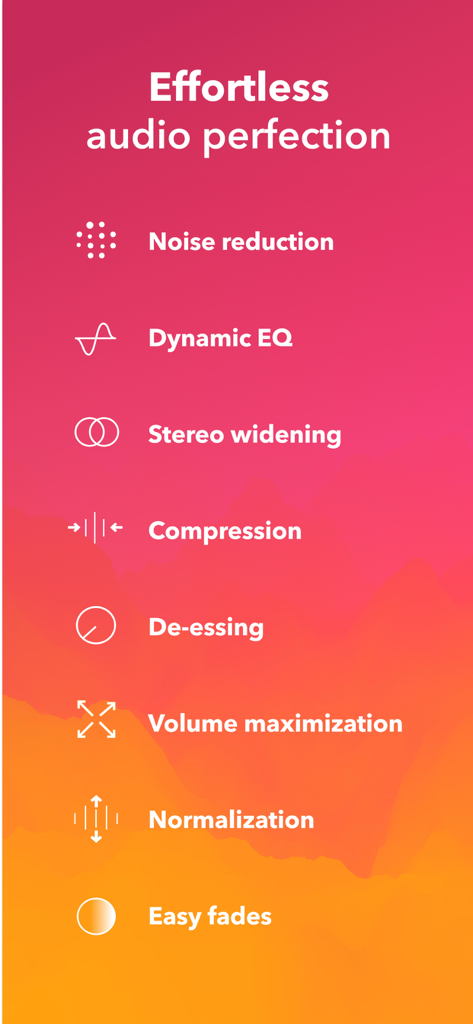
List of automated audio processing features in the Dolby On app including noise reduction and dynamic EQ
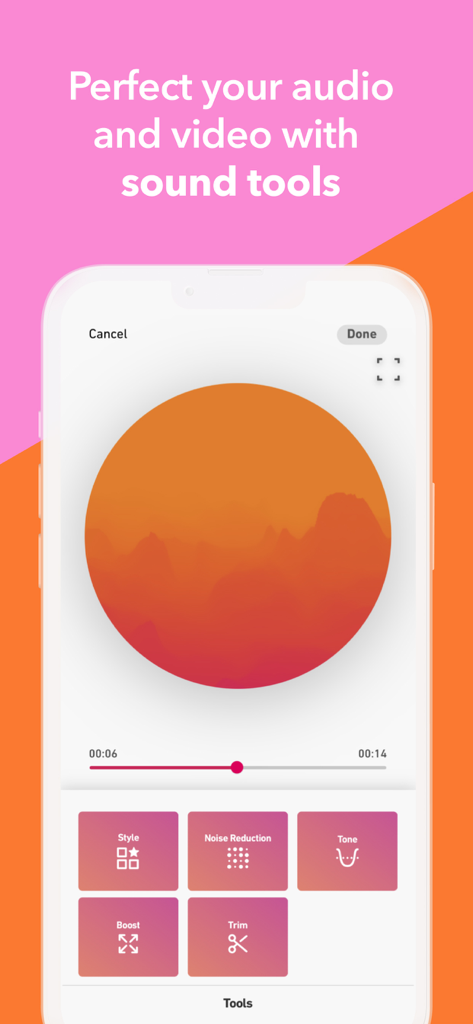
Interface of the Dolby On app showing various sound editing tools like style, noise reduction, and tone.
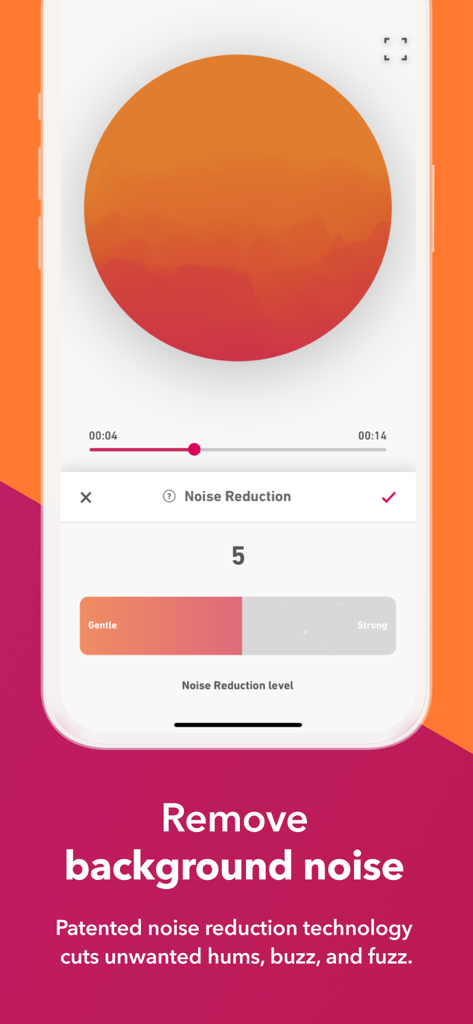
Interface of the Dolby On app showing a noise reduction slider for audio and video recording
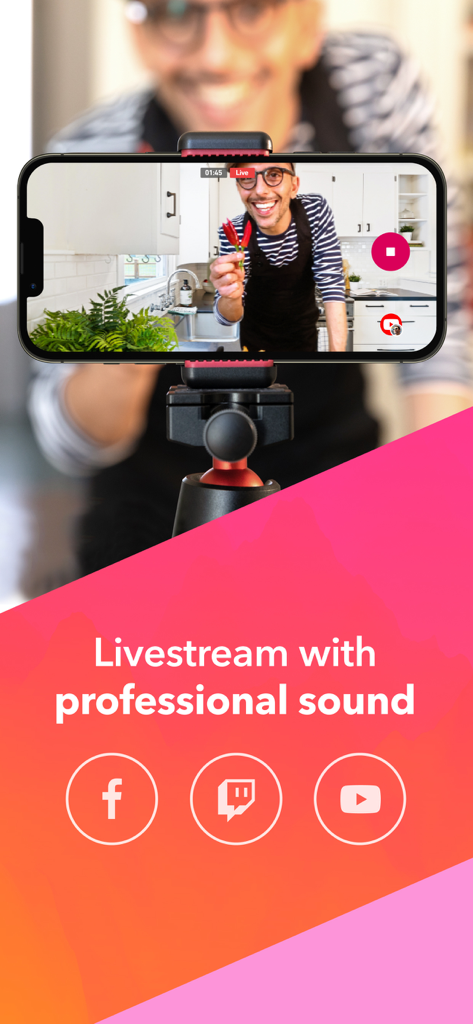
A smartphone on a tripod livestreaming a video to social media with professional sound quality.
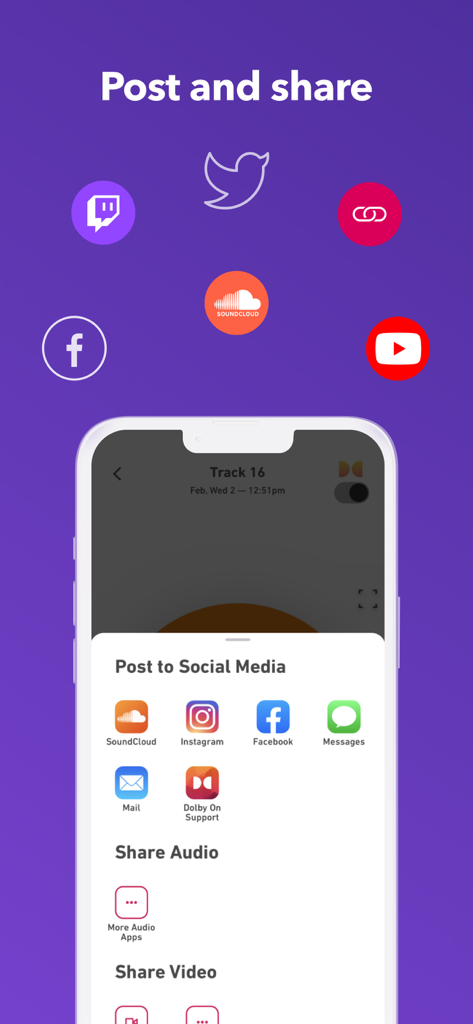
Interface showing options to share audio and video recordings to social media platforms like SoundCloud Instagram and Facebook
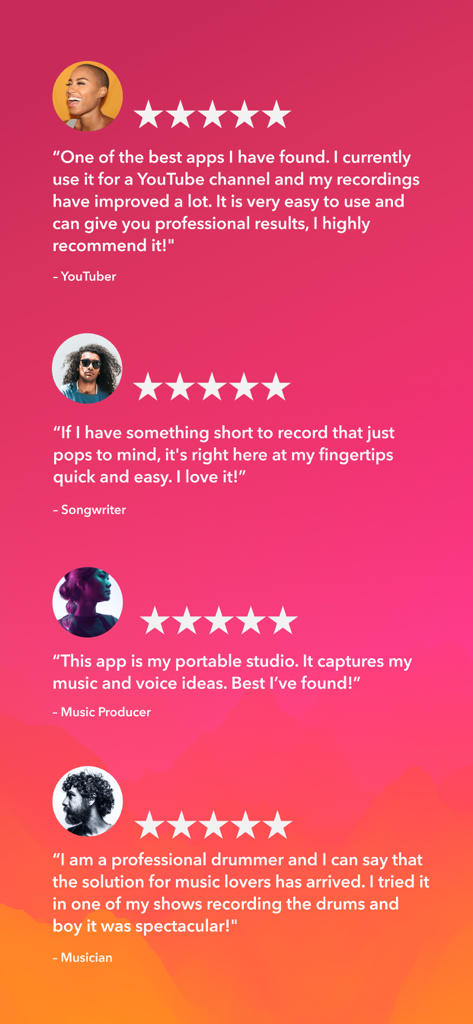
Five star user testimonials from content creators for the Dolby On recording app
Description
Download
More Like This
Apps with similar features and user experience

Add Music to Video, Maker
Honk Honk Punch Pty Ltd

Clips - Video Editor
Video Bakery Ltd.

Add Music into Video Editor
Saturday Technologies Incorporated

Add Background Music To Video
Mosaic S.r.l.

Add Music to Video Editor
Add Music to Video Maker & Editor LLC

Add Music to Video Voice Over
Brain Craft Ltd

Add Music to Video
Md Jasim Uddin

Video Maker with Music Editor
Mosaic S.r.l.

Video Music Add Background
Raja Ahmad Ayaz Noor
This page is not an official page of the app or its developer, but an independent editorial publication created for informational and commentary purposes. Unless expressly stated otherwise, neither the app nor its developer is affiliated with, endorsed by, sponsored by, authorized by, or otherwise officially connected with MWM, Apple, Google Play, the app publisher, or the app's developer, and nothing on this page implies that the app was developed using MWM's services. Any trademarks, logos, screenshots, and other content remain the property of their respective owners.