
This page is not an official page of the app or its developer, but an independent editorial publication created for informational and commentary purposes. Unless expressly stated otherwise, neither the app nor its developer is affiliated with, endorsed by, sponsored by, authorized by, or otherwise officially connected with MWM, Apple, Google Play, the app publisher, or the app's developer, and nothing on this page implies that the app was developed using MWM's services. Any trademarks, logos, screenshots, and other content remain the property of their respective owners.


Video Music Add Background
The ultimate creative tool for creators and memory-makers. Add custom soundtracks, record professional voice-overs, and apply cinematic effects to make your videos stand out on TikTok, Reels, and beyond.
Downloads
6K+User Rating
Total Ratings
0Publisher
Category
Photo & VideoLocales
11Latest Version
2.0.1Size
69.8 MBFirst Released
Aug 7, 2021Elevate Your Stories with Sound
The ultimate toolkit for creators and modern storytellers to add professional audio, cinematic effects, and personal style to every clip in seconds.
Professional Voice-Overs & Audio
Layer your own music or record high-quality voice-overs to tell your story exactly how you want it, perfect for tutorials and vlogs.
Cinematic Motion Control
Master the timing of your videos with slow-motion, fast-forward, and reverse effects to create viral-ready content with a single tap.
Frequently Asked Questions
Everything you need to know about Video Music Add Background
How do I add background music to a video in the Video Music Add Background app?
Users can add background music by selecting their own music from their library or choosing from the Video Music Add Background app's default music list. The app supports various audio files.
Can I record a voice over for my videos using the Video Music Add Background app?
Yes, the Video Music Add Background app allows users to record their own audio directly to add voice-overs to any video, enhancing their content.
Does the Video Music Add Background app support slow and fast motion video editing?
Yes, the Video Music Add Background app provides video editing options for adjusting speed, enabling users to create both slow and fast motion effects easily.
What is the monthly subscription cost for the Video Music Add Sound Clips app?
The monthly auto-renewing subscription for the Video Music Add Sound Clips app costs $5.99 for customers in the United States. Pricing may vary in other countries.
Can users add text and stickers to videos in the Video Music Add Background app?
Yes, the Video Music Add Background app enables users to add text to their videos with color and font customization. It also supports adding various stickers.
Does the Video Music Add Background app provide video effects for editing?
Yes, the Video Music Add Background app offers various effects to enhance videos, helping users to make their creations more engaging and visually appealing.
Is it possible to reverse video playback with the Video Music Add Background app?
Yes, the Video Music Add Background app includes a reverse video effect feature. This allows users to play their videos in a backward direction.
The following screenshots and description are sourced directly from the app's official store listing and are the property of the app developer.
App Store
Screenshots
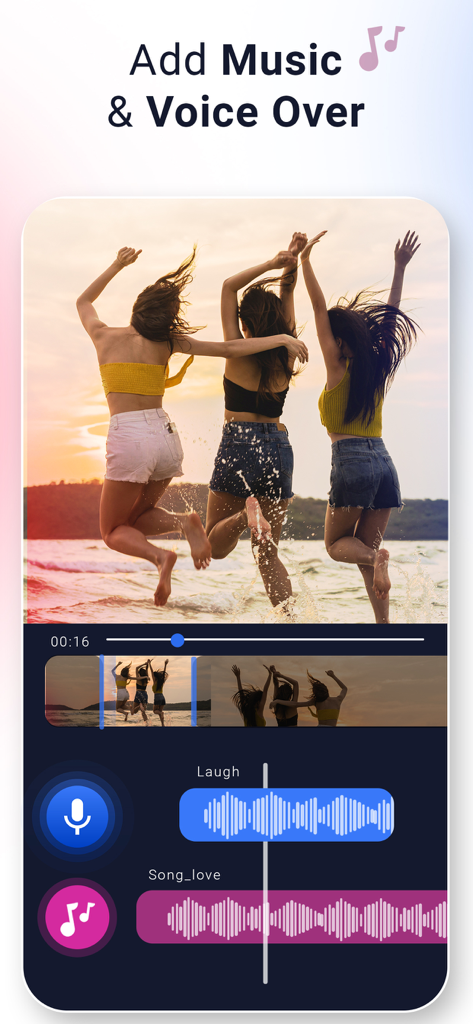
Interface of the Video Music Add Background app showing a video of friends at the beach with layered audio tracks for music and voice-over
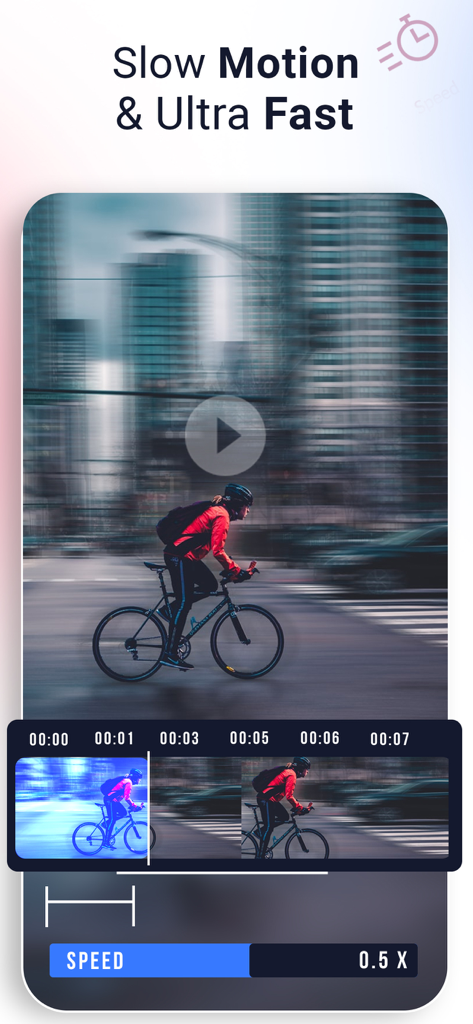
Interface of the app showing video speed editing for slow motion and ultra fast effects with a slider
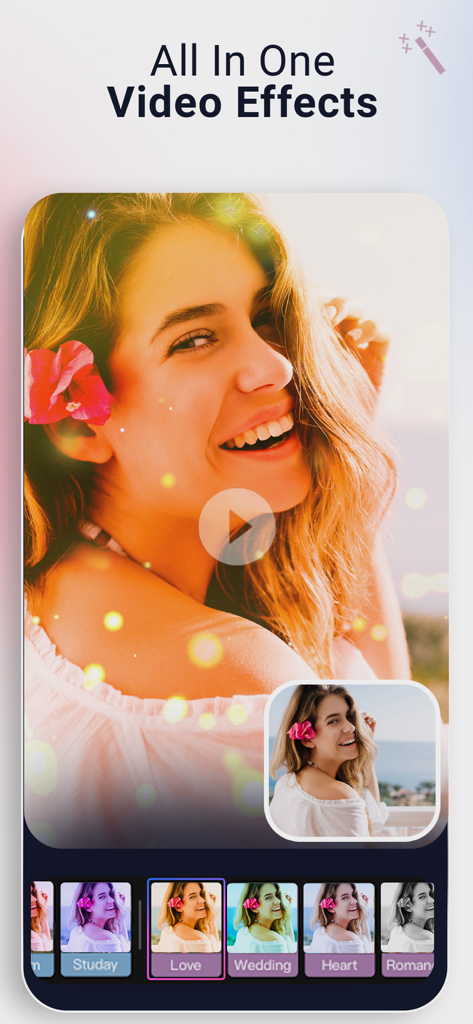
Mobile app interface showing all in one video effects and filters for video editing
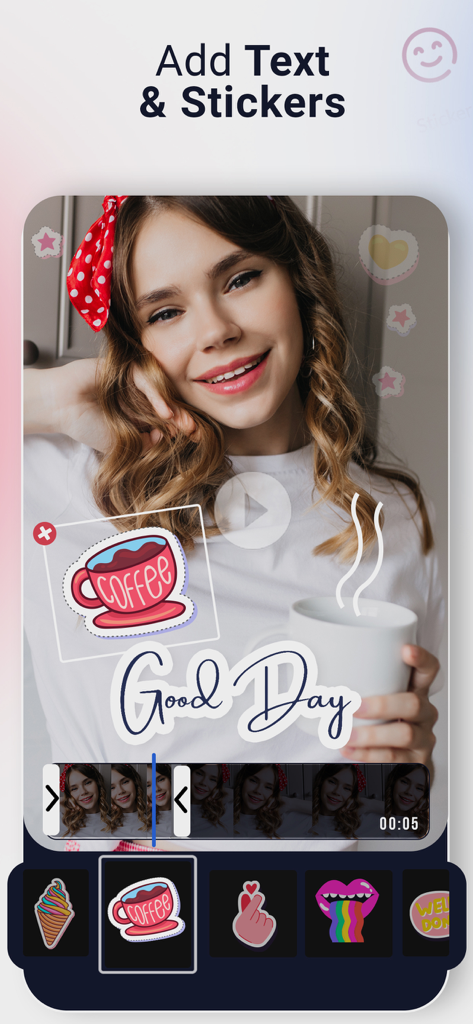
Mobile app interface showing a video preview with a coffee sticker and Good Day text overlay.
Description
Download
More Like This
Apps with similar features and user experience

Dolby On: Record Audio & Video
Dolby Laboratories, Inc.

Add Music to Video, Maker
Honk Honk Punch Pty Ltd

Clips - Video Editor
Video Bakery Ltd.

Add Music to Video Editor
Add Music to Video Maker & Editor LLC

Add Music into Video Editor
Saturday Technologies Incorporated

Add Background Music To Video
Mosaic S.r.l.

Add Music to Video Voice Over
Brain Craft Ltd

Add Music to Video
Md Jasim Uddin

Video Maker with Music Editor
Mosaic S.r.l.
This page is not an official page of the app or its developer, but an independent editorial publication created for informational and commentary purposes. Unless expressly stated otherwise, neither the app nor its developer is affiliated with, endorsed by, sponsored by, authorized by, or otherwise officially connected with MWM, Apple, Google Play, the app publisher, or the app's developer, and nothing on this page implies that the app was developed using MWM's services. Any trademarks, logos, screenshots, and other content remain the property of their respective owners.