
This page is not an official page of the app or its developer, but an independent editorial publication created for informational and commentary purposes. Unless expressly stated otherwise, neither the app nor its developer is affiliated with, endorsed by, sponsored by, authorized by, or otherwise officially connected with MWM, Apple, Google Play, the app publisher, or the app's developer, and nothing on this page implies that the app was developed using MWM's services. Any trademarks, logos, screenshots, and other content remain the property of their respective owners.


Don't Touch My Phone: App
Stop snoopers and prevent theft with motion-triggered alarms. Secure your privacy in cafes, gyms, and shared spaces with customizable alerts designed to keep your private life yours.
Downloads
500User Rating
Total Ratings
0Publisher
Category
UtilitiesLocales
1Latest Version
1.1.2Size
74.1 MBFirst Released
Nov 27, 2024Total Security for Your Private Space
Advanced motion detection and customizable alerts designed to keep snoopers out and your data safe, whether you're in a dorm, a cafe, or a shared home.
Instant Motion Alarms
High-precision sensors trigger a loud alert the moment someone moves your device, making it the perfect digital fence for public spaces.
Personalized Warning Styles
Express your personality while protecting your privacy by choosing unique sound effects, flash patterns, and vibration modes to catch snoopers off guard.
The following screenshots and description are sourced directly from the app's official store listing and are the property of the app developer.
App Store
Screenshots
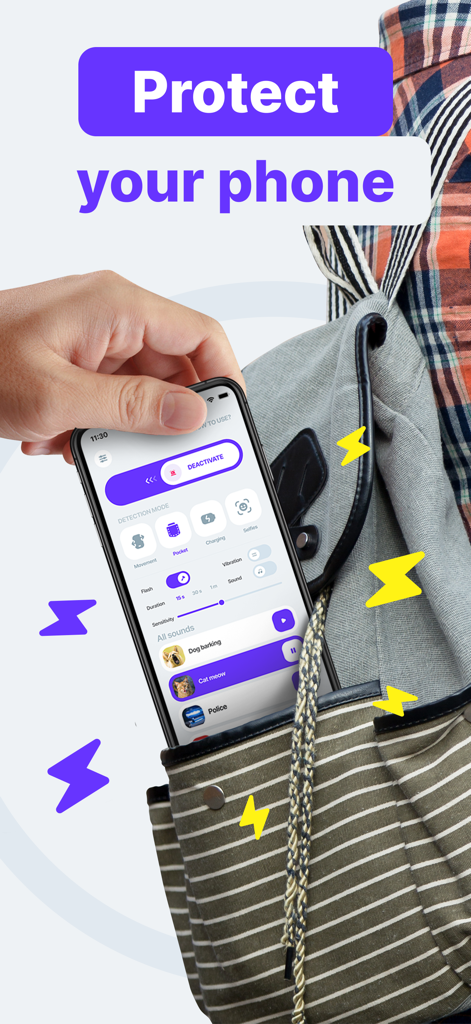
A hand pulling a smartphone with the Don't Touch My Phone security app interface out of a striped bag.
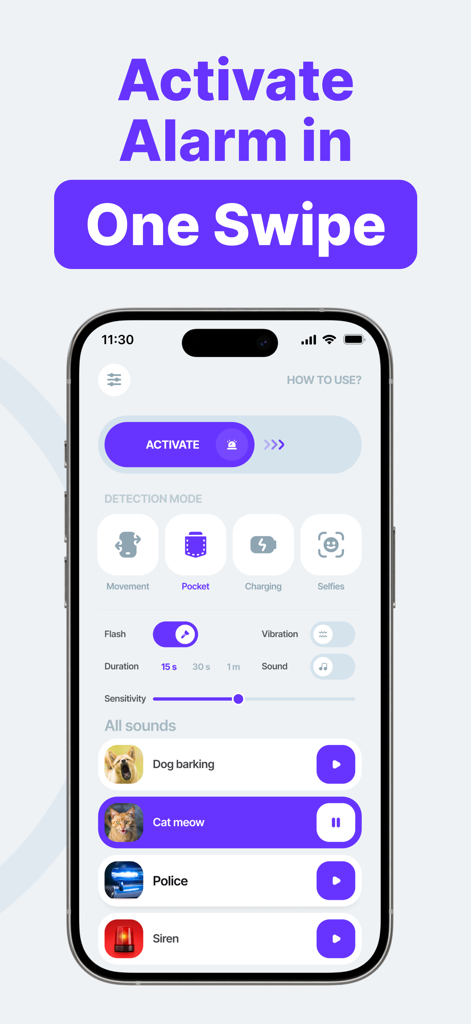
Smartphone screen showing the Don't Touch My Phone app interface with an activation slider and a list of alarm sounds like cat meow and police siren
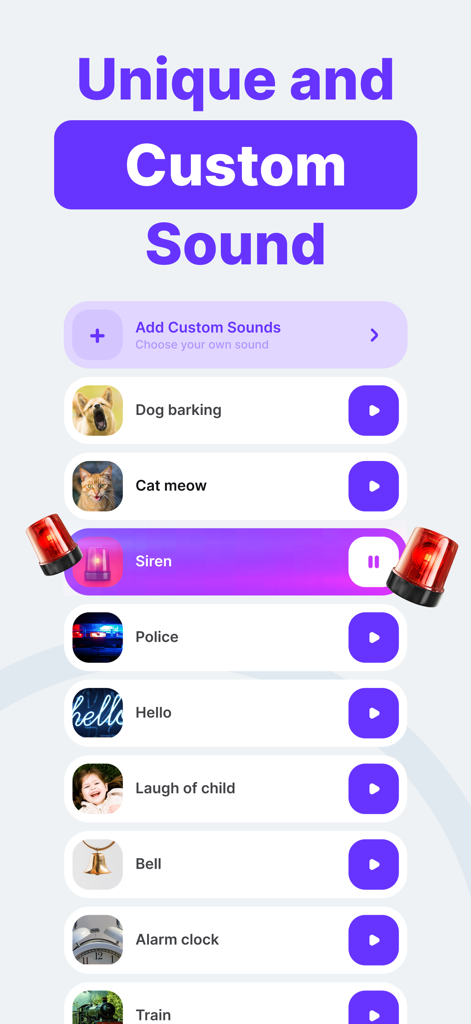
A smartphone screen displaying a list of customizable alarm sounds for an anti-theft app including dog barking siren and police sounds
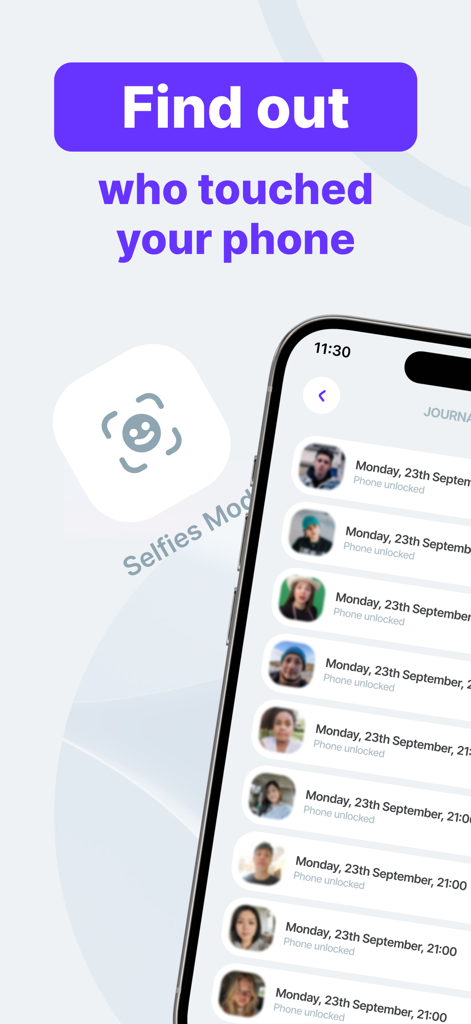
A list of photos and timestamps showing people who accessed the phone
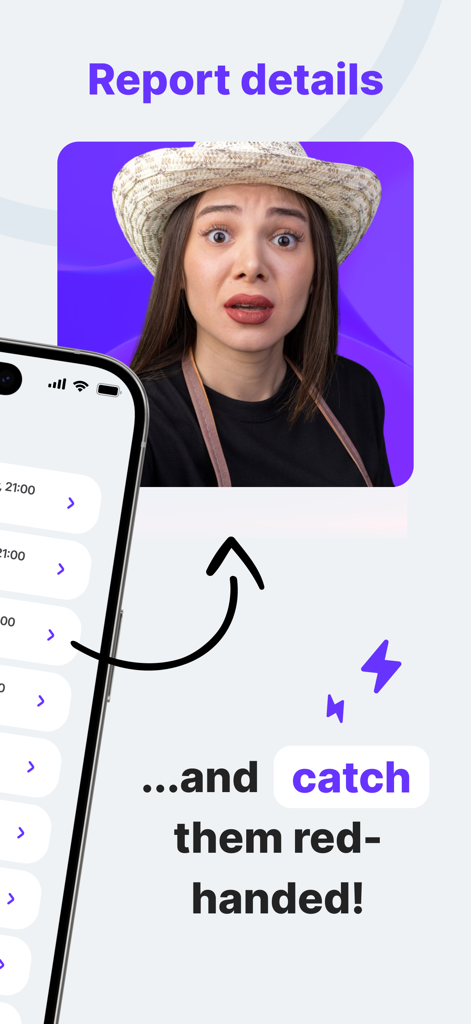
A screenshot from the Don't Touch My Phone app showing an intruder capture report with a photo of a surprised woman caught red-handed.
Description
Download
More Like This
Top-ranked apps in the same category

Google LLC

Google Chrome
Google LLC

中国移动(手机营业厅)
China Mobile Online Services Co., Ltd.

Google Authenticator
Google LLC

CNH do Brasil
Servicos e Informacoes do Brasil

Cleanup: Phone Storage Cleaner
DEEP FLOW SOFTWARE SERVICES - FZCO

gov.br
Servicos e Informacoes do Brasil

Microsoft Edge: AI Browser
Microsoft Corporation

Super VPN Fly 2026
YUNFAN TECHNOLOGY CO., LIMITED
This page is not an official page of the app or its developer, but an independent editorial publication created for informational and commentary purposes. Unless expressly stated otherwise, neither the app nor its developer is affiliated with, endorsed by, sponsored by, authorized by, or otherwise officially connected with MWM, Apple, Google Play, the app publisher, or the app's developer, and nothing on this page implies that the app was developed using MWM's services. Any trademarks, logos, screenshots, and other content remain the property of their respective owners.