
DS file



Securely access, manage, and stream files directly from your Synology NAS. Experience the freedom of a private cloud with total control and no monthly fees.
Publisher
Category
UtilitiesDownloads
2M+User Rating
Total Ratings
1K+Locales
21Discover the interface used by 2M+ users.
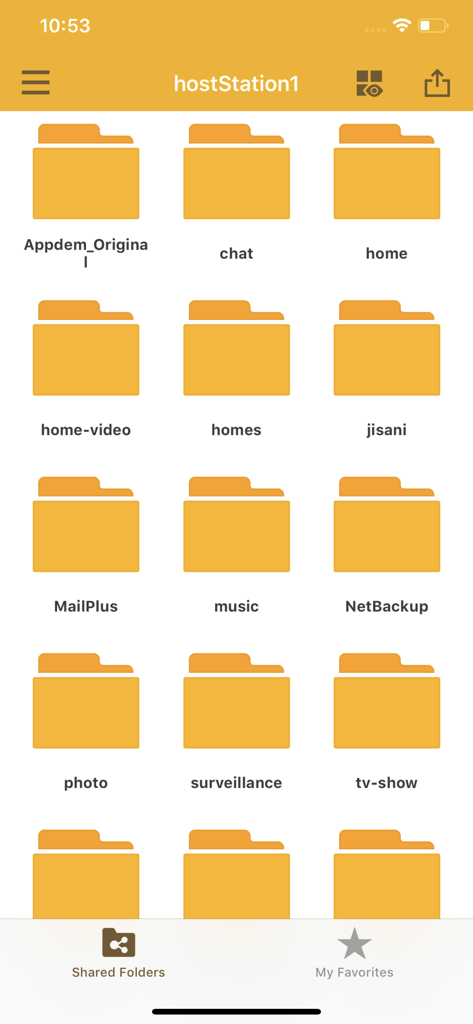
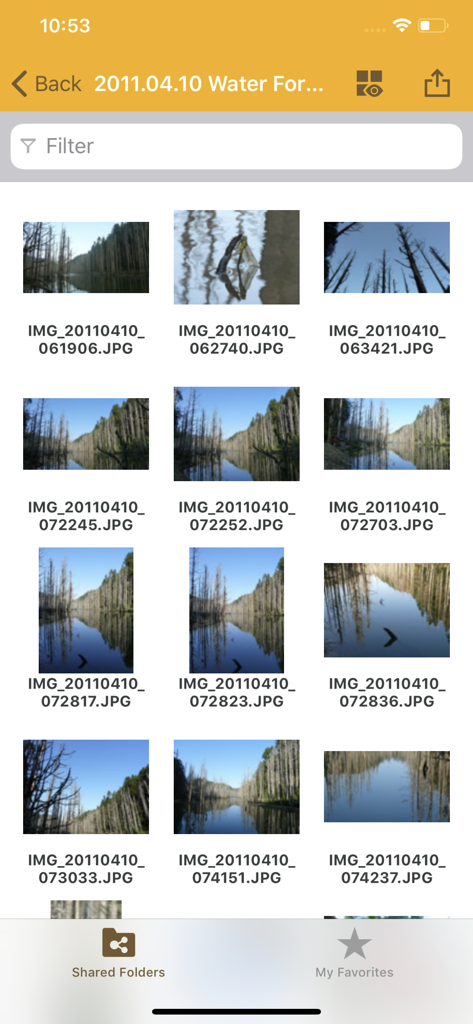
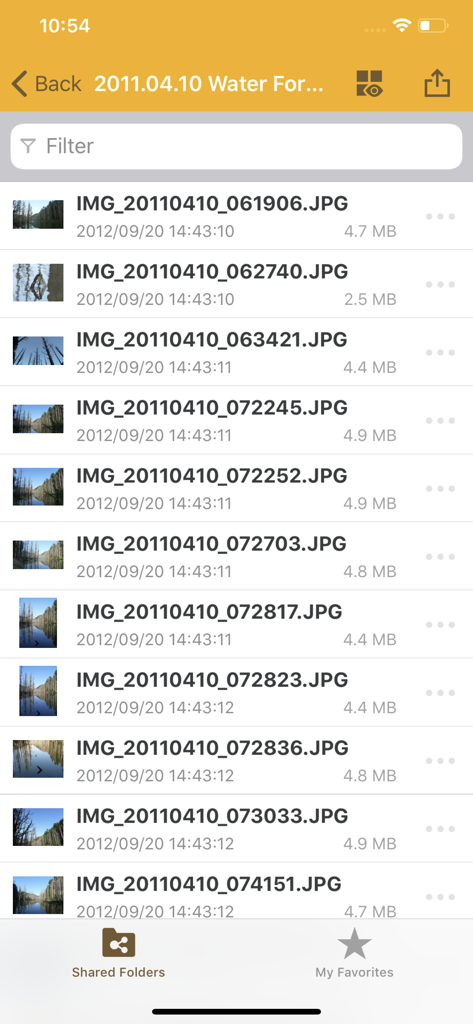
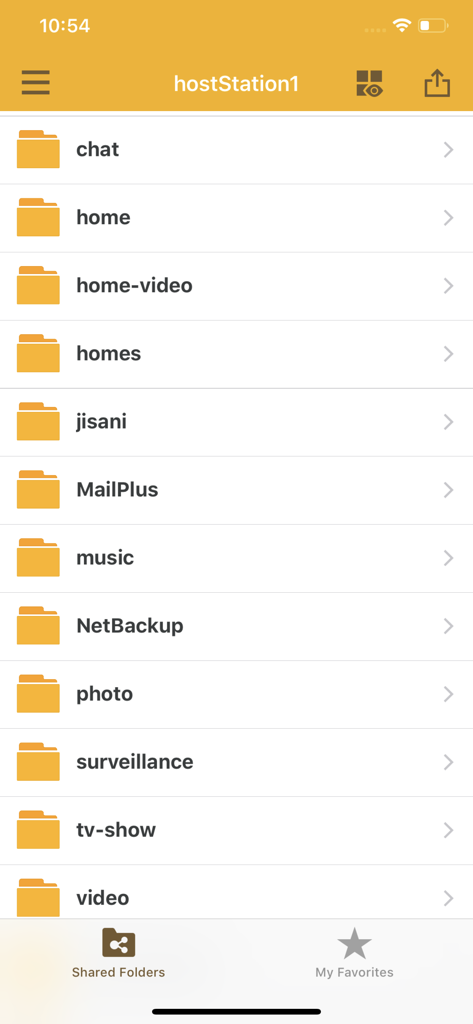

The tools that make this app stand out, trusted by 2M+ users.
Take back control from Big Tech. Access your files via secure HTTPS connections without ever relying on third-party cloud providers or monthly fees.
Instantly offload high-resolution RAW photos and 4K videos from your iPhone to your NAS, keeping your device storage light and your data safe.
Review large work documents, stream your media library, or perform basic edits on the go with a file-tree interface designed for technical power users.
Insights from user reviews.
Sentiment Score
Summary
This mobile app receives largely negative feedback, primarily due to severe stability issues and frequent crashes, especially when attempting to select multiple files, a core file management function. Users also criticize the outdated user interface, lack of modern features like dark mode and FaceID login, and poor performance across file uploads, media playback (including issues with HEIC and MOV files), and slow previews. While some specific bugs related to file selection crashing have been reported as fixed in version 5.18.2, a pervasive sentiment of neglect exists due to infrequent updates and unaddressed long-standing problems. This is exacerbated by widespread device and OS compatibility issues, affecting iPhones (e.g., iPhone 15/16 Pro with HEIC/video playback), iPads running iOS 18.3.2, and broader issues with iOS 26.1.
Common Themes
Everything you need to know about DS file.
Description
Latest Version
5.18.2
Size
121.2 MB
First Released
Feb 2, 2011
Unlock the full potential of your Synology NAS. Experience secure, professional-grade file management on the go—without the monthly cloud fees.
Everything you need to know about DS file
DS file is an app for managing files stored on a Synology DiskStation NAS. It allows users to upload, download, browse, watch, and edit files from their iDevice securely.
To use DS file, you must own a Synology NAS. For the complete set of features, your DiskStation Manager (DSM) must be upgraded to version 5.2 or later.
Yes, DS file allows you to manage files on your DiskStation from your iDevice when you are on the go. It supports secure connections with HTTPS.
With DS file, you can manage files, upload or download between your NAS and iDevice, and perform basic editing tasks. You can also browse pictures, watch videos, and check documents.
Yes, DS file supports secure file transfers. The app ensures security for all file operations with HTTPS support.
DS file displays files and folders in a hierarchical view, similar to a file explorer. Users can see shared folders, navigate through directories, and view file details like size and date.
Yes, you can view images using DS file. The app allows browsing pictures, and users can open individual images in full-screen mode.
Yes, DS file allows you to download files from your DiskStation to your iDevice. An explicit download icon is visible in the file viewer for this function.
Apps with similar features and user experience

FUJIFILM Corporation

FUJIFILM Corporation

Canon U.S.A., Inc.

Polaroid International B.V.

Canon Inc.

Prinics Co., Ltd

PHOMEMO PTE. LTD.

Seiko Epson Corporation

C&A Marketing Inc.
App information, icons, screenshots, and descriptions displayed on this page are sourced from the Apple App Store and are the property of their respective developers. Download estimates and rankings are based on MWM's proprietary models and may not reflect actual figures. This page is provided for informational and analytical purposes only.
Believe this page infringes your intellectual property? File a dispute
