
This page is not an official page of the app or its developer, but an independent editorial publication created for informational and commentary purposes. Unless expressly stated otherwise, neither the app nor its developer is affiliated with, endorsed by, sponsored by, authorized by, or otherwise officially connected with MWM, Apple, Google Play, the app publisher, or the app's developer, and nothing on this page implies that the app was developed using MWM's services. Any trademarks, logos, screenshots, and other content remain the property of their respective owners.


Dual Camera Double Video
Stop switching between lenses. Record front and back cameras simultaneously to create instant, multi-angle vlogs ready for TikTok and Instagram without any editing.
Downloads
2K+User Rating
Total Ratings
0Publisher
Category
Photo & VideoLocales
3Latest Version
3.4Size
0.6 MBFirst Released
Aug 15, 2023Your Story, From Every Angle
Stop choosing between the view and your vibe. Capture both lenses at once and share authentic, multi-angle content without the editing headache.
Dual-Angle Reality
Record your reaction and the action simultaneously. It’s the ultimate way to bring your followers into the moment with you.
Total Creative Control
Pinch to resize and drag your selfie overlay anywhere. Switch between sleek circle or classic square frames in one tap.
The following screenshots and description are sourced directly from the app's official store listing and are the property of the app developer.
App Store
Screenshots
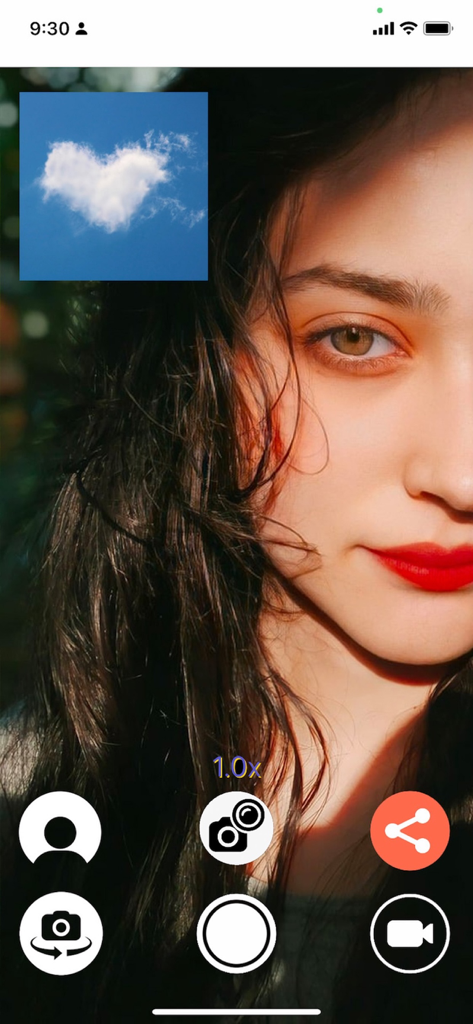
A dual camera smartphone app interface showing a woman's selfie with a heart shaped cloud in a small square overlay
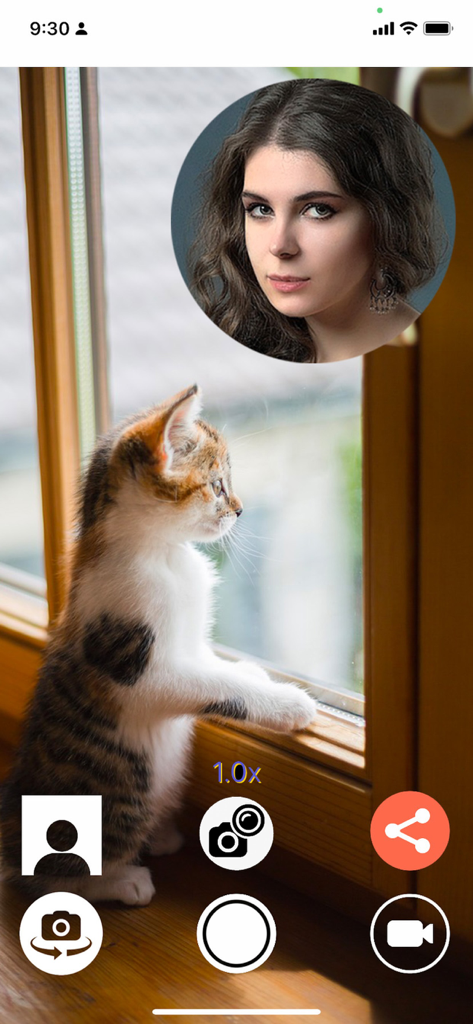
Interface of the Dual Camera Double Video app showing a kitten looking out a window with a circular selfie reaction overlay of a woman
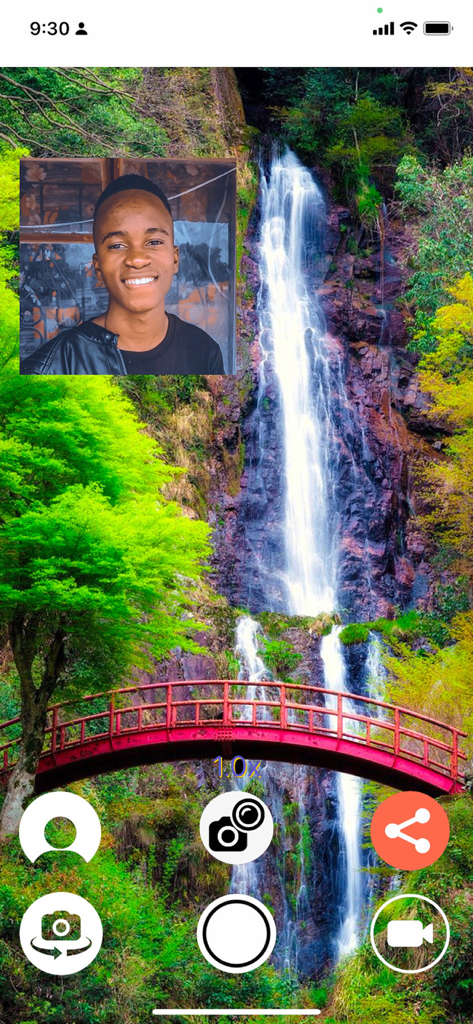
Dual camera app recording a waterfall with a selfie reaction overlay in a square frame
Description
Download
More Like This
Top-ranked apps in the same category

CapCut: Photo & Video Editor
BYTEDANCE PTE. LTD.

Instagram, Inc.

YouTube
Google LLC

Canva: AI Photo & Video Editor
Canva Pty Ltd

Snapchat
Snap, Inc.

快手
Beijing Kwai Technology Co., Ltd.

Edits: Video Editor
Instagram, Inc.

Meitu- AI Photo & Video Editor
Xiamen Meitu Technology Co., Ltd.

Google Photos: Backup & Edit
Google LLC
This page is not an official page of the app or its developer, but an independent editorial publication created for informational and commentary purposes. Unless expressly stated otherwise, neither the app nor its developer is affiliated with, endorsed by, sponsored by, authorized by, or otherwise officially connected with MWM, Apple, Google Play, the app publisher, or the app's developer, and nothing on this page implies that the app was developed using MWM's services. Any trademarks, logos, screenshots, and other content remain the property of their respective owners.