
This page is not an official page of the app or its developer, but an independent editorial publication created for informational and commentary purposes. Unless expressly stated otherwise, neither the app nor its developer is affiliated with, endorsed by, sponsored by, authorized by, or otherwise officially connected with MWM, Apple, Google Play, the app publisher, or the app's developer, and nothing on this page implies that the app was developed using MWM's services. Any trademarks, logos, screenshots, and other content remain the property of their respective owners.

DualCapture - Dual Camera
Record front and back cameras simultaneously in 4K. Get three separate high-quality files for every take, giving you the ultimate flexibility to edit reactions and vlogs like a pro.
Downloads
10K+User Rating
Total Ratings
0Publisher
Category
Photo & VideoLocales
-Latest Version
3.4Size
11.0 MBFirst Released
Dec 11, 2025Capture Every Perspective Like a Pro
Stop switching cameras. Record your reaction and the action simultaneously with pro-grade tools designed for the next generation of creators.
Triple-Save Technology
Get three separate files—front, back, and merged—for every recording. Export raw footage directly to CapCut for ultimate editing control.
Dynamic Creator Layouts
Switch between customizable Picture-in-Picture and Split Screen modes to create high-engagement reaction videos and vlogs instantly.
The following screenshots and description are sourced directly from the app's official store listing and are the property of the app developer.
App Store
Screenshots
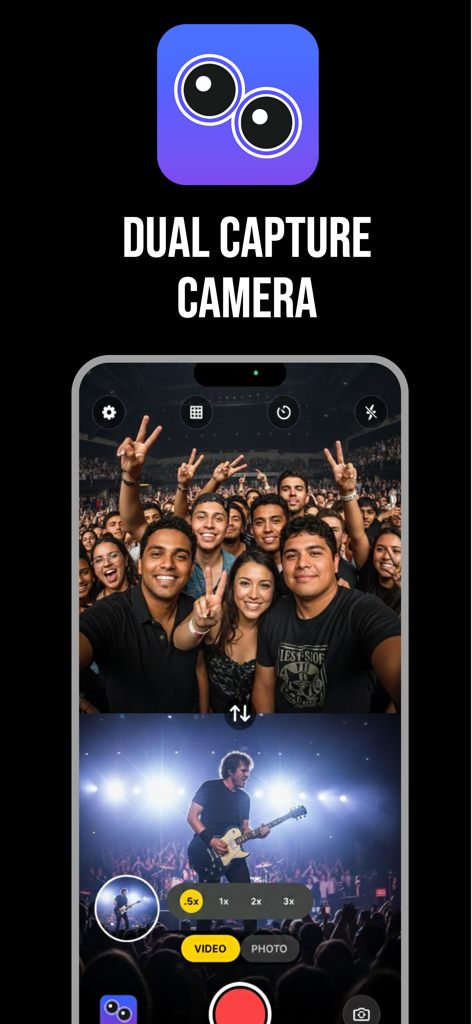
Interface of the DualCapture app showing a split screen recording of a concert and a group selfie simultaneously.
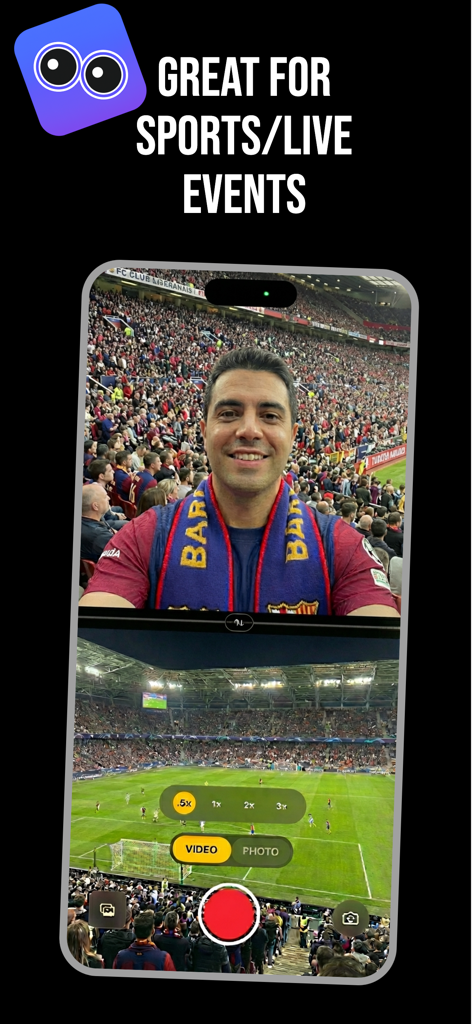
Split screen view of a man recording a selfie and a football match simultaneously using the dual camera app at a stadium.
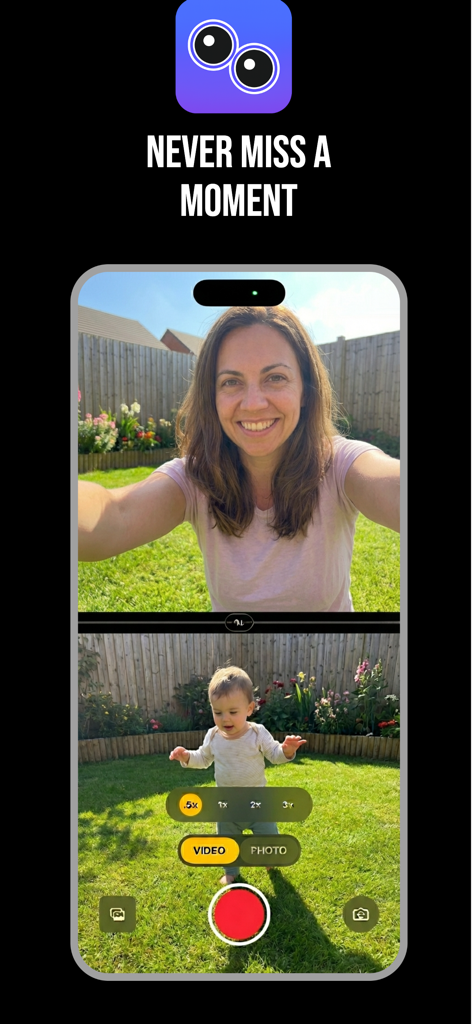
DualCapture mobile app interface showing simultaneous front and back camera recording in split screen mode
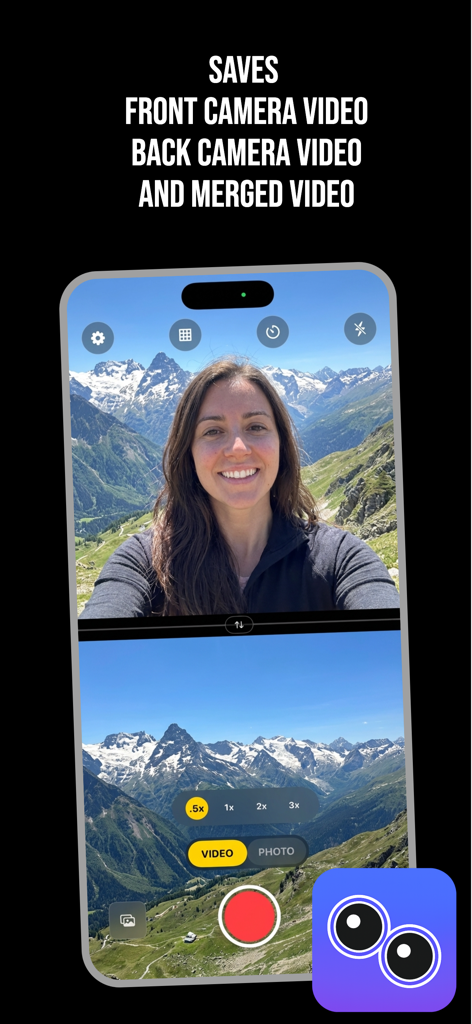
Dual camera recording interface showing front and back views simultaneously
Description
Download
More Like This
Top-ranked apps in the same category

CapCut: Photo & Video Editor
BYTEDANCE PTE. LTD.

Instagram, Inc.

YouTube
Google LLC

Canva: AI Video & Photo Editor
Canva Pty Ltd

Snapchat
Snap, Inc.

Edits: Video Editor
Instagram, Inc.

快手
Beijing Kwai Technology Co., Ltd.
Dazz Cam - Vintage Camera
DAZZ PTE. LTD.
Google Photos: Backup & Edit
Google LLC
This page is not an official page of the app or its developer, but an independent editorial publication created for informational and commentary purposes. Unless expressly stated otherwise, neither the app nor its developer is affiliated with, endorsed by, sponsored by, authorized by, or otherwise officially connected with MWM, Apple, Google Play, the app publisher, or the app's developer, and nothing on this page implies that the app was developed using MWM's services. Any trademarks, logos, screenshots, and other content remain the property of their respective owners.