
This page is not an official page of the app or its developer, but an independent editorial publication created for informational and commentary purposes. Unless expressly stated otherwise, neither the app nor its developer is affiliated with, endorsed by, sponsored by, authorized by, or otherwise officially connected with MWM, Apple, Google Play, the app publisher, or the app's developer, and nothing on this page implies that the app was developed using MWM's services. Any trademarks, logos, screenshots, and other content remain the property of their respective owners.


Easy Camera Scanner - PDF
Transform your iPhone into a high-performance scanner. Effortlessly digitize documents, sign contracts, and manage expenses with professional-grade OCR and PDF tools.
Downloads
2K+User Rating
Total Ratings
100Publisher
Category
UtilitiesLocales
13Latest Version
1.0.0Size
14.2 MBFirst Released
Dec 4, 2024Turn Your iPhone into a Powerful Mobile Office
Streamline your workflow with high-definition scanning, instant OCR, and secure e-signatures—all in one intuitive app designed for your professional lifestyle.
HD Document & Receipt Scanning
Capture crystal-clear scans of invoices, IDs, and receipts with automatic border detection and instant high-resolution PDF conversion.
Instant E-Signatures
Sign contracts and official paperwork on the fly. No printer required—just sign with your finger and send professional documents in seconds.
Frequently Asked Questions
Everything you need to know about Easy Camera Scanner - PDF
What is Easy Camera Scanner?
Easy Camera Scanner is an application designed to streamline daily tasks by managing documents and expenses. It allows users to scan, save, and share documents in high-quality PDF.
Can Easy Camera Scanner convert documents to editable text?
Yes, Easy Camera Scanner can convert scanned documents into editable text. This feature enhances productivity by allowing text manipulation directly from scans.
How much does Easy Camera Scanner cost?
Easy Camera Scanner offers a weekly subscription starting at $1.99, which includes a 3-day free trial. Payment is charged to your iTunes Account.
Does Easy Camera Scanner support e-signatures?
Yes, Easy Camera Scanner supports e-signatures. Users can sign documents quickly and easily, with effortless functionality available as a premium benefit.
Can I share documents from Easy Camera Scanner in different formats?
Yes, Easy Camera Scanner allows users to export scanned documents in various formats. These include JPG, PDF, DOC, XLS, and TXT.
How do I manage my subscription for Easy Camera Scanner?
Users manage their Easy Camera Scanner subscription and disable auto-renewal in their Account Settings. More details are available on Apple Support.
Can Easy Camera Scanner scan multiple pages at once?
Yes, Easy Camera Scanner provides multipage scanning. It includes automatic shutter and border detection for efficient document capture.
Does Easy Camera Scanner offer a free trial?
Yes, Easy Camera Scanner offers a 3-day free trial. This trial is included with the 1-week subscription option.
What types of documents can I scan with Easy Camera Scanner?
Easy Camera Scanner supports scanning various documents, including official IDs, business paperwork, receipts, invoices, to-do lists, articles, and book pages.
Can I print documents directly from Easy Camera Scanner?
Yes, Easy Camera Scanner allows users to print scans. This functionality is available using any Wi-Fi printer.
Where can I save scanned documents from Easy Camera Scanner?
Easy Camera Scanner allows users to save scanned documents as high-resolution PDFs or JPEGs. Users can also conveniently save scans to their Camera Roll.
Is there a limit to the number of scans or folders in Easy Camera Scanner?
No, Easy Camera Scanner offers unlimited scans and folders. This benefit is part of the premium features for maximum organization.
The following screenshots and description are sourced directly from the app's official store listing and are the property of the app developer.
App Store
Screenshots
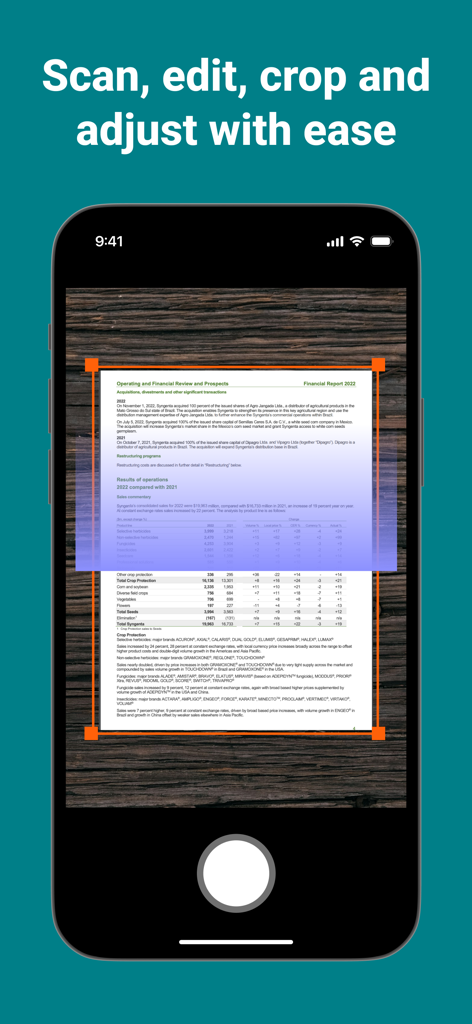
iPhone screen showing Easy Camera Scanner app capturing a financial document with an adjustable orange cropping border on a wooden background
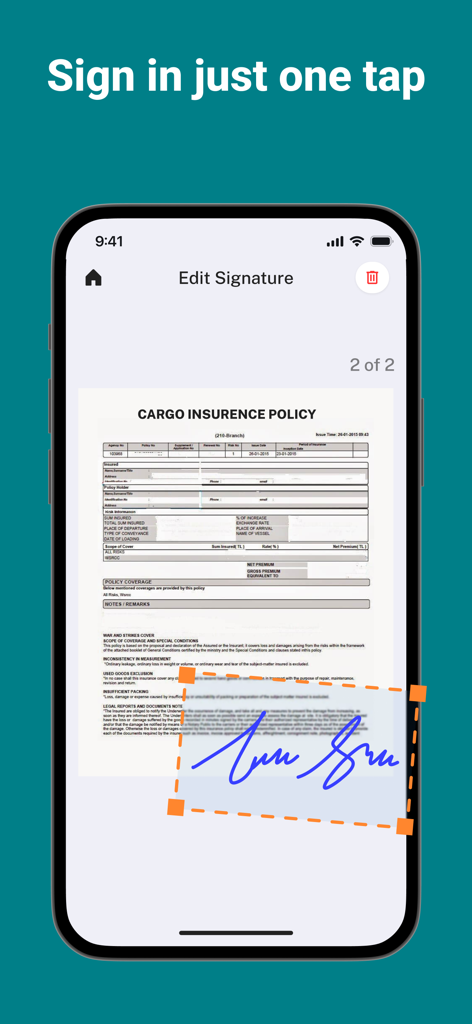
Mobile app interface for adding a digital signature to a PDF document with one tap
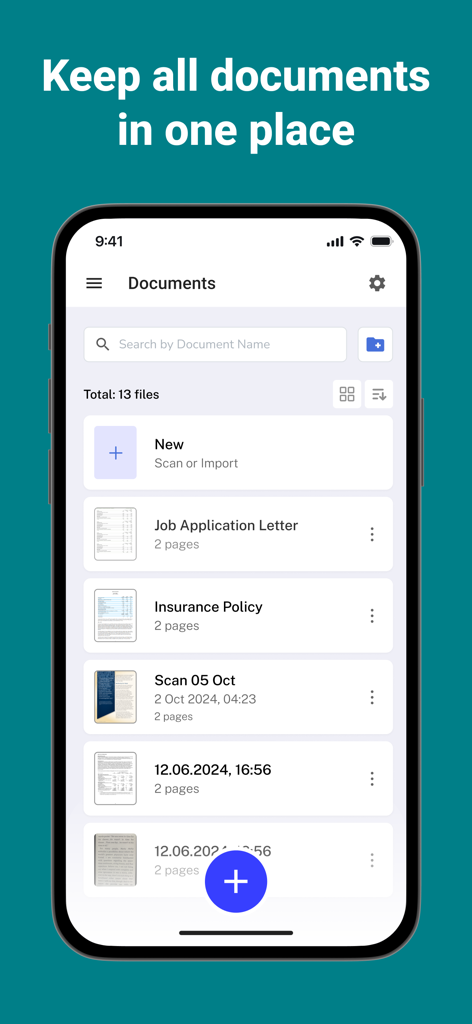
Easy Camera Scanner app interface showing an organized list of scanned PDF documents like insurance policies and letters
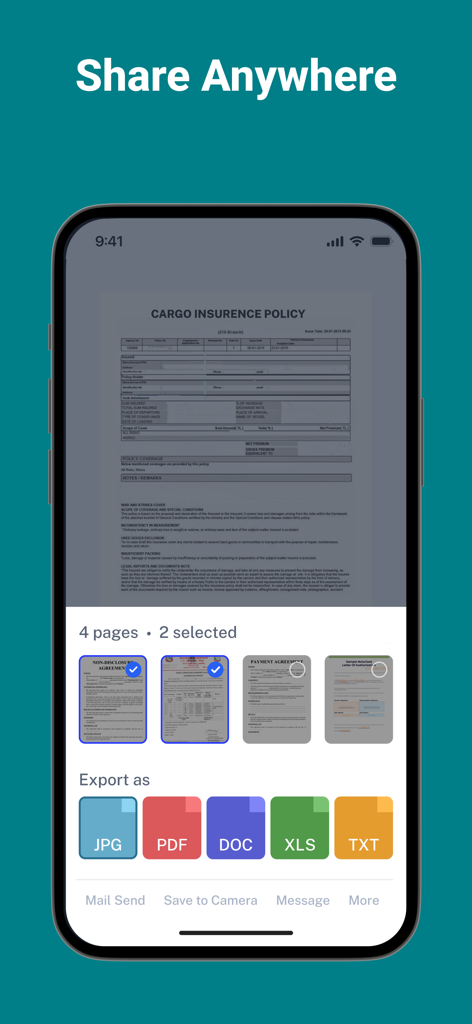
Interface showing multiple export formats like PDF, DOC, and JPG for scanned documents in the Easy Camera Scanner app.
Description
Download
More Like This
Top-ranked apps in the same category

Google LLC

Google Chrome
Google LLC

中国移动(手机营业厅)
China Mobile Online Services Co., Ltd.

Google Authenticator
Google LLC

CNH do Brasil
Servicos e Informacoes do Brasil

Cleanup: Phone Storage Cleaner
DEEP FLOW SOFTWARE SERVICES - FZCO

gov.br
Servicos e Informacoes do Brasil

中国电信-全国统一官方服务平台
CHINA TELECOM Corporation Ltd.

Microsoft Edge: AI Browser
Microsoft Corporation
This page is not an official page of the app or its developer, but an independent editorial publication created for informational and commentary purposes. Unless expressly stated otherwise, neither the app nor its developer is affiliated with, endorsed by, sponsored by, authorized by, or otherwise officially connected with MWM, Apple, Google Play, the app publisher, or the app's developer, and nothing on this page implies that the app was developed using MWM's services. Any trademarks, logos, screenshots, and other content remain the property of their respective owners.