Easy Cleaner.
Easy Cleaner.
Download on App Store

This page is not an official page of the app or its developer, but an independent editorial publication created for informational and commentary purposes. Unless expressly stated otherwise, neither the app nor its developer is affiliated with, endorsed by, sponsored by, authorized by, or otherwise officially connected with MWM, Apple, Google Play, the app publisher, or the app's developer, and nothing on this page implies that the app was developed using MWM's services. Any trademarks, logos, screenshots, and other content remain the property of their respective owners.

Logo of Easy Cleaner.
Download on App Store

Easy Cleaner.

Join over 3 million users who trust us to merge duplicates and automatically enrich contacts with latest job titles and company info—transforming your messy list into a powerful networking tool.

Key Figures

Downloads

1M+

User Rating

4.8/5

Total Ratings

57K+

Publisher

L.S Mobile Apps Holdings LTD

Category

Productivity

Locales

15

Latest Version

16.2.5

Size

47.9 MB

First Released

Apr 30, 2012
Features

Master Your Professional Network

Stop wasting time with a cluttered address book. Easy Cleaner uses AI to transform your contacts into a powerful, organized, and up-to-date professional asset.

AI-Powered Enrichment

Automatically fill in missing job titles, companies, and work emails. Keep your professional network data fresh without lifting a finger.

One-Tap Duplicate Cleanup

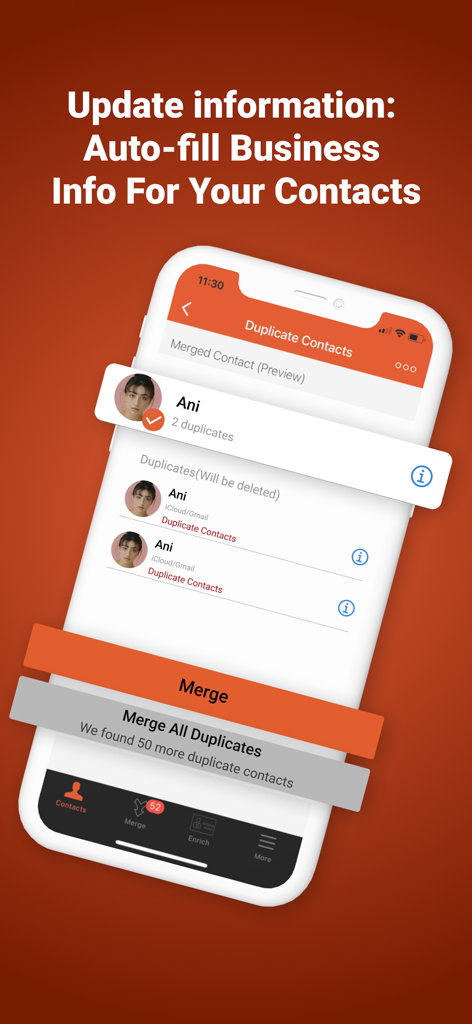
Instantly identify and merge duplicate contacts across iCloud and Gmail. Reclaim a clean, friction-free interface in seconds.

The following screenshots and description are sourced directly from the app's official store listing and are the property of the app developer.

App Store

Screenshots
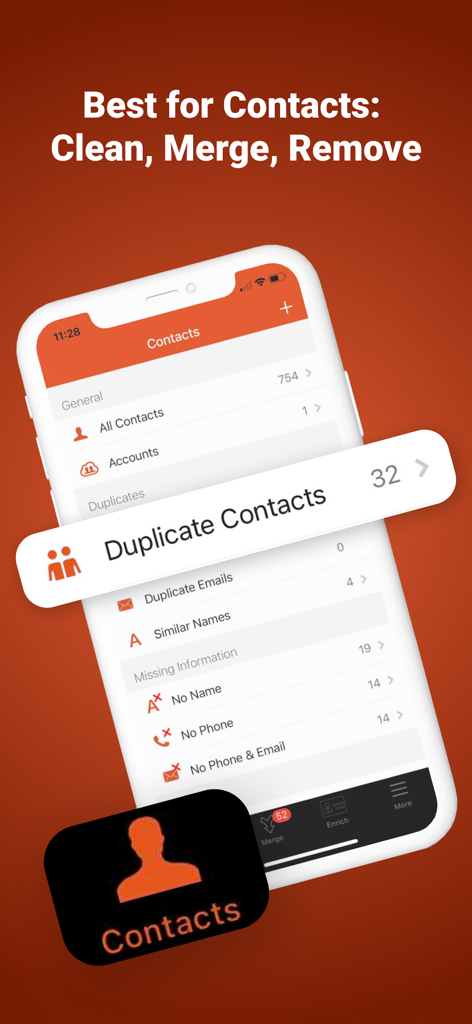
Easy Cleaner. - Easy Cleaner app interface showing duplicate contacts and missing information cleanup features
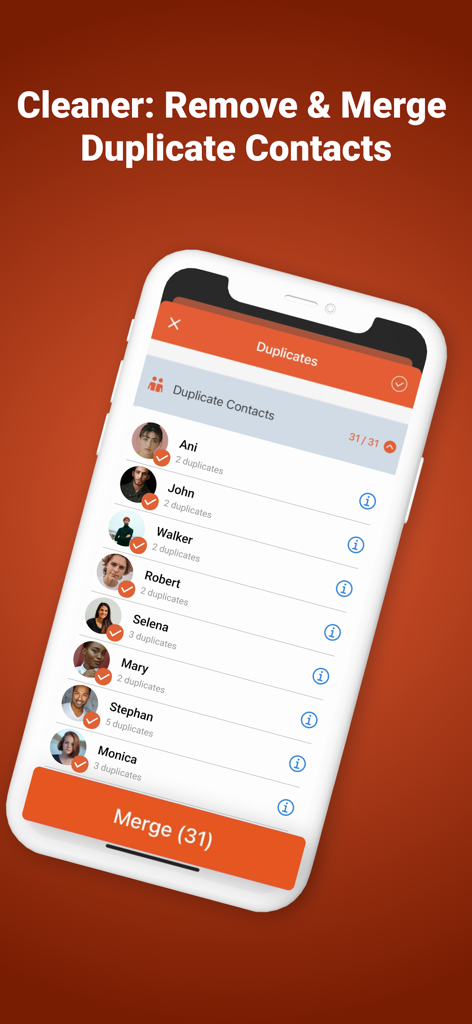
Easy Cleaner app interface showing duplicate contacts and missing information cleanup features

Easy Cleaner. - Screenshot of Easy Cleaner app showing a list of duplicate contacts and a button to merge them.
Screenshot of Easy Cleaner app showing a list of duplicate contacts and a button to merge them.

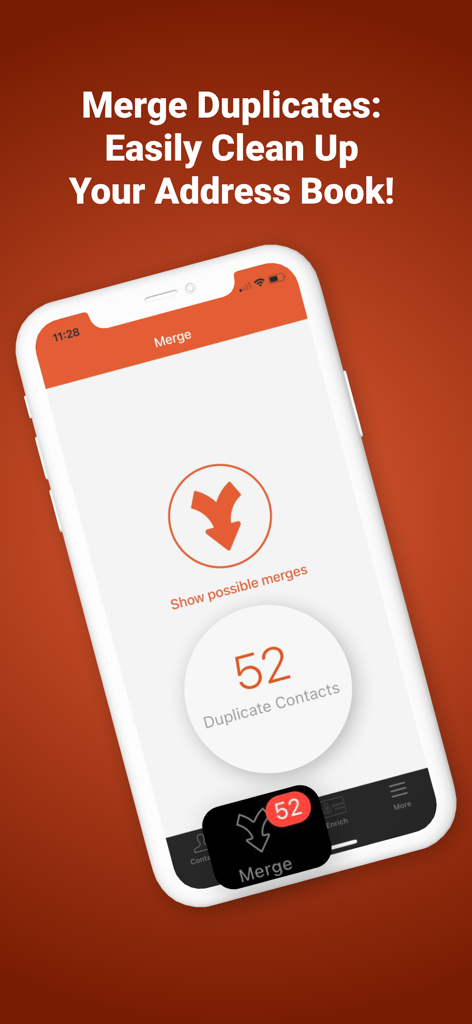
Easy Cleaner. - Easy Cleaner app interface showing 52 duplicate contacts identified for merging to organize the phone address book
Easy Cleaner app interface showing 52 duplicate contacts identified for merging to organize the phone address book

Easy Cleaner. - Easy Cleaner app interface for merging duplicate contacts and auto-filling business information
Easy Cleaner app interface for merging duplicate contacts and auto-filling business information

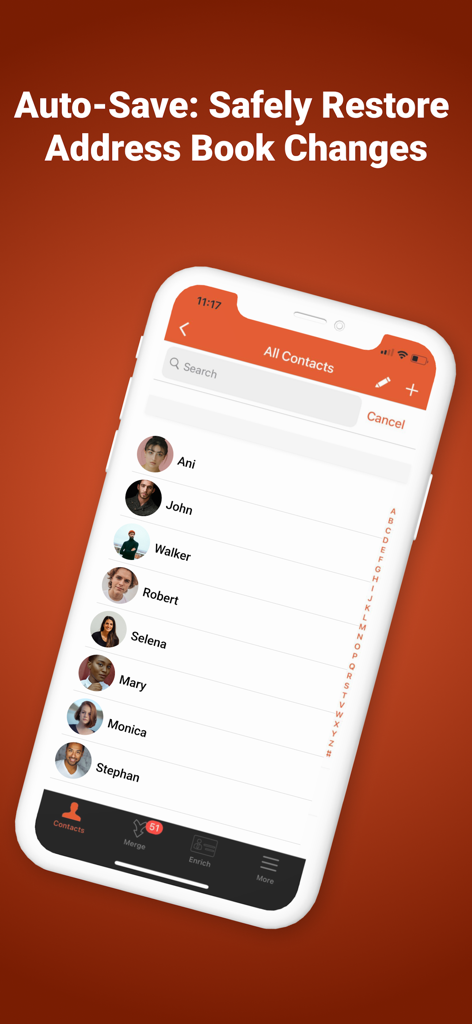
Easy Cleaner. - Easy Cleaner mobile app interface showing a list of contacts and the auto-save restore feature.

Easy Cleaner mobile app interface showing a list of contacts and the auto-save restore feature.

Description

*****LOVED AND TRUSTED BY OVER 3 MILLION USERS***** Easy Cleaner is the best contacts cleaner app with three main features that give your address book a huge upgrade, all in one tap: # Cleanup duplicate contacts (contactos) # Merge contacts # Enrich contacts automatically by adding the missing information of your contacts in your address book with a latest update on their company, job title, phone, work email and more Your contacts address book is your most valuable asset. The contacts App is the most important App in your phone. That’s why it’s important to keep it in order and constantly updated. Our great free contactos manager app will help you with this task. Easily delete contacts or contactos using this great contact manager. Easy Cleaner app’s mission is to prevent your contacts from becoming a mess. It will help you with the following functions: ***NEW FEATURE*** # Enrich contacts: With just one tap, now add all missing contact information to your entire address book like work-email, full name, company name, address, job title and more. Powered by a global database which is updated every second, your contacts app will always stay updated. # Merge Duplicate Contacts: Having the same address book for many years, switching phones, importing contacts from other sources – can all cause the appearance of duplicate contacts. Easy Cleaner will help you to find and merge these duplications, by allocating contacts with similar names or identical phone numbers and email addresses. # Contacts Cleanup / Contact Cleaner: Simple mistakes and lack of attention can cause the creation of “bad” contacts with missing data. Locate and get rid of these "worthless" contacts, with missing names or phone numbers, by simply removing them for good. # Create restore points: Avoid the chance of losing your precious contacts by creating a restore point before each address book changes. # Apply Smart Filters: Quickly find the contacts you need by applying filters, such as - Creation Date, Company Name, Job Title and Upcoming Birthday With Easy Cleaner, the best free contacts cleaner App, your address book will be magically upgraded: • Get your phone contacts updated with their latest information • Apply Smart Filters to quickly find the contacts you need by applying filters, such as - Creation Date, Company Name, Job Title and Upcoming Birthday • Remove duplicate contacts • Free up space in your phone book • Help you get better organized Use choose any of the available in 15 Languages: • English • Español • Français • Italiano • Deutsch • Português (Br.) • 中文 (Simplified) • 中文 (Traditional) • 日本語 • 한국어 • Dutch • Русский • Türkçe • العربية • עברית• English Easy Cleaner uses AI tools to find out the latest information about your contacts from multiple data sources and brings them to you instantaneously so that you can stay ahead in your day-to-day life. Your data safety is important to us and you can: • Safely undo changes with a single tap • Create restore points to avoid the chance of losing your precious contacts. You can create a restore point before each address book change Easy Cleaners App’s mission is to help you succeed through well organized contacts.

Download

Download on App Store

This page is not an official page of the app or its developer, but an independent editorial publication created for informational and commentary purposes. Unless expressly stated otherwise, neither the app nor its developer is affiliated with, endorsed by, sponsored by, authorized by, or otherwise officially connected with MWM, Apple, Google Play, the app publisher, or the app's developer, and nothing on this page implies that the app was developed using MWM's services. Any trademarks, logos, screenshots, and other content remain the property of their respective owners.








