
EasyCast Pro

Experience lag-free casting to PC and Mac. The ultimate tool for remote professionals, creators, and gamers who demand professional-grade quality with zero delays.
Publisher
Category
Photo & VideoDownloads
391K+User Rating
Total Ratings
2K+Locales
13Discover the interface used by 391K+ users.
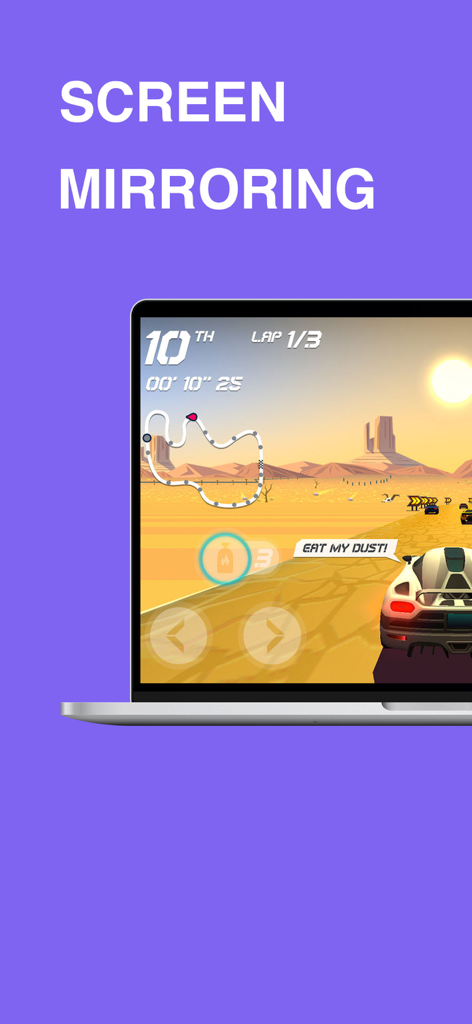
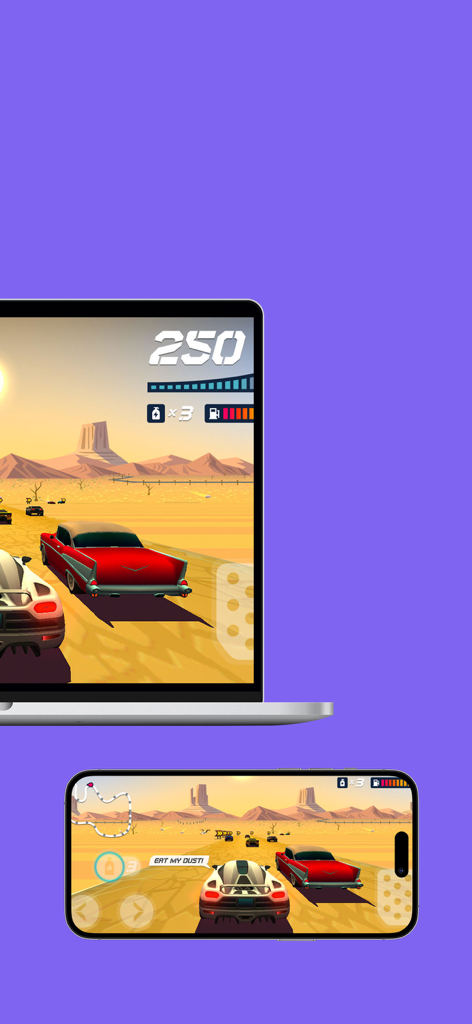
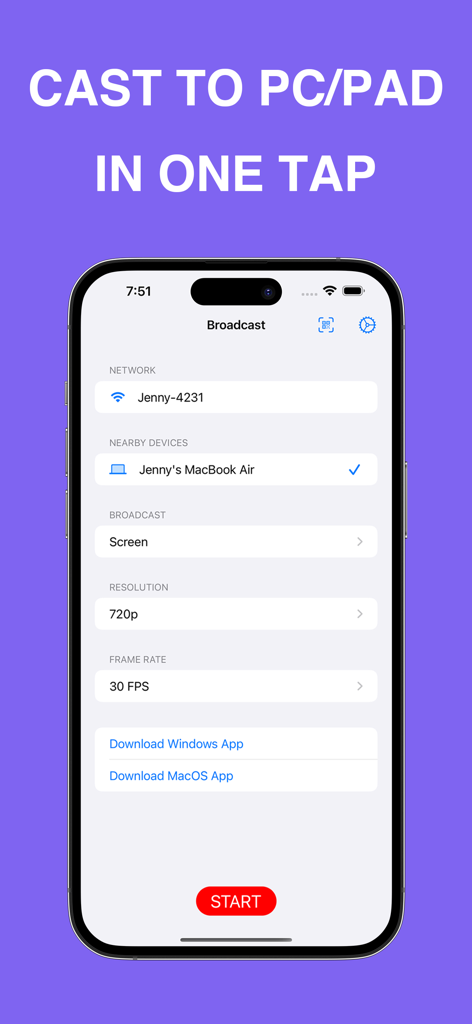
The tools that make this app stand out, trusted by 391K+ users.
Ditch your grainy laptop camera. Use your iPhone’s superior lens for Zoom, Teams, and streaming to look sharp in every meeting.
Present documents, showcase mobile designs, or play mobile games on a larger display with crystal-clear resolution.
Effortlessly connect your Apple devices to both Windows and MacOS environments without the need for cables or complex setups.
Everything you need to know about EasyCast Pro.
Description
Latest Version
1.3.4
Size
1.4 MB
First Released
Oct 4, 2023
Join over 391,000 professionals and creators who use EasyCast Pro for lag-free screen mirroring and high-definition webcam streaming on Windows and Mac.
Everything you need to know about EasyCast Pro
EasyCast Pro is an app that allows users to easily cast their iPhone or iPad screen or camera to a computer. It provides high-quality streaming and can turn your device into an HD webcam for Windows or macOS.
Yes, EasyCast Pro provides screen mirroring functionality. You can view your iPhone or iPad screen on a larger computer display with great quality and no delays. This feature is a core component of the app.
Yes, EasyCast Pro includes a 'Cast Camera' feature. This transforms your iPhone or iPad into an HD webcam, compatible with both Windows and macOS computers, delivering a high-quality video feed.
EasyCast Pro supports casting to both Windows and macOS computers. Users must download a companion application for their specific computer operating system to facilitate the casting process.
The subscription length for EasyCast Pro is yearly. Payment is charged directly to your iTunes Account as soon as you confirm your purchase.
Yes, EasyCast Pro subscriptions renew automatically. To prevent renewal, you must turn off auto-renew at least 24 hours before the end of the current period via your Account Settings.
You can cancel your EasyCast Pro subscription by managing it from your iTunes Account Settings after purchase. Auto-renewal disables, but the current subscription remains active until its period ends.
The Privacy Policy for EasyCast Pro is available at the provided URL: https://lightsoftdev.github.io/easycast-ios-privacy.html. This link is accessible directly within the app's store description.
EasyCast Pro offers configurable options for resolution, such as 720p, and frame rates like 30 FPS for casting. These settings are adjustable within the app's broadcast interface.
Apps with similar features and user experience

Remote Sunrise LTD

Reincubate Ltd

DEV47 APPS LTD.

datronicsoft Technology GmbH

俊红 柴

耀 阮

Touchbits Inc.

Human Things, Inc

Astro HQ LLC
App information, icons, screenshots, and descriptions displayed on this page are sourced from the Apple App Store and are the property of their respective developers. Download estimates and rankings are based on MWM's proprietary models and may not reflect actual figures. This page is provided for informational and analytical purposes only.
Believe this page infringes your intellectual property? File a dispute