
This page is not an official page of the app or its developer, but an independent editorial publication created for informational and commentary purposes. Unless expressly stated otherwise, neither the app nor its developer is affiliated with, endorsed by, sponsored by, authorized by, or otherwise officially connected with MWM, Apple, Google Play, the app publisher, or the app's developer, and nothing on this page implies that the app was developed using MWM's services. Any trademarks, logos, screenshots, and other content remain the property of their respective owners.


iVCam Webcam
Transform your iPhone or iPad into a high-definition Windows webcam. Upgrade your video calls and streams with low-latency video, studio-grade background effects, and effortless wireless connectivity.
Downloads
4M+User Rating
Total Ratings
73K+Publisher
Category
UtilitiesLocales
24Latest Version
7.3.2Size
18.7 MBFirst Released
Nov 15, 2016The Professional Camera You Already Own
iVCam turns your iPhone into a high-definition 4K webcam for Windows, delivering superior video quality for meetings, streaming, and home security.
Stunning 4K Video Quality
Experience crystal-clear video that outclasses any built-in laptop camera, perfect for making a professional impression.
Instant Wireless Connectivity
Ditch the cables with automatic Wi-Fi pairing or use USB for ultra-stable, low-latency performance in seconds.
Frequently Asked Questions
Everything you need to know about iVCam Webcam
How does iVCam Webcam connect to a PC?
iVCam Webcam connects to your Windows PC automatically. It supports connections via both Wi-Fi and USB, requiring no manual configuration for setup.
Can iVCam Webcam support multiple devices simultaneously?
Yes, iVCam Webcam supports connecting multiple iOS devices to a single PC at the same time. This allows for multiple camera angles and enhanced broadcasting.
What video resolutions does iVCam Webcam support?
iVCam Webcam supports a wide range of video sizes including 4K, 2K, 1080p, 720p, 480p, and 360p. Users can configure the video frame rate, quality, and encoder.
Can iVCam Webcam replace a traditional USB webcam?
Yes, iVCam Webcam completely replaces old USB or integrated webcams. It works as a standard webcam and is compatible with most applications that use a webcam.
Does iVCam Webcam offer advanced camera settings?
Yes, iVCam Webcam provides advanced camera settings. These include AE/AF, ISO, EC, WB, zooming, face beautify, flash, manual/auto focus, and video flip/mirror.
Can iVCam Webcam be used as a microphone?
Yes, iVCam Webcam supports audio and allows users to utilize their smartphone as a wireless microphone for their PC. This feature is integrated with the webcam functionality.
Is iVCam Webcam compatible with popular video conferencing apps?
Yes, iVCam Webcam is compatible with most applications that use a webcam. It works with popular platforms like Zoom, Microsoft Teams, and Skype.
Can iVCam Webcam record video and take pictures?
Yes, the iVCam Windows client software allows users to preview video, take pictures, and record video files directly to their PC. It functions as a remote video recorder.
The following screenshots and description are sourced directly from the app's official store listing and are the property of the app developer.
App Store
Screenshots
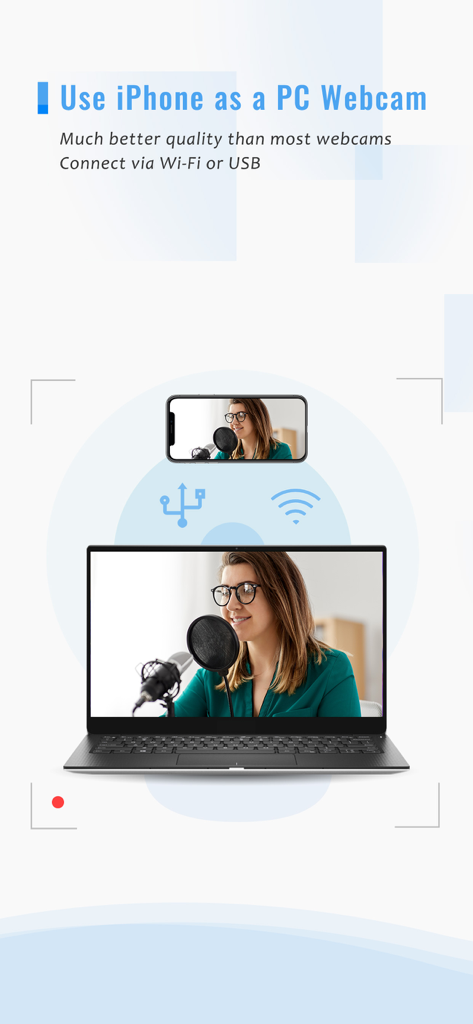
Graphic showing an iPhone being used as a high quality PC webcam via wireless or USB connection
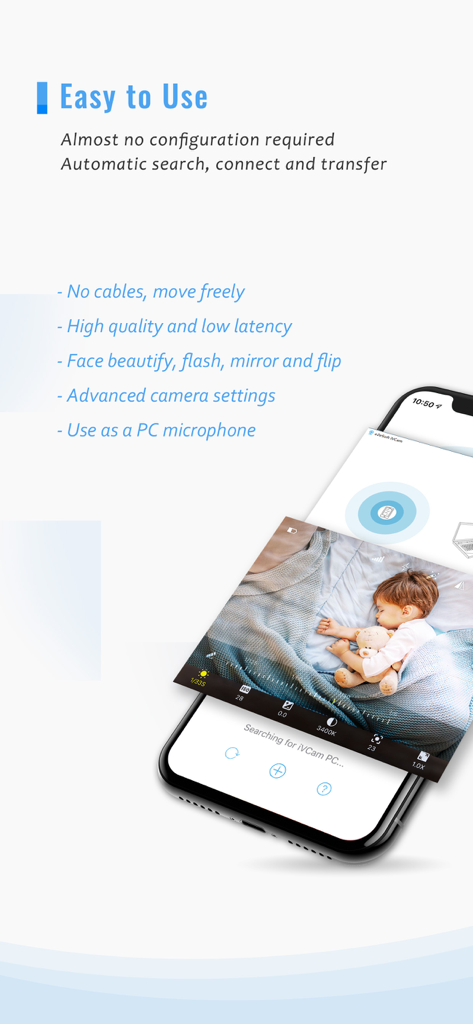
iVCam app interface showing baby monitoring and key features like low latency and wireless connection.
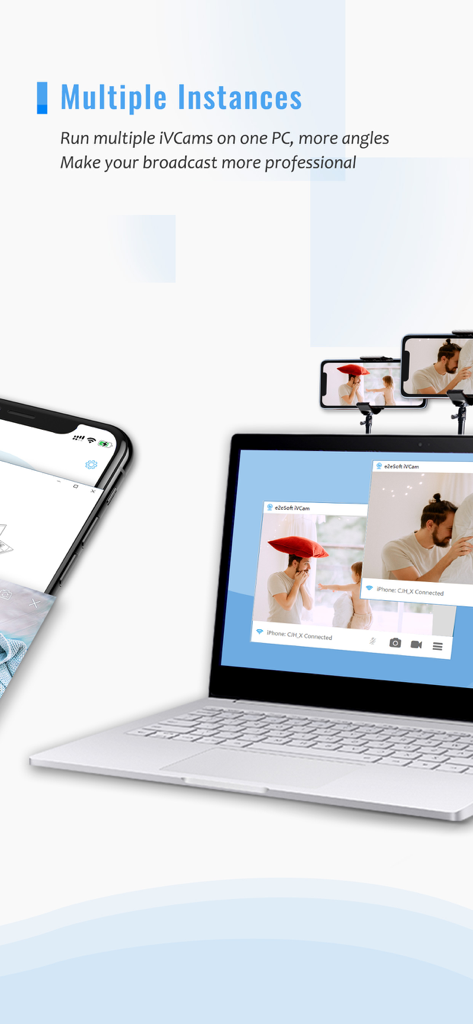
A laptop showing two video windows from iPhones being used as webcams for a professional multi-angle broadcast.
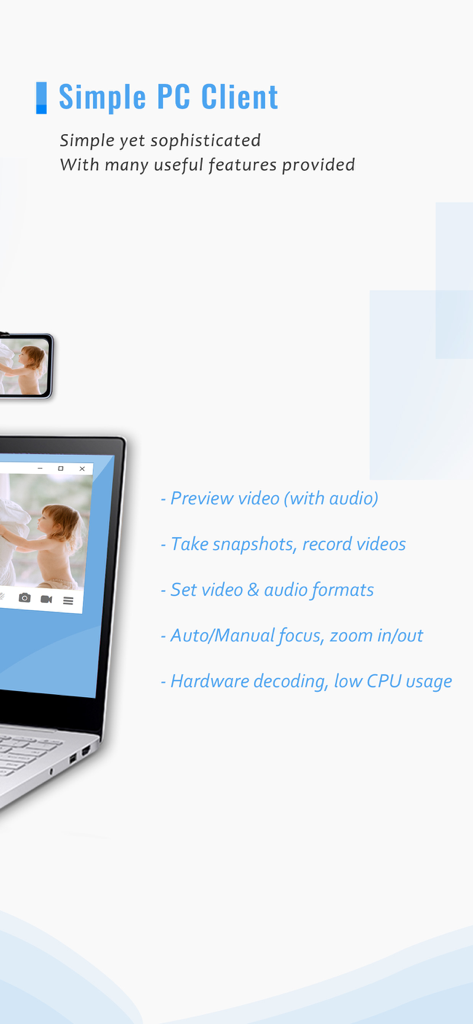
iVCam PC client showing webcam features on a laptop screen
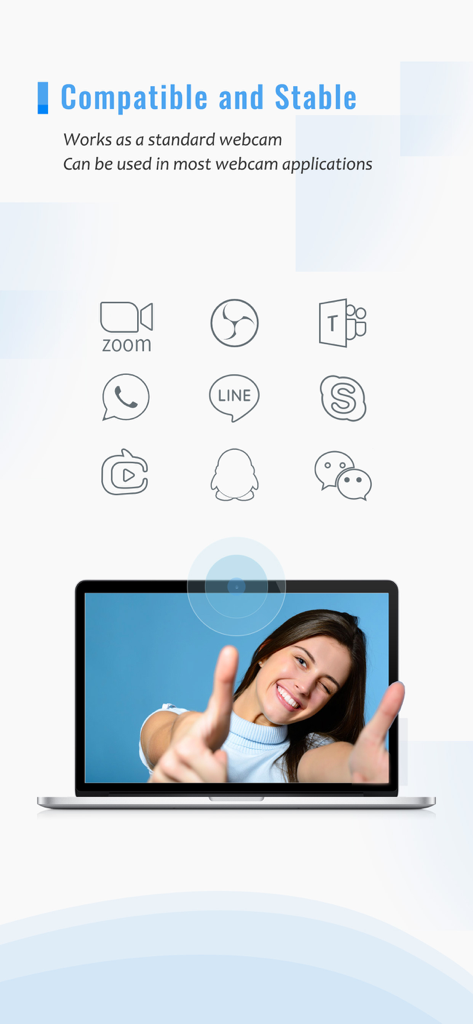
iVCam webcam app showing compatibility with Zoom Teams Skype and other video communication platforms on a laptop
Description
Download
More Like This
Apps with similar features and user experience

Mouse · Keyboard
Remote Sunrise LTD

Camo Camera
Reincubate Ltd

DroidCam Webcam & OBS Camera
DEV47 APPS LTD.

spacedesk - USB Display for PC
datronicsoft Technology GmbH

Remote Mouse
耀 阮

CamX - USB Camera
Touchbits Inc.

Genki Studio
Human Things, Inc

Astropad Studio Drawing Tablet
Astro HQ LLC

Remote Mouse & Keyboard
horhe dor
This page is not an official page of the app or its developer, but an independent editorial publication created for informational and commentary purposes. Unless expressly stated otherwise, neither the app nor its developer is affiliated with, endorsed by, sponsored by, authorized by, or otherwise officially connected with MWM, Apple, Google Play, the app publisher, or the app's developer, and nothing on this page implies that the app was developed using MWM's services. Any trademarks, logos, screenshots, and other content remain the property of their respective owners.