
This page is not an official page of the app or its developer, but an independent editorial publication created for informational and commentary purposes. Unless expressly stated otherwise, neither the app nor its developer is affiliated with, endorsed by, sponsored by, authorized by, or otherwise officially connected with MWM, Apple, Google Play, the app publisher, or the app's developer, and nothing on this page implies that the app was developed using MWM's services. Any trademarks, logos, screenshots, and other content remain the property of their respective owners.

DroidCam Webcam & OBS Camera
Stop settling for blurry laptop cameras. Upgrade your streaming and remote work setup using the high-end hardware you already own. Fast, efficient, and trusted by millions for Zoom, Discord, and OBS Studio.
Downloads
2M+User Rating
Total Ratings
8K+Publisher
Category
UtilitiesLocales
6Latest Version
8.2Size
25.6 MBFirst Released
Apr 29, 2020Professional Video, Without the Pro Price Tag
Turn the phone you already own into a high-definition webcam. Save hundreds on hardware and look your best on every call and stream.
Stunning HD & 4K Clarity
Ditch your blurry laptop lens. Leverage your phone's advanced optics to deliver crisp, professional-grade video for Zoom, Teams, and Discord.
Pro-Grade OBS Integration
The dedicated DroidCam plugin offers ultra-low latency and direct integration, making it the ultimate high-performance solution for streamers.
Frequently Asked Questions
Everything you need to know about DroidCam Webcam & OBS Camera
What is DroidCam Webcam & OBS Camera?
DroidCam transforms your phone into a high-quality webcam for your computer, supporting both PC webcam functionality and direct OBS Studio integration. It provides video and audio for various applications.
Can DroidCam be used for free?
Yes, DroidCam offers unlimited free usage at standard definition (640x480). The app is free to use without time limits for basic functionality.
What video resolutions does DroidCam support?
DroidCam supports up to 1080p Full-HD video when used as a PC Webcam. It supports up to 4K UHD resolution when integrated as an OBS Camera.
What operating systems does DroidCam support for its client and plugin?
The DroidCam PC Client is available for Windows and Linux systems. The DroidCam OBS plugin supports Windows, Mac, and Linux (Flatpak) systems.
Does DroidCam integrate with OBS Studio?
Yes, DroidCam offers direct OBS Studio integration through the DroidCam OBS plugin. This allows seamless integration of your phone's camera into your OBS setup.
Can DroidCam replace a physical webcam?
Yes, DroidCam can replace traditional webcams and capture cards. It offers optimized power usage and low-latency video transfer, saving users money.
How does DroidCam connect to a computer?
DroidCam supports both WiFi and USB connections for connecting your phone to your computer. USB connection may require additional setup for optimal functionality.
What are the benefits of upgrading to DroidCam Pro?
The DroidCam Pro upgrade includes HD video without watermarks, Ultrawide and Telephoto lens support on iPhone 11+, remote camera adjustments, and removal of advertising.
What programs are compatible with DroidCam as a PC webcam?
DroidCam works with Zoom, Skype, Discord, and most other chat programs when used as a PC webcam. The OBS Virtual Camera feature also enables integration with these applications.
How do I download the DroidCam PC Client or OBS plugin?
To download the DroidCam PC Client, visit droidcam.app on your computer. For the DroidCam OBS plugin, go to droidcam.app/obs on your computer to download and install.
The following screenshots and description are sourced directly from the app's official store listing and are the property of the app developer.
App Store
Screenshots
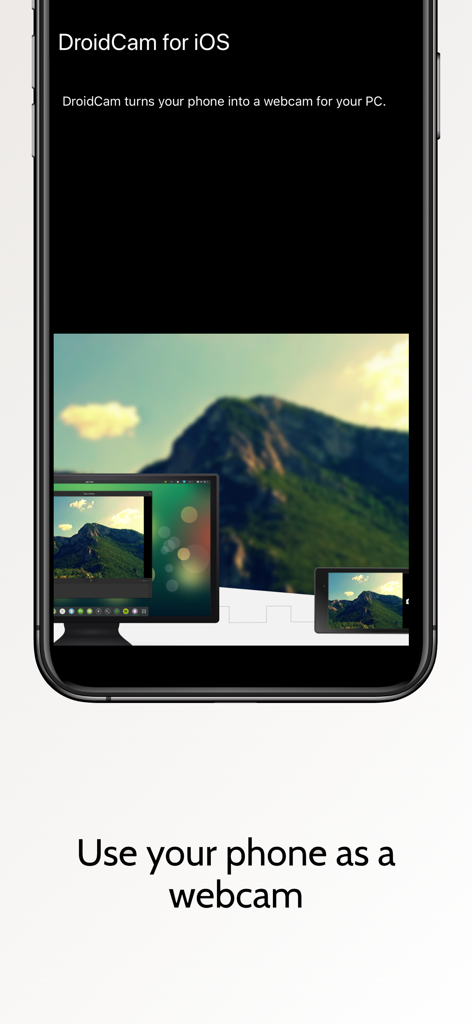
DroidCam app on iPhone showing a smartphone being used as a webcam for a computer desktop
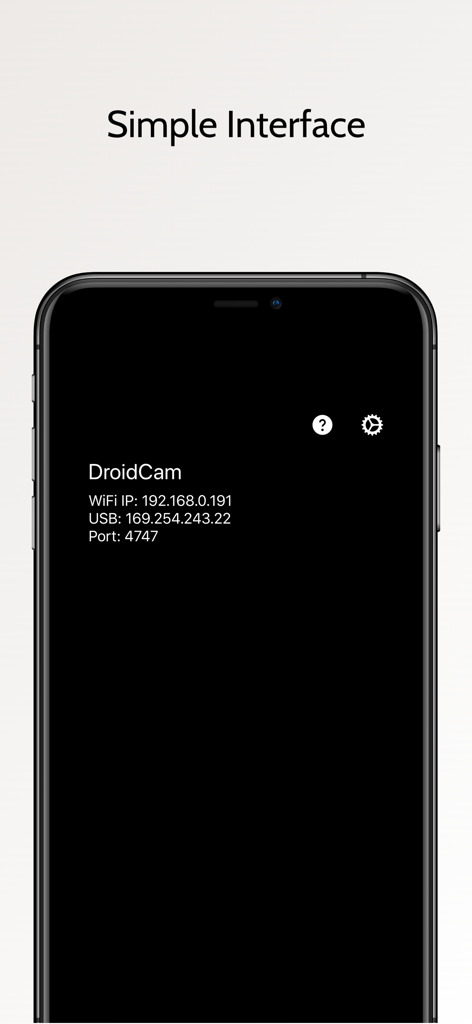
DroidCam mobile app screenshot showing its simple interface with WiFi and USB connection info.
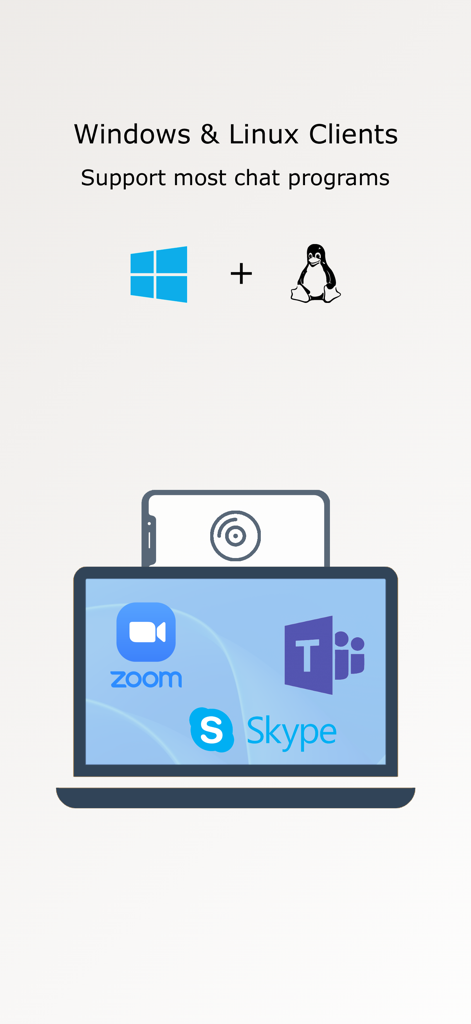
Infographic showing DroidCam support for Windows and Linux with Zoom Microsoft Teams and Skype
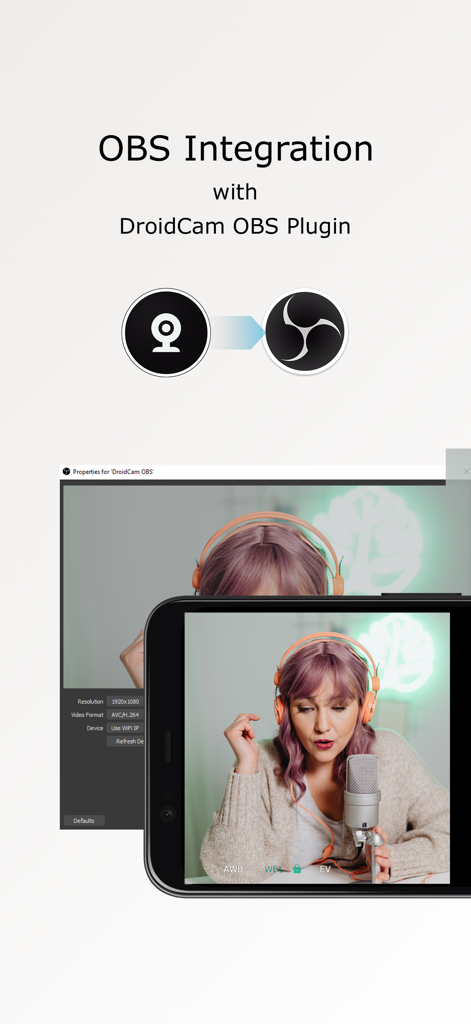
Smartphone camera used as an OBS Studio source with DroidCam plugin
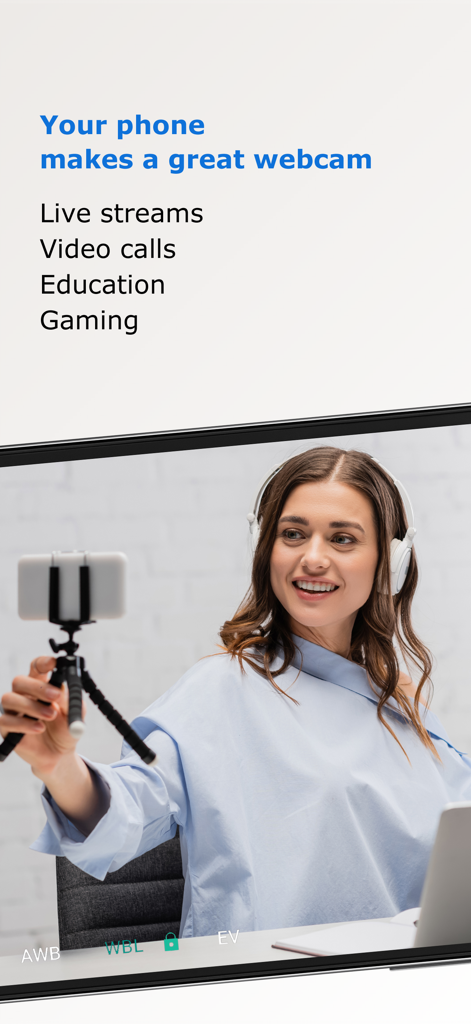
A woman using her smartphone as a high quality webcam for her laptop during a live stream
Description
Download
More Like This
Apps with similar features and user experience

Mouse · Keyboard
Remote Sunrise LTD

Camo Camera
Reincubate Ltd

spacedesk - USB Display for PC
datronicsoft Technology GmbH

iVCam Webcam
俊红 柴

Remote Mouse
耀 阮

CamX - USB Camera
Touchbits Inc.

Genki Studio
Human Things, Inc

Astropad Studio Drawing Tablet
Astro HQ LLC

Remote Mouse & Keyboard
horhe dor
This page is not an official page of the app or its developer, but an independent editorial publication created for informational and commentary purposes. Unless expressly stated otherwise, neither the app nor its developer is affiliated with, endorsed by, sponsored by, authorized by, or otherwise officially connected with MWM, Apple, Google Play, the app publisher, or the app's developer, and nothing on this page implies that the app was developed using MWM's services. Any trademarks, logos, screenshots, and other content remain the property of their respective owners.