
This page is not an official page of the app or its developer, but an independent editorial publication created for informational and commentary purposes. Unless expressly stated otherwise, neither the app nor its developer is affiliated with, endorsed by, sponsored by, authorized by, or otherwise officially connected with MWM, Apple, Google Play, the app publisher, or the app's developer, and nothing on this page implies that the app was developed using MWM's services. Any trademarks, logos, screenshots, and other content remain the property of their respective owners.

Remote Mouse & Keyboard
Transform your device into a seamless, gesture-supported trackpad and keyboard. Designed exclusively for the Apple ecosystem to give you total wireless freedom for presentations, home entertainment, and clutter-free productivity.
Downloads
44K+User Rating
Total Ratings
100Publisher
Category
ProductivityLocales
11Latest Version
1.0.1Size
21.9 MBFirst Released
Sep 1, 2025Master Your Mac from Your iPhone
Experience the ultimate wireless control with a precision trackpad and keyboard designed exclusively for your Apple ecosystem.
Instant Wireless Setup
Get connected in seconds. No cables or complex configurations—just seamless control for your Mac whenever you need it.
Precision Multi-Touch
Enjoy fluid, lag-free navigation with full gesture support. Swipe, scroll, and tap with the same responsiveness as a physical trackpad.
The following screenshots and description are sourced directly from the app's official store listing and are the property of the app developer.
App Store
Screenshots
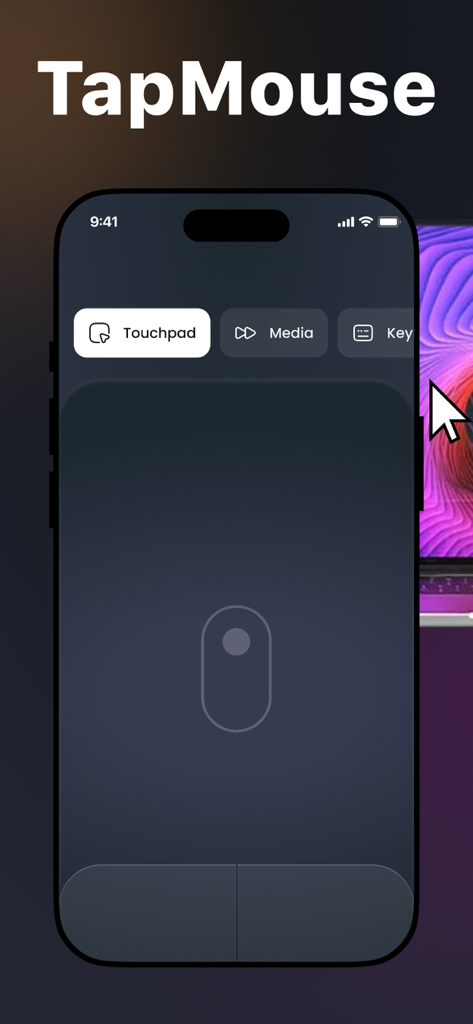
iPhone screen showing TapMouse app with a virtual trackpad interface for remote control
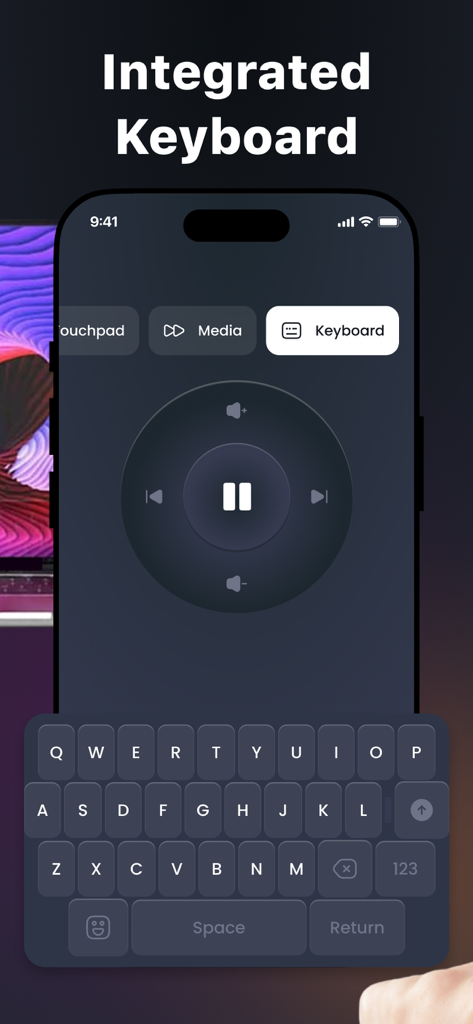
Smartphone app screen showing an integrated keyboard and media control wheel for remote computer navigation
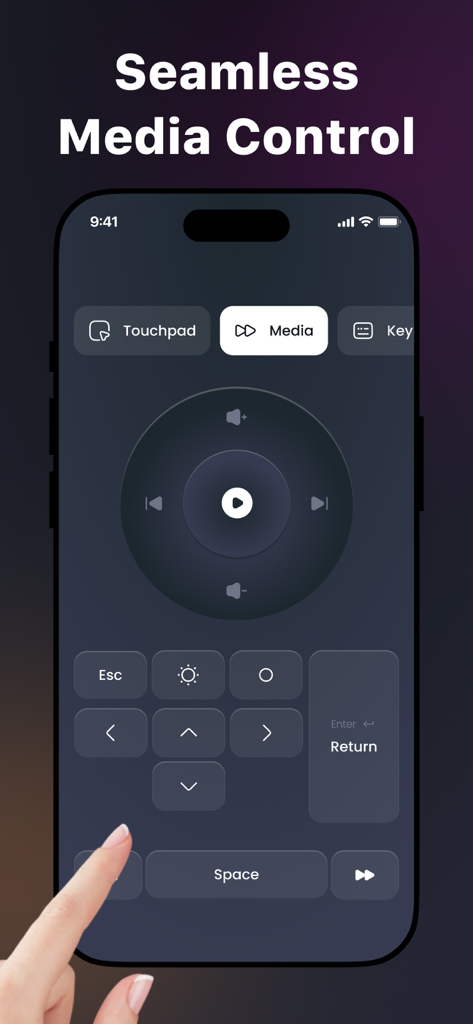
Remote Mouse and Keyboard app interface showing seamless media control features on an iPhone
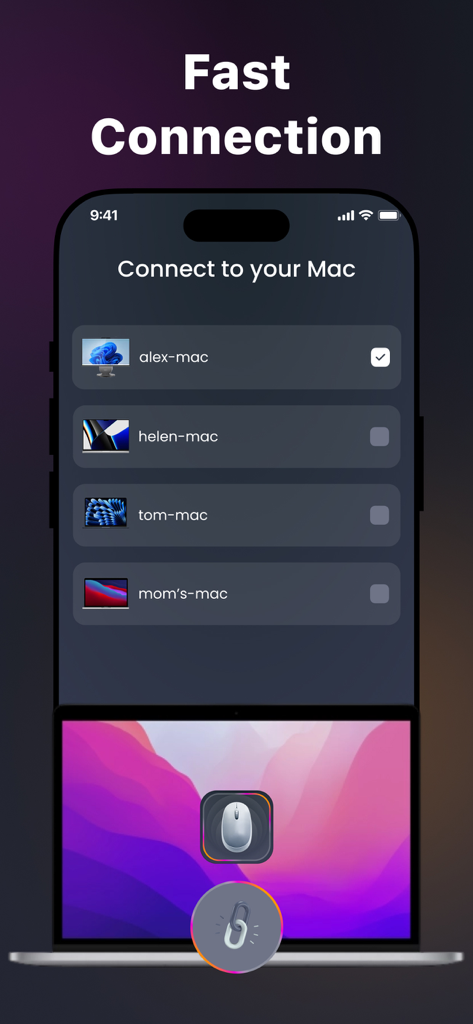
iPhone screen showing the fast connection menu with a list of available Mac computers to connect as a wireless mouse
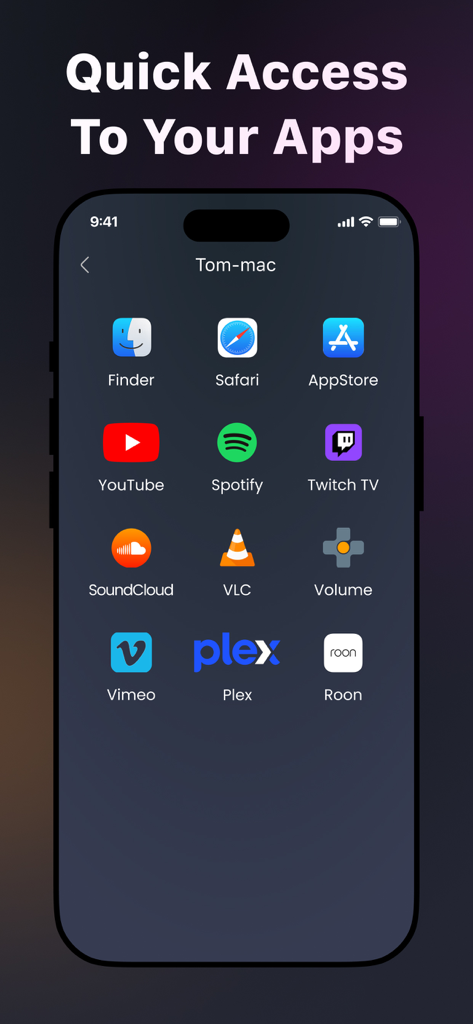
iPhone screen showing quick access shortcuts for Mac apps like Safari, YouTube, and Spotify.
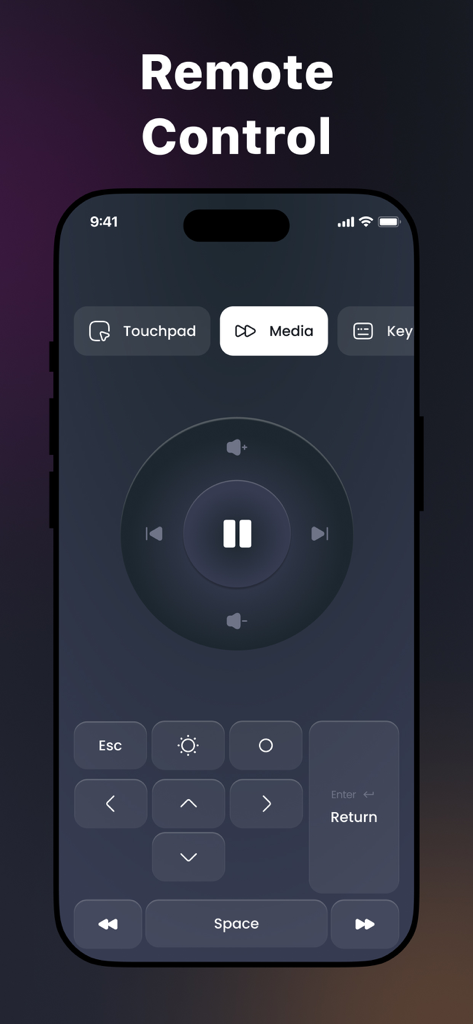
iPhone screen showing a media remote control interface with play pause and volume buttons
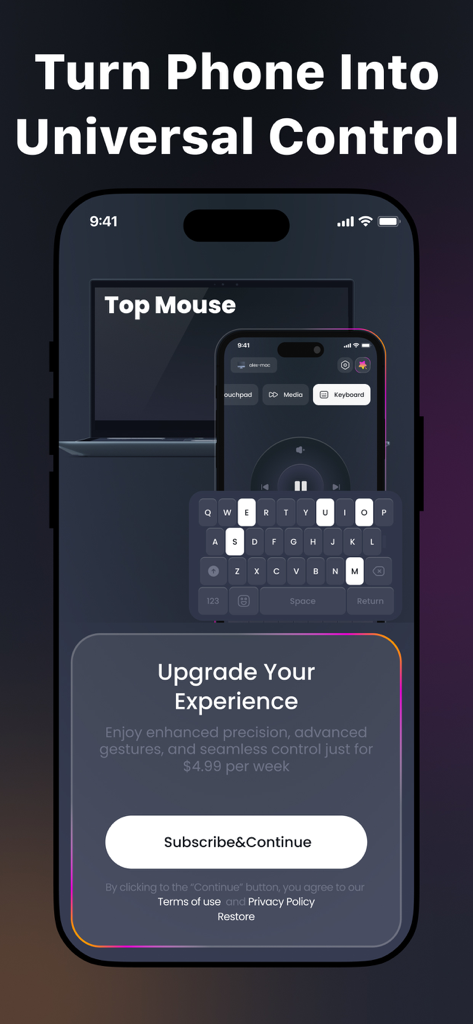
Smartphone app screen showing a universal remote control interface with keyboard and media player options
Description
Download
More Like This
Apps with similar features and user experience

Mouse · Keyboard
Remote Sunrise LTD

Camo Camera
Reincubate Ltd

DroidCam Webcam & OBS Camera
DEV47 APPS LTD.

spacedesk - USB Display for PC
datronicsoft Technology GmbH

iVCam Webcam
俊红 柴

Remote Mouse
耀 阮
Splashtop Wired XDisplay HD – Extend & Mirror
Splashtop Inc.

CamX - USB Camera
Touchbits Inc.

Astropad Studio Drawing Tablet
Astro HQ LLC
This page is not an official page of the app or its developer, but an independent editorial publication created for informational and commentary purposes. Unless expressly stated otherwise, neither the app nor its developer is affiliated with, endorsed by, sponsored by, authorized by, or otherwise officially connected with MWM, Apple, Google Play, the app publisher, or the app's developer, and nothing on this page implies that the app was developed using MWM's services. Any trademarks, logos, screenshots, and other content remain the property of their respective owners.