
This page is not an official page of the app or its developer, but an independent editorial publication created for informational and commentary purposes. Unless expressly stated otherwise, neither the app nor its developer is affiliated with, endorsed by, sponsored by, authorized by, or otherwise officially connected with MWM, Apple, Google Play, the app publisher, or the app's developer, and nothing on this page implies that the app was developed using MWM's services. Any trademarks, logos, screenshots, and other content remain the property of their respective owners.

EasyLetter - Send letters
Create perfectly formatted letters, add digital signatures, and send physical mail directly from your iPhone or Mac. We handle the layout, printing, and shipping so you can focus on your business, not the post office.
Downloads
0User Rating
Total Ratings
0Publisher
Category
ProductivityLocales
16Latest Version
1.15.0Size
11.2 MBFirst Released
Apr 11, 2020Professional Correspondence, Simplified
EasyLetter bridges the gap between digital speed and physical professionalism, giving you the tools to create and send perfect documents in minutes.
Skip the Post Office
Send physical letters directly from your device. We handle the printing, enveloping, and shipping so you never have to buy a stamp or find a printer again.
Perfect Layouts Every Time
Automatic formatting for US Letter and DIN standards ensures your letters look professional without the hassle of manual margins or alignment.
The following screenshots and description are sourced directly from the app's official store listing and are the property of the app developer.
App Store
Screenshots
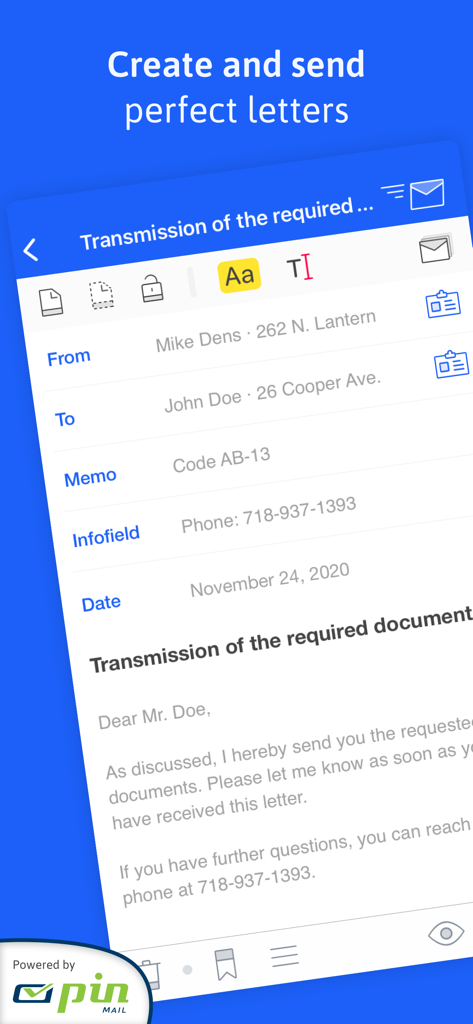
EasyLetter mobile app interface showing a professional letter being drafted on a smartphone
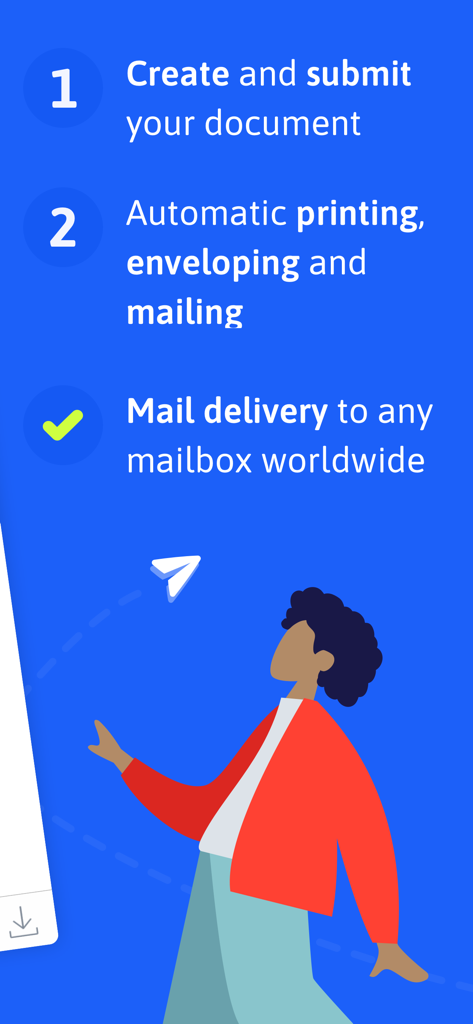
Infographic showing the three-step process of EasyLetter: create a document, automatic printing and mailing, and global delivery.
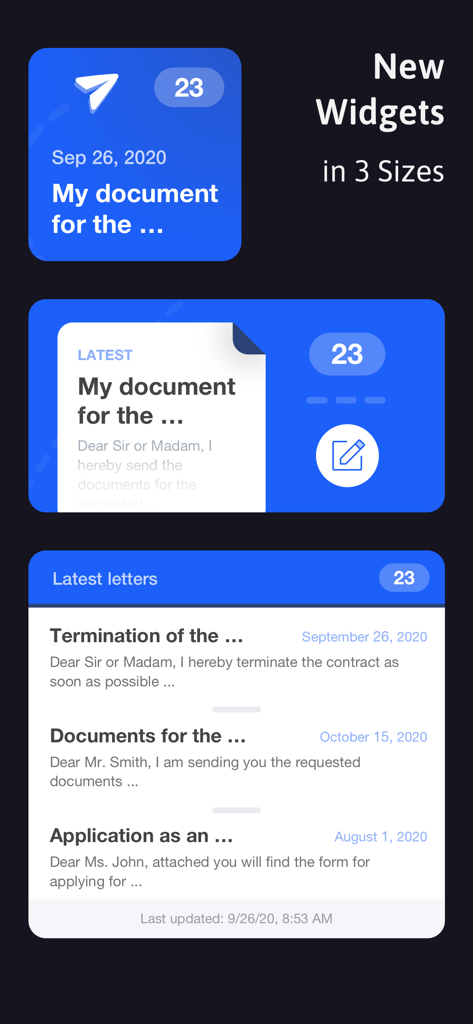
EasyLetter app home screen widgets in three different sizes showing document status and recent letters.
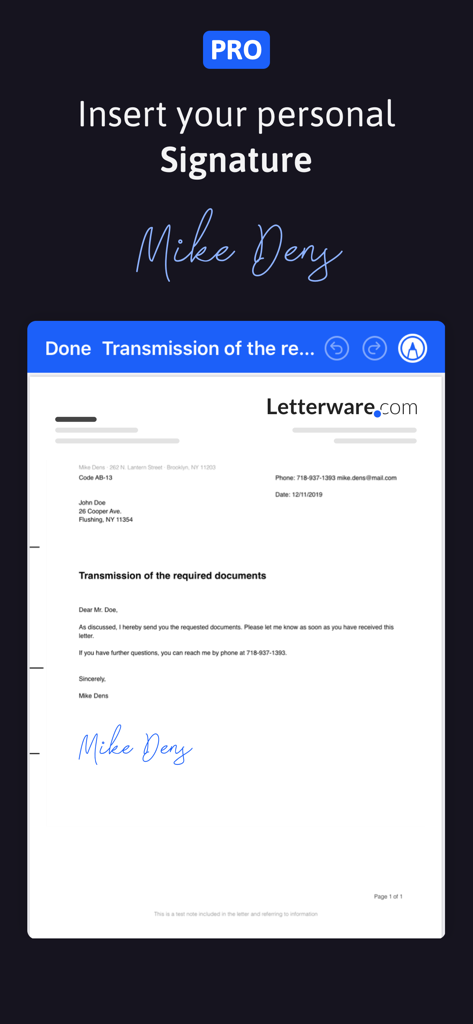
EasyLetter app interface demonstrating the personal signature insertion feature for professional letters
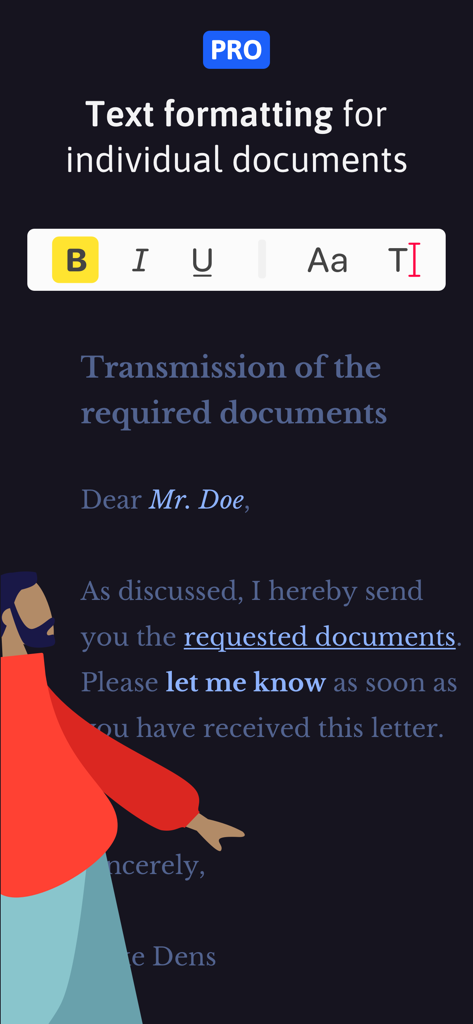
EasyLetter Pro interface showing text formatting options like bold and italic for professional letters
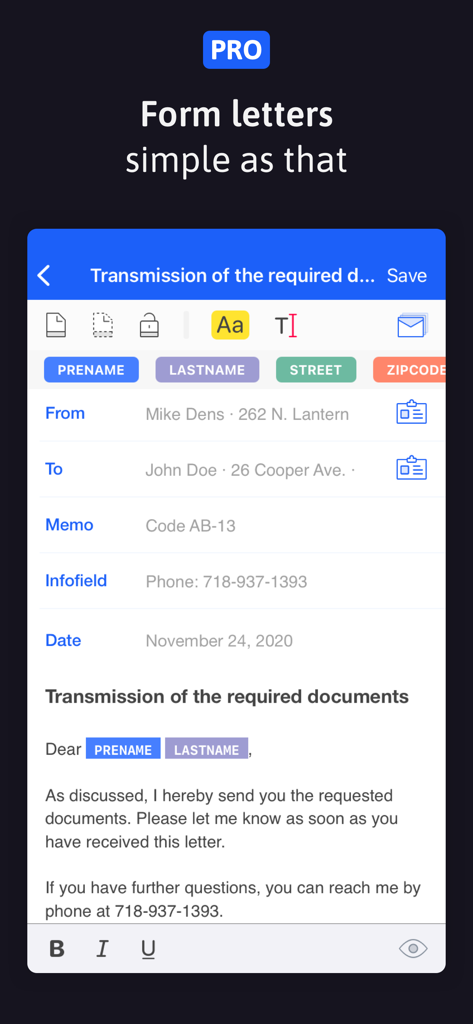
EasyLetter Pro mobile app interface for creating professional form letters with contact placeholders
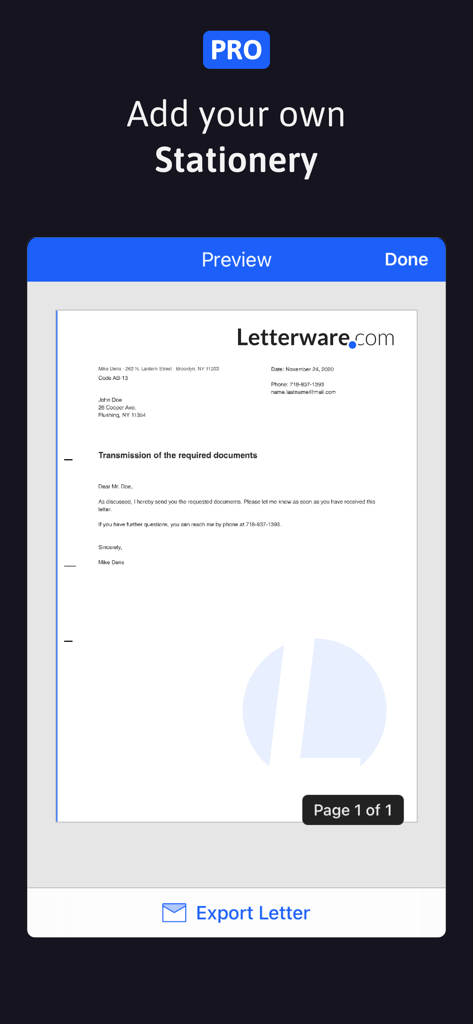
EasyLetter app interface showing a preview of a professional letter with custom stationery and a letterhead
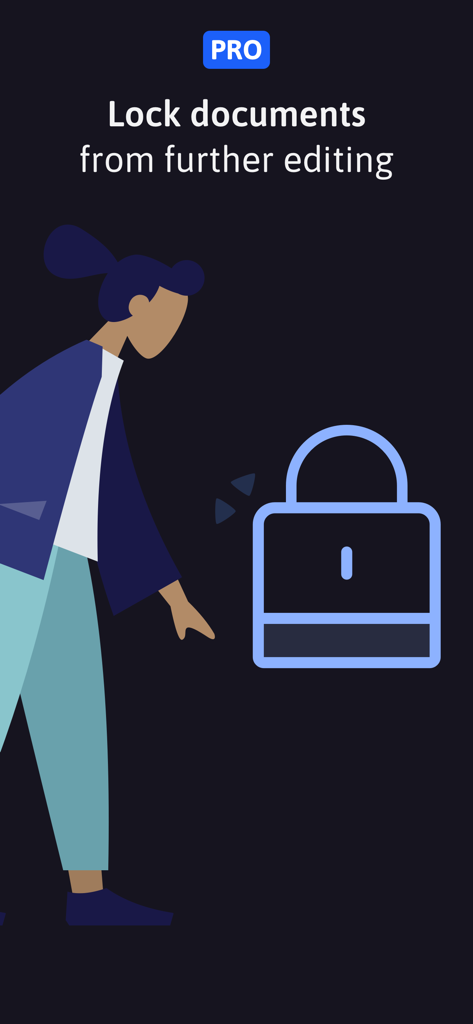
EasyLetter Pro feature illustration showing a lock to protect documents from further editing
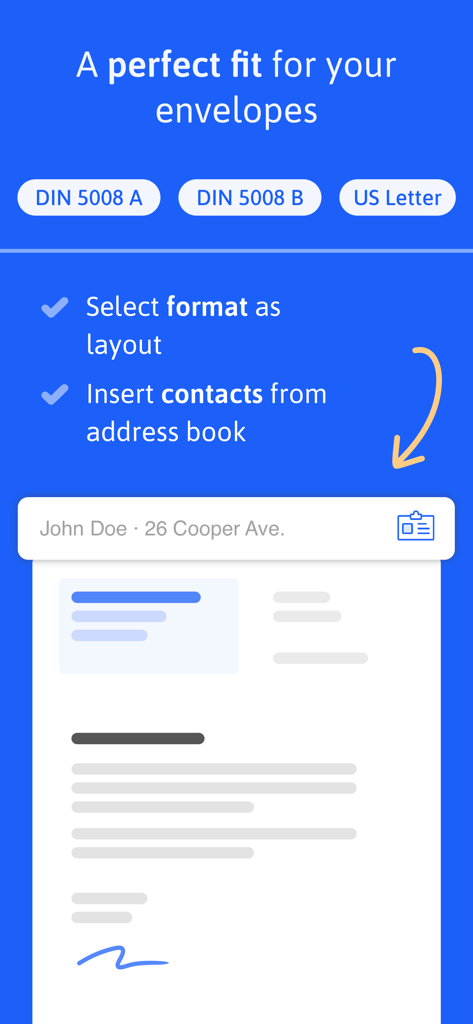
EasyLetter app interface showing letter format options like US Letter and address book contact import for professional layouts
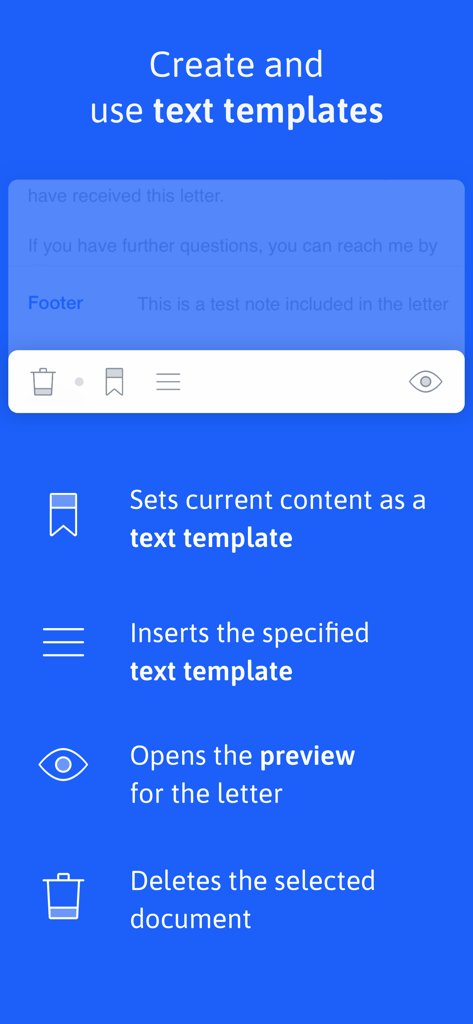
A screenshot of the EasyLetter app explaining how to create and use text templates with icons for saving, inserting, previewing, and deleting letters.
Description
Download
More Like This
Top-ranked apps in the same category

ChatGPT
OpenAI OpCo, LLC

Google Gemini
Google LLC

Grok
X.AI Corporation

Gmail - Email by Google
Google LLC

千问 - 阿里最强大模型官方AI助手
Shanghai Zhixin Puhui Technology Co., Ltd.

Google Drive
Google LLC

Microsoft Authenticator
Microsoft Corporation

Google Sheets
Google LLC
Google Docs
Google LLC
This page is not an official page of the app or its developer, but an independent editorial publication created for informational and commentary purposes. Unless expressly stated otherwise, neither the app nor its developer is affiliated with, endorsed by, sponsored by, authorized by, or otherwise officially connected with MWM, Apple, Google Play, the app publisher, or the app's developer, and nothing on this page implies that the app was developed using MWM's services. Any trademarks, logos, screenshots, and other content remain the property of their respective owners.