
This page is not an official page of the app or its developer, but an independent editorial publication created for informational and commentary purposes. Unless expressly stated otherwise, neither the app nor its developer is affiliated with, endorsed by, sponsored by, authorized by, or otherwise officially connected with MWM, Apple, Google Play, the app publisher, or the app's developer, and nothing on this page implies that the app was developed using MWM's services. Any trademarks, logos, screenshots, and other content remain the property of their respective owners.

Edity-Audio & Music Editor Lab
The all-in-one editor to record, trim, and remix audio with pro-grade FX. Effortlessly extract audio from videos, create viral social media sounds, and export in lossless quality for any project.
Downloads
986K+User Rating
Total Ratings
700Publisher
Category
MusicLocales
14Latest Version
15.5.9Size
38.6 MBFirst Released
Apr 19, 2017Professional Editing Made Effortless
From viral social media remixes to high-fidelity field recordings, access a complete audio lab designed for creators, students, and musicians.
Creative Effects & Speed Control
Stay ahead of trends with Pitch, Speed, and Reverb effects. Create custom 'Slowed' or 'Sped Up' tracks for TikTok and Reels in seconds.
Video-to-Audio Extraction
Easily pull audio tracks from your phone's video library. Repurpose any clip into a high-quality sound file with a single tap.
The following screenshots and description are sourced directly from the app's official store listing and are the property of the app developer.
App Store
Screenshots
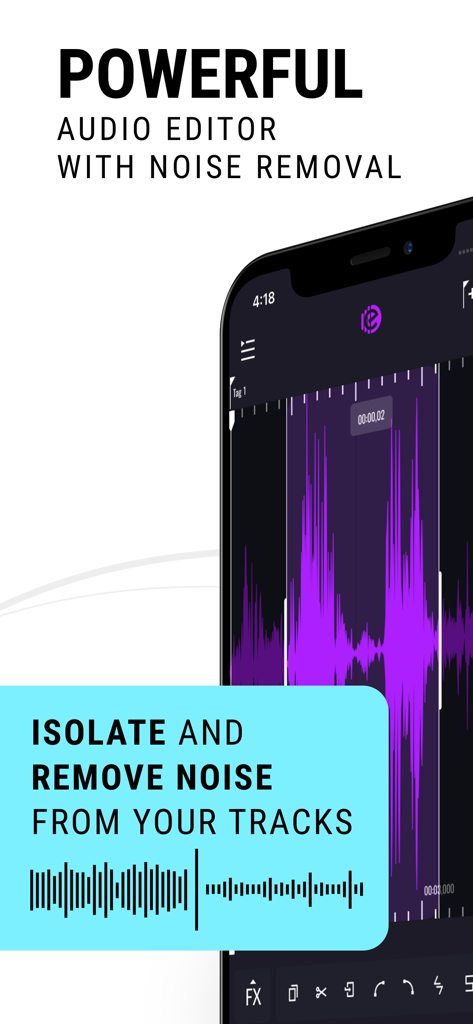
Smartphone screen showing Edity app interface with noise removal and waveform editing features
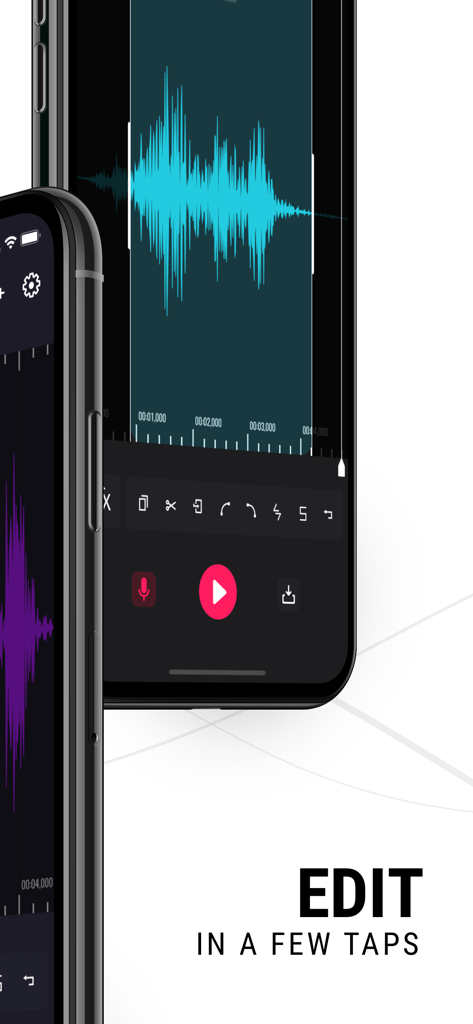
Edity app mobile interface showing blue audio waveform and editing tools on a smartphone
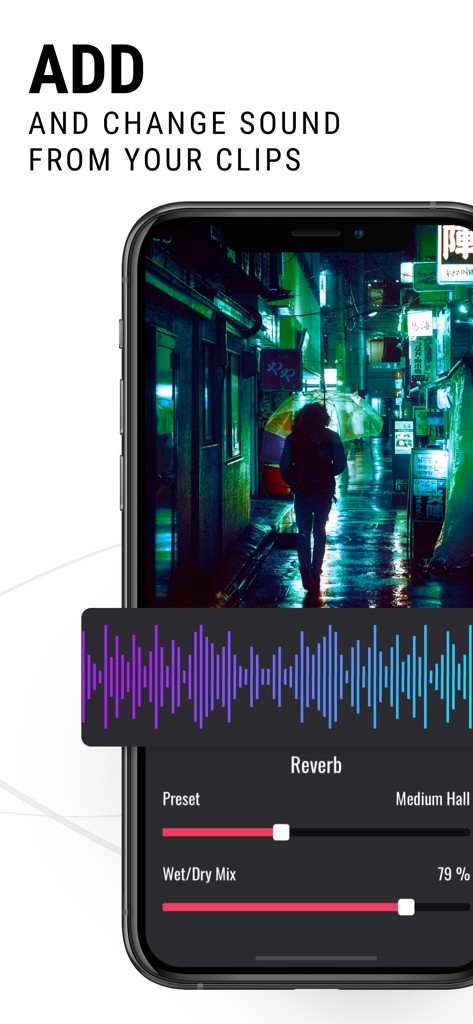
iPhone screen showing audio extraction from a video clip with reverb effect controls
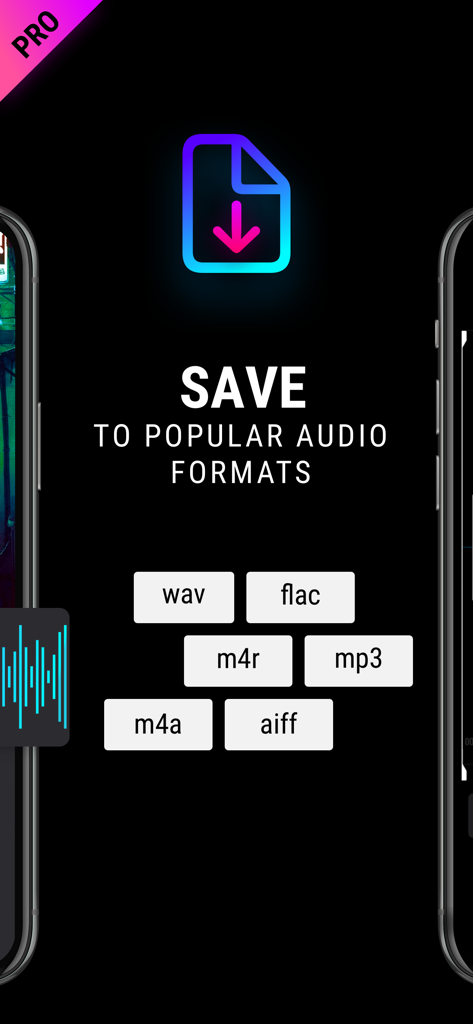
Save to popular audio formats including WAV FLAC MP3 and M4A
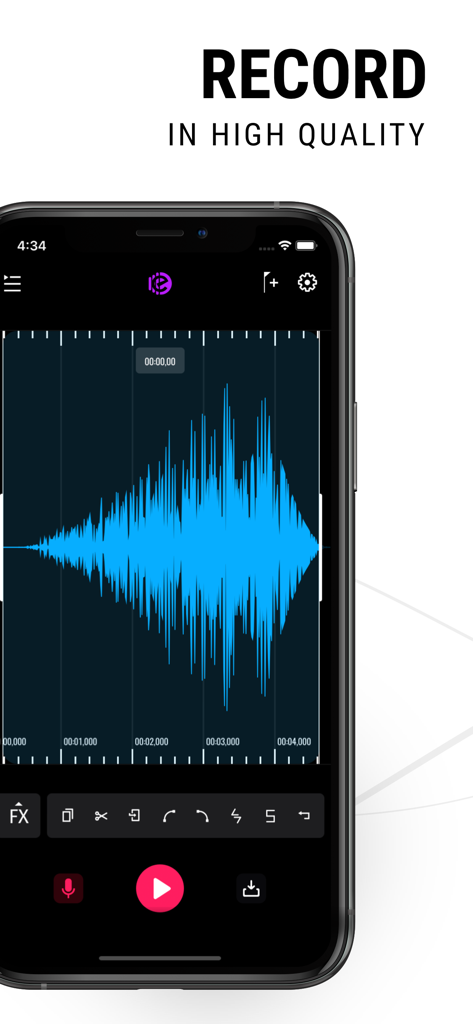
Smartphone screen showing high quality audio recording with a blue waveform in the Edity app
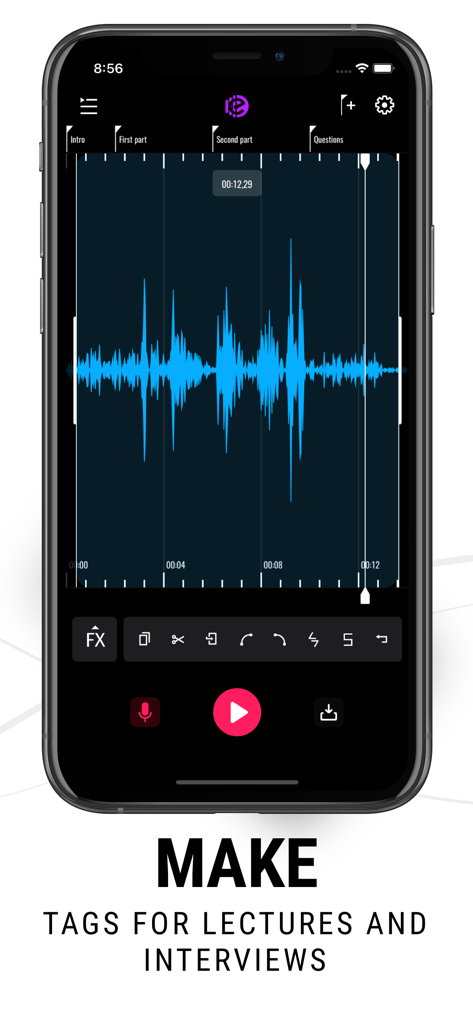
A smartphone displaying the Edity audio editor interface with a blue waveform and tags labeled Intro, First part, Second part, and Questions.
Description
Download
More Like This
Apps with similar features and user experience

Dolby On: Record Audio & Video
Dolby Laboratories, Inc.

Add Music to Video, Maker
Honk Honk Punch Pty Ltd

Clips - Video Editor
Video Bakery Ltd.

Add Music into Video Editor
Saturday Technologies Incorporated

Add Background Music To Video
Mosaic S.r.l.

Add Music to Video Editor
Add Music to Video Maker & Editor LLC

Add Music to Video Voice Over
Brain Craft Ltd

Add Music to Video
Md Jasim Uddin
Video Maker with Music Editor
Mosaic S.r.l.
This page is not an official page of the app or its developer, but an independent editorial publication created for informational and commentary purposes. Unless expressly stated otherwise, neither the app nor its developer is affiliated with, endorsed by, sponsored by, authorized by, or otherwise officially connected with MWM, Apple, Google Play, the app publisher, or the app's developer, and nothing on this page implies that the app was developed using MWM's services. Any trademarks, logos, screenshots, and other content remain the property of their respective owners.