
This page is not an official page of the app or its developer, but an independent editorial publication created for informational and commentary purposes. Unless expressly stated otherwise, neither the app nor its developer is affiliated with, endorsed by, sponsored by, authorized by, or otherwise officially connected with MWM, Apple, Google Play, the app publisher, or the app's developer, and nothing on this page implies that the app was developed using MWM's services. Any trademarks, logos, screenshots, and other content remain the property of their respective owners.


Edusign Student
Join over 3 million learners worldwide who skip the administrative hurdles. Sign attendance in seconds, access your diplomas, and track your schedule—all from the palm of your hand.
Downloads
498K+User Rating
Total Ratings
9K+Publisher
Category
EducationLocales
3Latest Version
8.0.0Size
71.1 MBFirst Released
Nov 23, 2019Your Academic Life, Elevated
Join 3 million learners who have swapped administrative hurdles for a frictionless, mobile-first learning experience tailored for modern success.
3-Second Sign-In
Secure your attendance instantly via QR code or biometric signature. Spend less time on paperwork and more time on your career goals.
Digital Document Vault
Centralize your academic identity. Access diplomas, certificates, and absentee records in seconds without ever digging through your inbox.
Frequently Asked Questions
Everything you need to know about Edusign Student
How does Edusign Student's electronic signature feature work?
Edusign Student enables electronic signatures in 3 seconds. Users log in with school email, sign with a finger, and scan a QR code. This instantly records their attendance.
Can I submit proof of absence using the Edusign Student app?
Yes, Edusign Student allows students to submit proof of absence directly through the app. This feature simplifies the process of sending justifications in just a few clicks.
How can I view my class schedule using Edusign Student?
Edusign Student provides a comprehensive schedule feature. Students can view all their upcoming classes directly within the app, helping them to stay organized and manage their time effectively.
What types of documents can I access in the Edusign Student app?
Edusign Student provides access to essential academic documents, including certificates, diplomas, and absentee records. Students can find and manage all their important documents from anywhere within the app.
Can students take quizzes and surveys directly through Edusign Student?
Yes, students can take quizzes and participate in surveys directly through the Edusign Student app. This feature enables them to test their knowledge and engage with course material from their smartphone.
How many learners currently use the Edusign Student app?
Edusign Student is utilized by over 3 million learners worldwide. This broad user base demonstrates the app's effectiveness in streamlining student life and enhancing the learning experience.
What should I do if my training organization does not use Edusign Student?
If your training organization does not currently use Edusign Student, you should contact the Edusign team. You can reach them directly via email at hello@edusign.fr to inquire about implementation.
The following screenshots and description are sourced directly from the app's official store listing and are the property of the app developer.
App Store
Screenshots
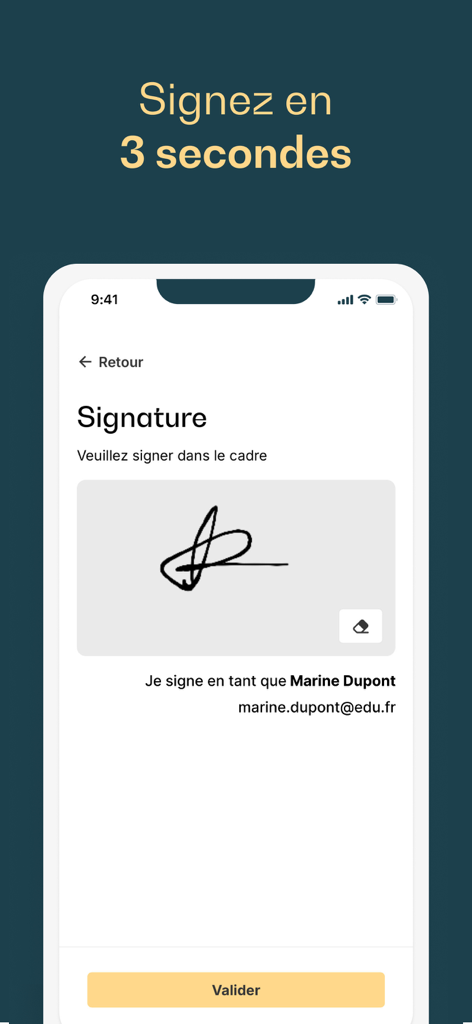
Mobile interface of Edusign Student app showing the electronic signature pad for student attendance recording
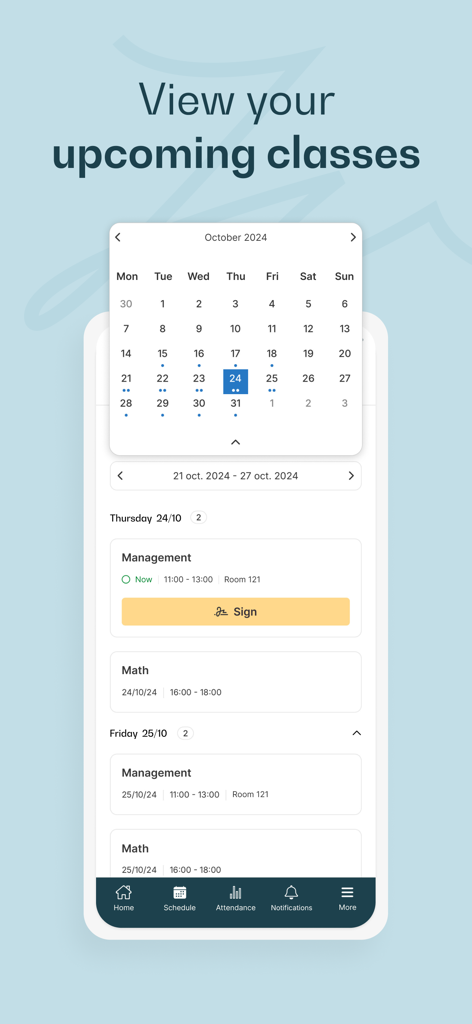
Interface of the Edusign Student app showing a monthly calendar and a list of upcoming classes with a sign-in button for attendance.
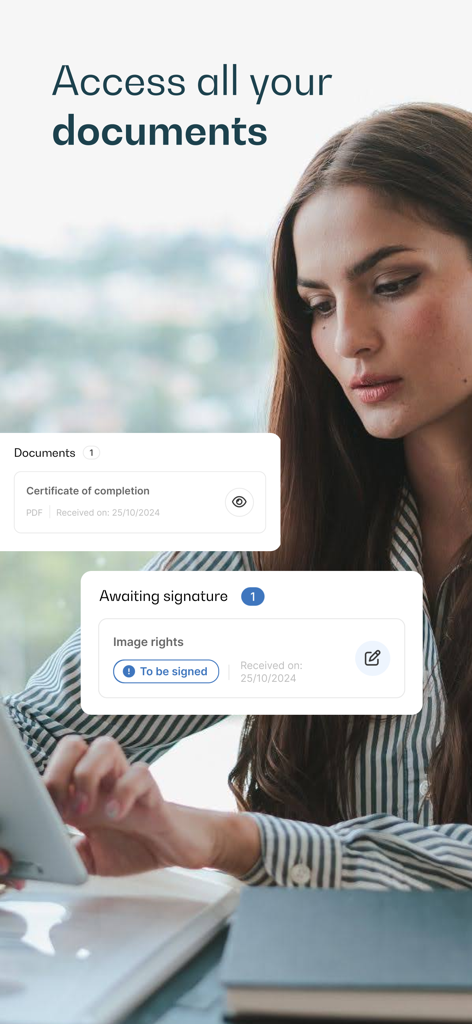
A student using the Edusign app to access certificates and sign educational documents electronically.
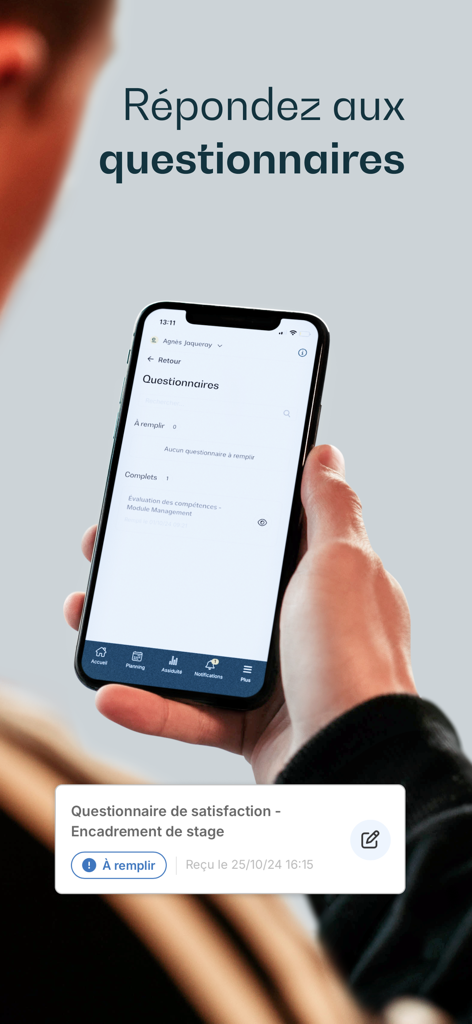
A person holding a smartphone showing the Edusign Student app questionnaire interface with a satisfaction survey notification
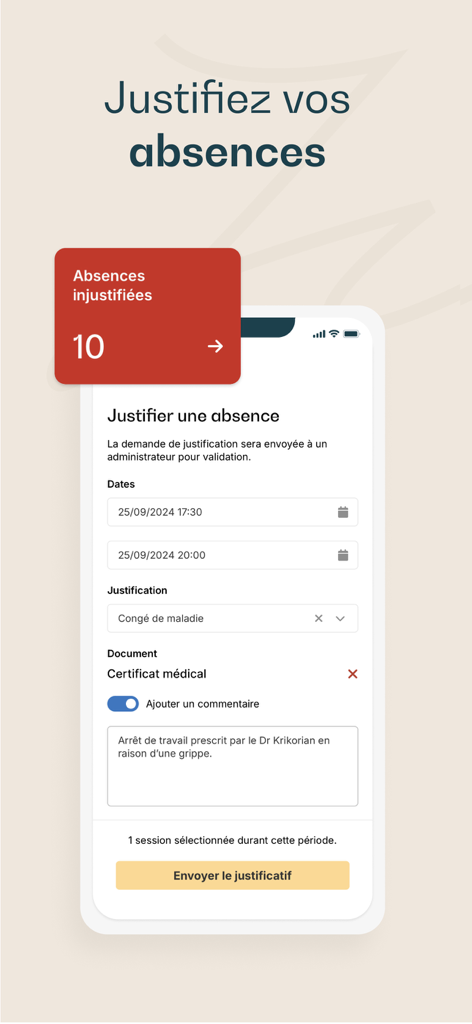
User interface for submitting an absence justification in the Edusign Student app.
Description
Download
More Like This
Apps with similar features and user experience

ClassDojo
ClassDojo, Inc.

Госуслуги Моя школа
MINKOMSVYAZ ROSSII, FKU

Remind: School Communication
PARENTSQUARE LLC

Agenda Edu SuperApp
Agenda Kids Ltda ME

FAMILIES | TalkingPoints
TalkingPoints Corp

Canvas by Instructure
Instructure, Inc.

ParentSquare
PARENTSQUARE LLC

Brightspace Pulse
D2L Corporation

PowerSchool Mobile
PowerSchool Group LLC
This page is not an official page of the app or its developer, but an independent editorial publication created for informational and commentary purposes. Unless expressly stated otherwise, neither the app nor its developer is affiliated with, endorsed by, sponsored by, authorized by, or otherwise officially connected with MWM, Apple, Google Play, the app publisher, or the app's developer, and nothing on this page implies that the app was developed using MWM's services. Any trademarks, logos, screenshots, and other content remain the property of their respective owners.