
This page is not an official page of the app or its developer, but an independent editorial publication created for informational and commentary purposes. Unless expressly stated otherwise, neither the app nor its developer is affiliated with, endorsed by, sponsored by, authorized by, or otherwise officially connected with MWM, Apple, Google Play, the app publisher, or the app's developer, and nothing on this page implies that the app was developed using MWM's services. Any trademarks, logos, screenshots, and other content remain the property of their respective owners.


Eisenhower Matrix:Task Planner
Stop reacting to the urgent and start focusing on the important. Use the power of the four strategic quadrants to eliminate decision fatigue and master your daily productivity.
Downloads
0User Rating
Total Ratings
0Publisher
Category
ProductivityLocales
13Latest Version
2.6.2Size
56.2 MBFirst Released
Dec 23, 2024Master Your Focus, Not Just Your To-Dos
Break free from the cycle of reactive busywork. Our intelligent matrix helps you distinguish between what is merely urgent and what is truly vital for your long-term success.
Strategic Prioritization
Transform your chaotic list into a visual 4-quadrant map. Instantly identify the high-impact activities that move the needle in your career and life.
Frictionless Workflow
Stay in your flow state across all your devices. Use glanceable home screen widgets for instant clarity and sync your progress seamlessly via the cloud.
The following screenshots and description are sourced directly from the app's official store listing and are the property of the app developer.
App Store
Screenshots
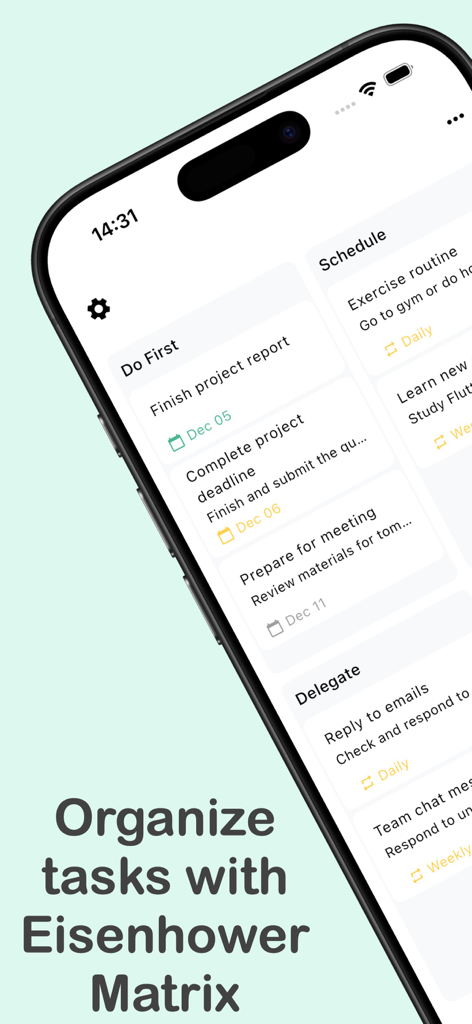
iPhone screen displaying tasks prioritized using the Eisenhower Matrix method
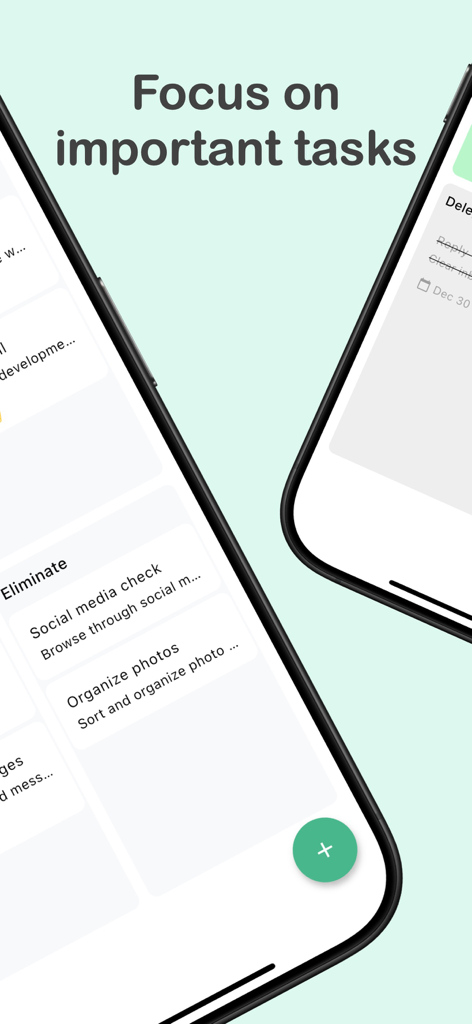
Two iPhones displaying the Eisenhower Matrix Task Planner app focusing on task prioritization
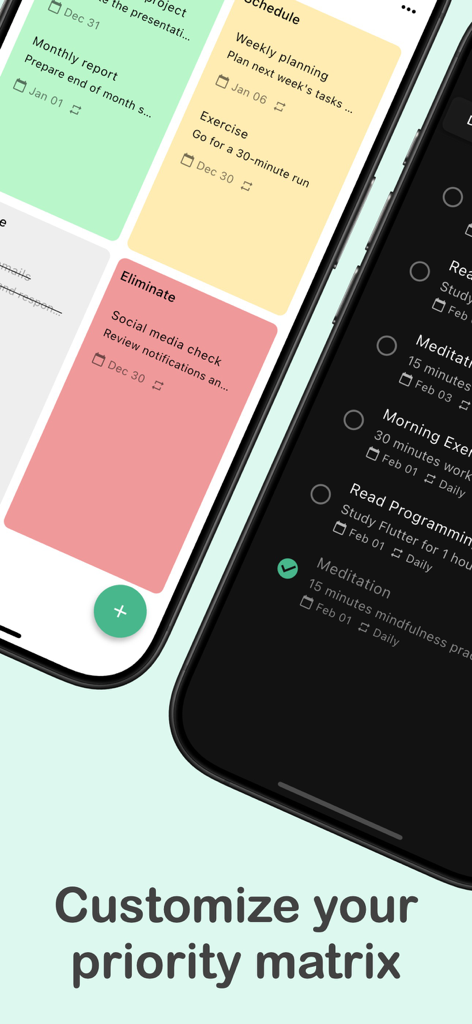
Interface showing custom priority matrix with color coded quadrants and a list view in dark mode
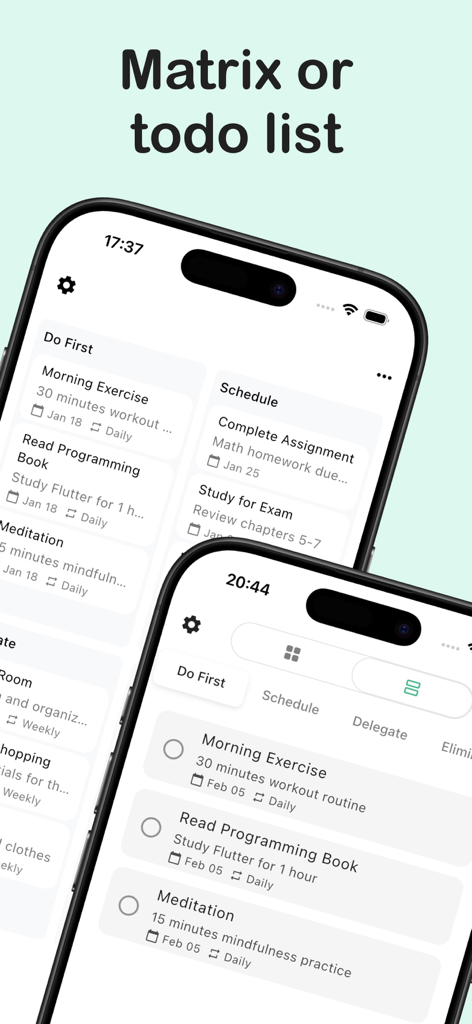
Comparison of matrix and todo list views in the Eisenhower Matrix task management app
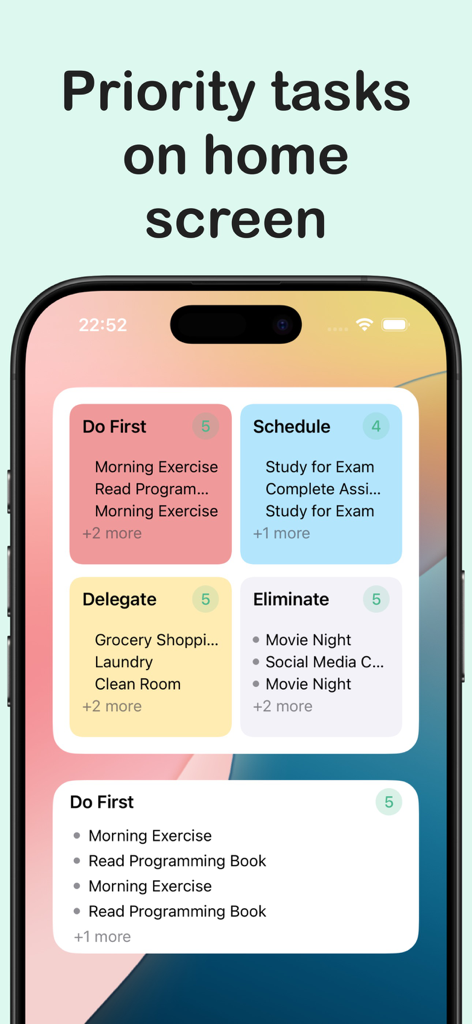
iPhone home screen displaying Eisenhower Matrix task priority quadrants and a detailed to-do list widget.
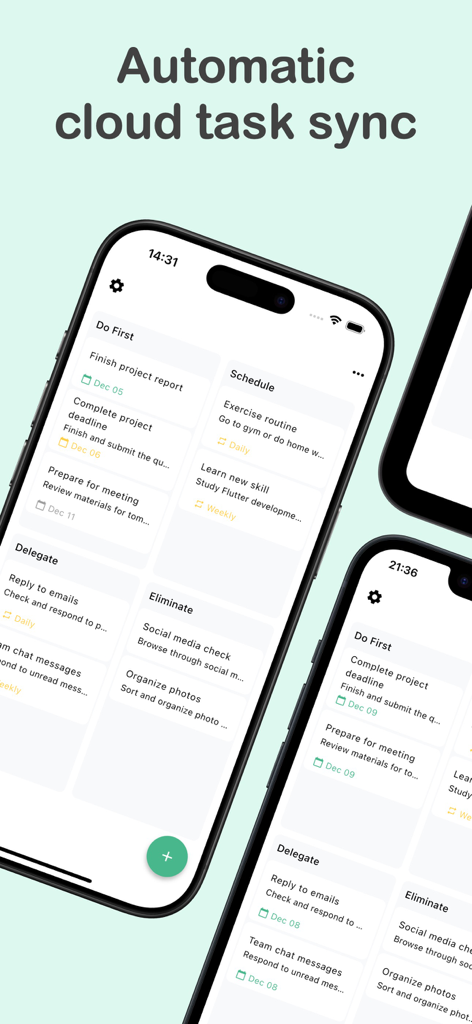
Smartphone showing the Eisenhower Matrix app interface with automatic cloud task sync

Eisenhower Matrix Task Planner app interface displayed on an iPad and iPhone showing quadrants for task management
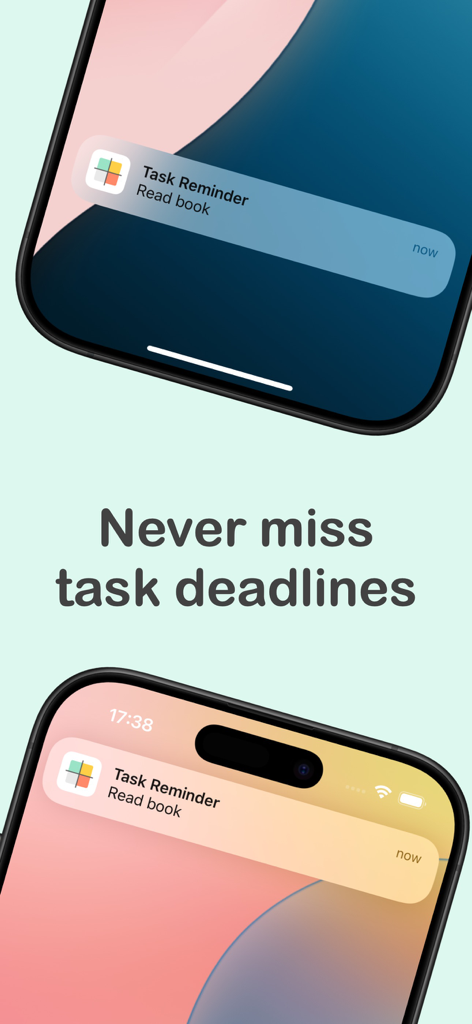
Two iPhones showing task reminder notifications on the lock screen with the text Never miss task deadlines.
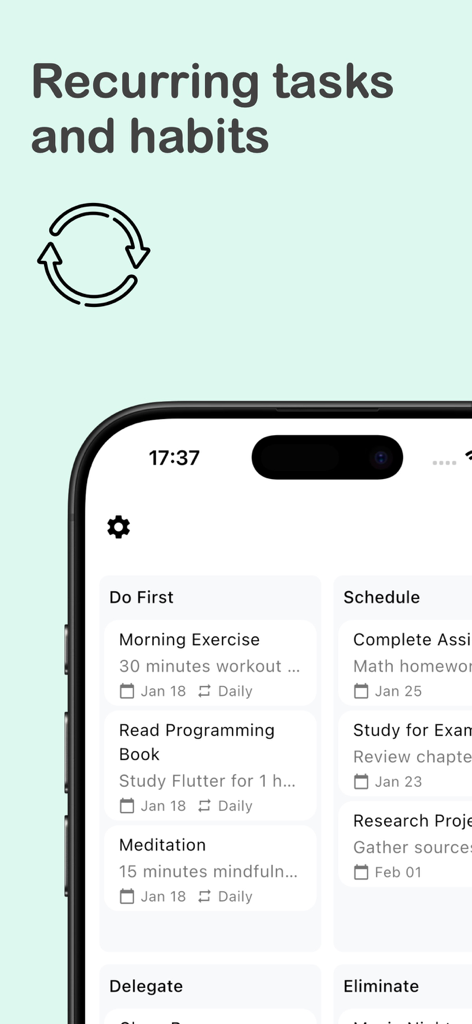
Interface of the Eisenhower Matrix app showing recurring daily tasks and habits such as morning exercise and meditation.
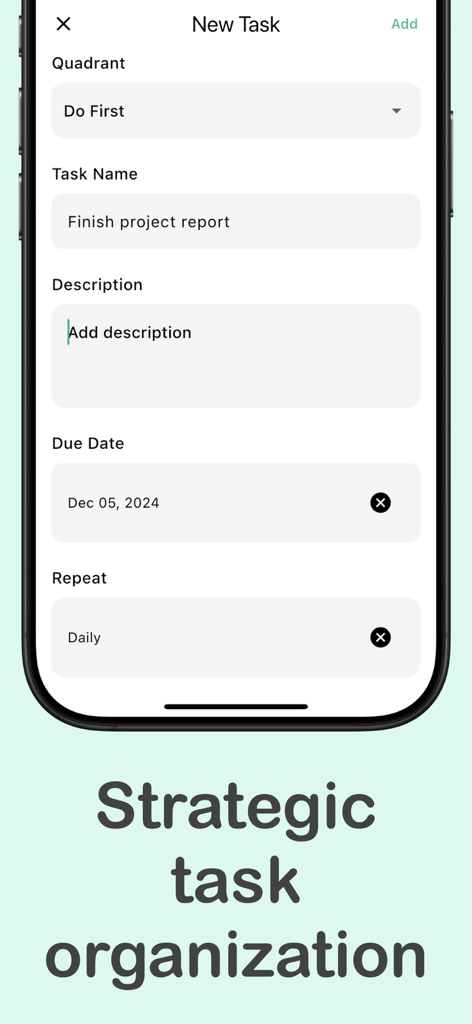
Interface for adding a new task in the Eisenhower Matrix app with quadrant selection and due date
Description
Download
More Like This
Top-ranked apps in the same category

ChatGPT
OpenAI OpCo, LLC

Google Gemini
Google LLC

Grok
X.AI Corporation

Gmail - Email by Google
Google LLC

千问 - 阿里最强大模型官方AI助手
Shanghai Zhixin Puhui Technology Co., Ltd.

Google Drive
Google LLC

Google Sheets
Google LLC

Microsoft Authenticator
Microsoft Corporation
Google Docs
Google LLC
This page is not an official page of the app or its developer, but an independent editorial publication created for informational and commentary purposes. Unless expressly stated otherwise, neither the app nor its developer is affiliated with, endorsed by, sponsored by, authorized by, or otherwise officially connected with MWM, Apple, Google Play, the app publisher, or the app's developer, and nothing on this page implies that the app was developed using MWM's services. Any trademarks, logos, screenshots, and other content remain the property of their respective owners.