Enhance it - AI Photo Editor
Download on App Store

This page is not an official page of the app or its developer, but an independent editorial publication created for informational and commentary purposes. Unless expressly stated otherwise, neither the app nor its developer is affiliated with, endorsed by, sponsored by, authorized by, or otherwise officially connected with MWM, Apple, Google Play, the app publisher, or the app's developer, and nothing on this page implies that the app was developed using MWM's services. Any trademarks, logos, screenshots, and other content remain the property of their respective owners.

Logo of Enhance it - AI Photo Editor
Download on App Store

Enhance it - AI Photo Editor

Instantly fix blur, lighting, and noise with powerful AI magic. Whether you are restoring vintage family portraits or perfecting today's snaps, achieve 4K perfection in just one tap.

Key Figures

Downloads

177K+

User Rating

4.2/5

Total Ratings

200

Publisher

Zipo Apps Ltd.

Category

Photo & Video

Locales

13

Latest Version

1.3.5

Size

189.4 MB

First Released

Aug 1, 2022
Features

Transform Every Memory Into a Masterpiece

From blurry snapshots to faded family history, our advanced AI automatically repairs, restores, and enhances your photos with professional precision in just one tap.

Save Your Ruined Shots

Instantly fix motion blur and low-light grain. Our AI recovers crisp details and lighting from photos you thought were lost forever.

Revive Your Family History

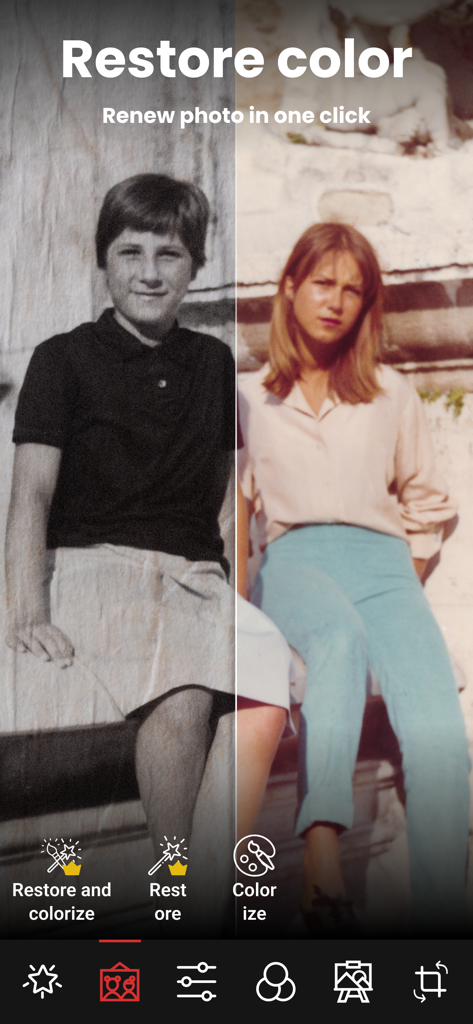
Breathe new life into old albums. Automatically restore damaged textures and add vibrant, natural color to black-and-white portraits.

The following screenshots and description are sourced directly from the app's official store listing and are the property of the app developer.

App Store

Screenshots
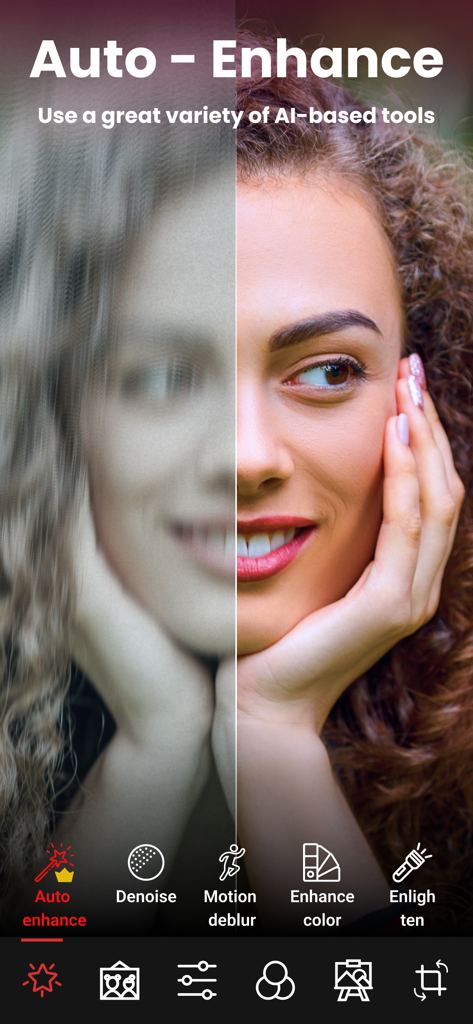
Enhance it - AI Photo Editor - Before and after comparison of a blurry portrait transformed into a sharp clear image using AI photo enhancement tools
Before and after comparison of a blurry portrait transformed into a sharp clear image using AI photo enhancement tools

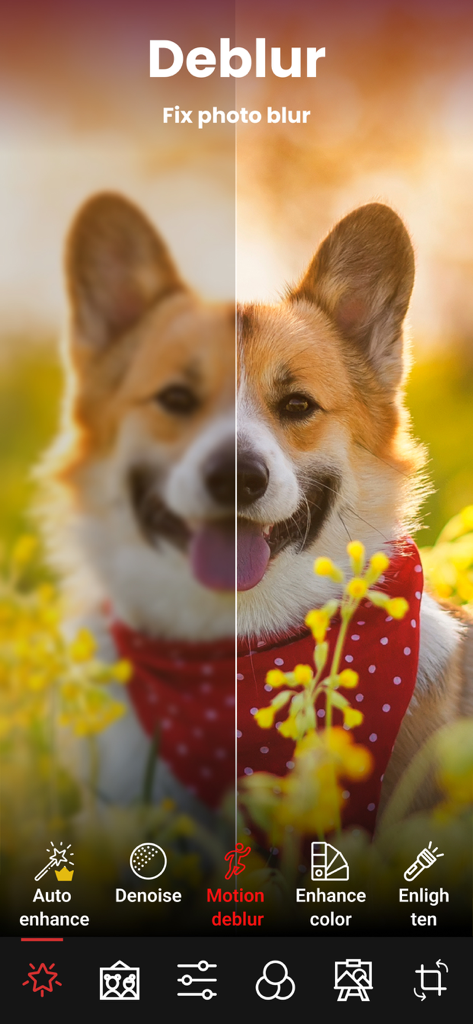
Enhance it - AI Photo Editor - Before and after comparison of a blurry and sharpened dog photo using the AI deblur feature in the Enhance it app
Before and after comparison of a blurry and sharpened dog photo using the AI deblur feature in the Enhance it app

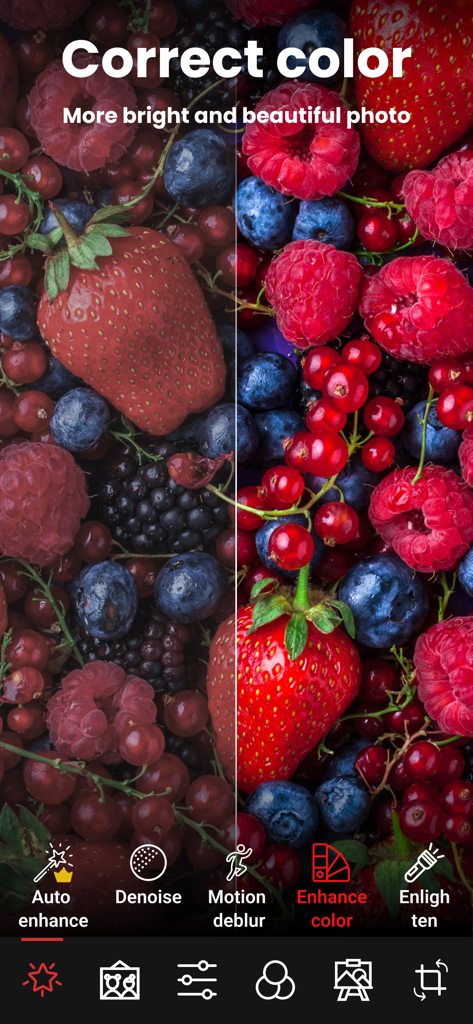
Enhance it - AI Photo Editor - Before and after comparison of color enhancement on a photo of mixed berries using the Enhance it app
Before and after comparison of color enhancement on a photo of mixed berries using the Enhance it app

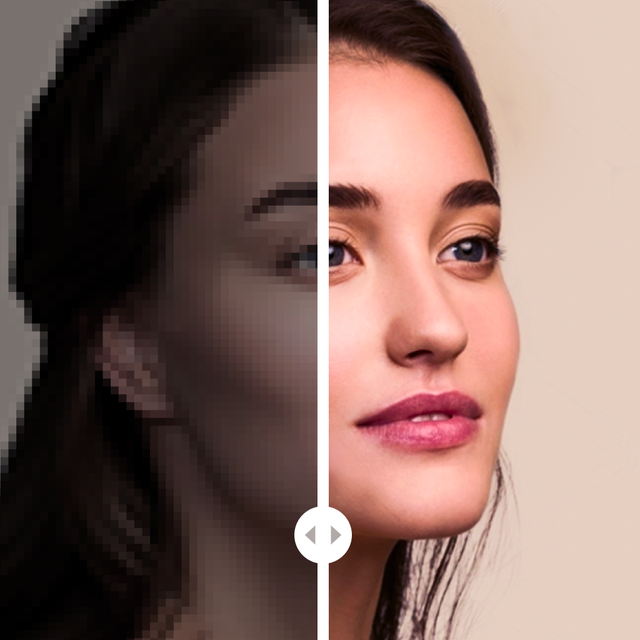
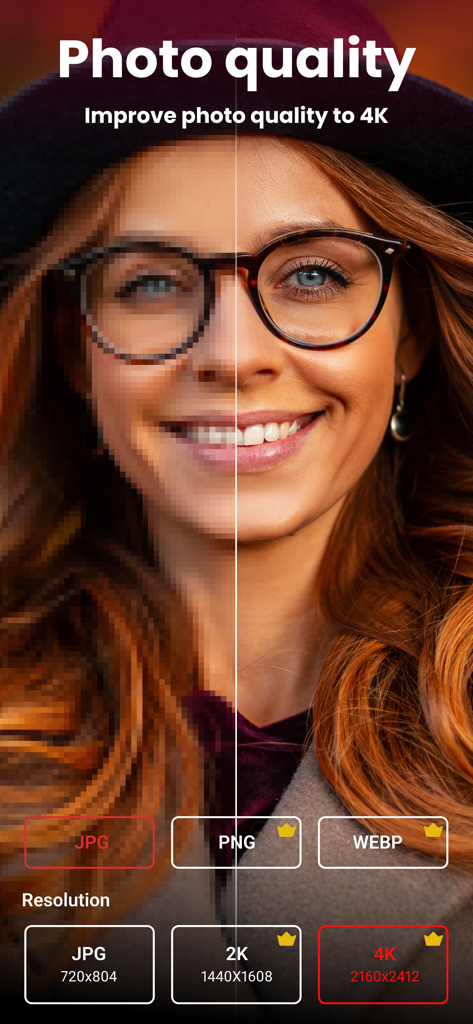
Enhance it - AI Photo Editor - A side-by-side comparison showing a blurry portrait transformed into a high-resolution 4K image using AI enhancement
A side-by-side comparison showing a blurry portrait transformed into a high-resolution 4K image using AI enhancement

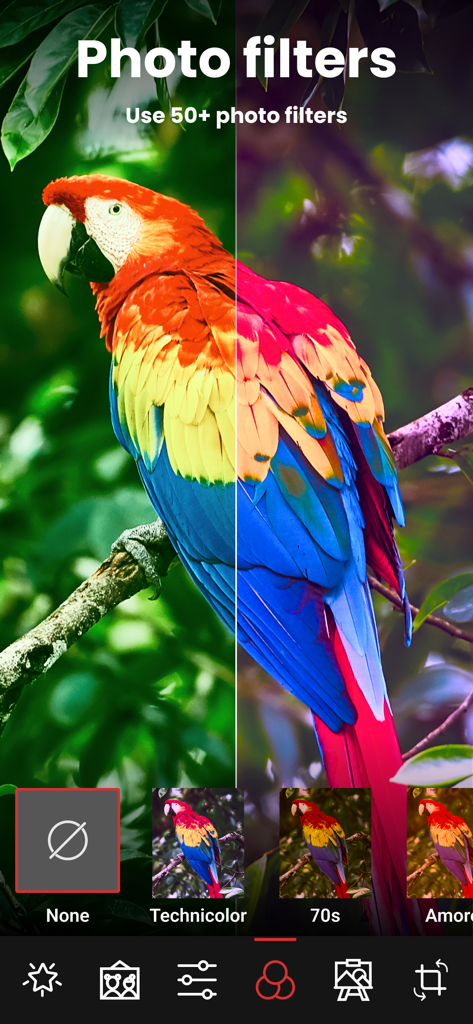
Enhance it - AI Photo Editor - A split screen comparison showing a colorful parrot with a vibrant photo filter applied.
A split screen comparison showing a colorful parrot with a vibrant photo filter applied.

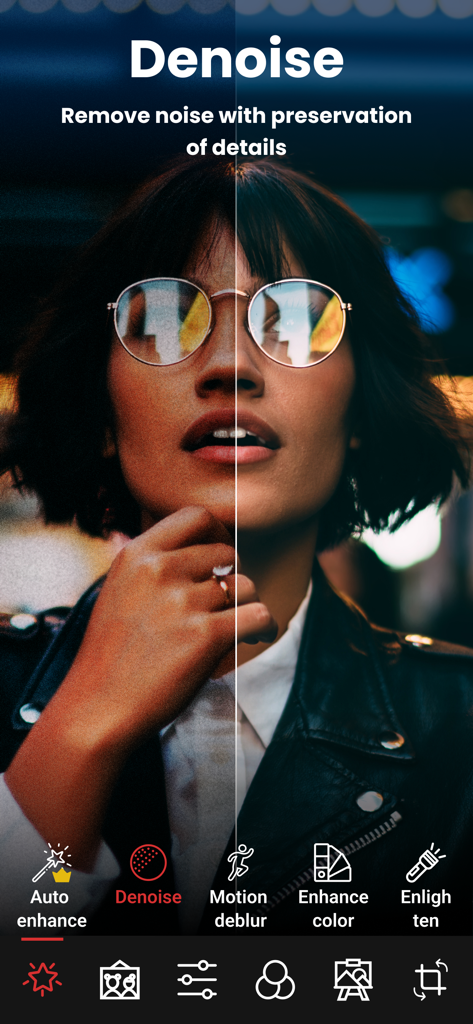
Enhance it - AI Photo Editor - A split-screen comparison showing a portrait before and after using the AI denoise tool to remove grain and noise while preserving detail.
A split-screen comparison showing a portrait before and after using the AI denoise tool to remove grain and noise while preserving detail.

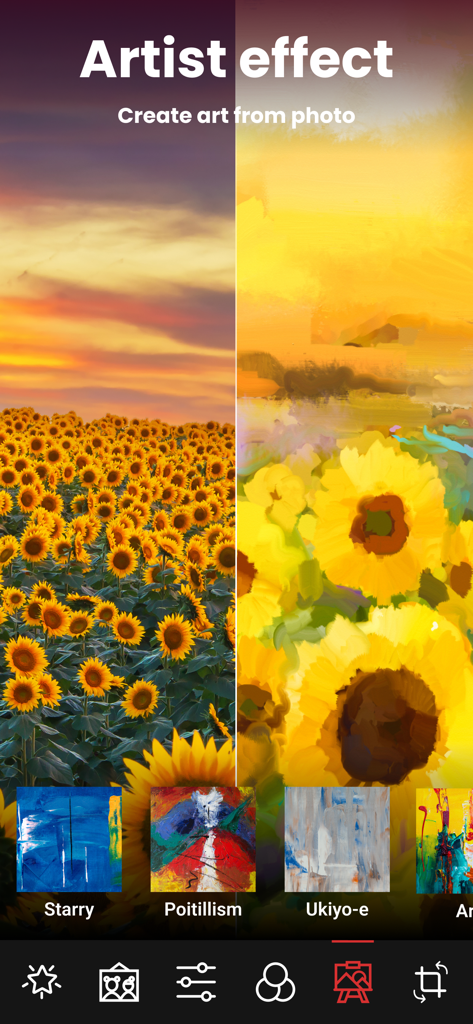
Enhance it - AI Photo Editor - A split screen showing a real photo of a sunflower field transformed into an artistic painting using AI filters.
A split screen showing a real photo of a sunflower field transformed into an artistic painting using AI filters.

Enhance it - AI Photo Editor - Split screen showing black and white photo restoration and colorization

Split screen showing black and white photo restoration and colorization

Description

"Enhance it" is a powerful photo editor that goes far beyond conventional editors to fix and improve your pictures as much as possible. Apart from conventional image retouching tools, this app uses artificial intelligence to automatically fix defects in photos, restore them and boost their quality. A great variety of AI-based tools is available for any specific problem that you may need to fix. • Did you take a snap but it didn’t come out as you expected? We have the perfect AI tools to help with any problem: - AUTO-ENHANCE: This tool will restore low-quality images by removing the noise, enhancing the illumination and colors and better defining the picture, especially people. Your images will be clear, sharp and beautiful. - MOTION DEBLUR: Did the snap you took in that special moment come out blurred? Usually, blurry images are totally useless. But with our app, motion blur is not a problem anymore. Our app will deblur your picture and make it look clear and sharp. - DENOISE: Often clearing the noise in pictures means losing details or definition. But our artificial intelligence will clear them and erase all the noise and grain from them without blurring any details. Our denoise tool is the perfect balance between sharpness and clarity. - LIGHT: Some pics are just taken in the wrong light conditions. With our advanced technology, you can enlighten any too dark photo in a natural way. No one will notice it was that dark. - COLOR ENHANCEMENT: Improve the quality of your images to its best, making them look absolutely spectacular. Sometimes a picture comes out pale, and sometimes you want more vibrant, intense cool colors. Boost its colors and make them look stunning. • Did you found that old family album and realized that the pictures are damaged, low quality and feel too distant? Our app can help with its intelligent restoration tools: - RESTORE: Old photographs are usually low-quality and lacking definition, even more so if time has spoiled them. Our AI can restore them to increase a lot their quality and definition and make them look like taken with a modern expensive camera. - COLORIZE: Do you have old family portraits in black and white? This tool can guess the colors of the original scene and apply them to the image, turning them into color photos. Make your memories more alive and closer to you than ever. • Are you feeling creative about your photos? - PICTURIZE: You can transfer the artistic style of a bunch of artworks, materials, drawing styles, and much more into your pics, making them absolutely original, unique, and creative. • Apart from that, “Enhance it” is also a very complete photographic editor. You can set the brightness, contrast, saturation, vibrance, exposure, sharpness, etc. of your pictures. And also, apply a great variety of filters and post them on your social networks. • It doesn’t even end here. You can save your images in up to 4K resolution! Our artificial intelligence can increase your picture’s resolution to its whole potential, with no detail loss and maximum quality. EULA: https://www.apple.com/legal/internet-services/itunes/dev/stdeula/ ---------- Enchance it terms of service 1 week Enchance + from 4.99$ per week (prices may vary slightly depending on the region). 1 month Enchance + from 19.99$ per month (prices may vary slightly depending on the region) You can find all in-app purchases on this app store page below under “In-app purchases”. Subscriptions are automatically renewed unless they have been switched off at least 24 hours before the subscription period expires. Your account will be charged within 24 hours of payment. You can manage your subscriptions in the iOS settings and switch the automatic renewal on or off. A subscription that is already running cannot be canceled within the term that has already started. Privacy Policy:https://zipoapps.com/enhanceitios/privacy/ Terms of Use: https://zipoapps.com/enhanceitios/terms/

Download

Download on App Store

This page is not an official page of the app or its developer, but an independent editorial publication created for informational and commentary purposes. Unless expressly stated otherwise, neither the app nor its developer is affiliated with, endorsed by, sponsored by, authorized by, or otherwise officially connected with MWM, Apple, Google Play, the app publisher, or the app's developer, and nothing on this page implies that the app was developed using MWM's services. Any trademarks, logos, screenshots, and other content remain the property of their respective owners.







