
This page is not an official page of the app or its developer, but an independent editorial publication created for informational and commentary purposes. Unless expressly stated otherwise, neither the app nor its developer is affiliated with, endorsed by, sponsored by, authorized by, or otherwise officially connected with MWM, Apple, Google Play, the app publisher, or the app's developer, and nothing on this page implies that the app was developed using MWM's services. Any trademarks, logos, screenshots, and other content remain the property of their respective owners.


Magic Eraser - Remove Object
Instantly remove distractions, enhance quality to 5K, and transform your images with professional AI tools designed for creators, side hustlers, and social media perfectionists.
Downloads
1M+User Rating
Total Ratings
27K+Publisher
Category
Photo & VideoLocales
87Latest Version
4.4.6Size
45.1 MBFirst Released
May 2, 2022Professional Results, Zero Effort
Magic Eraser combines cutting-edge AI with intuitive tools to help creators and entrepreneurs turn ordinary shots into extraordinary content in seconds.
Flawless Object Removal
Magically erase photobombers, text, or clutter. Maintain your 'Main Character' energy by keeping the focus exactly where it belongs.
Ultra-HD Enhancement
Transform blurry or low-quality photos into 5K masterpieces. Perfect for upscaling product shots for Etsy or reviving old memories.
Frequently Asked Questions
Everything you need to know about Magic Eraser - Remove Object
What is Magic Eraser?
Magic Eraser is an AI photo editing app. It provides tools for object removal, background erasing, image quality enhancement, canvas expansion, element replacement, image generation, AI filters, and basic edits.
What features does the Magic Eraser app offer?
The Magic Eraser app offers Object Remover, Background Eraser, Photo Enhancer, Canvas Expander, Object Replacer, AI Image Generator, AI Filters, and a Basic Editor.
How does Magic Eraser app work for editing photos?
Magic Eraser works by selecting a feature, choosing a photo, letting AI process, and then saving or sharing the edited image instantly. The app streamlines the editing process with AI.
Can Magic Eraser remove unwanted objects from photos?
Yes, Magic Eraser includes an Object Remover feature. This tool removes people, text, stickers, and other unwanted details from images using AI technology.
Can Magic Eraser remove text from images?
Yes, Magic Eraser's Object Remover feature specifically states it removes text from images. Users select the text, and the AI processes the removal.
Does Magic Eraser allow background removal?
Yes, Magic Eraser features a Background Eraser tool. This tool easily cuts out the existing background from a photo and allows for replacement.
How does Magic Eraser enhance photo quality?
Magic Eraser enhances photo quality by sharpening blurry images. The Photo Enhancer feature can improve image quality up to 5K resolution.
Can Magic Eraser expand images?
Yes, Magic Eraser features a Canvas Expander tool. This tool extends images in any direction using smart AI fill technology.
Can I replace objects in photos with Magic Eraser?
Yes, Magic Eraser includes an Object Replacer feature. Users select an area in the photo and describe what they want to appear instead, and the AI generates the replacement.
Does Magic Eraser have an AI image generator?
Yes, Magic Eraser has an AI Image Generator. Users enter text prompts, and the AI creates impressive visuals based on the input.
Who is the Magic Eraser app designed for?
Magic Eraser is perfect for content creators, social media users, small business owners, online sellers, and anyone needing quick, easy, high-quality photo editing without complex tools.
What are the Terms of Use for Magic Eraser?
The Terms of Use for Magic Eraser are available at the provided Apple link: https://www.apple.com/legal/internet-services/itunes/dev/stdeula/. This link outlines the legal conditions for using the app.
The following screenshots and description are sourced directly from the app's official store listing and are the property of the app developer.
App Store
Screenshots
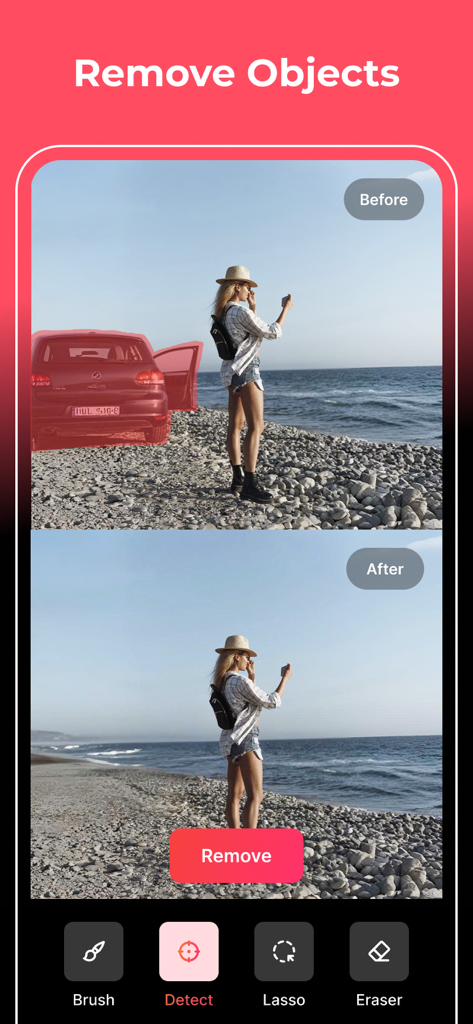
A before and after comparison showing a red car being removed from a beach photo using the Magic Eraser app.
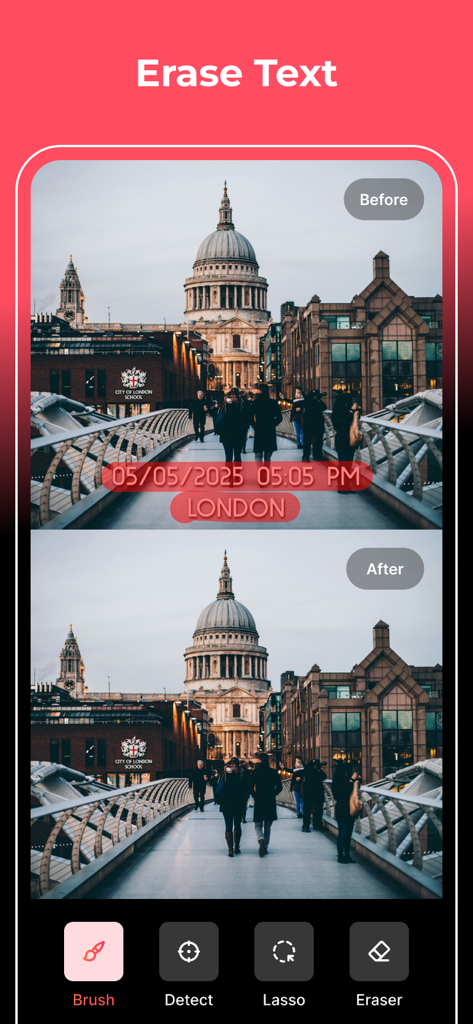
Before and after comparison showing the removal of a text timestamp from a photo of London using AI.
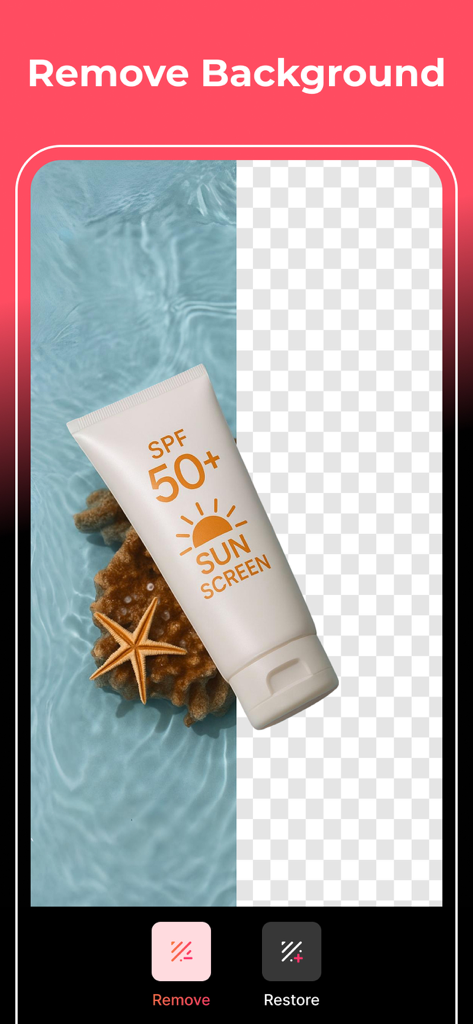
Magic Eraser app interface showing a sunscreen bottle being isolated from its beach background
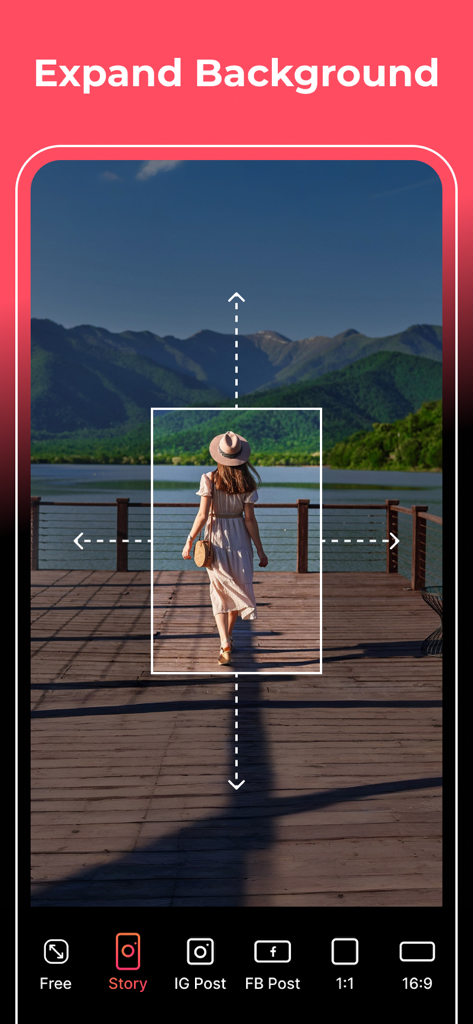
A woman on a pier with mountains in the background being edited using the AI background expansion feature for an Instagram Story.
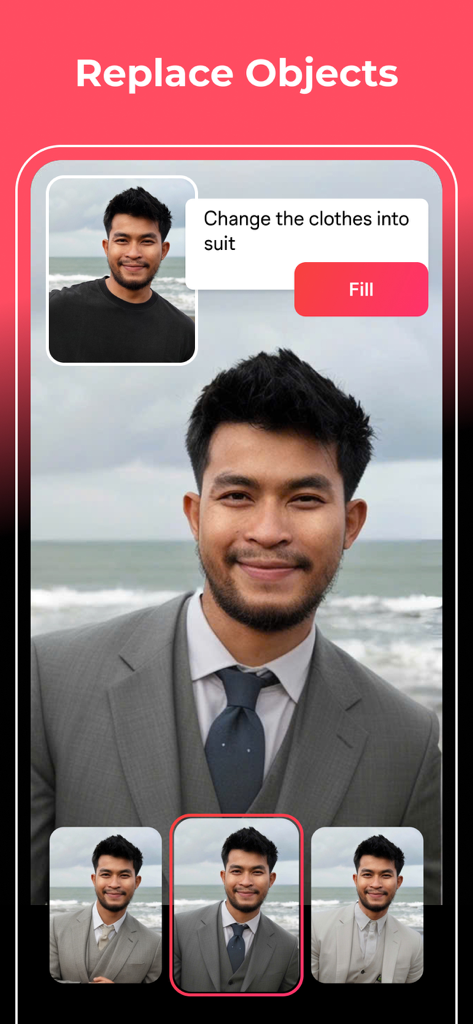
Interface of Magic Eraser app showing the object replacement feature changing a casual t-shirt to a formal suit on a man
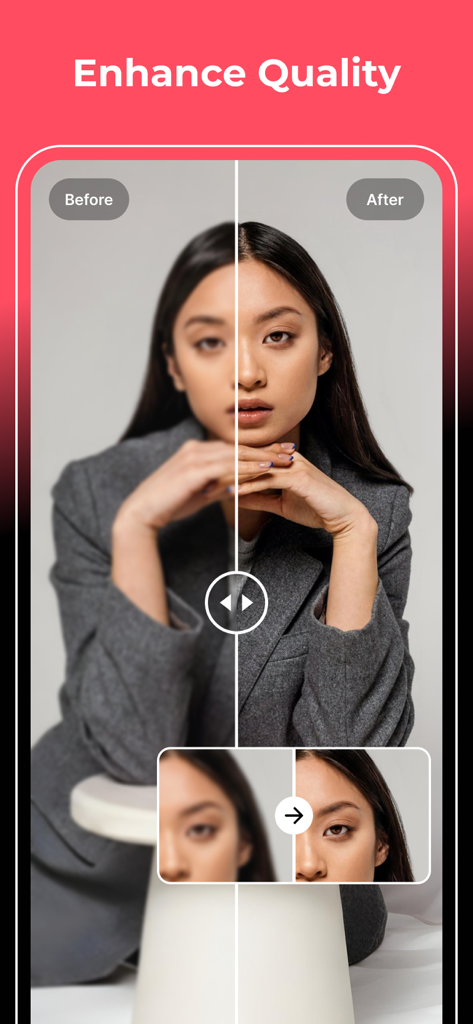
Before and after comparison of a portrait photo using the AI Enhance Quality feature
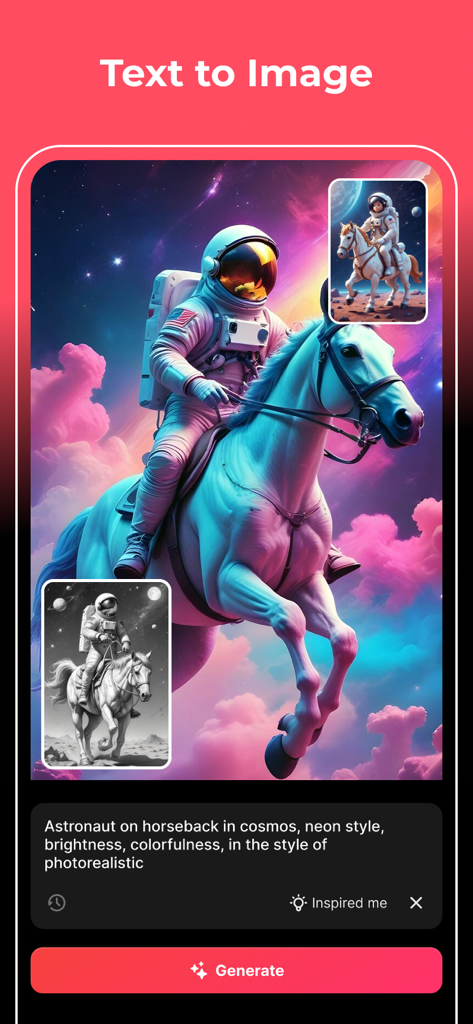
AI image generator interface showing an astronaut on a horse in a colorful space setting

A woman's portrait transformed into various artistic styles including anime and cyberpunk using AI filters.
Description
Download
More Like This
Apps with similar features and user experience

EPIK - AI Photo & Video Editor
SNOW Corporation

Citrus: AI 1 Tap Perfect Photo
Wemagine.ai LLP

SnapEdit: Photo Editor AI
SilverAI Joint Stock Company

Background Eraser 〜 Stickers
handyCloset Inc.

PhotoScan by Google Photos
Google LLC

Magic Eraser Background Editor
Honk Honk Punch Pty Ltd

ProKnockOut-Cut Paste Photos
Shenzhen Qianhai Happy Tour Network Technology Co., Ltd.

Background Eraser - Remove BG*
SHANTANU PTE. LTD.

Renew - Restore Old Photos AI
Olena Dorohan
This page is not an official page of the app or its developer, but an independent editorial publication created for informational and commentary purposes. Unless expressly stated otherwise, neither the app nor its developer is affiliated with, endorsed by, sponsored by, authorized by, or otherwise officially connected with MWM, Apple, Google Play, the app publisher, or the app's developer, and nothing on this page implies that the app was developed using MWM's services. Any trademarks, logos, screenshots, and other content remain the property of their respective owners.