eScan: PDF Scanner App

eScan: PDF Scanner App

Download on App Store
Logo of eScan: PDF Scanner App

eScan: Your Professional Portable Office for Scanning & Signing

Transform your iPhone into a high-speed productivity hub. Scan, sign, and OCR documents with total privacy—all your sensitive files stay securely on your device.

Publisher

eBash Groupe FZE LLC

Category

Business

Downloads

134K+

User Rating

4.6/5

Total Ratings

3K+

Locales

18

Precision in Your Pocket

Discover the interface used by 134K+ users.
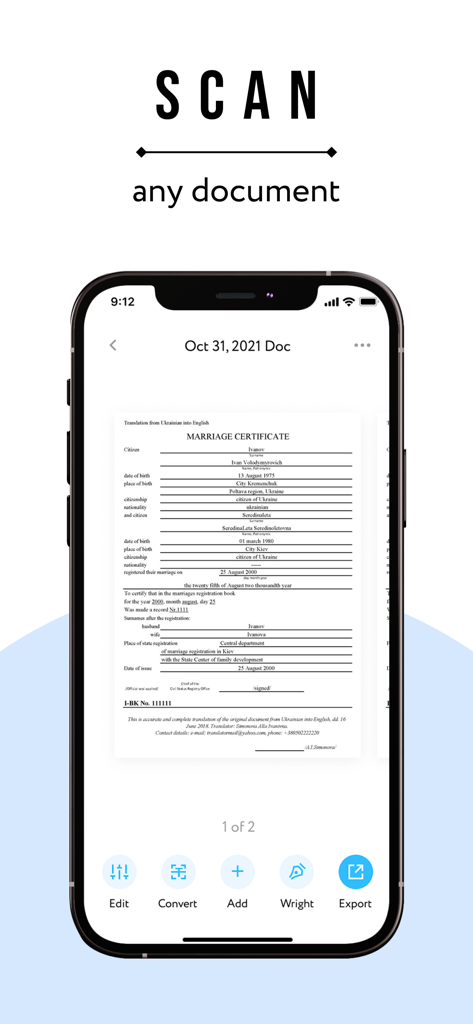
iPhone interface of the eScan app displaying a scanned document with options to edit convert and export

iPhone interface of the eScan app displaying a scanned document with options to edit convert and export

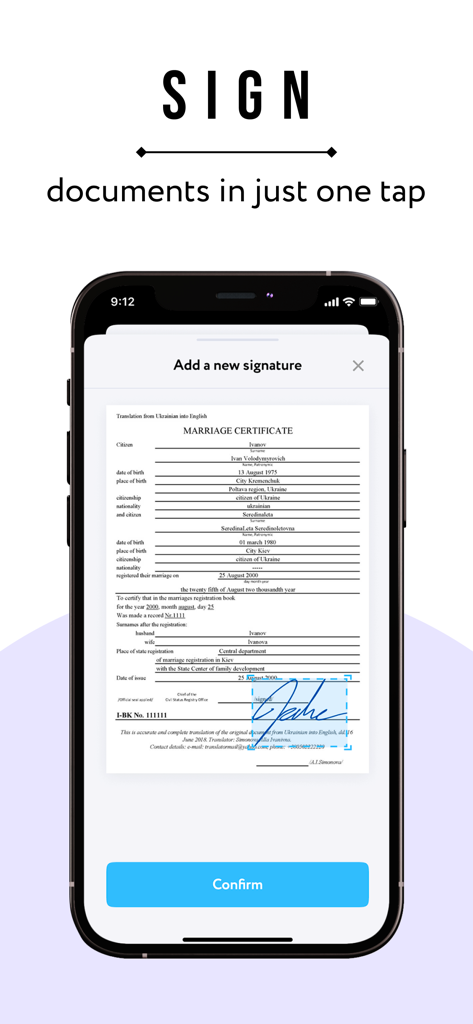
Digital signature feature in the eScan PDF scanner app on an iPhone

Digital signature feature in the eScan PDF scanner app on an iPhone

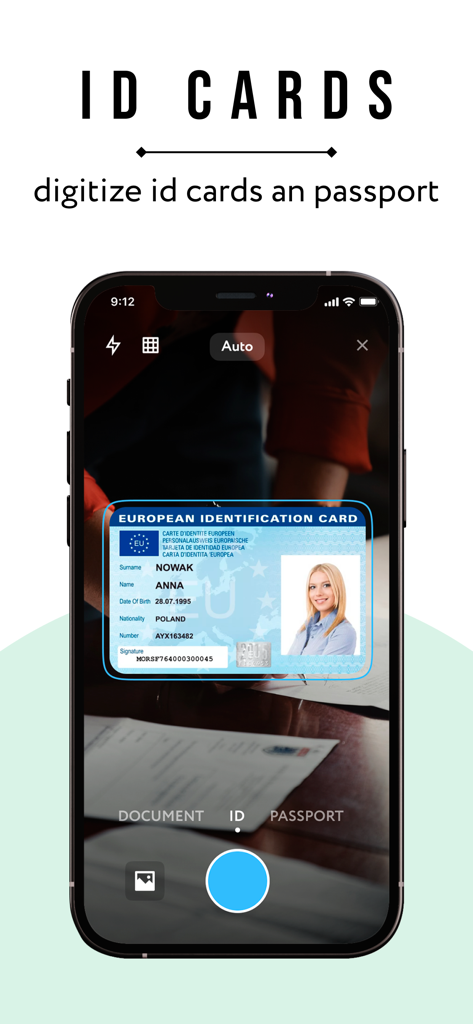
iPhone screen using eScan app to digitize a European identification card.

iPhone screen using eScan app to digitize a European identification card.

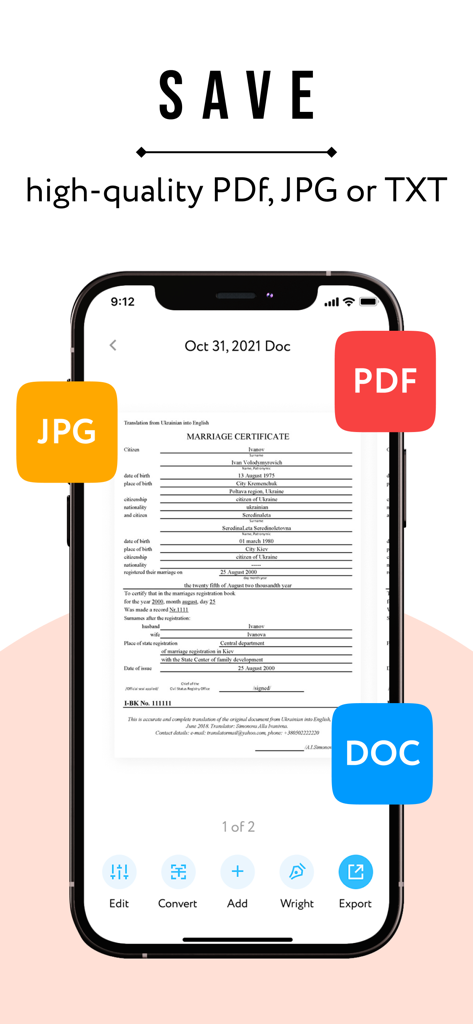
iPhone screen displaying eScan app with options to save scanned documents as PDF JPG and DOC

iPhone screen displaying eScan app with options to save scanned documents as PDF JPG and DOC

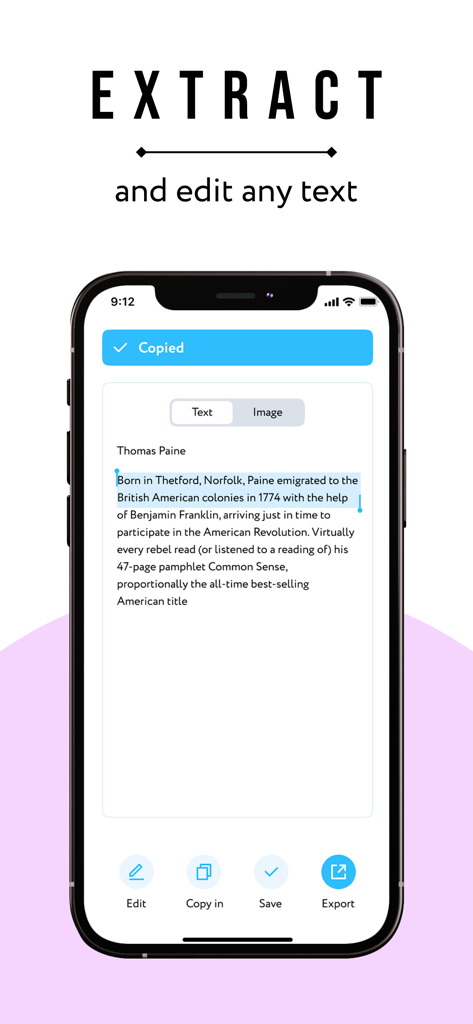
iPhone screen showing eScan app extracting and editing text from a scanned document using OCR.

iPhone screen showing eScan app extracting and editing text from a scanned document using OCR.

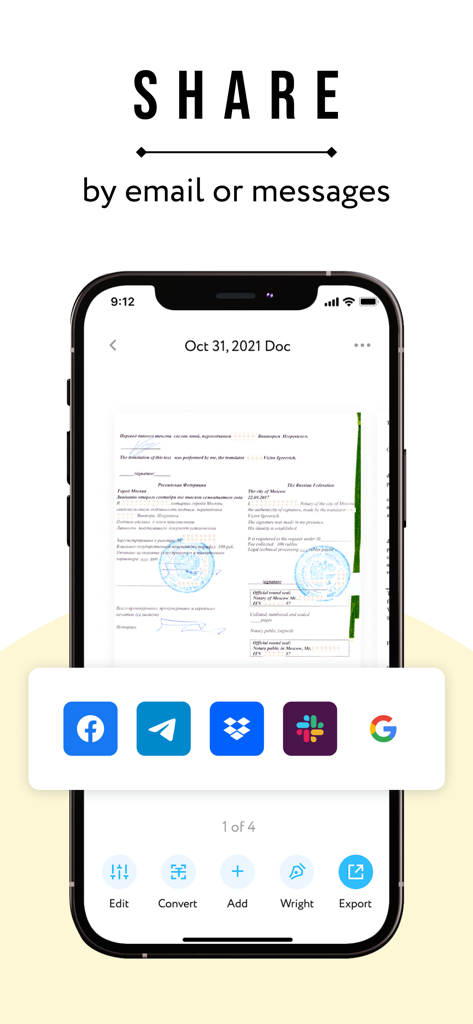
A smartphone showing the eScan PDF Scanner app interface with document sharing options for email and messaging apps

A smartphone showing the eScan PDF Scanner app interface with document sharing options for email and messaging apps

Your Complete Mobile Office

The tools that make this app stand out, trusted by 134K+ users.

📄

Smart Scanning & OCR

Turn any paper document into a high-quality PDF or editable text instantly with advanced character recognition.

✍️

Sign Documents Anywhere

Finalize contracts and agreements in seconds with integrated digital signatures—no printer or pen required.

🔒

Privacy-First Storage

Your sensitive files stay securely on your device. We never access your documents, ensuring total business confidentiality.

About the app

Everything you need to know about eScan: PDF Scanner App.

Description

eScan will turn your iPhone into a portable scanner. Scan, edit, sign and share any documents in PDF, JPEG or DOC. A few simple steps and your scan is ready. You can scan anything you need: IDs, business documents, agreements, letters, invoices, order sheets, receipts, paper notes, sketches etc. All scanned documents save on your device and are inaccessible to us or any third-party. The main features of eScan: SCAN & EDIT ANY DOCUMENT. You can edit your scanned docs and save in PDF, JPEG or DOC. CONVERT IMAGE INTO TEXT. We use technology of text recognition (OCR). Extract text from any scanned image or page, edit it, and save. SIGN DOCUMENTS. Easily scan and sign all documents you need. SHARE. Share documents with others via social media, messengers or email attachment. Increase your productivity, use eScan. Information about auto-renewal of subscription: - Subscription automatically renews unless auto-renew is turned off at least 24-hours before the end of the current period. - Subscriptions can be managed by the user and auto-renewal can be turned off by going to the user’s Account Settings after purchase. - Please note: any unused portion of a free trial period will be forfeited when the user purchases a subscription. - Payment will be charged to iTunes Account at confirmation of purchase. - An account will be charged for renewal within 24 hours prior to the end of the current period. The amount charged will depend on the selected plan. For app support please contact us at: escan@ebash.pw Terms of Services: https://escanpdf.com/terms-of-use.html Privacy Policy: https://escanpdf.com/privacy.html Terms of Subscription: https://escanpdf.com/terms-of-subscription.html

Latest Version

1.2.9

Size

66.0 MB

First Released

Jul 15, 2022

Ready to Go Paperless and Secure?

Join 134,000+ professionals who trust eScan for instant scanning, signing, and OCR. Your data stays private on your device—exactly where it belongs.

Download on App Store

App information, icons, screenshots, and descriptions displayed on this page are sourced from the Apple App Store and are the property of their respective developers. Download estimates and rankings are based on MWM's proprietary models and may not reflect actual figures. This page is provided for informational and analytical purposes only.

Believe this page infringes your intellectual property? File a dispute