
This page is not an official page of the app or its developer, but an independent editorial publication created for informational and commentary purposes. Unless expressly stated otherwise, neither the app nor its developer is affiliated with, endorsed by, sponsored by, authorized by, or otherwise officially connected with MWM, Apple, Google Play, the app publisher, or the app's developer, and nothing on this page implies that the app was developed using MWM's services. Any trademarks, logos, screenshots, and other content remain the property of their respective owners.

Exif Metadata Editor & IPTC
The essential mobile toolkit to edit EXIF and IPTC tags, manage professional copyrights, and strip hidden GPS data before you share.
Downloads
34K+User Rating
Total Ratings
800Publisher
Category
Photo & VideoLocales
5Latest Version
3.2.0Size
59.4 MBFirst Released
May 20, 2022Master Your Image Data
The most comprehensive mobile tool for professional photographers, digital organizers, and privacy-conscious users to manage every hidden detail of their photos.
Agency-Ready IPTC Standards
Apply copyright, artist credits, and keyword tags using professional templates to protect your work and streamline agency submissions.
Absolute Privacy Protection
Secure your digital footprint by instantly stripping GPS coordinates and sensitive EXIF data before sharing images on social media or with apps.
Frequently Asked Questions
Everything you need to know about Exif Metadata Editor & IPTC
What is Exif Metadata Editor & IPTC app?
Metadata Editor is an iOS app that allows users to view, edit, and remove metadata from photos. It supports EXIF, IPTC, PNG, and TIFF metadata, helping users manage photo details and privacy.
Can I edit EXIF data with Metadata Editor?
Yes, Metadata Editor functions as a dedicated EXIF editor. It allows users to edit EXIF, PNG, and TIFF metadata, including camera details such as ISO, aperture, and shutter speed for their photos.
How does Metadata Editor protect user privacy?
Metadata Editor protects user privacy by enabling the removal of GPS location, completely stripping all metadata, and removing EXIF information from photos before sharing. This prevents tracking.
Can Metadata Editor modify the location of a photo?
Yes, Metadata Editor allows users to add, change, or remove a photo's location. It also supports copying location data between photos and geotagging images for improved discoverability.
Does Metadata Editor support batch editing for photos?
Yes, Metadata Editor supports batch editing multiple photos simultaneously. This feature is efficient for photo organization and applying consistent metadata changes across an entire collection of images.
Is Metadata Editor a free app to use?
Yes, Metadata Editor is free to download and use. However, some advanced features, such as professional tools or unlimited access, may require a premium subscription.
What professional features does Exif Metadata Editor & IPTC provide?
Metadata Editor offers professional features including copyright and artist information management, keyword tagging for stock photos, caption/description fields, and custom IPTC metadata templates for consistent workflows.
Can I edit the date and time of my photos using Metadata Editor?
Yes, Metadata Editor enables users to modify the date and time of photos. It also includes functionality to correct time zone errors, which is useful after traveling.
Does Exif Metadata Editor & IPTC offer video editing features?
The Metadata Editor app offers limited video editing support. Its core functionality focuses on comprehensive metadata management for photos, including EXIF and IPTC fields.
How do I manage my Metadata Editor subscription?
You manage your Metadata Editor unlimited access subscription via your iPhone's Settings. Go to Apple Account > Subscriptions to view your active subscriptions and turn off auto-renew.
The following screenshots and description are sourced directly from the app's official store listing and are the property of the app developer.
App Store
Screenshots
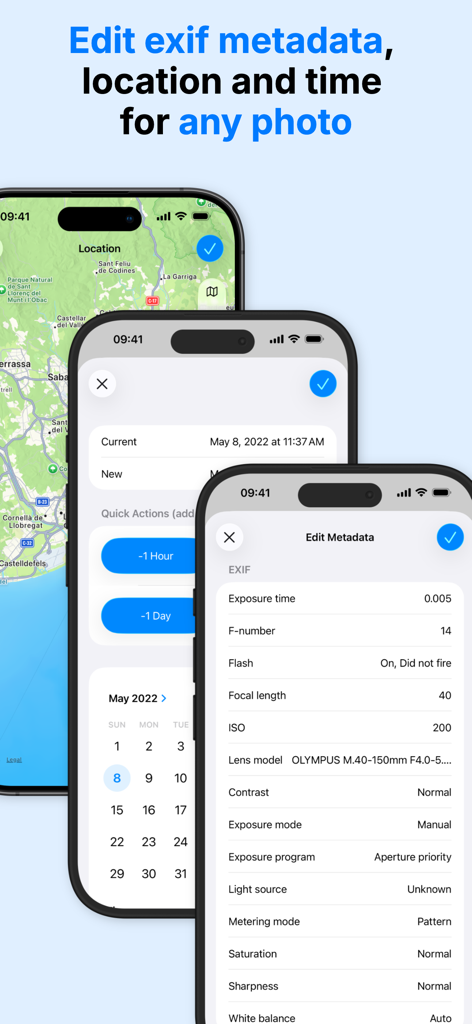
iPhone screens displaying the editing of photo EXIF metadata location and date
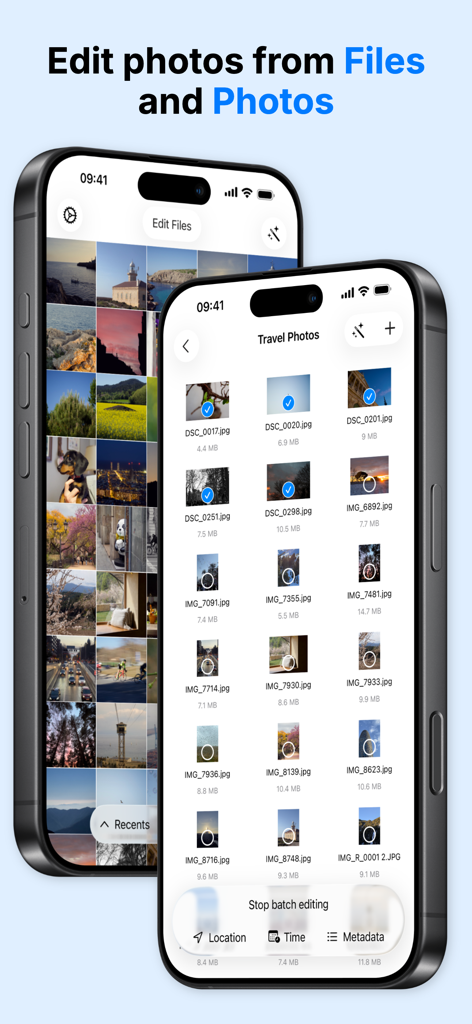
Interface showing batch selection of photos for metadata and location editing from Files and Photos apps
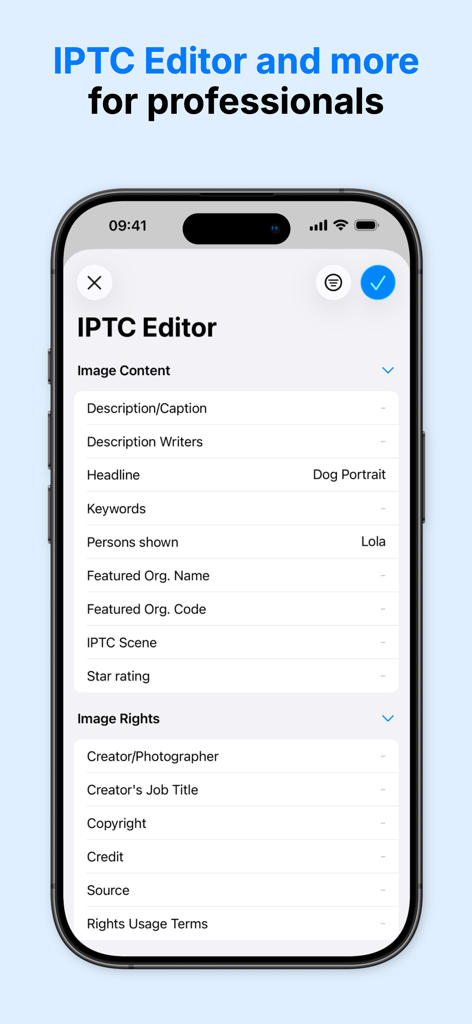
Smartphone screen displaying the IPTC Editor interface with image content and rights metadata fields
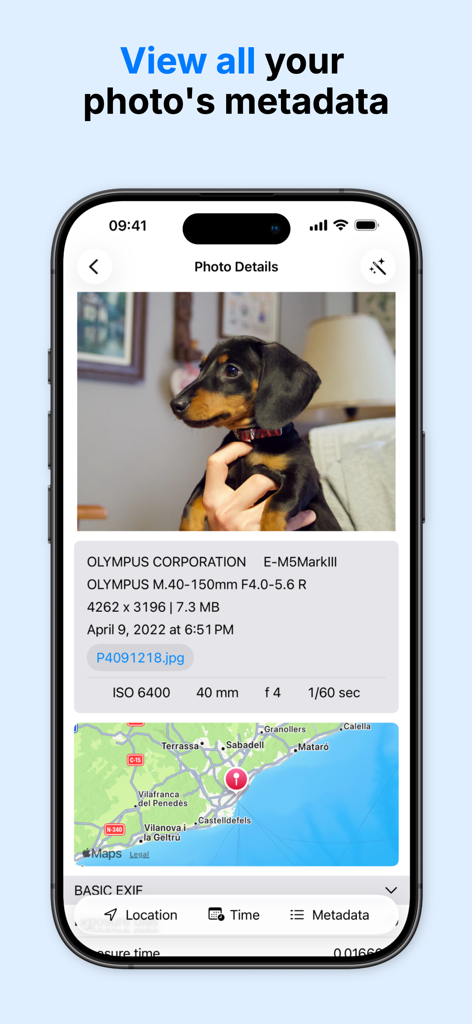
Interface showing photo technical details camera settings and GPS location map
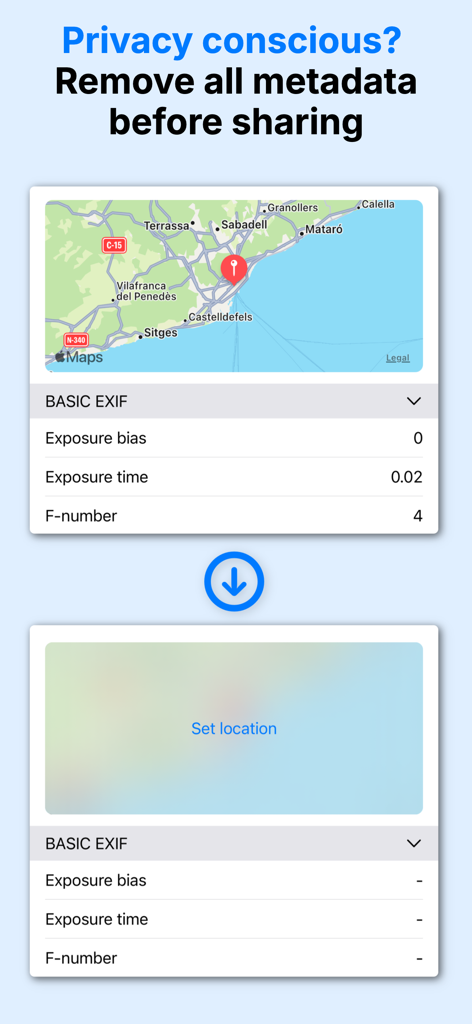
A demonstration of removing EXIF metadata and GPS coordinates from a photo to protect user privacy.
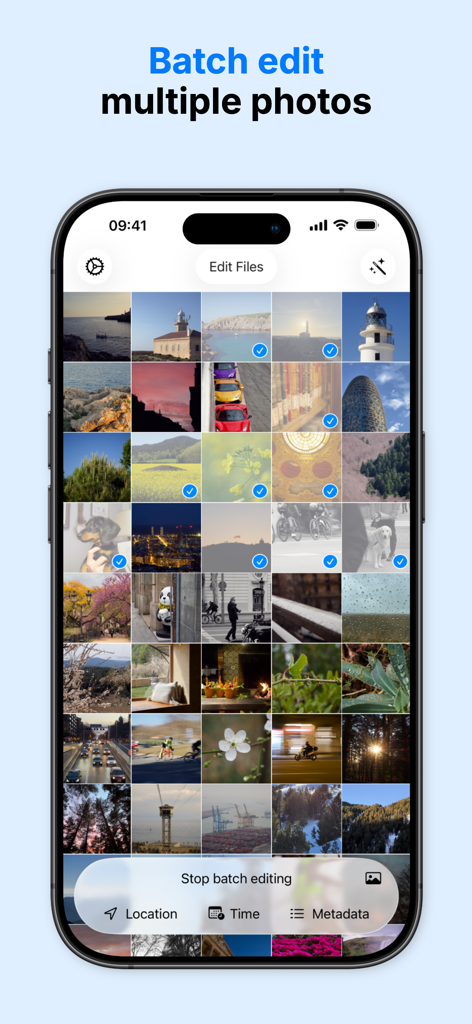
Interface of a mobile app showing multiple photos selected for batch editing of metadata like location and time
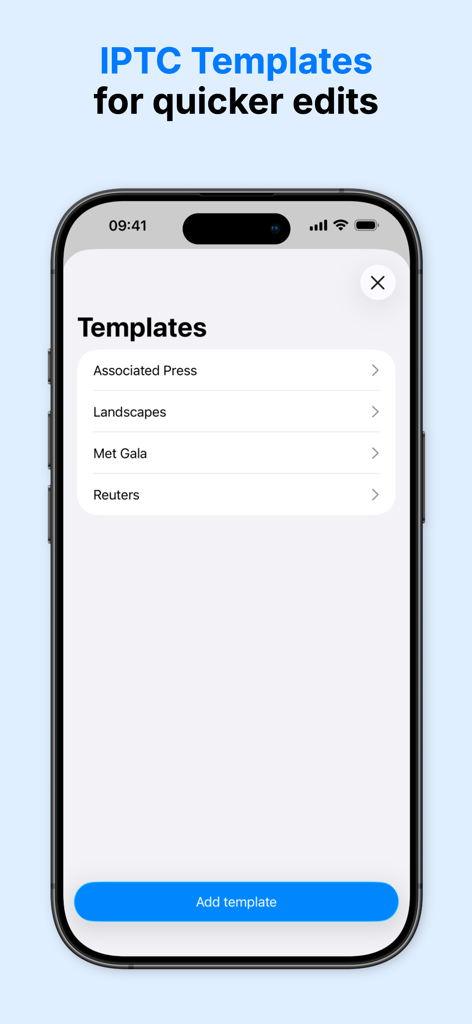
Interface showing IPTC metadata templates for quick photo editing and professional workflows
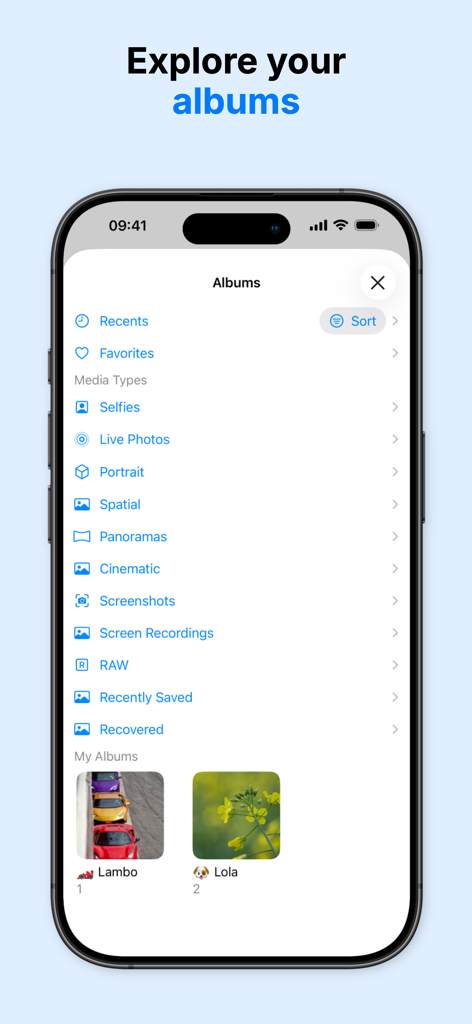
iPhone screen showing a list of photo albums and media categories for easy metadata management
Description
Download
More Like This
Top-ranked apps in the same category

CapCut: Photo & Video Editor
BYTEDANCE PTE. LTD.

Instagram, Inc.

YouTube
Google LLC

Canva: AI Photo & Video Editor
Canva Pty Ltd

Snapchat
Snap, Inc.

快手
Beijing Kwai Technology Co., Ltd.

Edits: Video Editor
Instagram, Inc.

Meitu- AI Photo & Video Editor
Xiamen Meitu Technology Co., Ltd.

Google Photos: Backup & Edit
Google LLC
This page is not an official page of the app or its developer, but an independent editorial publication created for informational and commentary purposes. Unless expressly stated otherwise, neither the app nor its developer is affiliated with, endorsed by, sponsored by, authorized by, or otherwise officially connected with MWM, Apple, Google Play, the app publisher, or the app's developer, and nothing on this page implies that the app was developed using MWM's services. Any trademarks, logos, screenshots, and other content remain the property of their respective owners.