Expense Tracker. Money Manager
Download on App Store

This page is not an official page of the app or its developer, but an independent editorial publication created for informational and commentary purposes. Unless expressly stated otherwise, neither the app nor its developer is affiliated with, endorsed by, sponsored by, authorized by, or otherwise officially connected with MWM, Apple, Google Play, the app publisher, or the app's developer, and nothing on this page implies that the app was developed using MWM's services. Any trademarks, logos, screenshots, and other content remain the property of their respective owners.


Logo of Expense Tracker. Money Manager
Download on App Store

Expense Tracker. Money Manager

Master your budget with multi-user wallets, AI receipt scanning, and zero bank account access. The perfect cross-platform tool for freelancers, families, and privacy-conscious spenders looking for absolute control over every dollar.

Key Figures

Downloads

2K+

User Rating

5.0/5

Total Ratings

0

Publisher

Sirvard Manukyan

Category

Productivity

Locales

63

Latest Version

3.3

Size

65.2 MB

First Released

Dec 9, 2024
Features

Financial Clarity Without Compromise

The secure, collaborative manager for your personal life, side hustles, and business ventures, designed to keep you in total control without linking your bank accounts.

Privacy-First Manual Tracking

No bank credentials required. Maintain 100% data privacy and practice mindful spending by tracking your cash flow manually and securely.

Seamless Team Collaboration

Share specific wallets with partners, roommates, or employees. Manage joint household budgets or business expenses with custom access levels.

The following screenshots and description are sourced directly from the app's official store listing and are the property of the app developer.

App Store

Screenshots
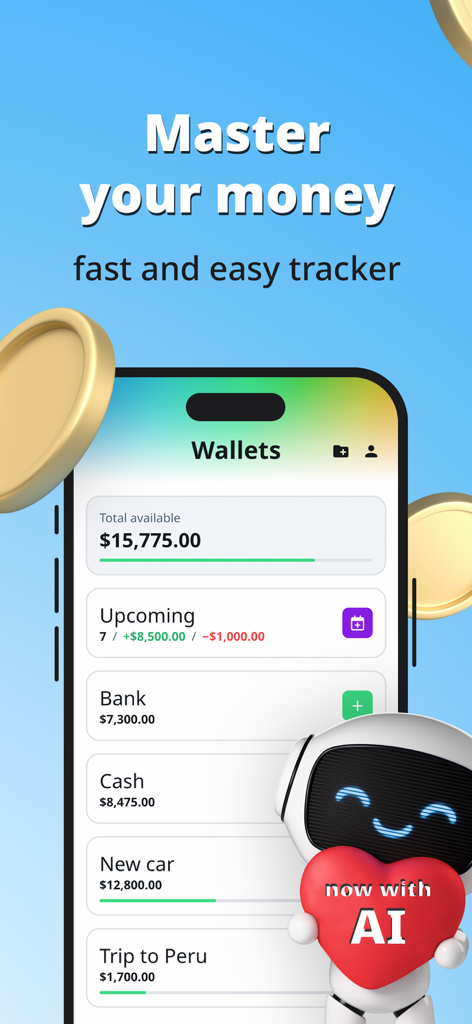
Expense Tracker. Money Manager - Expense tracker app dashboard showing multiple wallets and AI integration
Expense tracker app dashboard showing multiple wallets and AI integration

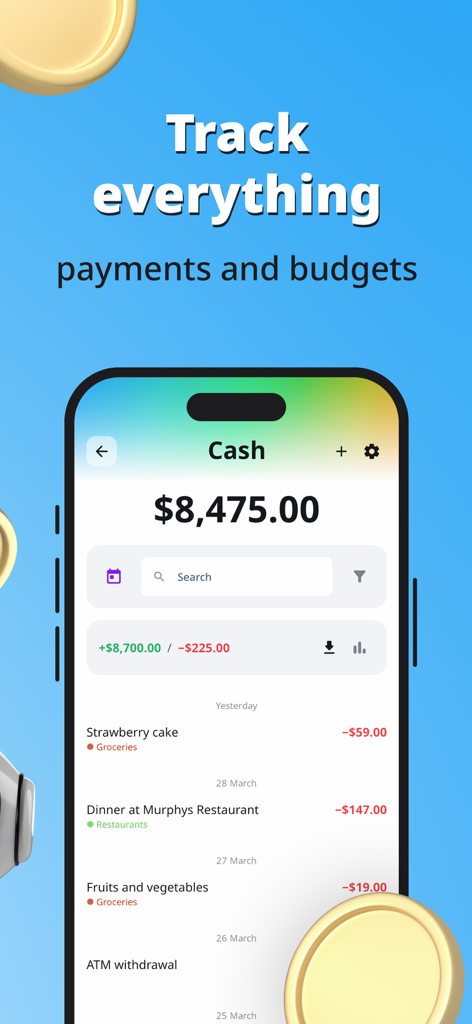
Expense Tracker. Money Manager - Smartphone screen showing the Expense Tracker app interface for tracking payments and budgets.
Smartphone screen showing the Expense Tracker app interface for tracking payments and budgets.

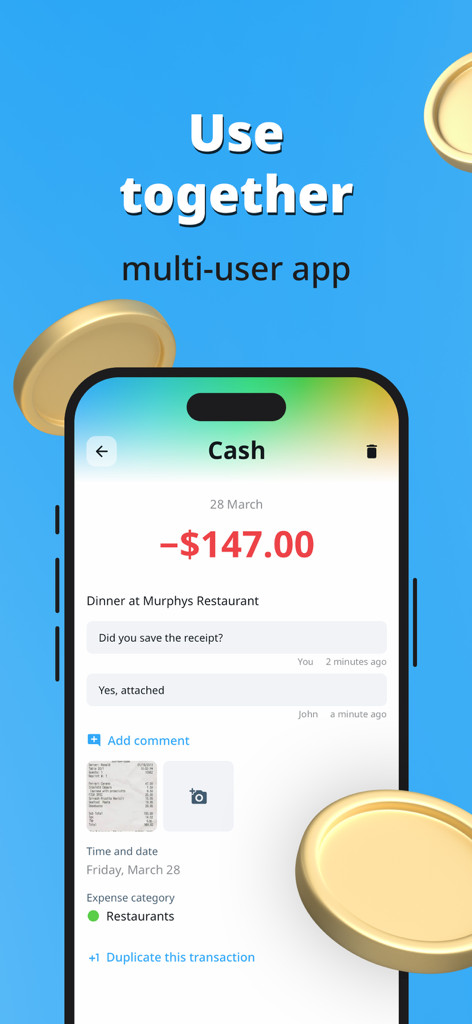
Expense Tracker. Money Manager - Mobile app interface showing multi-user collaboration on a shared restaurant expense with receipt attachment
Mobile app interface showing multi-user collaboration on a shared restaurant expense with receipt attachment

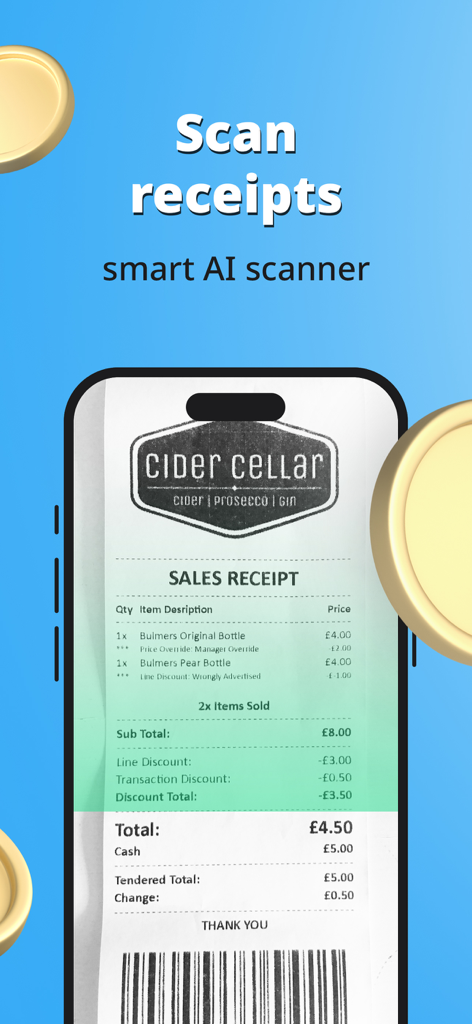
Expense Tracker. Money Manager - Smartphone screen showing the smart AI receipt scanner capturing data from a sales receipt
Smartphone screen showing the smart AI receipt scanner capturing data from a sales receipt

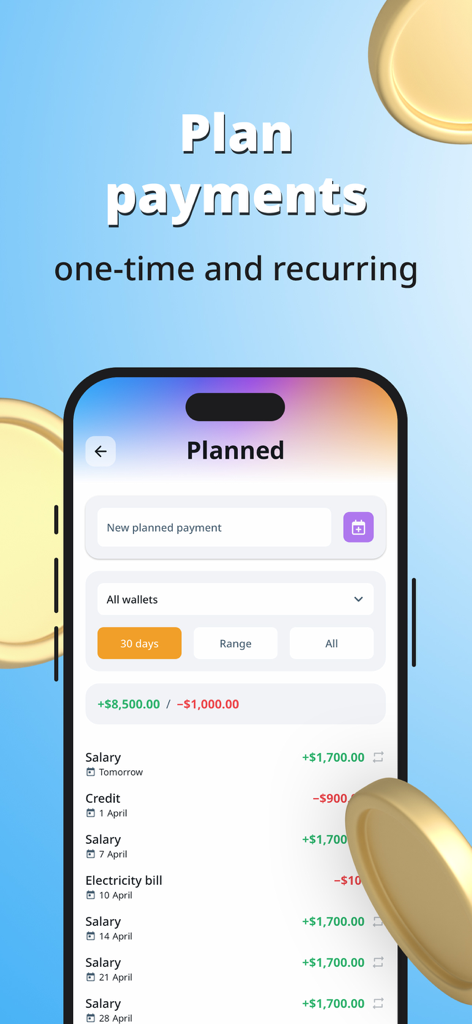
Expense Tracker. Money Manager - Mobile app interface showing planned one-time and recurring payments for income and expenses like salary and bills
Mobile app interface showing planned one-time and recurring payments for income and expenses like salary and bills

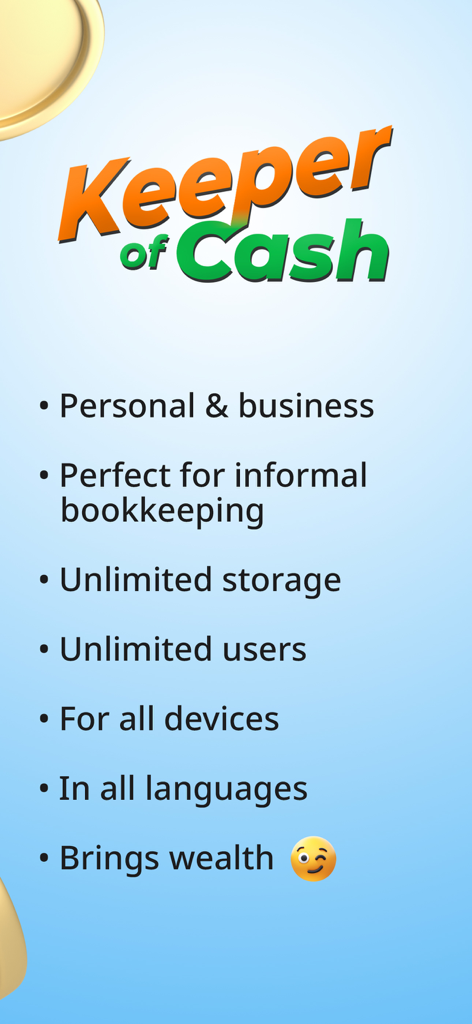
Expense Tracker. Money Manager - Keeper of Cash app features summary showing multi-user and business bookkeeping capabilities

Keeper of Cash app features summary showing multi-user and business bookkeeping capabilities

Description

Multi-user cross-platform money tracker for personal and business needs. Keeper of Cash is simple but powerful tool to control income and expenses with minimum effort. WALLETS Divide your savings and payments into "wallets". Wallet can represent anything you want to track: a type of money (cash in various currencies, bank accounts, etc.), a budget of any kind (project, client, event etc.), a goal (large purchase) or even a person (your partner, roommate, colleague). Add "transactions" (payments) to your wallets on-the-go, from any device FOR TEAMS Use Keeper of Cash together with your relatives, friends and colleagues. Connect as many accounts as you need. Flexibly configure access permissions PERSONAL USE Track your spending and savings. Set and reach goals (save up for large purchases). Create budgets to prevent overpayment (house repair, journey, etc.). Monitor debts. Plan future payments. Track recurring payments BUSINESS USE Track order payments and corporate expenses, especially ones being paid in cash. Know what happens to the distributed funds (when several people accept payments or make expenses). Create dedicated wallets for your key clients, projects, employees… Keeper of Cash provides enterprise level of data access control CROSS-PLATFORM Access your data from any device, wherever you are. Everything is securely stored in cloud. Install Keeper of Cash app or use web version from a browser PRIVACY AND SECURITY This app doesn't have any access to your bank accounts. All information is entered manually and visible only to you and your team members (if you have any configured). The data is securely stored in compliance with the highest standards KEY FEATURES - Super-fast and smooth interface - Unlimited wallets and transactions - Unlimited photo attachments - Unlimited team members - Innovative receipts scanner with AI - Income and expense categories (with presets) - Transactions grouping - Future planned payments - Recurring payments - Clear statistics - Handy search - Discussions and comments - Transfers between wallets - Currency exchange support - Goals - Instant push notifications - Interface translated into all languages FEATURES AVAILABILITY The app has two levels of access: Administrator and User. The Administrator configures wallets and gives permissions to Users to view and manage transactions (if necessary). The app is free for Users. Administrative features are available on auto-renewable subscription PRIVACY POLICY https://kpr.cash/privacy TERMS OF USE https://kpr.cash/terms

Download

Download on App Store

This page is not an official page of the app or its developer, but an independent editorial publication created for informational and commentary purposes. Unless expressly stated otherwise, neither the app nor its developer is affiliated with, endorsed by, sponsored by, authorized by, or otherwise officially connected with MWM, Apple, Google Play, the app publisher, or the app's developer, and nothing on this page implies that the app was developed using MWM's services. Any trademarks, logos, screenshots, and other content remain the property of their respective owners.








