
This page is not an official page of the app or its developer, but an independent editorial publication created for informational and commentary purposes. Unless expressly stated otherwise, neither the app nor its developer is affiliated with, endorsed by, sponsored by, authorized by, or otherwise officially connected with MWM, Apple, Google Play, the app publisher, or the app's developer, and nothing on this page implies that the app was developed using MWM's services. Any trademarks, logos, screenshots, and other content remain the property of their respective owners.


FJD Trion Model
Streamline your field workflow with powerful data management, multi-mode rendering, and seamless roaming video sharing—optimized for your iPad and FJD Trion scanner.
Downloads
200User Rating
Total Ratings
0Publisher
Category
UtilitiesLocales
4Latest Version
1.9.0Size
440.8 MBFirst Released
May 23, 2024Field-to-Office Efficiency Redefined
Bridge the gap between raw data and actionable insights. Manage, visualize, and analyze your LiDAR scans directly from your iPad Pro, ensuring project accuracy before you even leave the job site.
Instant On-Site Visualization
Eliminate guesswork with multi-mode rendering. View your point clouds in RGB, intensity, or elevation modes to verify data coverage and quality while still in the field.
Precision Mobile Measurements
Perform critical distance and spatial checks on the fly. Accurate on-device measurement tools allow you to verify structural dimensions and reduce the need for costly site re-visits.
The following screenshots and description are sourced directly from the app's official store listing and are the property of the app developer.
App Store
Screenshots
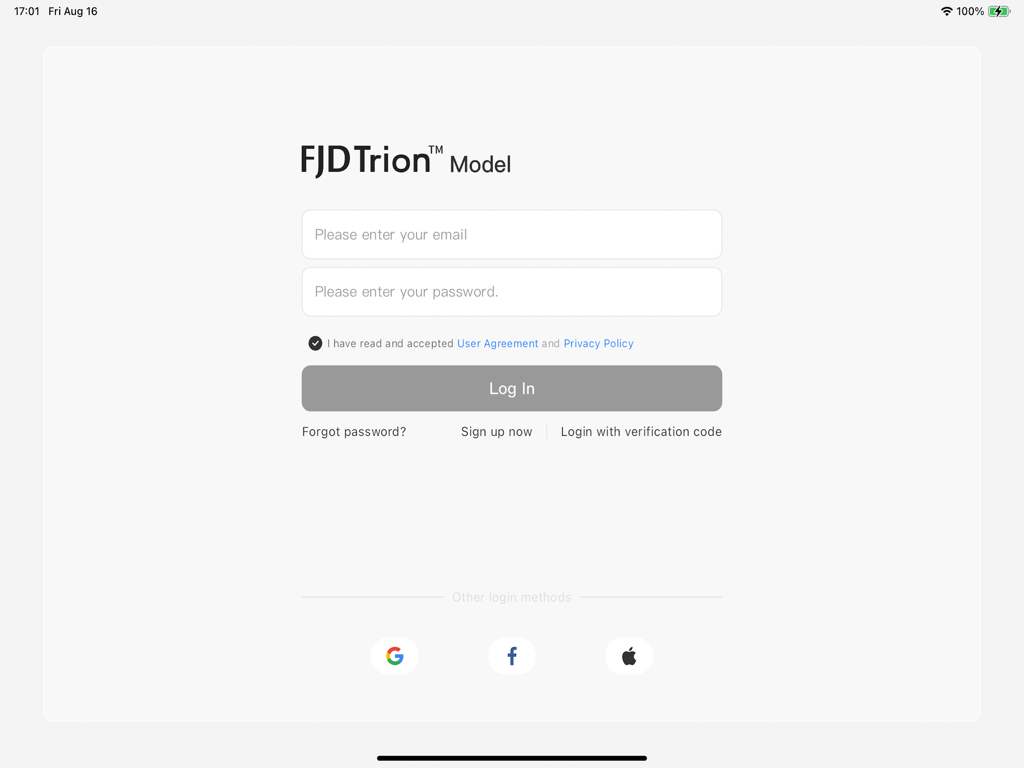
FJD Trion Model app login screen with email and password input fields and social login options
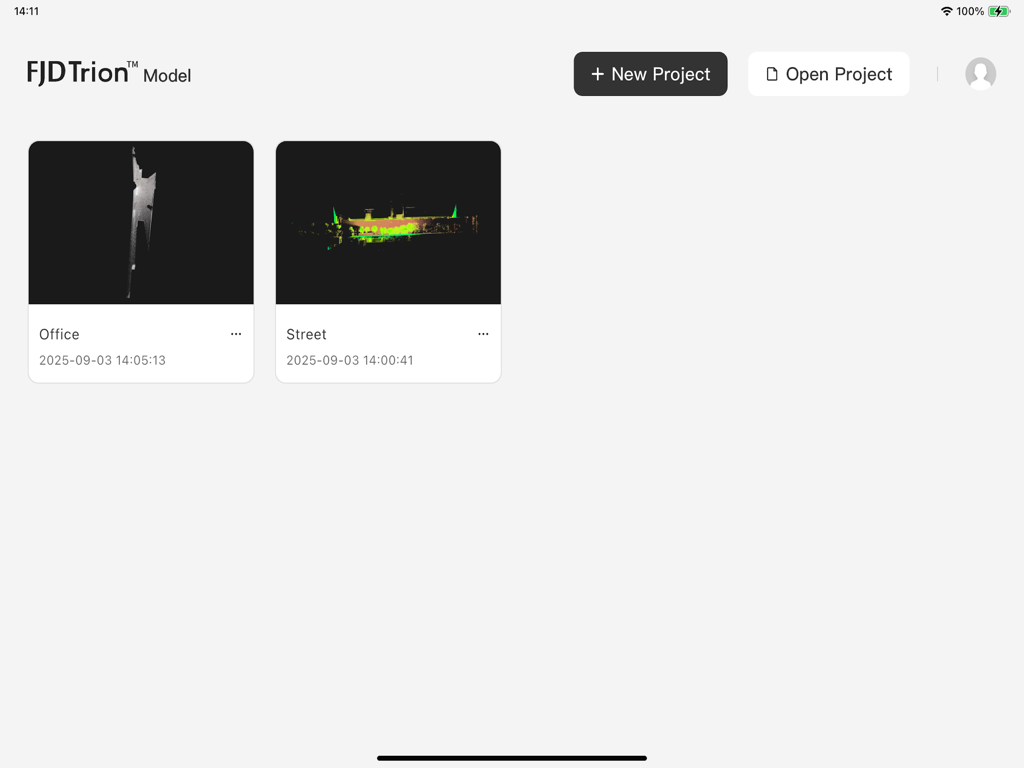
FJD Trion Model app dashboard on iPad showing point cloud project thumbnails
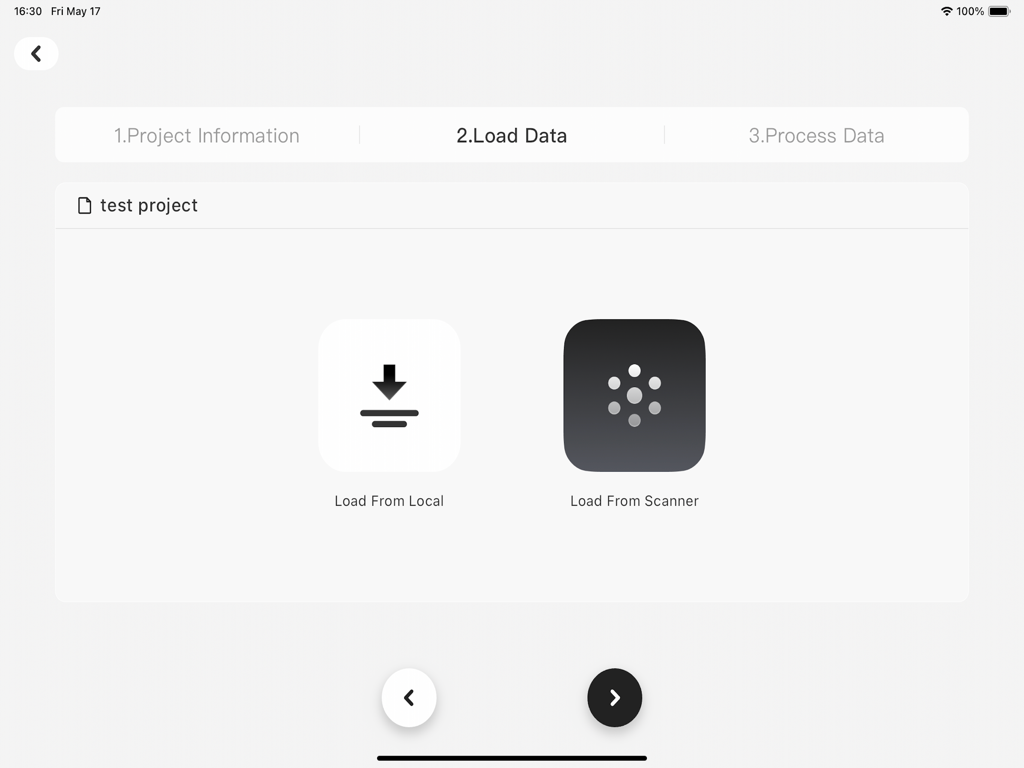
FJD Trion Model app interface showing options to load point cloud data from local storage or a scanner
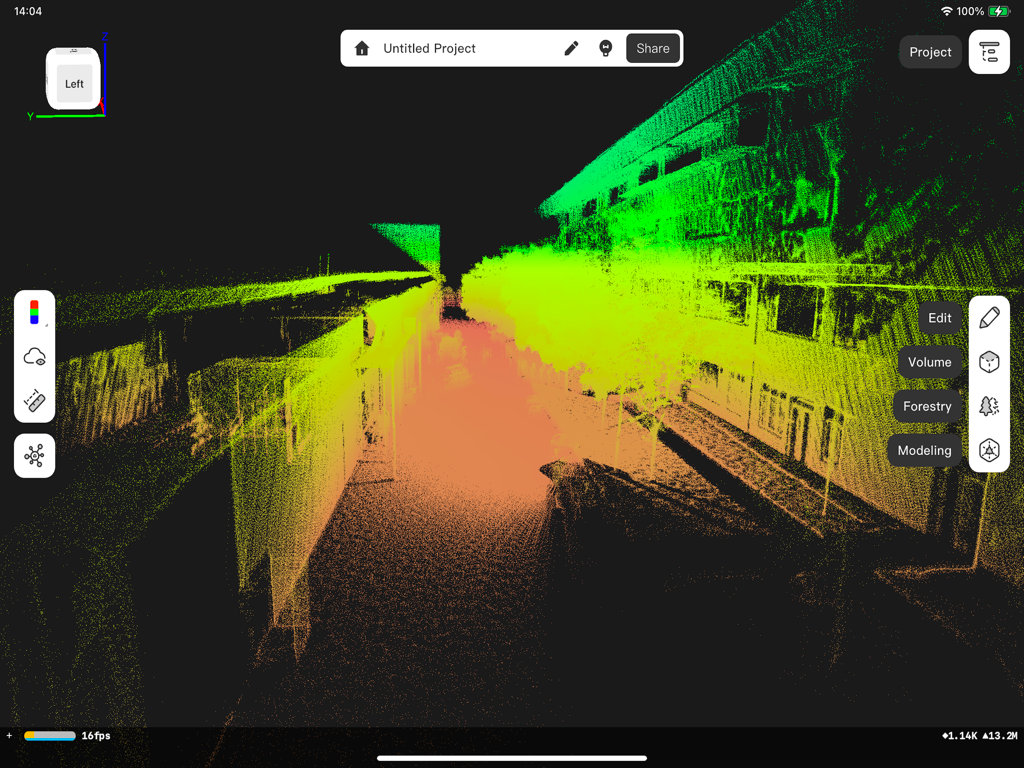
FJD Trion Model 3D point cloud visualization of a building
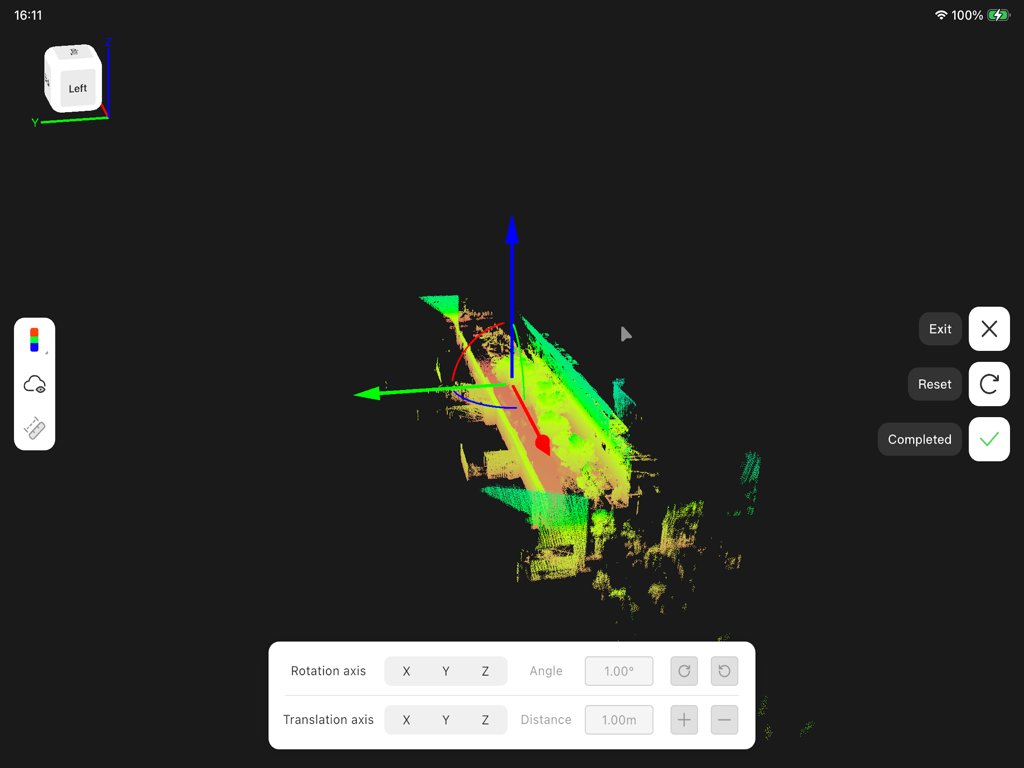
Professional interface for adjusting and rendering 3D LiDAR point clouds with rotation and translation tools
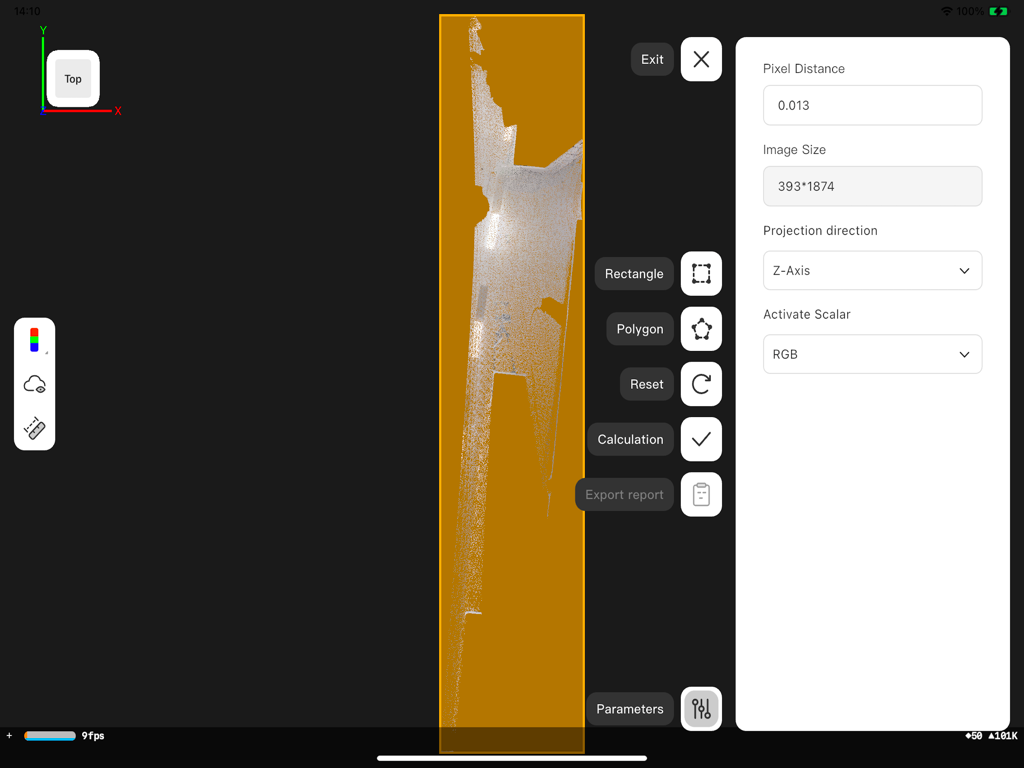
Professional interface of FJD Trion Model app on iPad showing 3D point cloud data and measurement tools
Description
Download
More Like This
Top-ranked apps in the same category

Google LLC

Google Chrome
Google LLC

中国移动(手机营业厅)
China Mobile Online Services Co., Ltd.

Google Authenticator
Google LLC

CNH do Brasil
Servicos e Informacoes do Brasil

Cleanup: Phone Storage Cleaner
DEEP FLOW SOFTWARE SERVICES - FZCO

gov.br
Servicos e Informacoes do Brasil

Microsoft Edge: AI Browser
Microsoft Corporation

Super VPN Fly 2026
YUNFAN TECHNOLOGY CO., LIMITED
This page is not an official page of the app or its developer, but an independent editorial publication created for informational and commentary purposes. Unless expressly stated otherwise, neither the app nor its developer is affiliated with, endorsed by, sponsored by, authorized by, or otherwise officially connected with MWM, Apple, Google Play, the app publisher, or the app's developer, and nothing on this page implies that the app was developed using MWM's services. Any trademarks, logos, screenshots, and other content remain the property of their respective owners.