
This page is not an official page of the app or its developer, but an independent editorial publication created for informational and commentary purposes. Unless expressly stated otherwise, neither the app nor its developer is affiliated with, endorsed by, sponsored by, authorized by, or otherwise officially connected with MWM, Apple, Google Play, the app publisher, or the app's developer, and nothing on this page implies that the app was developed using MWM's services. Any trademarks, logos, screenshots, and other content remain the property of their respective owners.


FKeys + Tab
Stop struggling with mobile limitations. Access always-visible F1-F12, Tab, and Enter keys to seamlessly navigate corporate portals and legacy web applications on your iPad or iPhone.
Downloads
3K+User Rating
Total Ratings
0Publisher
Category
ProductivityLocales
1Latest Version
3.1.2Size
18.7 MBFirst Released
Dec 13, 2021Bridge the Gap Between Mobile and Legacy
Stop struggling with non-mobile-optimized corporate portals. FKeys + Tab provides the desktop-grade tools you need to stay productive in the field.
Always-On Function Keys
Execute commands in IBM AS/400 or SAP portals using persistent F1-F12 keys that stay visible even when the keyboard is hidden.
High-Speed Data Entry
Move between fields instantly with dedicated Tab and Enter keys, eliminating the friction of tapping small input boxes on legacy forms.
The following screenshots and description are sourced directly from the app's official store listing and are the property of the app developer.
App Store
Screenshots
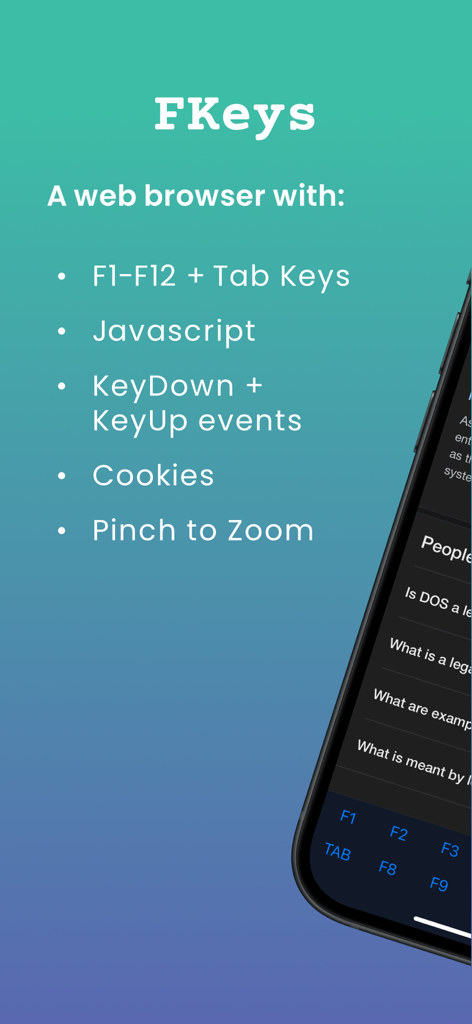
Web browser interface with F1 to F12 and Tab keys for legacy software
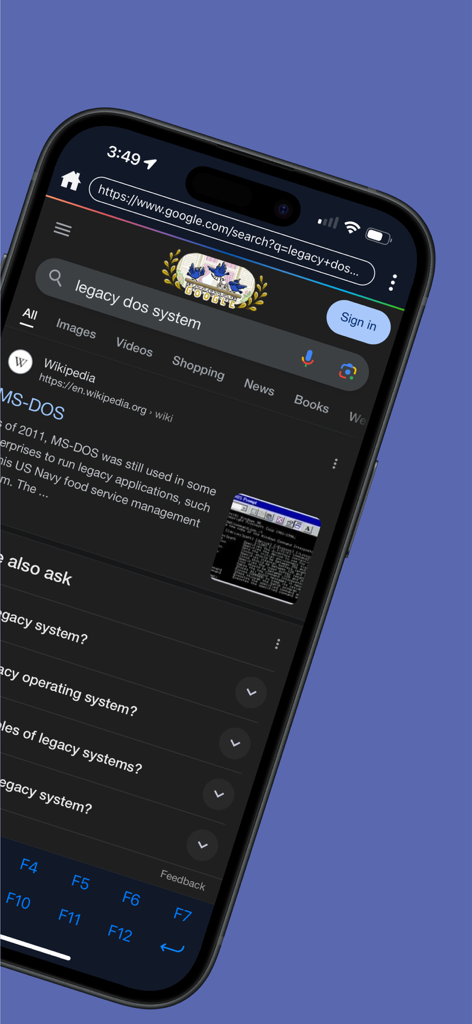
FKeys plus Tab browser interface with an always visible function key toolbar for navigating legacy software
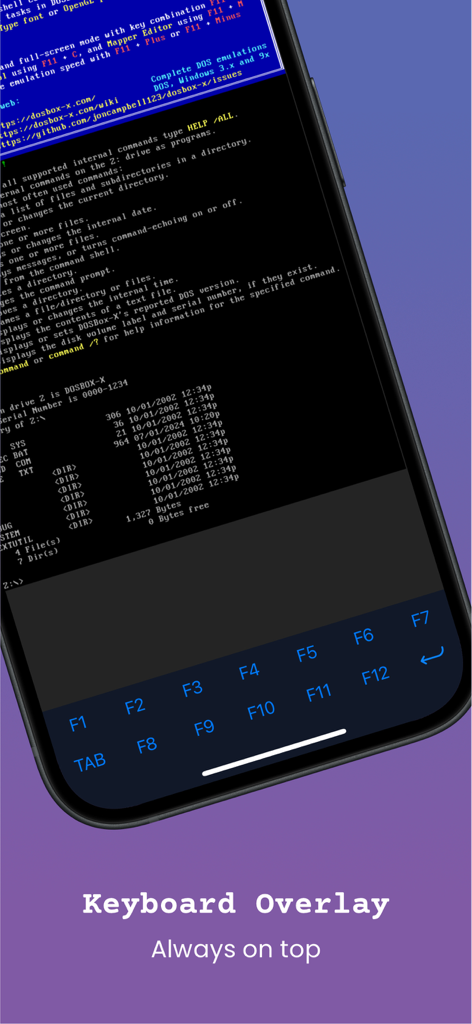
Mobile browser interface showing a specialized keyboard overlay with function keys F1 through F12 and a Tab key for legacy software
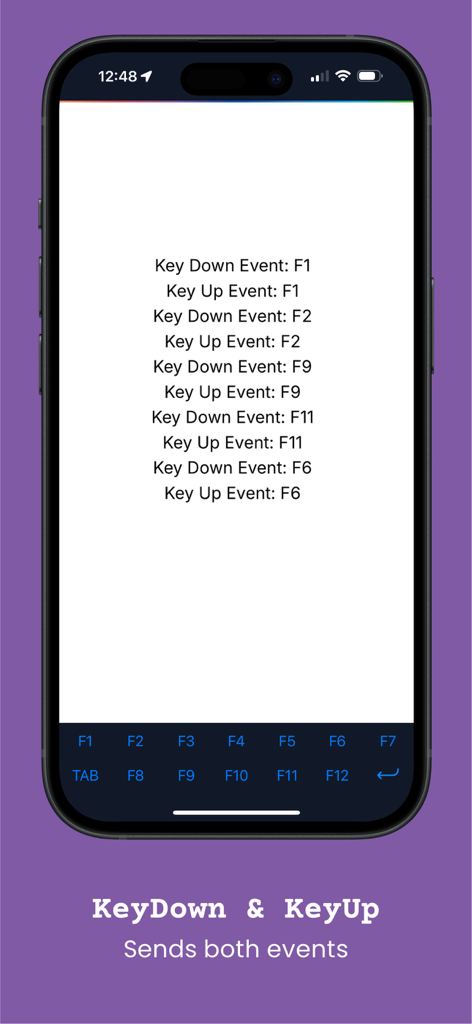
FKeys plus Tab app interface showing a log of function key press events
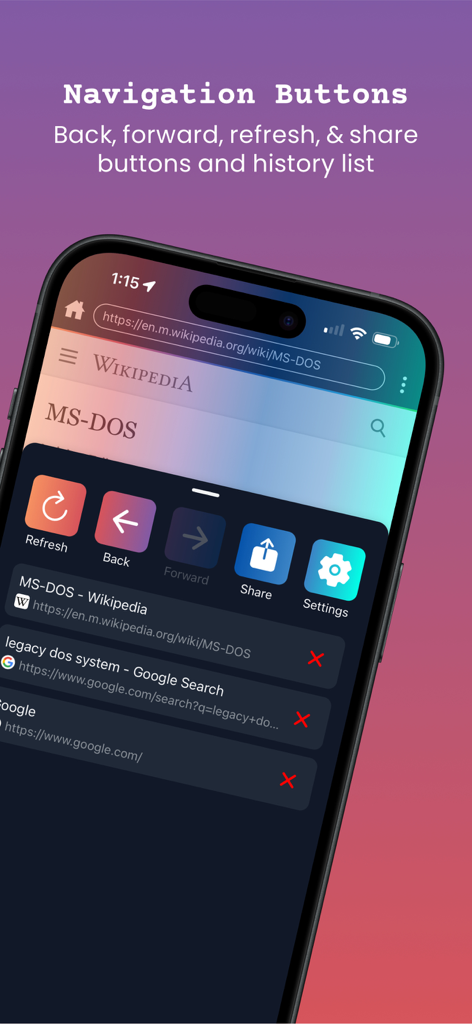
Screenshot of FKeys + Tab app showing navigation buttons for refresh, back, forward, and share alongside a web history list.
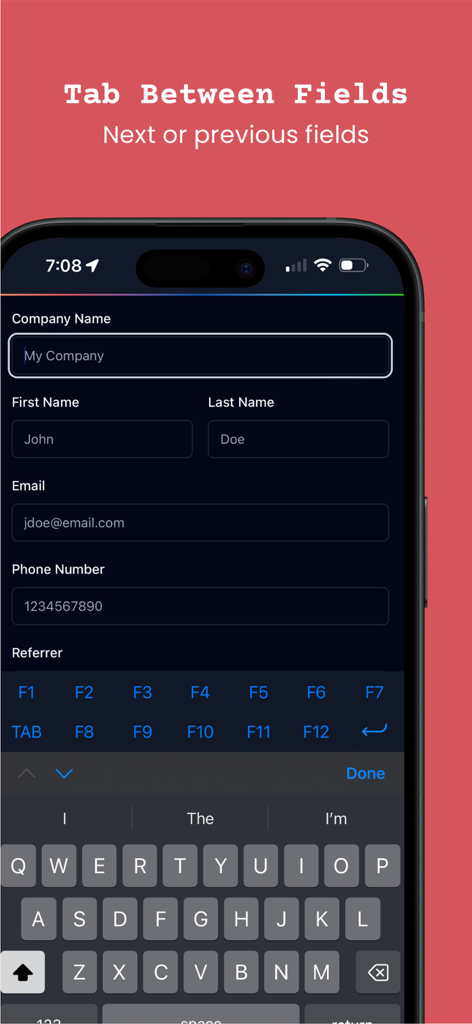
A mobile browser interface showing a dedicated Tab key and function keys above the keyboard for navigating form fields in legacy web applications.
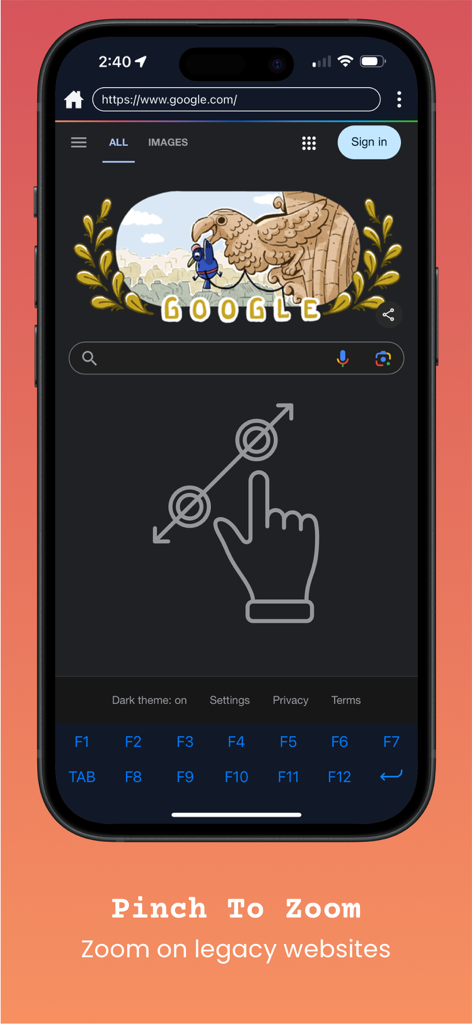
FKeys plus Tab app interface with pinch to zoom on legacy websites
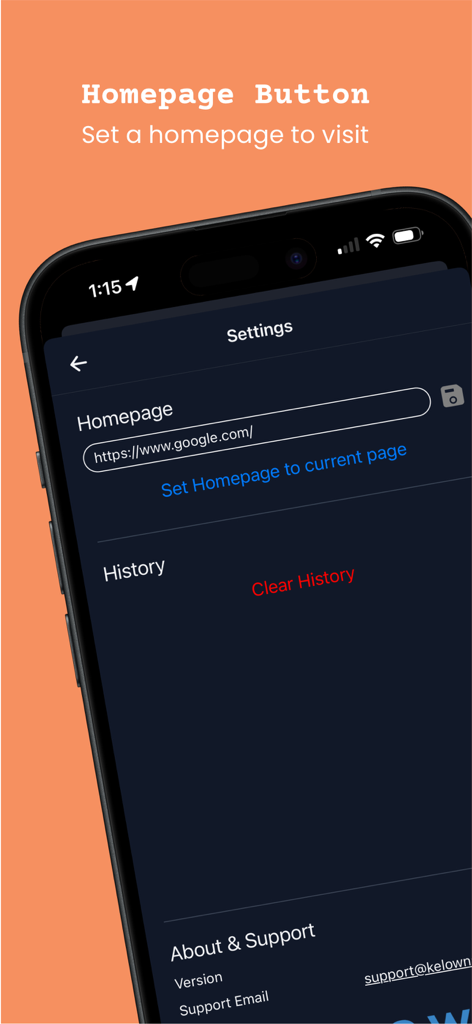
Settings screen in the FKeys plus Tab app for configuring a custom browser homepage
Description
Download
More Like This
Top-ranked apps in the same category

ChatGPT
OpenAI OpCo, LLC

Google Gemini
Google LLC

Grok
X.AI Corporation

Gmail - Email by Google
Google LLC

千问 - 阿里最强大模型官方AI助手
Shanghai Zhixin Puhui Technology Co., Ltd.

Google Drive
Google LLC

Microsoft Authenticator
Microsoft Corporation

Google Sheets
Google LLC

Google Docs
Google LLC
This page is not an official page of the app or its developer, but an independent editorial publication created for informational and commentary purposes. Unless expressly stated otherwise, neither the app nor its developer is affiliated with, endorsed by, sponsored by, authorized by, or otherwise officially connected with MWM, Apple, Google Play, the app publisher, or the app's developer, and nothing on this page implies that the app was developed using MWM's services. Any trademarks, logos, screenshots, and other content remain the property of their respective owners.