
This page is not an official page of the app or its developer, but an independent editorial publication created for informational and commentary purposes. Unless expressly stated otherwise, neither the app nor its developer is affiliated with, endorsed by, sponsored by, authorized by, or otherwise officially connected with MWM, Apple, Google Play, the app publisher, or the app's developer, and nothing on this page implies that the app was developed using MWM's services. Any trademarks, logos, screenshots, and other content remain the property of their respective owners.


Floating Video and YouTube
Unlock Picture-in-Picture multitasking and seamless background playback for YouTube and your personal files. Enjoy an uninterrupted, premium viewing experience without the subscription.
Downloads
26K+User Rating
Total Ratings
900Publisher
Category
Photo & VideoLocales
33Latest Version
2.0Size
36.4 MBFirst Released
Sep 30, 2024Elevate Your Viewing Experience
Enjoy premium features like background play, ad-blocking, and multitasking—without the subscription fees.
True Multitasking
Watch in a floating window or listen in the background while you text, work, or browse on your device.
Interruption-Free Streaming
Say goodbye to annoying ads and enjoy seamless, high-definition video playback from any YouTube or web source.
The following screenshots and description are sourced directly from the app's official store listing and are the property of the app developer.
App Store
Screenshots
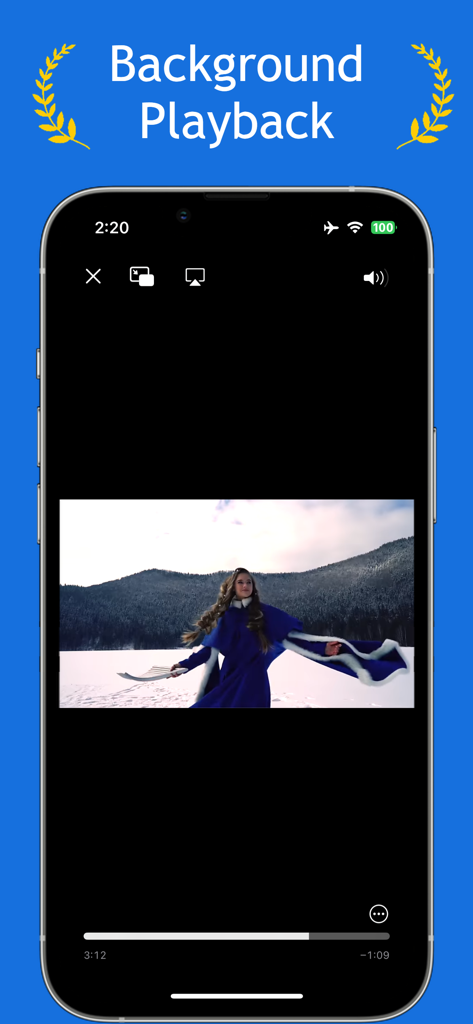
Floating Video app interface showing background playback feature
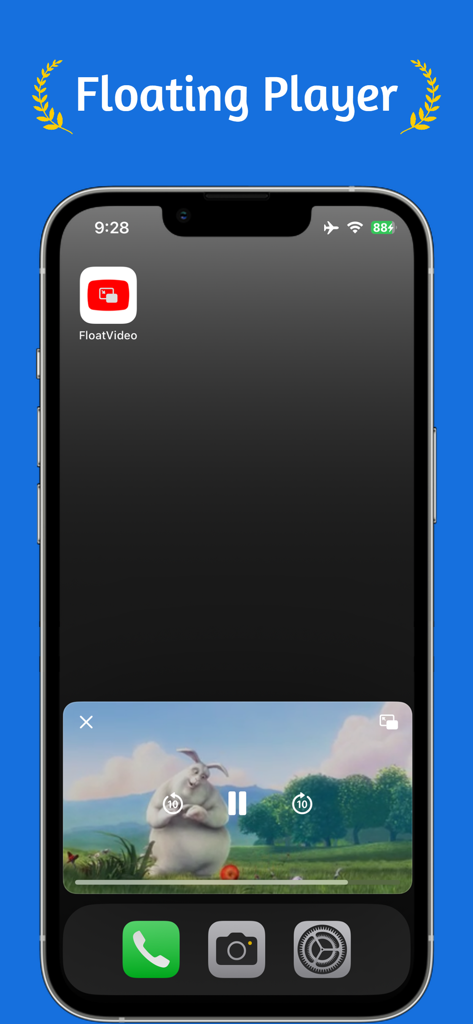
iPhone home screen with a floating video player window showing picture in picture mode
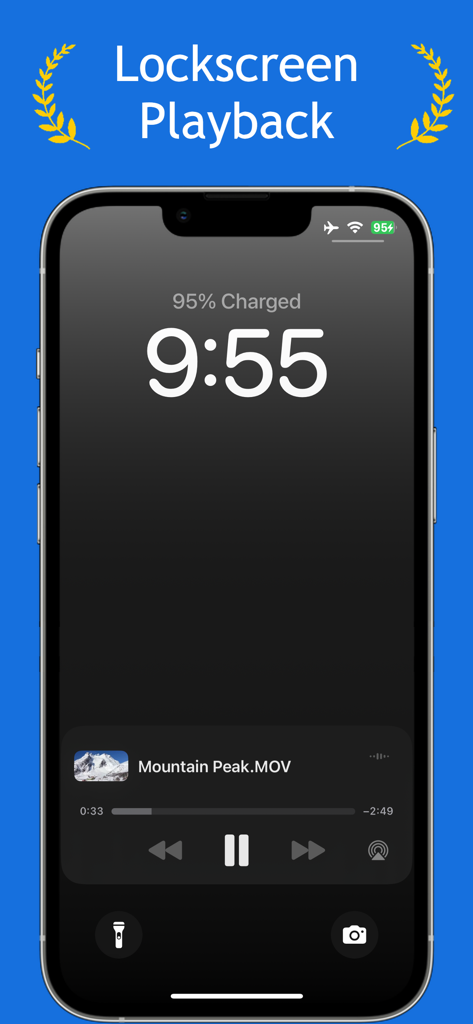
An iPhone lock screen displaying a video playback widget for a file named Mountain Peak MOV.
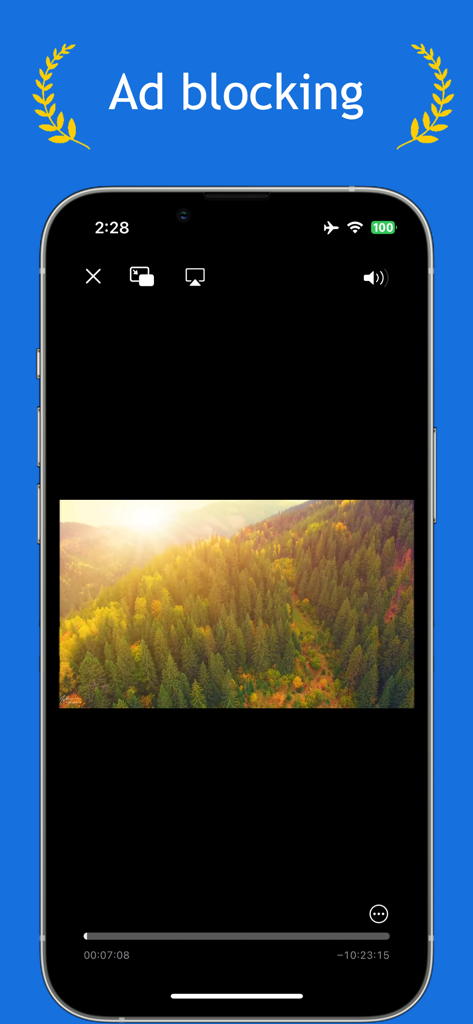
Smartphone screen showcasing the ad blocking feature of the Floating Video and YouTube app.
Description
Download
More Like This
Top-ranked apps in the same category

CapCut: Photo & Video Editor
BYTEDANCE PTE. LTD.

Instagram, Inc.

YouTube
Google LLC

Canva: AI Photo & Video Editor
Canva Pty Ltd

Snapchat
Snap, Inc.

快手
Beijing Kwai Technology Co., Ltd.

Edits: Video Editor
Instagram, Inc.

Meitu- AI Photo & Video Editor
Xiamen Meitu Technology Co., Ltd.

Google Photos: Backup & Edit
Google LLC
This page is not an official page of the app or its developer, but an independent editorial publication created for informational and commentary purposes. Unless expressly stated otherwise, neither the app nor its developer is affiliated with, endorsed by, sponsored by, authorized by, or otherwise officially connected with MWM, Apple, Google Play, the app publisher, or the app's developer, and nothing on this page implies that the app was developed using MWM's services. Any trademarks, logos, screenshots, and other content remain the property of their respective owners.