
This page is not an official page of the app or its developer, but an independent editorial publication created for informational and commentary purposes. Unless expressly stated otherwise, neither the app nor its developer is affiliated with, endorsed by, sponsored by, authorized by, or otherwise officially connected with MWM, Apple, Google Play, the app publisher, or the app's developer, and nothing on this page implies that the app was developed using MWM's services. Any trademarks, logos, screenshots, and other content remain the property of their respective owners.


Flow Nodes
Design custom interfaces, 3D geometry, and real-time effects in a powerful node-based environment. Bridge your mobile workflow to the studio with OSC, MIDI, and NDI support across iPhone, iPad, Mac, and Vision Pro.
Downloads
2K+User Rating
Total Ratings
0Publisher
Category
Developer ToolsLocales
1Latest Version
3.3.0Size
136.6 MBFirst Released
Oct 3, 2024Unleash Your Technical Creativity
From rapid UI prototyping to live stage visuals, Flow Nodes provides a professional, no-code environment to build complex interactive systems on the go.
Node-Based Visual Logic
Build sophisticated interactions and data flows without writing code. Connect nodes to create custom UI, automate tasks, and process data in real-time.
Pro-Grade Connectivity
Seamlessly integrate into your professional studio workflow with support for OSC, MIDI, and NDI protocols for live visuals and hardware control.
Frequently Asked Questions
Everything you need to know about Flow Nodes
What is Flow Nodes?
Flow Nodes is an app for creating interactive visual flows using an interface, vector graphics, and 3D geometry. It features node-based programming for various creative and automation tasks.
Does Flow Nodes support Siri Shortcuts for automation?
Yes, Flow Nodes supports automation with Siri Shortcuts. Users can integrate their created flows with Siri for enhanced functionality and streamlined workflows directly from the app.
What connectivity options are available in Flow Nodes?
Flow Nodes connects over OSC, MIDI, and NDI. It also supports AirPlay with screen mirroring for displaying flows on other devices.
Can Flow Nodes apply effects to a live camera feed?
Yes, Flow Nodes allows users to apply effects to images or a live camera feed. This is part of the UI & Effects capabilities within the application.
How does data flow work within the Flow Nodes app?
Data can flow both downstream and upstream in double wires within Flow Nodes. The app also supports storing values in state nodes and automatically converts value types.
Does Flow Nodes provide built-in demos and tutorials?
Yes, Flow Nodes includes built-in demos and tutorials. Users can access pre-made flows and step-by-step guides directly within the app to learn and explore its features.
Can I build custom user interfaces with Flow Nodes?
Yes, Flow Nodes supports building custom user interfaces with various controls and gestures. This feature allows for personalized interaction within created flows.
How does Flow Nodes manage file operations like saving and syncing?
Flow Nodes manages file operations with automatic saving and iCloud syncing. Users can also import and export their flows, and use drag-and-drop for flows and images.
Does Flow Nodes support 3D geometry rendering?
Yes, Flow Nodes supports rendering 3D geometry to graphics. This capability is part of its comprehensive UI & Effects features, allowing for advanced visual creations.
Can Flow Nodes use device sensors for animation?
Yes, Flow Nodes enables animation using the accelerometer and gyroscope nodes. This allows for dynamic and interactive elements based on device movement.
Are there AI capabilities within Flow Nodes?
Yes, Flow Nodes includes AI capabilities, offering nodes such as "Chat," "Generate," and "Generate List." These are found within the node selection menu under the "Intelligence" section.
The following screenshots and description are sourced directly from the app's official store listing and are the property of the app developer.
App Store
Screenshots
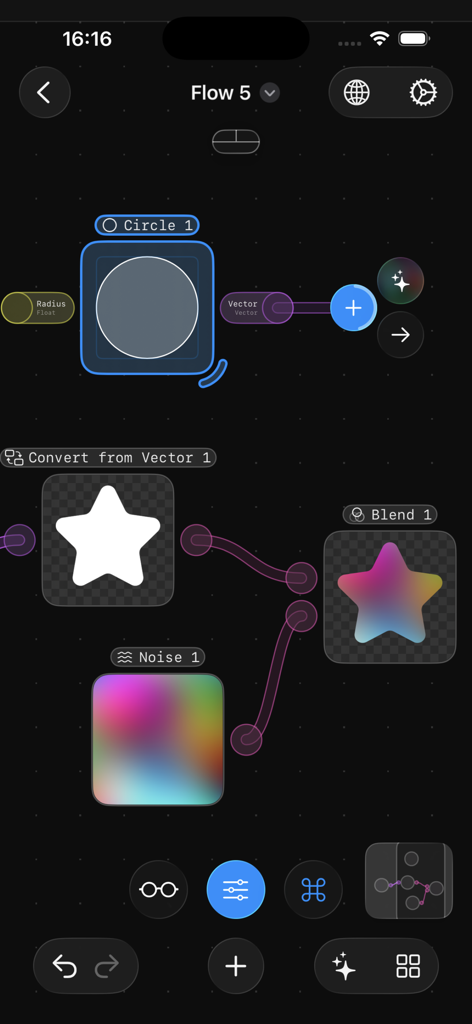
A node-based creative coding interface in the Flow Nodes app featuring connected logic blocks and a colorful star graphic.
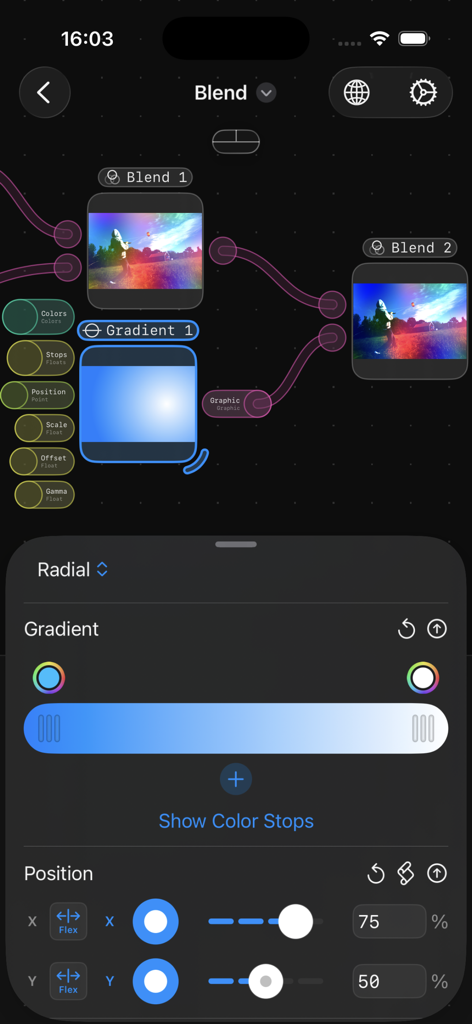
A node-based visual programming interface in the Flow Nodes app showing image blending and radial gradient settings.
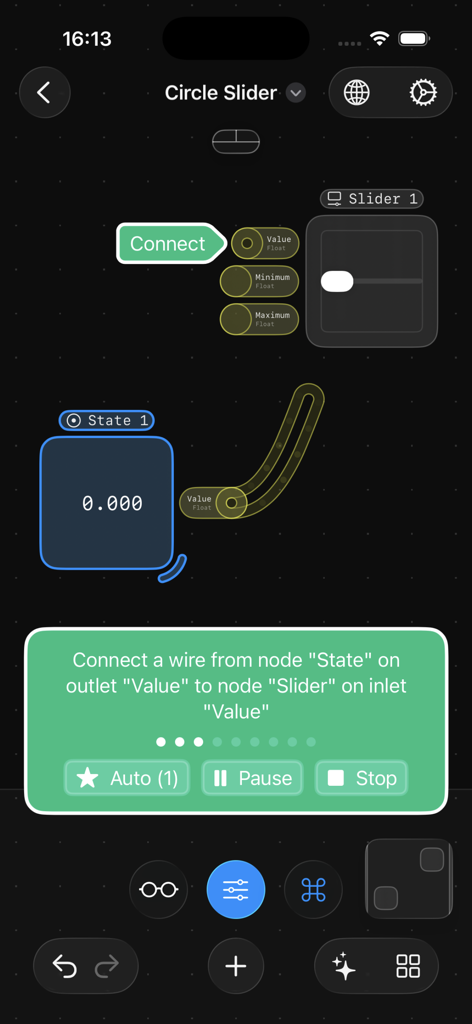
Tutorial in Flow Nodes app for connecting a state node to a slider node.
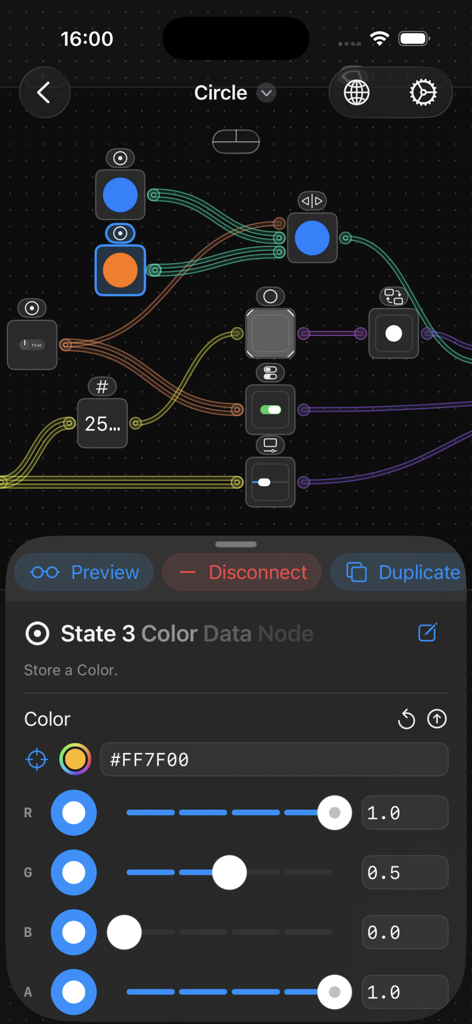
Flow Nodes app interface showing a visual node editor with color data settings and RGB sliders
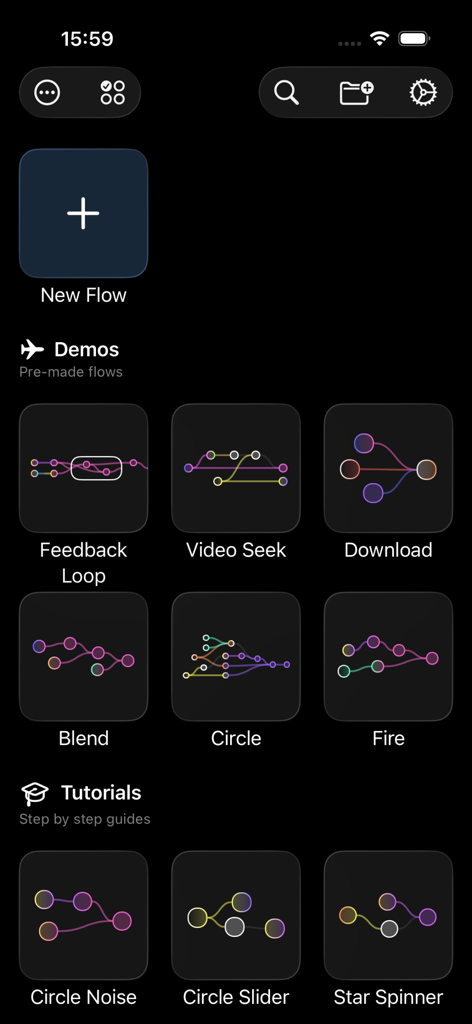
Flow Nodes app main menu with options for new flow, pre-made demo flows, and step-by-step tutorial guides
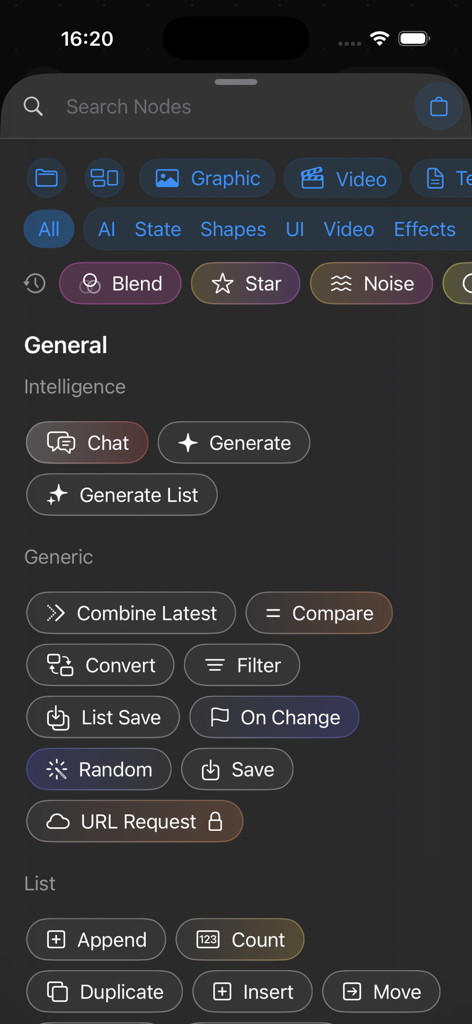
A searchable library of functional nodes in the Flow Nodes app showing categories for AI, Generic, and List operations.
Description
Download
More Like This
Top-ranked apps in the same category

TestFlight
Apple Inc.

Replit: Vibe Code Apps
Replit, Inc

GitHub
GitHub

O-KAM Pro
Shenzhen VeePai IoT Intelligent Technology LLC

Apple Developer
Apple Inc.

Expo Go
650 Industries, Inc.

Scriptable
Simon Stovring

App Store Connect
Apple Inc.

Sekai: Create · Remix · Play
Versa AI, Inc.
This page is not an official page of the app or its developer, but an independent editorial publication created for informational and commentary purposes. Unless expressly stated otherwise, neither the app nor its developer is affiliated with, endorsed by, sponsored by, authorized by, or otherwise officially connected with MWM, Apple, Google Play, the app publisher, or the app's developer, and nothing on this page implies that the app was developed using MWM's services. Any trademarks, logos, screenshots, and other content remain the property of their respective owners.