
FlowPDF
JINZUAN INTELLIGENCE GARAGE TECHNOLOGY (HK) LIMITED

Effortlessly convert photos to professional PDFs, merge files, and annotate documents with ease. Streamline your workflow and personalize your device with stunning high-resolution wallpapers in one seamless experience.
Publisher
Category
BusinessDownloads
891K+User Rating
Total Ratings
3K+Locales
1Discover the interface used by 891K+ users.
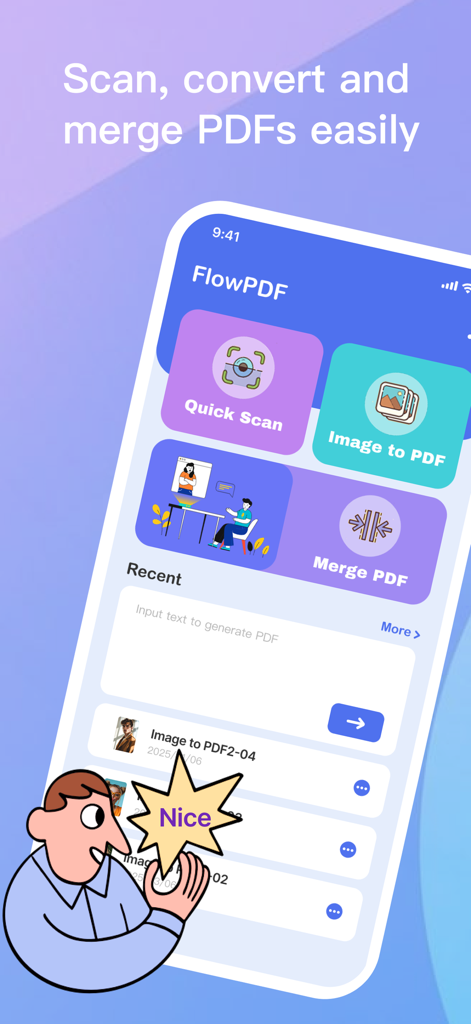
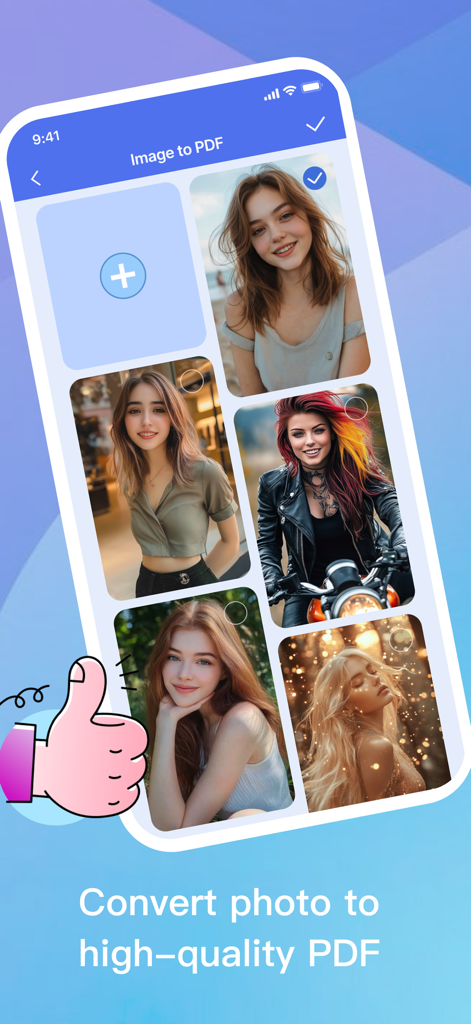

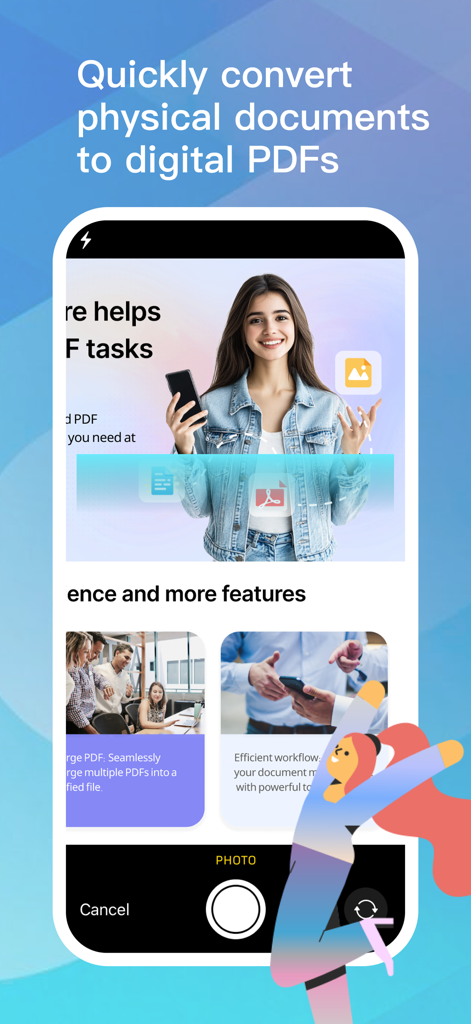
The tools that make this app stand out, trusted by 891K+ users.
Transform handwritten notes, contracts, or physical receipts into high-quality PDFs using your iPhone camera. Capture once, keep forever.
Merge multiple documents into one, annotate with freehand drawings, and use professional cropping tools to refine your files exactly how you want them.
Access a curated library of high-resolution wallpapers and use advanced editing tools like brightness and saturation to make your device truly yours.
Everything you need to know about FlowPDF.
Description
Latest Version
1.1.7
Size
54.6 MB
First Released
Mar 20, 2025
Join over 891,000 students and professionals who trust FlowPDF for seamless scanning, effortless editing, and a more organized digital life.
Everything you need to know about FlowPDF
FlowPDF converts physical documents or digital images into professional PDFs. It allows users to turn photos, handwritten notes, or printed pages into editable PDFs directly using their device's camera.
Yes, FlowPDF allows you to merge multiple images or existing PDF documents into a single, unified file. This feature aids in organizing various documents efficiently.
FlowPDF offers full PDF editing features, allowing users to add text notes, draw, rotate pages, and crop sections. These tools ensure precision and customization of PDF documents.
Yes, FlowPDF supports editing high-resolution wallpapers. Users can rotate, crop, doodle, and adjust brightness, contrast, and saturation. All these edits are preserved and stored locally on the device.
FlowPDF subscriptions automatically renew at the current plan price. Users must turn off auto-renewal at least 24 hours before the renewal date. The App Store account is charged within 24 hours prior to the end of the current subscription period.
Users can manage or cancel their FlowPDF subscription directly through the App Store app. Alternatively, they can access 'Subscriptions' under 'Settings' on their Apple device after making the purchase.
Apps with similar features and user experience

Balzo srl

NEXT K.U.M. LTD

INTSIG Information Co., Ltd

Adobe Inc.

KINGSOFT OFFICE SOFTWARE CORPORATION LIMITED

ILOVEPDF S.L.

The Grizzly Labs

Microsoft Corporation

INDY MOBILE APP COMPANY LIMITED
App information, icons, screenshots, and descriptions displayed on this page are sourced from the Apple App Store and are the property of their respective developers. Download estimates and rankings are based on MWM's proprietary models and may not reflect actual figures. This page is provided for informational and analytical purposes only.
Believe this page infringes your intellectual property? File a dispute