Flujo: Screen Control

This page is not an official page of the app or its developer, but an independent editorial publication created for informational and commentary purposes. Unless expressly stated otherwise, neither the app nor its developer is affiliated with, endorsed by, sponsored by, authorized by, or otherwise officially connected with MWM, Apple, Google Play, the app publisher, or the app's developer, and nothing on this page implies that the app was developed using MWM's services. Any trademarks, logos, screenshots, and other content remain the property of their respective owners.

Logo of Flujo: Screen Control

Flujo: Screen Control

Effortlessly cast movies, photos, and presentations to any Smart TV. From high-quality mirroring to universal remote control, enjoy seamless connectivity for work, learning, and entertainment.

Key Figures

Downloads

500+

User Rating

1.0/5

Total Ratings

0

Publisher

Awais Nadeem

Category

Utilities

Locales

4

Latest Version

1.0.3

Size

104.1 MB

First Released

Jan 20, 2026
Features

Unleash Your Content on the Big Screen

Transform your living room into a cinema, a boardroom, or a gaming arena with seamless iOS-to-Smart TV connectivity designed for the modern home.

Instant 4K Media Casting

Stream your favorite web videos, gallery photos, and music in original quality. Enjoy a truly immersive entertainment experience without the cables.

Wireless Productivity Suite

Turn any TV into a professional display. Effortlessly present documents, mirror your camera for meetings, or read e-books on a comfortable, large scale.

The following screenshots and description are sourced directly from the app's official store listing and are the property of the app developer.

App Store

Screenshots
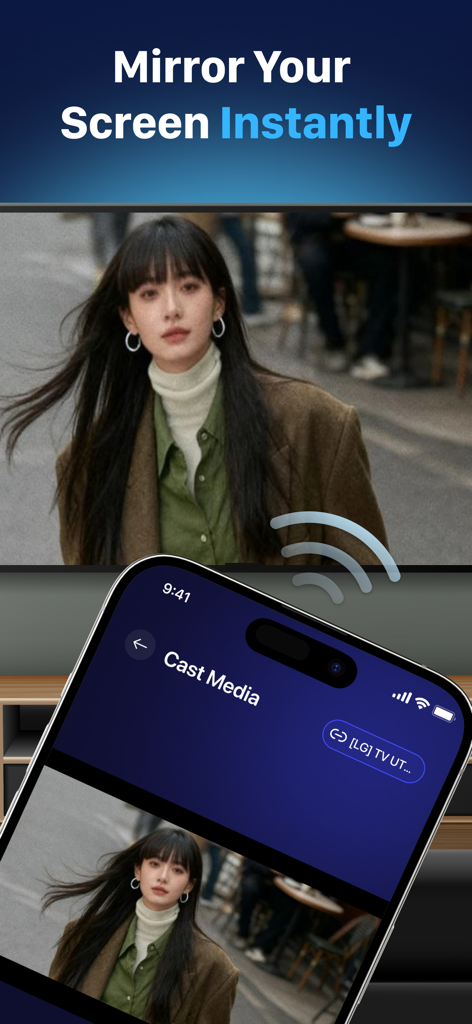
Flujo: Screen Control - A smartphone screen mirroring a high-quality photo of a woman to a large smart TV using the Flujo app
A smartphone screen mirroring a high-quality photo of a woman to a large smart TV using the Flujo app

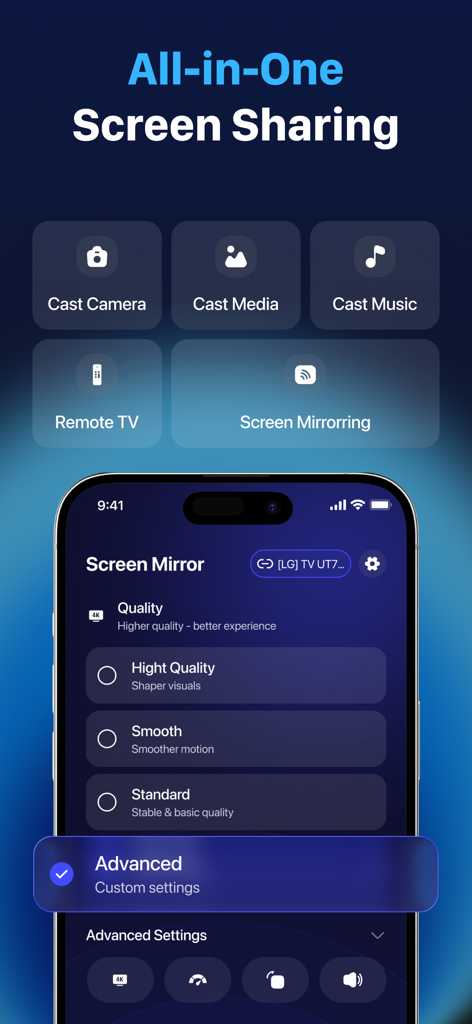
Flujo: Screen Control - Interface of the Flujo app showing all-in-one screen sharing options and advanced mirroring quality settings on an iPhone
Interface of the Flujo app showing all-in-one screen sharing options and advanced mirroring quality settings on an iPhone

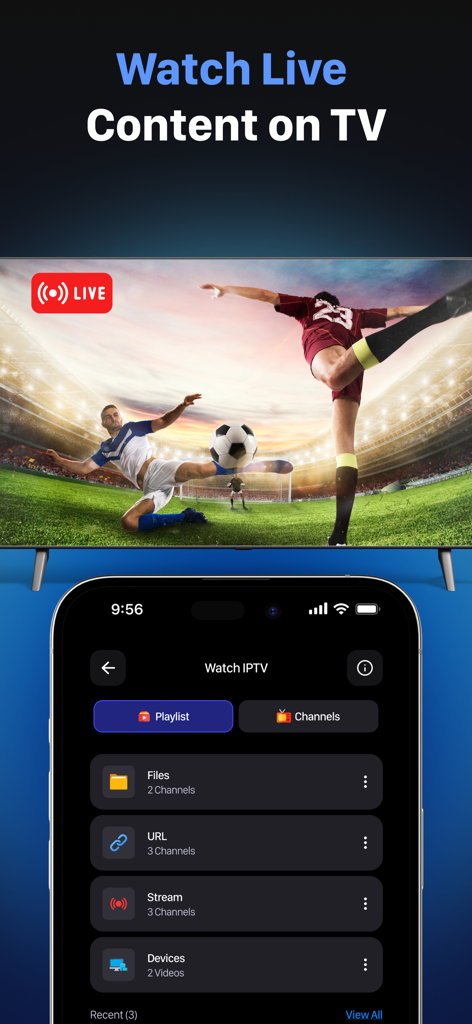
Flujo: Screen Control - Flujo app interface showing live sports streaming and IPTV playlist management for casting content to a smart TV.
Flujo app interface showing live sports streaming and IPTV playlist management for casting content to a smart TV.

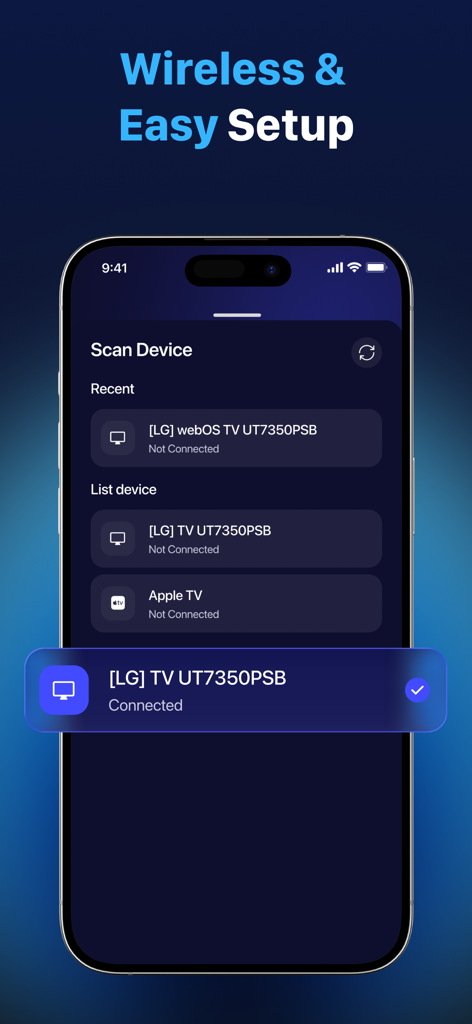
Flujo: Screen Control - Flujo app interface showing wireless device scanning and a successfully connected LG smart TV
Flujo app interface showing wireless device scanning and a successfully connected LG smart TV

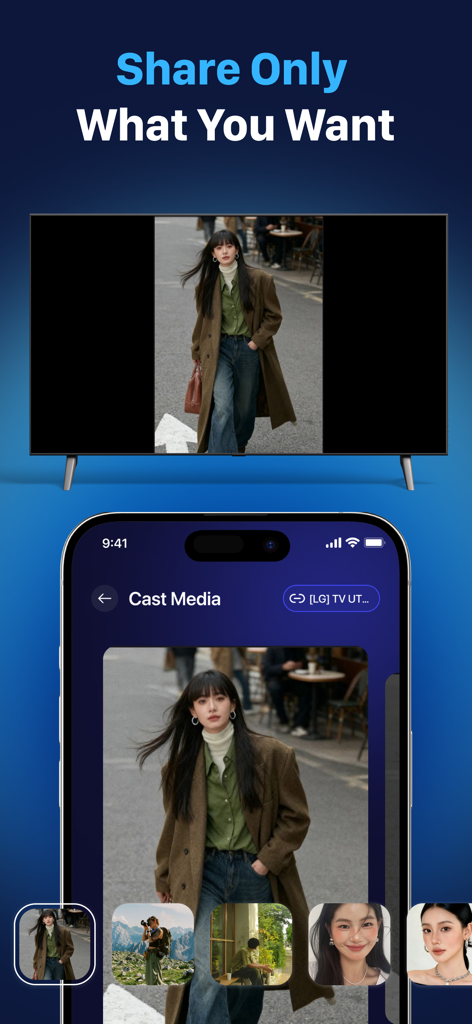
Flujo: Screen Control - Smartphone interface casting a photo to a smart TV screen
Smartphone interface casting a photo to a smart TV screen

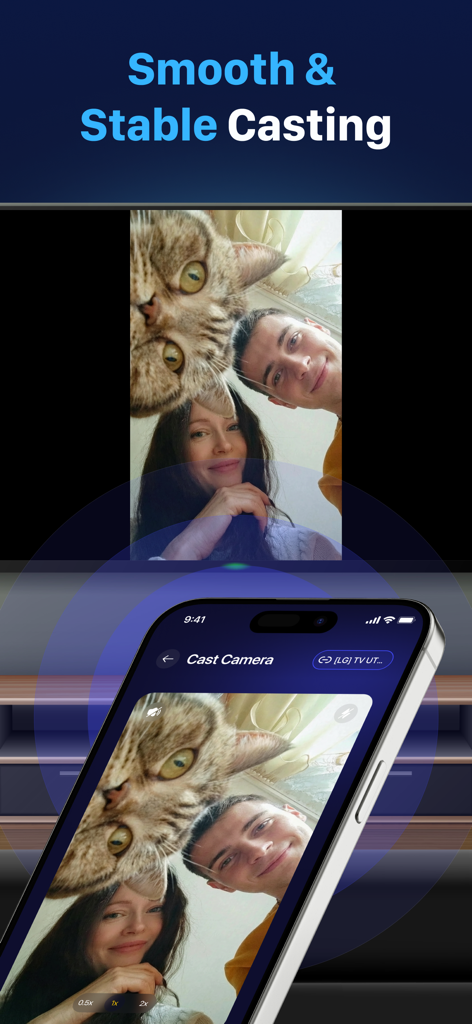
Flujo: Screen Control - iPhone casting live camera feed to a smart TV using Flujo app

iPhone casting live camera feed to a smart TV using Flujo app

Description

It’s time to put your phone down and present your content on a bigger TV screen for more effective work, learning, and entertainment. - Cast videos, photos, and entertainment content directly to your smart TV - Present documents, reports, and educational materials on a larger screen - Control TV directly from your phone—no need to look for a remote Try our screen mirroring app - Flujo: Screen Control, a simple and convenient solution to connect phone to TV. Flujo: Screen Control is a smart screen sharing tool that allows you to connect phone to TV and display content on a larger screen. You can mirror screen, cast photos, videos, and music, browse the web, or share your phone camera to TV with ease. In addition, the app supports basic TV remote control features, helping you manage playback and TV interaction more conveniently during use. Explore the Key Features of our screen mirroring app - Flujo: Screen Control - Screen mirroring with sound: mirror your phone screen to TV - Cast media (photos & videos) from your gallery with original quality - Cast camera: stream your phone camera to TV - Cast music from your phone to TV or supported devices - Cast web video from supported websites to enjoy online videos on a bigger screen - Add your own IPTV playlist (M3U) to stream content TV - Supports basic remote control for multiple TV models Why Choose our screen mirroring app Flujo: Screen Control - Watch movies, sports, and entertainment from your phone on a larger TV screen for a more immersive experience - Read documents, e-books, and work files more comfortably on a bigger display - Mirror mobile games to TV for a more engaging gaming experience - Share photos during family gatherings or with friends - Present slides and documents on TV for meetings, learning, and group discussions - Control TV directly from your phone with ease How to Connect Your Phone to TV for Screen Mirroring 1. Turn off VPN on your phone 2. Make sure your phone and TV are connected to the same Wi-Fi network 3. Open Flujo: Screen Control 4. Select your TV and allow the connection 5. Relax and enjoy your content on the big TV screen Start using Flujo: Screen Control for TV today and easily share content from your phone to your TV. If you encounter any issues during use, your feedback will help us improve the app every day. Disclaimer: IPTV streaming requires user-provided playlists. The app does not include or provide any channels or copyrighted content. Subscription required to access premium features. Payment will be charged to your Apple ID account at confirmation of purchase. Subscription automatically renews unless it is canceled at least 24 hours before the end of the current period. You can manage and cancel your subscriptions by going to your account settings on the App Store after purchase. Terms of Use (EULA): https://www.apple.com/legal/internet-services/itunes/dev/stdeula/

Download

This page is not an official page of the app or its developer, but an independent editorial publication created for informational and commentary purposes. Unless expressly stated otherwise, neither the app nor its developer is affiliated with, endorsed by, sponsored by, authorized by, or otherwise officially connected with MWM, Apple, Google Play, the app publisher, or the app's developer, and nothing on this page implies that the app was developed using MWM's services. Any trademarks, logos, screenshots, and other content remain the property of their respective owners.