Flying Ruler: 3D Tape Measure
Download on App Store

This page is not an official page of the app or its developer, but an independent editorial publication created for informational and commentary purposes. Unless expressly stated otherwise, neither the app nor its developer is affiliated with, endorsed by, sponsored by, authorized by, or otherwise officially connected with MWM, Apple, Google Play, the app publisher, or the app's developer, and nothing on this page implies that the app was developed using MWM's services. Any trademarks, logos, screenshots, and other content remain the property of their respective owners.

Logo of Flying Ruler: 3D Tape Measure
Download on App Store

Flying Ruler: 3D Tape Measure

Ditch the bulky tape measure. Measure distances and angles with pro-grade accuracy by simply moving your phone through the air. Perfect for DIYers, designers, and homeowners.

Key Figures

Downloads

255K+

User Rating

4.4/5

Total Ratings

9K+

Publisher

ALEXEY BRILEV

Category

Utilities

Locales

9

Latest Version

6.3.2

Size

78.1 MB

First Released

Aug 23, 2013
Features

Master Every Measurement with Ease

Ditch the bulky metal tape. Turn your iPhone into a 5-in-1 professional toolkit that measures distances and angles by simply moving through the air.

Move-to-Measure Technology

Forget physical constraints. Capture dimensions instantly by moving your device from one point to another—no surface contact required.

Professional-Grade Accuracy

Trust your projects to advanced inertial navigation sensors. Experience up to 99.7% precision for furniture fitting, woodworking, and home renovations.

The following screenshots and description are sourced directly from the app's official store listing and are the property of the app developer.

App Store

Screenshots
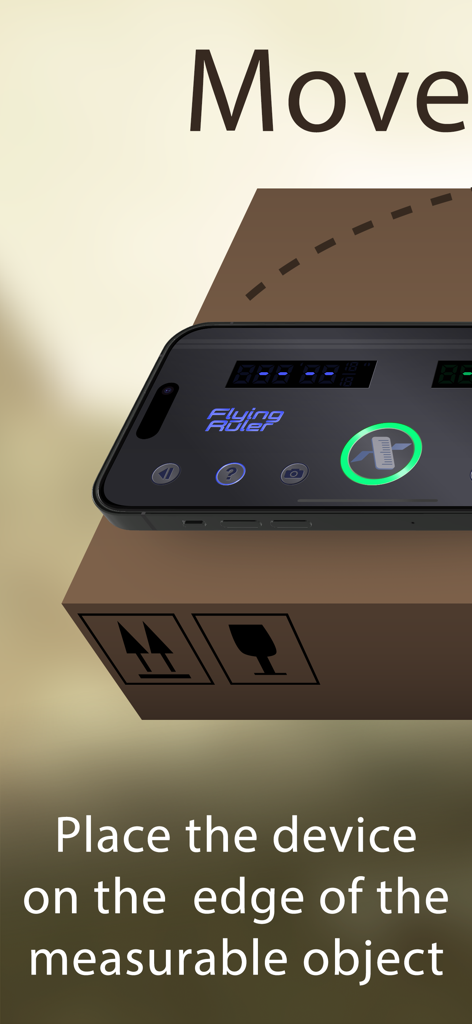
Flying Ruler: 3D Tape Measure - A smartphone placed on a box for measuring with the Flying Ruler app
A smartphone placed on a box for measuring with the Flying Ruler app

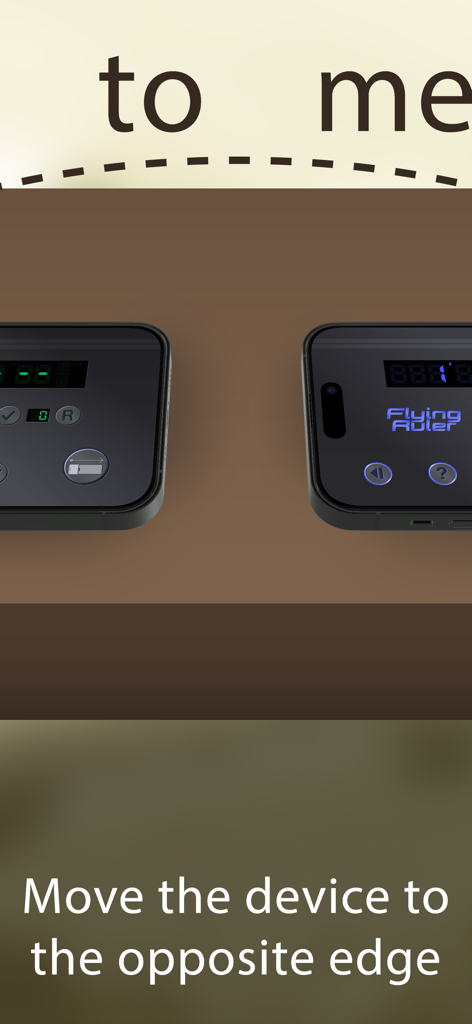
Flying Ruler: 3D Tape Measure - An iPhone measuring distance by moving from one edge to the opposite side.
An iPhone measuring distance by moving from one edge to the opposite side.

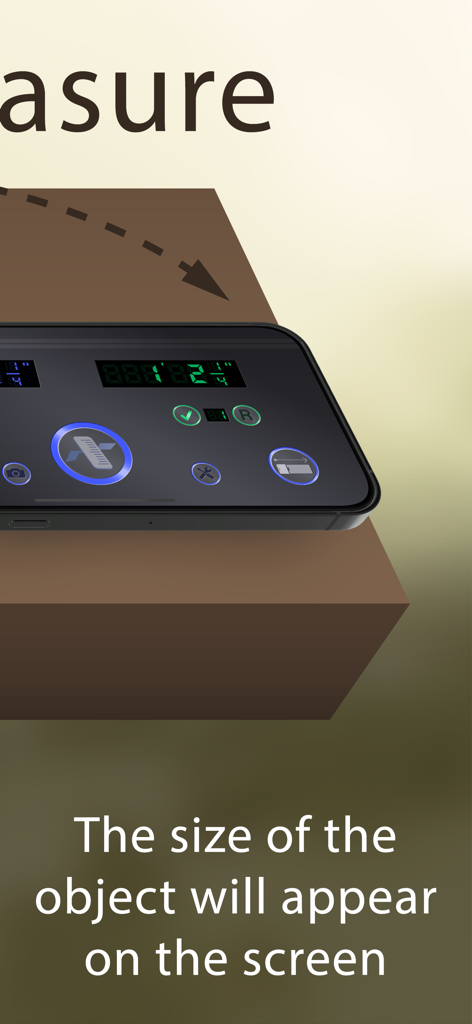
Flying Ruler: 3D Tape Measure - Smartphone displaying measured object size using the Flying Ruler app
Smartphone displaying measured object size using the Flying Ruler app

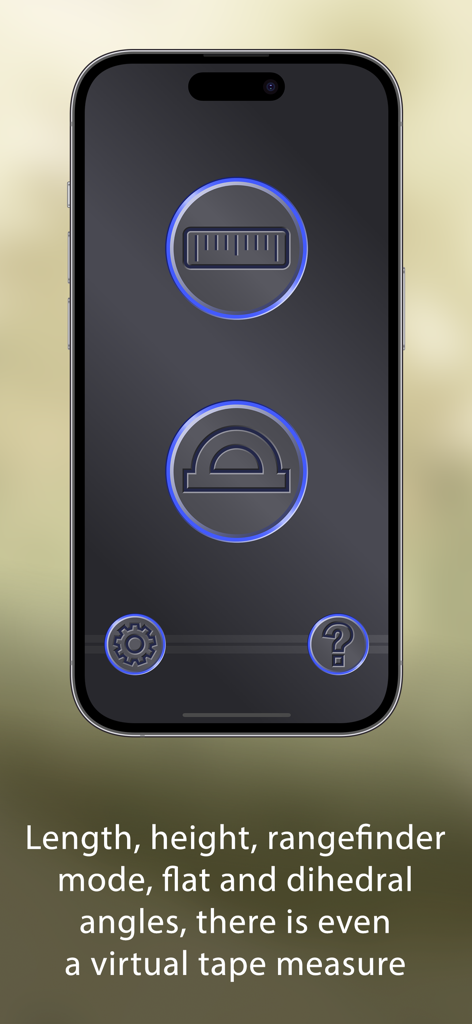
Flying Ruler: 3D Tape Measure - Interface of the Flying Ruler app showing icons for measurement and angle tools
Interface of the Flying Ruler app showing icons for measurement and angle tools

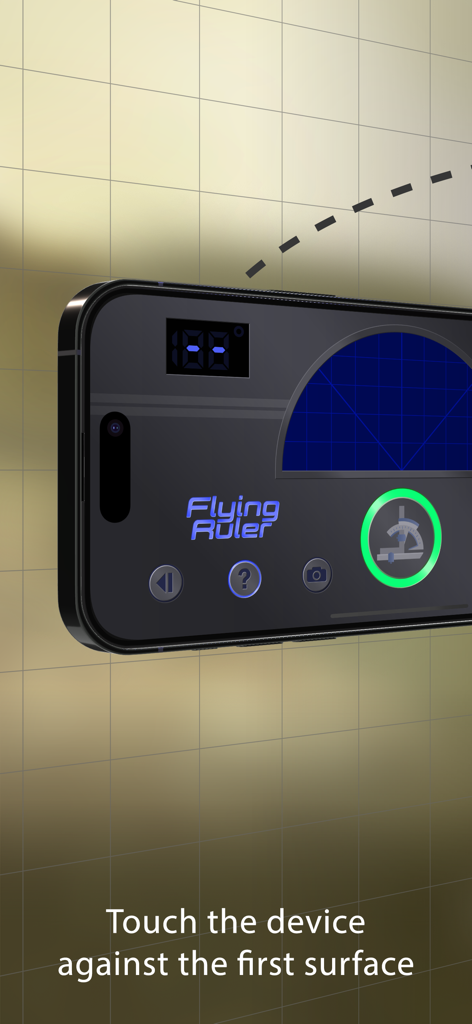
Flying Ruler: 3D Tape Measure - Flying Ruler app interface on an iPhone with instructions to touch the device against the first surface
Flying Ruler app interface on an iPhone with instructions to touch the device against the first surface

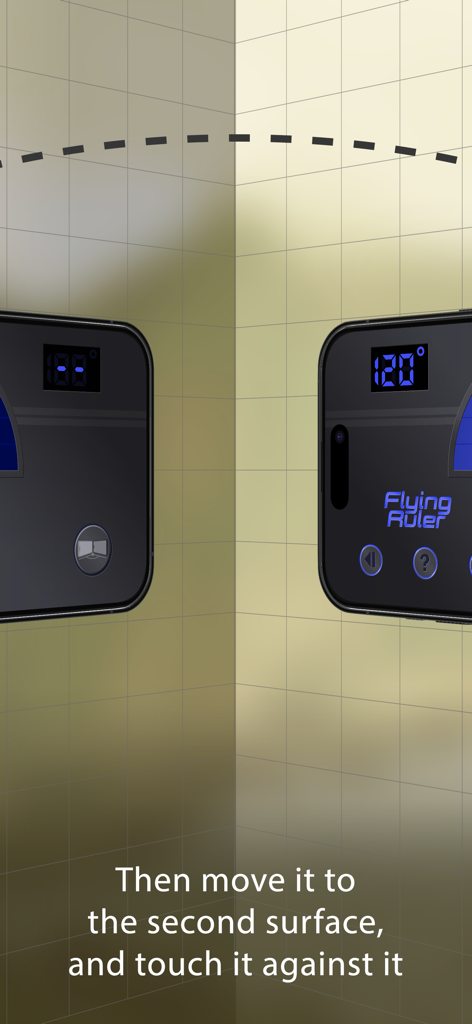
Flying Ruler: 3D Tape Measure - Demonstration of the 3D angle finder mode measuring 120 degrees between two walls.
Demonstration of the 3D angle finder mode measuring 120 degrees between two walls.

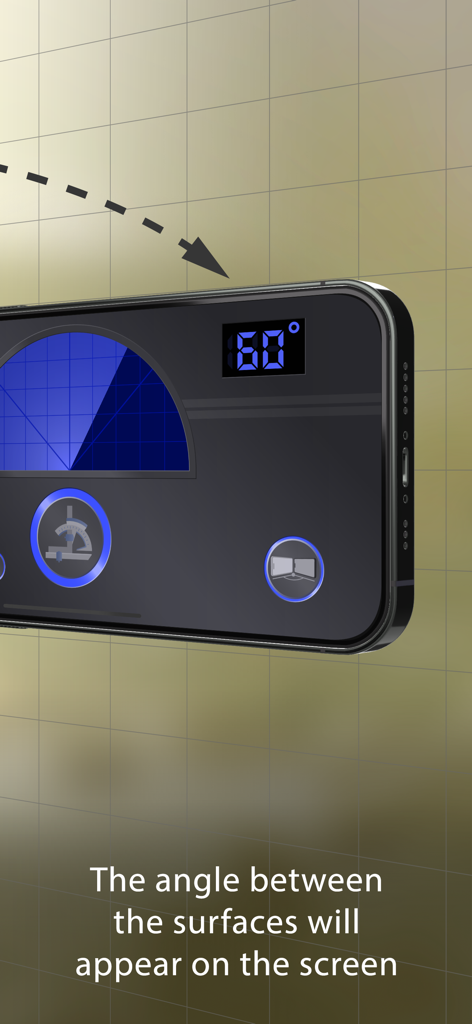
Flying Ruler: 3D Tape Measure - iPhone screen showing the Flying Ruler app measuring a 60 degree angle between two surfaces
iPhone screen showing the Flying Ruler app measuring a 60 degree angle between two surfaces

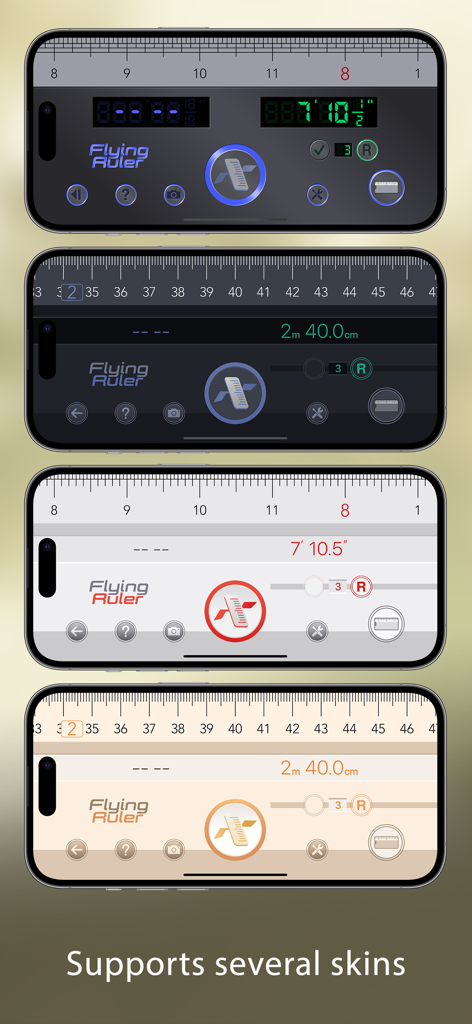
Flying Ruler: 3D Tape Measure - Four iPhones displaying different interface skins for the Flying Ruler 3D Tape Measure app
Four iPhones displaying different interface skins for the Flying Ruler 3D Tape Measure app

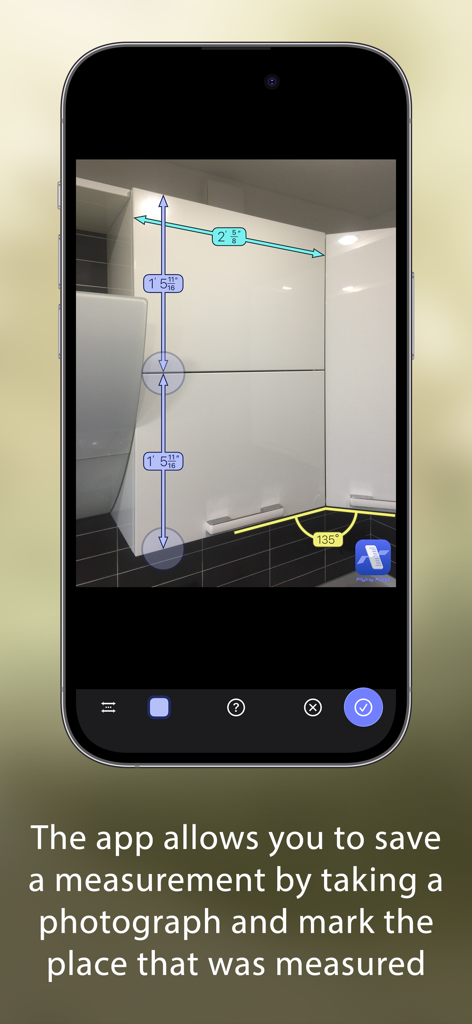
Flying Ruler: 3D Tape Measure - iPhone showing the Flying Ruler app with length and angle measurements saved on a photo of kitchen cabinets
iPhone showing the Flying Ruler app with length and angle measurements saved on a photo of kitchen cabinets

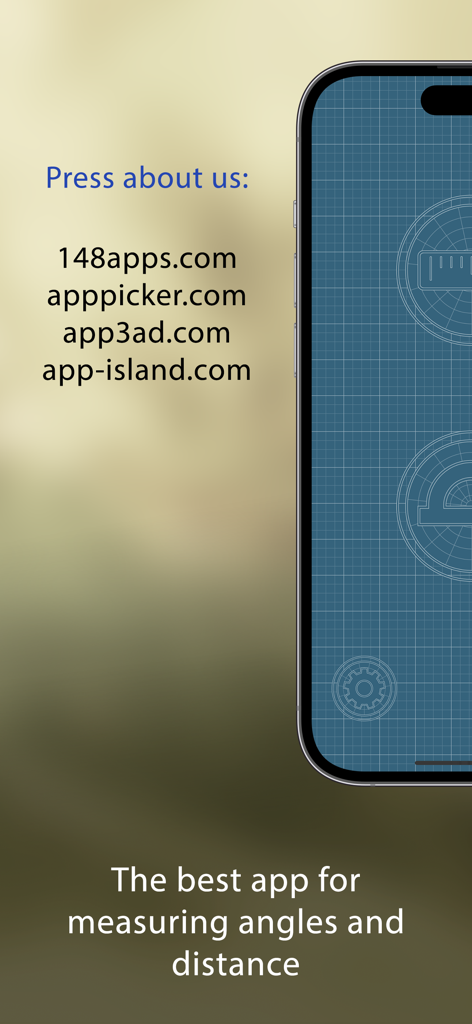
Flying Ruler: 3D Tape Measure - Press reviews and tagline for Flying Ruler 3D tape measure app

Press reviews and tagline for Flying Ruler 3D tape measure app

Description

The Flying Ruler app allows you to measure in the most original way: by just moving your device from one point to another. Flying Ruler is a ruler, tape measure, rangefinder, protractor and a 3D angle finder. It is five devices in one app, providing you with the quickest way to measure a distance or an angle. The secret of the program is that it is based on the principles of the inertial navigational system (INS): the position of the device is determined with the help of the accelerometer and the gyroscope. Measurements take place extremely quickly and at the same time they are quite accurate. We are constantly improving our computational algorithm for more than 11 years! To try this technology for free you can install the app "Digital Angle Finder: 3D Meter". This free app measures the angle as you move the device. AWARDS: Editor's Choice — 148Apps www.148apps.com/reviews/flying-ruler-review PRESS ABOUT US: "I was impressed with Flying Ruler’s accuracy. It works quickly and effectively", "It’s the perfect addition to anyone’s app collection" — 148apps 4.5 / 5 (MUST HAVE) "This thing is awesome" — brettterpstra.com "I literally said “wow!” when I first used this app and I think it’s a truly impressive marvel of mobile technology", "The Flying Ruler Rules" — AppPicker (Cons: there is nothing negative to say about this app) *** Measure distance with good precision, no matter the lighting or conditions *** The app has different modes so you can choose which mode is better and easier to use on each occasion. You can measure with the body of the device in one mode or with a virtual tape measure in another. You can not only measure an object but also the distance between two walls (rangefinder mode). You use the same methods to measure angles as the app allows you to measure angles both on a surface area (protractor mode) and between surfaces through space (3D angle finder mode). You can choose either inches or centimeters. The maximum distance is only limited by the value of the indicator which consists of 999 ft for the imperial system and 99 m for the metric system. When measuring, you can avoid obstacles and therefore you can measure anything. Flying Ruler is suitable for measuring not only large, but also very small distances with the accuracy of a standard ruler. The app also allows you to save a measurement by taking a photograph of the measurement and mark the place that was measured. Don’t forget to show your friends and colleagues how the app works – believe us, they will be impressed. ACCURACY OF MEASUREMENT: We took 100 consecutive measurements and got these results: On iPhone 13: • Mean squared error - 0.14% • Maximum inaccuracy - 0.4% On iPhone 7: • Mean squared error - 0.15% • Maximum inaccuracy - 0.4% On iPhone 6s: • Mean squared error - 0.28% • Maximum inaccuracy - 1.1% The accuracy of measurements depends on the device, however the error rarely exceeds 1.5%. You can always increase accuracy by making a series of measurements. If you make a series of measurements, the degree of error is usually 0.3% or less. Angles can be measured with the app to an accuracy of one degree so the app can easily take the place of a protractor or a angle finder. WEBSITE: www.flying-ruler.com

Download

Download on App Store

This page is not an official page of the app or its developer, but an independent editorial publication created for informational and commentary purposes. Unless expressly stated otherwise, neither the app nor its developer is affiliated with, endorsed by, sponsored by, authorized by, or otherwise officially connected with MWM, Apple, Google Play, the app publisher, or the app's developer, and nothing on this page implies that the app was developed using MWM's services. Any trademarks, logos, screenshots, and other content remain the property of their respective owners.








