
This page is not an official page of the app or its developer, but an independent editorial publication created for informational and commentary purposes. Unless expressly stated otherwise, neither the app nor its developer is affiliated with, endorsed by, sponsored by, authorized by, or otherwise officially connected with MWM, Apple, Google Play, the app publisher, or the app's developer, and nothing on this page implies that the app was developed using MWM's services. Any trademarks, logos, screenshots, and other content remain the property of their respective owners.


Forney PRO
Take full control of your Forney HD Flame Detector with secure Bluetooth connectivity, real-time IR/UV spectrum analysis, and precision tuning down to 2 Hz resolution.
Downloads
200User Rating
Total Ratings
0Publisher
Category
UtilitiesLocales
1Latest Version
2.0.4Size
31.5 MBFirst Released
May 22, 2018Precision Control for Industrial Safety
Maximize burner uptime and optimize flame detection with high-resolution monitoring and wireless tuning directly from your professional toolkit.
Real-Time Flame Monitoring
Get instant, high-contrast visual confirmation of flame status and intensity across IR and UV spectrums for fail-safe operations.
Granular Frequency Tuning
Achieve superior flame discrimination with 2 Hz resolution, allowing you to tune out background noise in multi-burner environments.
Frequently Asked Questions
Everything you need to know about Forney PRO
What is the Forney PRO app used for?
The Forney PRO app monitors and tunes the Forney HD Flame Detector hardware. It provides clear indications of flame status and allows adjustment of detector settings.
Does the Forney PRO app require specific hardware to function?
Yes, the Forney PRO app requires the Forney HD Flame Detector hardware for operation. It connects to the detector via Bluetooth from your iPhone or iPad.
How does the Forney PRO app connect to the Forney HD Flame Detector?
The Forney PRO app connects to the Forney HD Flame Detector using a Bluetooth connection. This connection is established between your iPhone or iPad and the detector hardware.
What flame monitoring capabilities does the Forney PRO app offer?
The Forney PRO app indicates flame on/off status and displays flame intensity across both IR and UV spectrums. It also monitors the detector's temperature.
Can users adjust settings for the Forney HD Flame Detector with the Forney PRO app?
Yes, the Forney PRO app allows users to tune set points for pick up and drop out of safety relays. It also configures frequency windows and displays flame discrimination settings.
Are the Forney HD Flame Detector settings in the Forney PRO app password protected?
Yes, modification of the flame detector settings within the Forney PRO app is password protected. This ensures secure access to critical configurations.
How does the Forney PRO app assist with fault diagnosis for the detector?
The Forney PRO app clearly displays any system faults from the Forney HD Flame Detector. It shows specific fault statuses, alarm counters, and error codes for easy diagnosis.
Is the Forney PRO app a free application?
No, the Forney PRO app is a paid application. For purchasing the Forney HD Flame Detector hardware, contact 800-356-7740.
What is the frequency resolution available for tuning with the Forney PRO app?
The Forney PRO app, using a high-speed signal processor, allows the specification of frequency windows to within a 2 Hz resolution for precise tuning.
Where can users access the Terms & Conditions for the Forney PRO app?
Users access the Forney PRO app's Terms & Conditions during initial setup, as shown by the "Forney App Terms & Conditions" screen. They are also available in the "More" menu.
The following screenshots and description are sourced directly from the app's official store listing and are the property of the app developer.
App Store
Screenshots
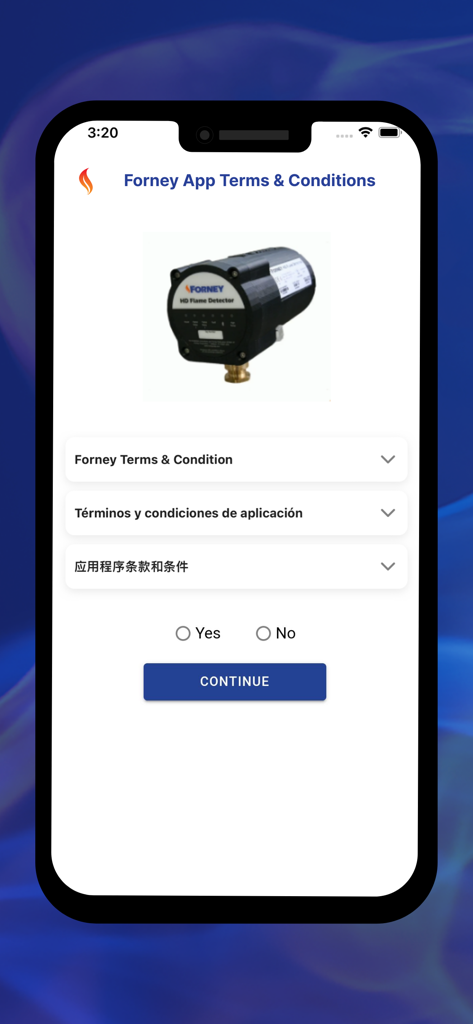
Forney PRO app terms and conditions setup screen featuring the Forney HD Flame Detector hardware
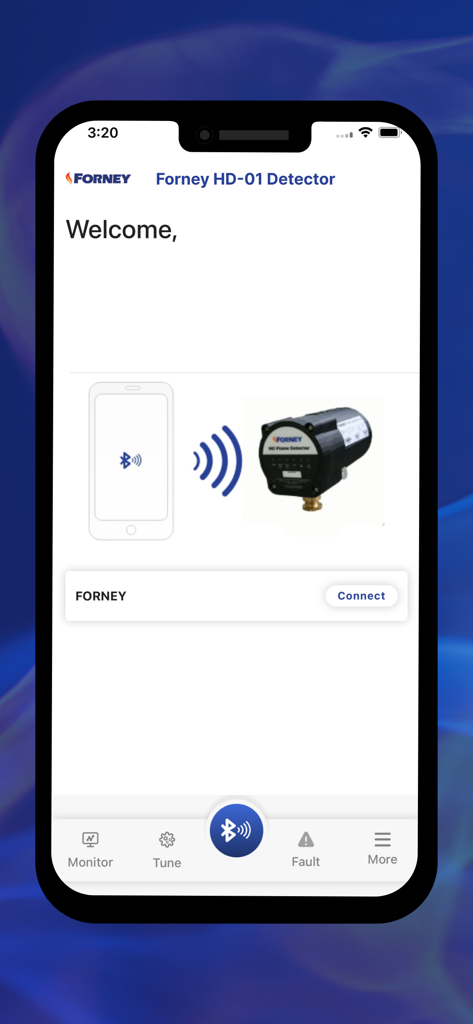
Forney PRO mobile app interface showing a smartphone connecting to a Forney HD industrial flame detector via Bluetooth
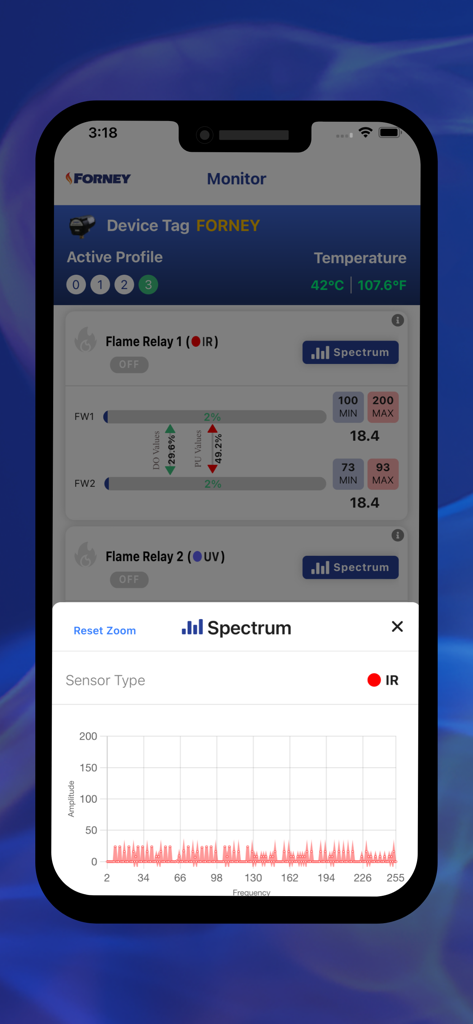
Forney PRO app screen showing the infrared spectrum monitor for an industrial flame detector
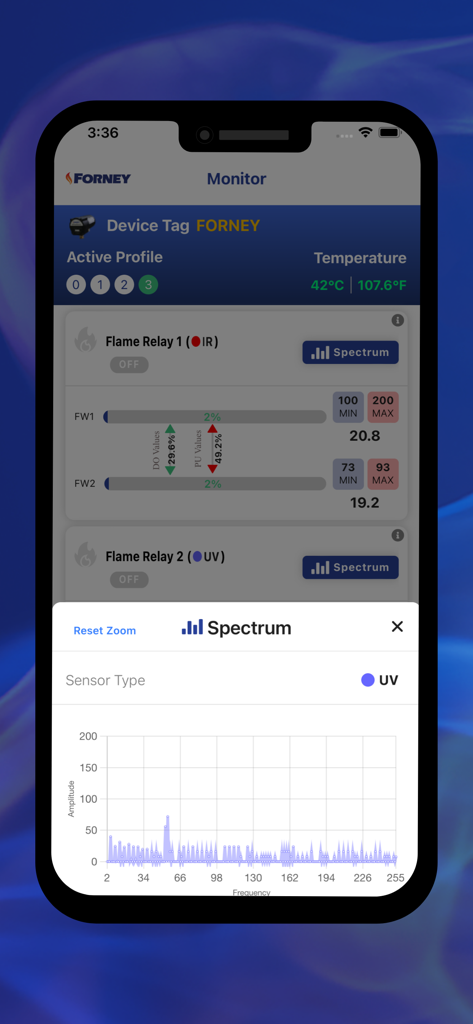
Forney PRO app interface displaying UV sensor spectrum graph and flame relay status.
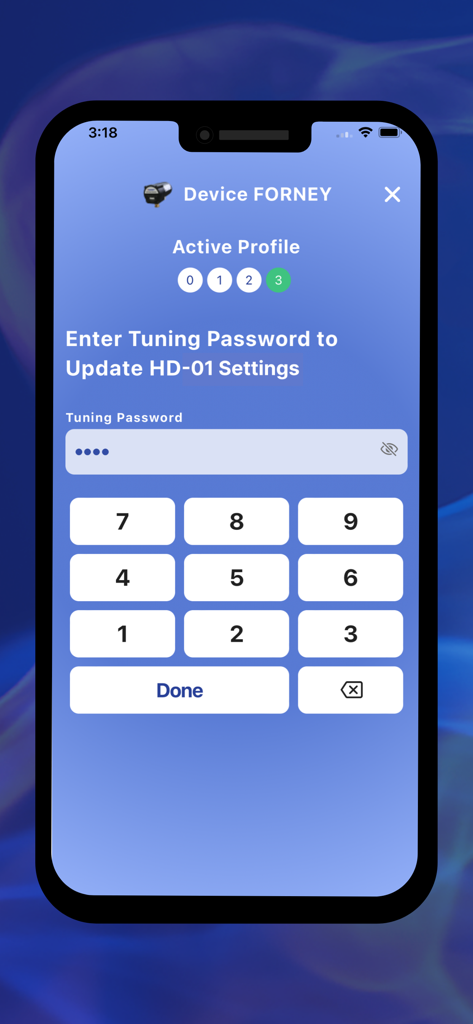
Password entry screen to update Forney HD-01 flame detector settings
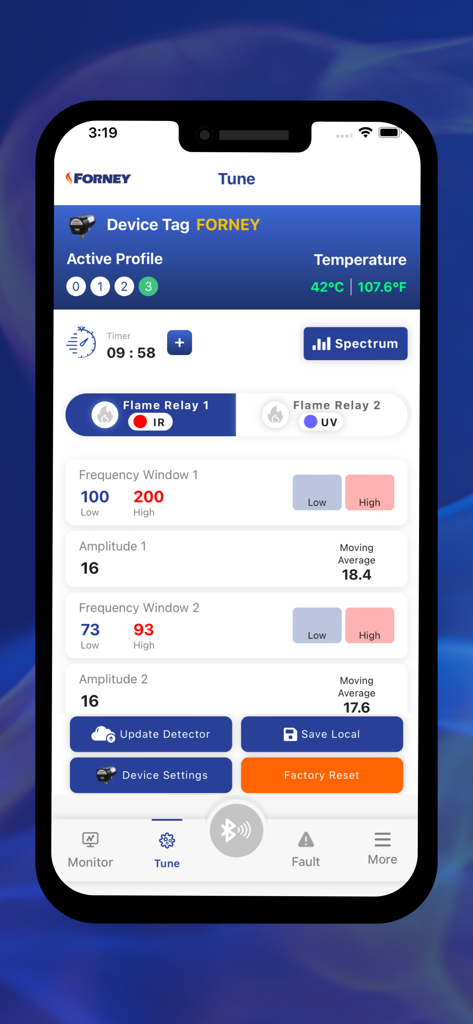
Forney PRO mobile app interface for tuning industrial flame detector settings and monitoring relay status
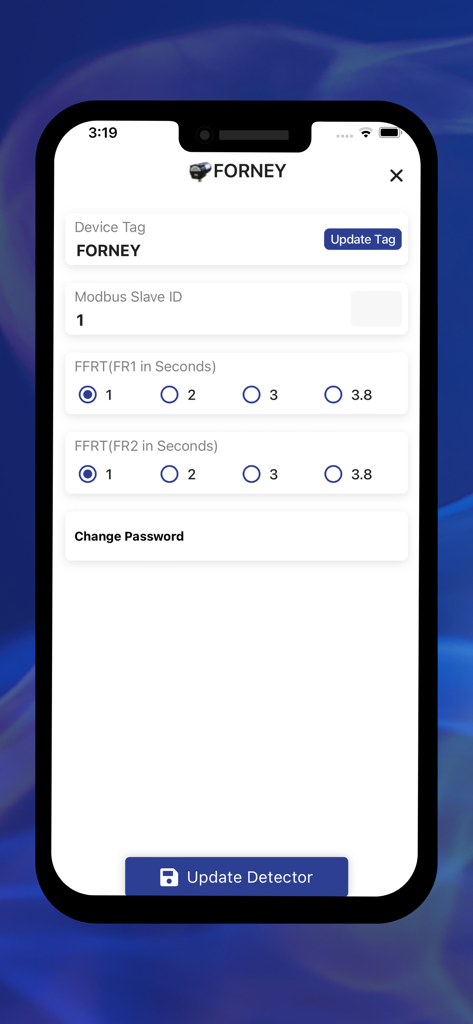
Settings screen for the Forney PRO app showing device tags and flame failure response time configuration options
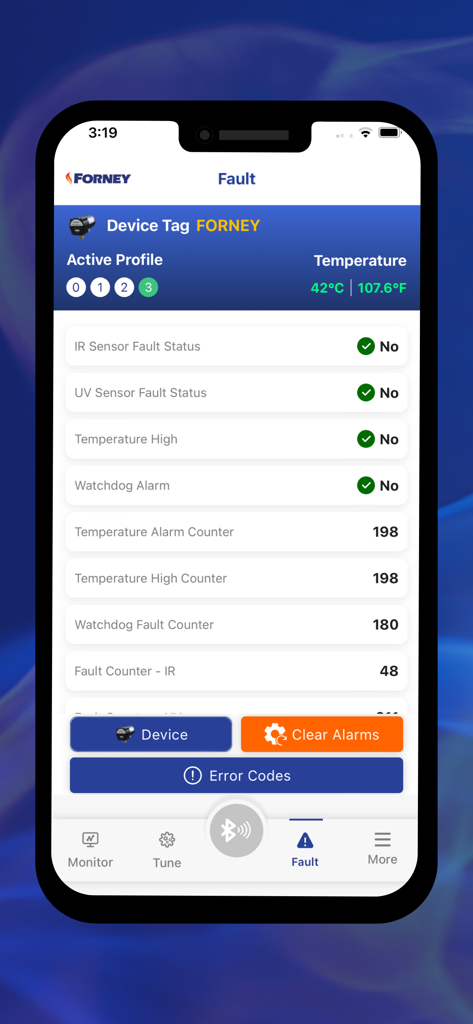
Forney PRO app diagnostic screen displaying sensor fault statuses and device temperature for industrial flame detectors
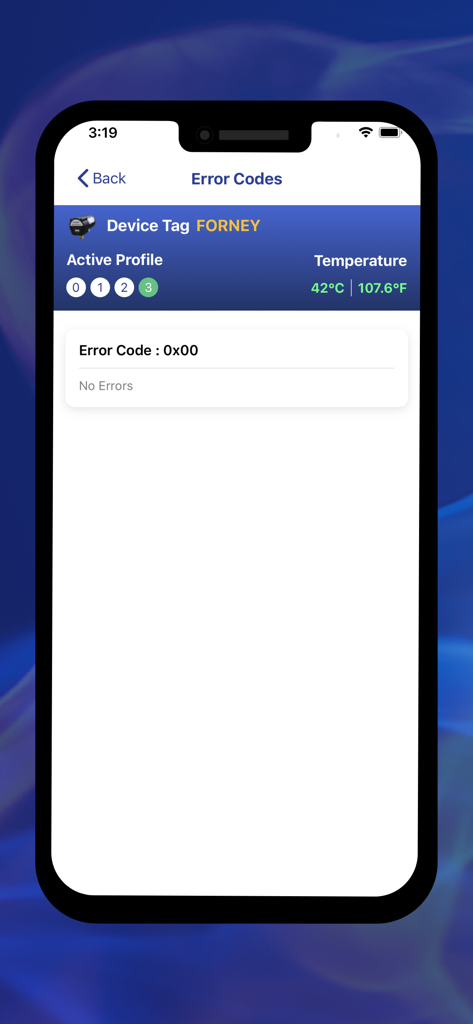
Forney PRO app interface displaying system error codes and device temperature for a flame detector.
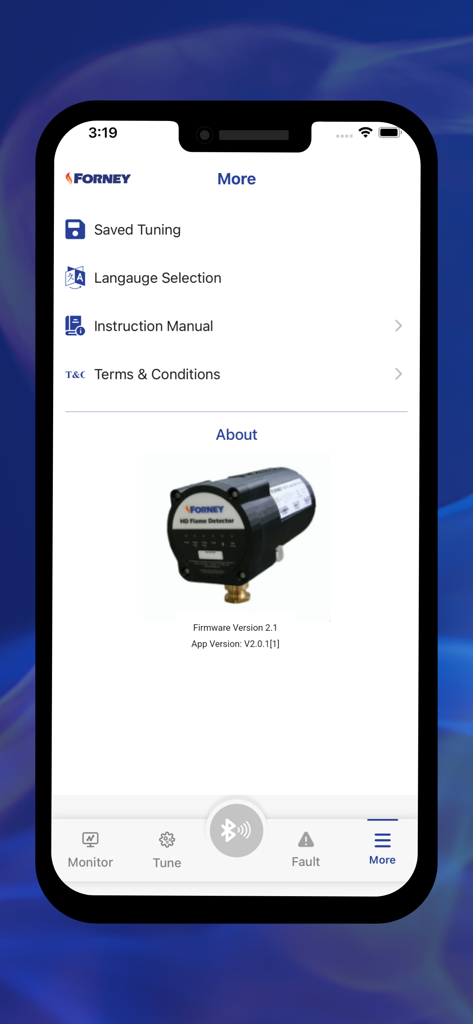
Forney PRO app More menu screen showing settings and information about the Forney HD Flame Detector hardware.
Description
Download
More Like This
Top-ranked apps in the same category

Google LLC

Google Chrome
Google LLC

中国移动(手机营业厅)
China Mobile Online Services Co., Ltd.

Google Authenticator
Google LLC

CNH do Brasil
Servicos e Informacoes do Brasil

Cleanup: Phone Storage Cleaner
DEEP FLOW SOFTWARE SERVICES - FZCO

gov.br
Servicos e Informacoes do Brasil

中国电信-全国统一官方服务平台
CHINA TELECOM Corporation Ltd.

Microsoft Edge: AI Browser
Microsoft Corporation
This page is not an official page of the app or its developer, but an independent editorial publication created for informational and commentary purposes. Unless expressly stated otherwise, neither the app nor its developer is affiliated with, endorsed by, sponsored by, authorized by, or otherwise officially connected with MWM, Apple, Google Play, the app publisher, or the app's developer, and nothing on this page implies that the app was developed using MWM's services. Any trademarks, logos, screenshots, and other content remain the property of their respective owners.