
This page is not an official page of the app or its developer, but an independent editorial publication created for informational and commentary purposes. Unless expressly stated otherwise, neither the app nor its developer is affiliated with, endorsed by, sponsored by, authorized by, or otherwise officially connected with MWM, Apple, Google Play, the app publisher, or the app's developer, and nothing on this page implies that the app was developed using MWM's services. Any trademarks, logos, screenshots, and other content remain the property of their respective owners.


FortiClient VPN
Network access, uncompromised. The app delivers a fortified tunnel for your data, shielding your digital life from prying eyes.
Downloads
1M+User Rating
Total Ratings
356Publisher
Category
UtilitiesLocales
2Latest Version
7.4.11Size
12.7 MBFirst Released
Sep 4, 2019An evaluation of key features enabling secure remote network access for business and IT professionals.
FortiClient VPN: Core Security Capabilities
Secure SSL & IPsec VPN Connectivity
The app provides robust VPN connections through both SSL VPN (Tunnel Mode) and IPsec protocols, ensuring flexible and secure remote access to corporate networks.
Two-Factor Authentication (FortiToken)
The app allows users to implement two-factor authentication using FortiToken, adding an extra layer of security to prevent unauthorized access, even if primary credentials are compromised.
Encrypted Traffic Tunneling
It ensures all network traffic is fully encrypted and securely routed through the established VPN tunnel, safeguarding sensitive data from interception.
Certificate-Based Authentication
This tool features support for certificate-based authentication, enhancing security by verifying user and device identities before granting network access.
Frequently Asked Questions
Everything you need to know about FortiClient VPN
What is the FortiClient VPN app?
The FortiClient VPN app creates a secure Virtual Private Network (VPN) using SSL VPN Tunnel Mode or IPsec between an iOS device and a FortiGate, encrypting all traffic.
Is the FortiClient VPN app free to use?
Yes, the FortiClient VPN app is free. It provides limited basic features for SSLVPN and IPsec connections without technical support.
Does the free FortiClient VPN app offer technical support?
No, the free FortiClient VPN app does not include Fortinet TAC support. Users must install the full FortiClient App to receive technical support.
What VPN protocols and authentication methods does FortiClient VPN support?
FortiClient VPN supports SSL VPN "Tunnel Mode" and IPsec connections. It also supports Certificates based authentication and Two-factor Authentication using FortiToken.
Can FortiClient VPN be upgraded for more features and support?
Yes, users can install the full FortiClient App to gain access to advanced VPN functionality and receive 24x7 TAC support, as indicated within the app.
Does FortiClient VPN encrypt user traffic?
The app encrypts the entire connection, ensuring all traffic between your iOS device and the FortiGate is sent securely over the established VPN tunnel.
How do I add a VPN configuration in FortiClient VPN?
To add a new VPN configuration in FortiClient VPN, navigate to the VPN section and select the "Add Configuration..." option to define your USER VPN GATEWAY.
What does an "Untrusted connection" warning mean in FortiClient VPN?
The "Untrusted connection" message in FortiClient VPN indicates that the app has identified a connection as potentially insecure or not fully validated. Users decide to proceed or cancel.
The following screenshots and description are sourced directly from the app's official store listing and are the property of the app developer.
App Store
Screenshots
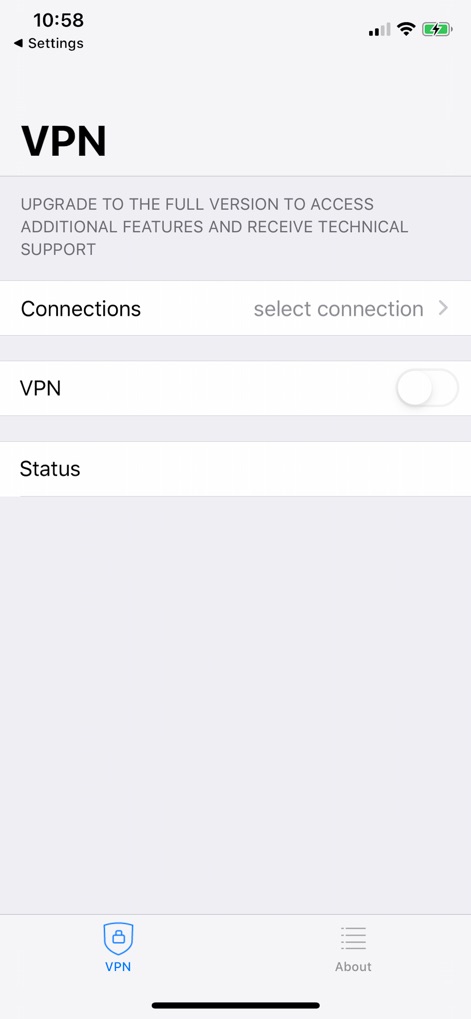
This screen displays the main VPN toggle for activating connections and the 'Connections' menu to manage various VPN profiles.
Core VPN Interface
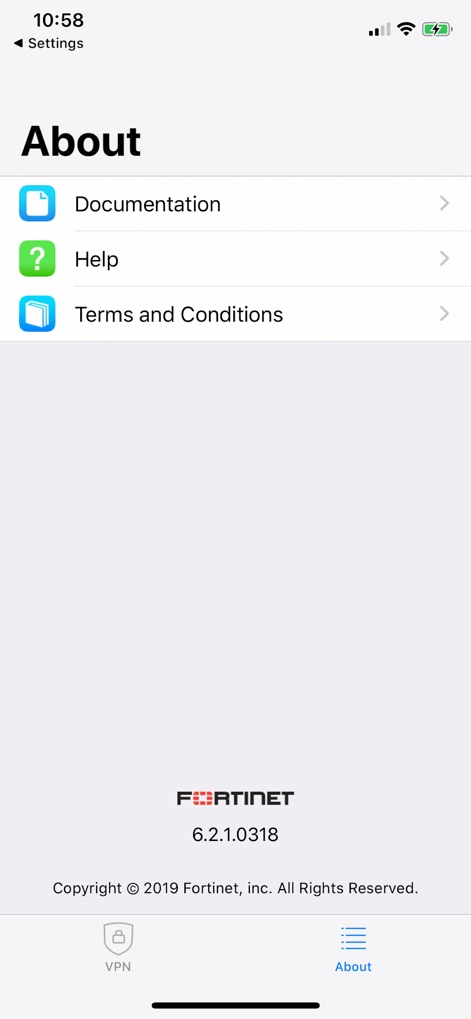
The 'About' section provides quick access to 'Documentation' and 'Help' resources, along with displaying the app's specific version number.
App Details & Support
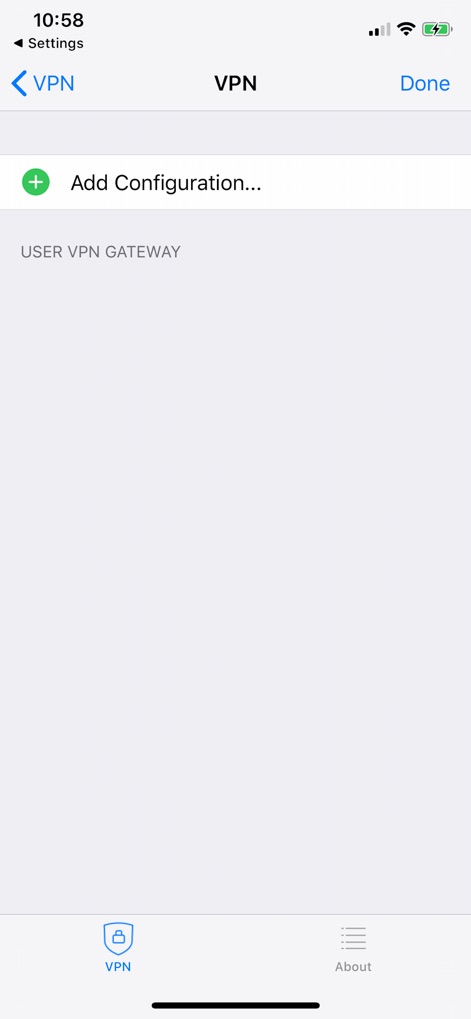
This interface enables users to 'Add Configuration' for new VPN connections, specifying the 'USER VPN GATEWAY' details for secure access.
New Connection Setup
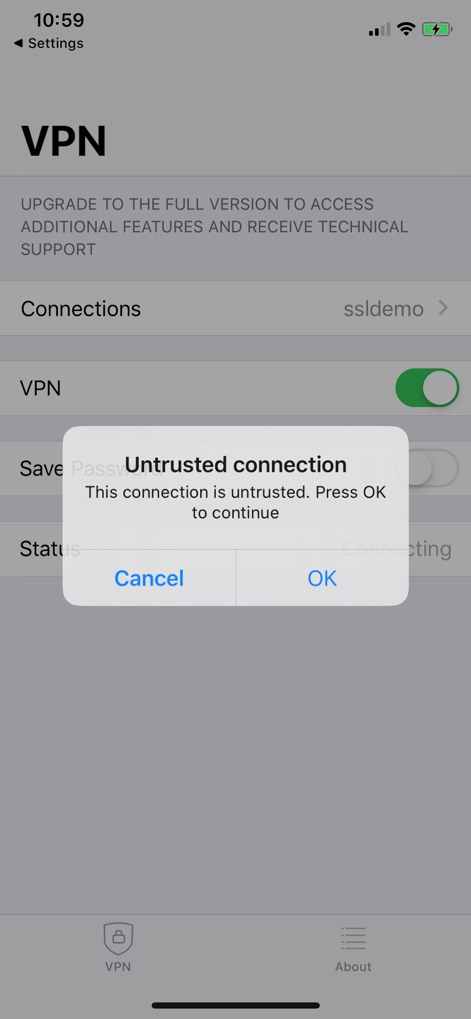
An important 'Untrusted connection' warning is shown, prompting users to acknowledge potential risks before proceeding with an unverified connection.
Security Protocol Alert
Description
Download
More Like This
Apps with similar features and user experience

OpenVPN Connect
OpenVPN Inc.

GlobalProtect™
Palo Alto Networks

Ivanti Secure Access Client
Pulse Secure LLC

Adios Alpha
Pickpointio LLC

BeiRui Pgy Management
Shanghai best oray information s&t co.,ltd

FortiClient
Fortinet, Inc

Cisco Secure Client
Cisco

publicroam
Publicroam B.V.

Zscaler Client Connector
Zscaler inc
This page is not an official page of the app or its developer, but an independent editorial publication created for informational and commentary purposes. Unless expressly stated otherwise, neither the app nor its developer is affiliated with, endorsed by, sponsored by, authorized by, or otherwise officially connected with MWM, Apple, Google Play, the app publisher, or the app's developer, and nothing on this page implies that the app was developed using MWM's services. Any trademarks, logos, screenshots, and other content remain the property of their respective owners.