FP Scanner: Professional PDF Scanning with Zero Watermarks
Turn your iPhone into a powerful productivity hub. Effortlessly scan documents, extract text with high-accuracy OCR, and sync to iCloud—all with a clean, watermark-free finish designed for professionals.
Publisher
Rocketplan Technology Limited
Category
Utilities
Downloads
788K+
User Rating
4.3/5
Total Ratings
1K+
Locales
6
Precision in Every Pixel
Discover the interface used by 788K+ users.
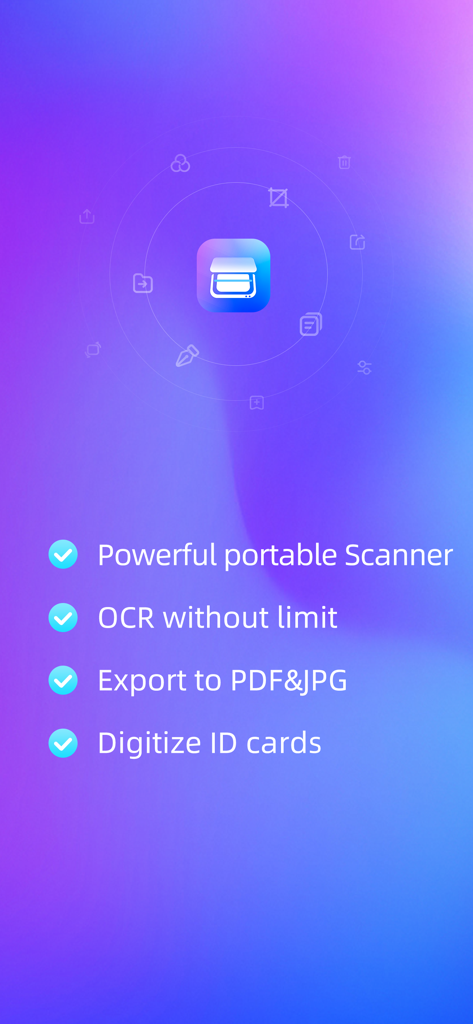
Promotional screen for FP Scanner app highlighting OCR, PDF export, and ID card scanning features.
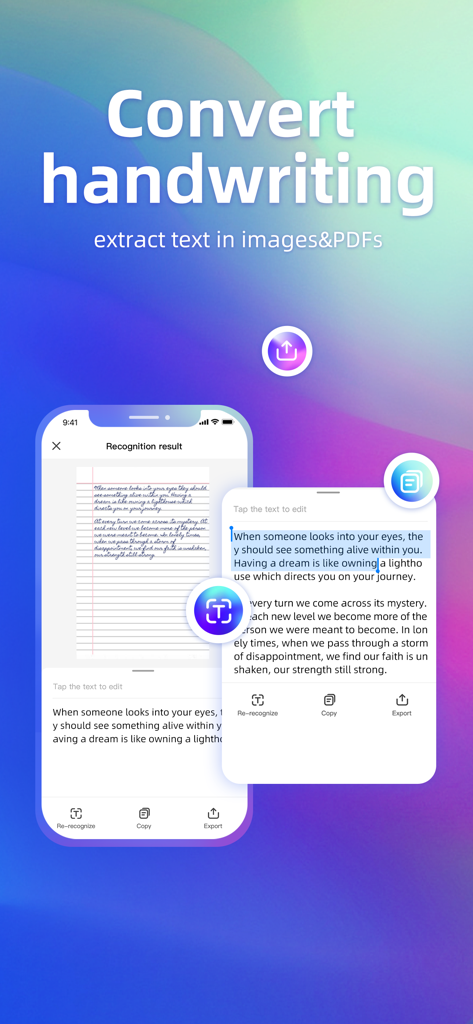
FP Scanner app interface showing the extraction of digital text from a handwritten notebook page on an iPhone
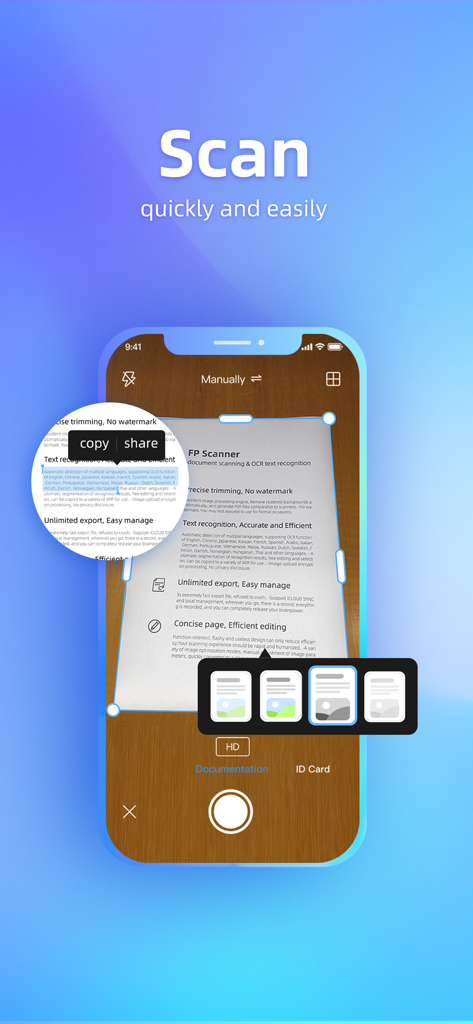
FP Scanner mobile app interface showing document scanning and OCR text recognition
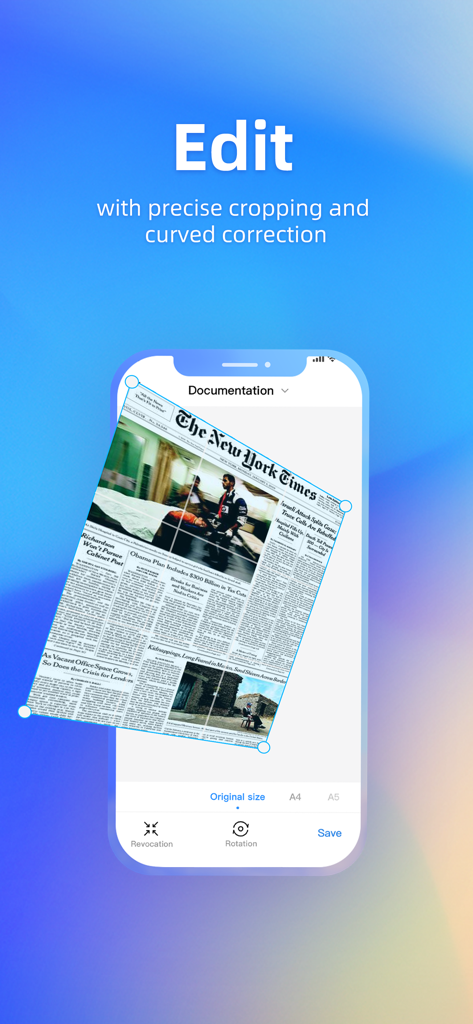
FP Scanner app interface showing precise cropping and curved correction on a scanned newspaper document.
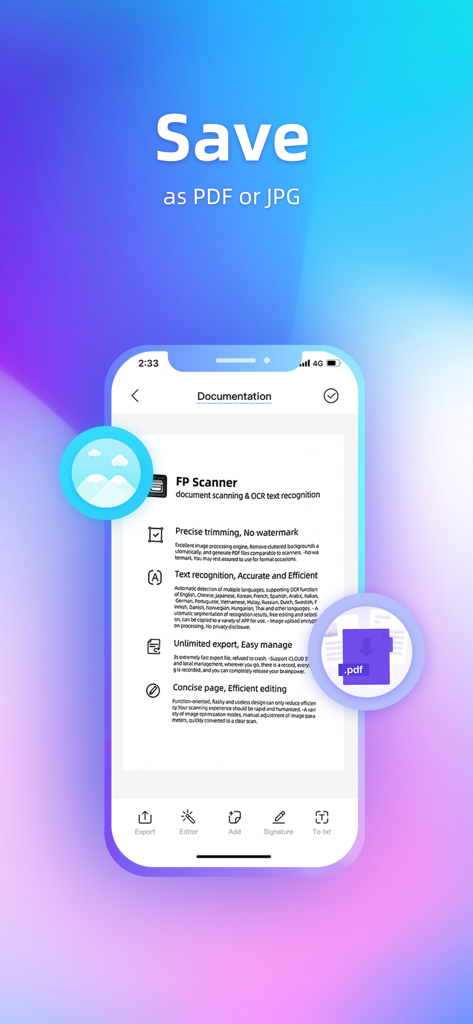
FP Scanner app interface showing options to save a scanned document as a PDF or JPG file
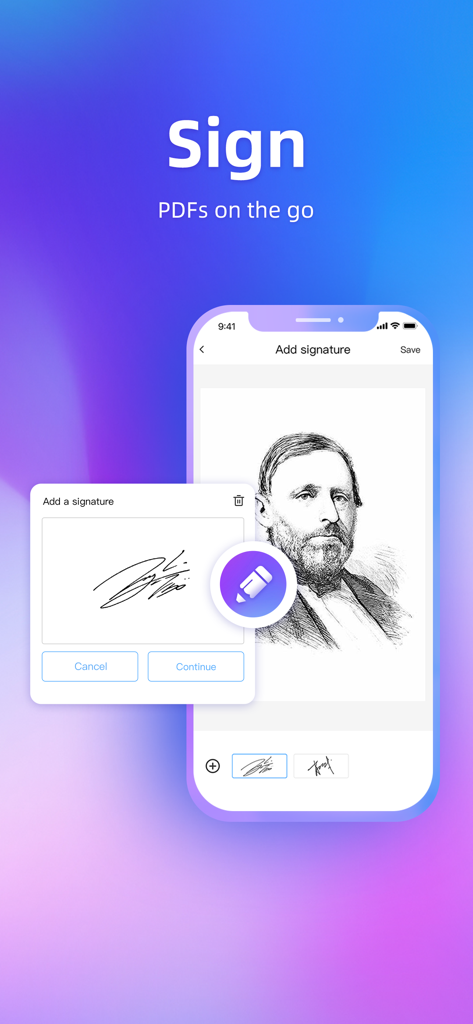
Signing a PDF document using the FP Scanner mobile app
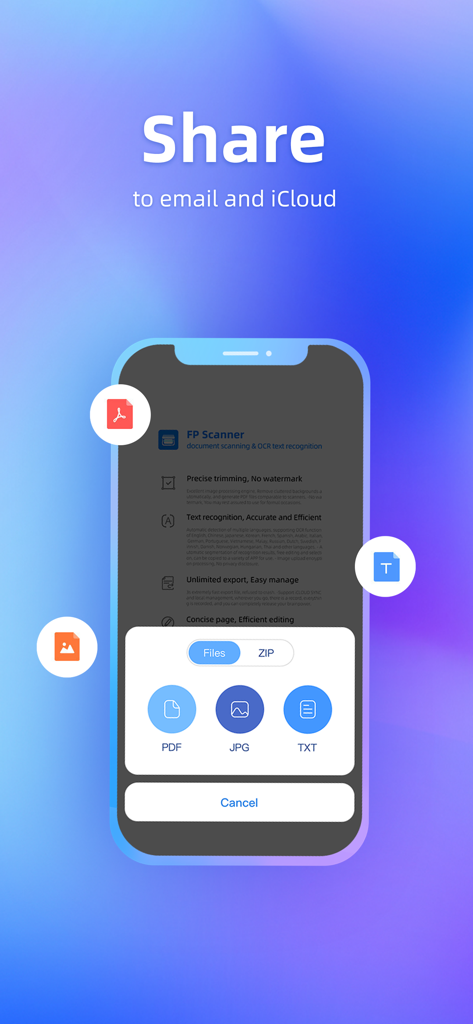
FP Scanner app sharing interface for PDF JPG and TXT documents to email and iCloud
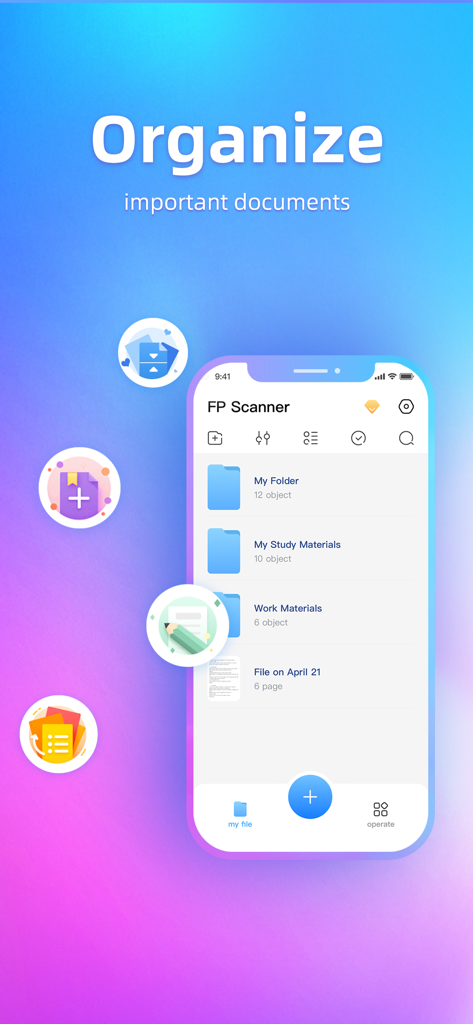
A mobile interface for the FP Scanner app showing organized folders for study and work materials on an iPhone.
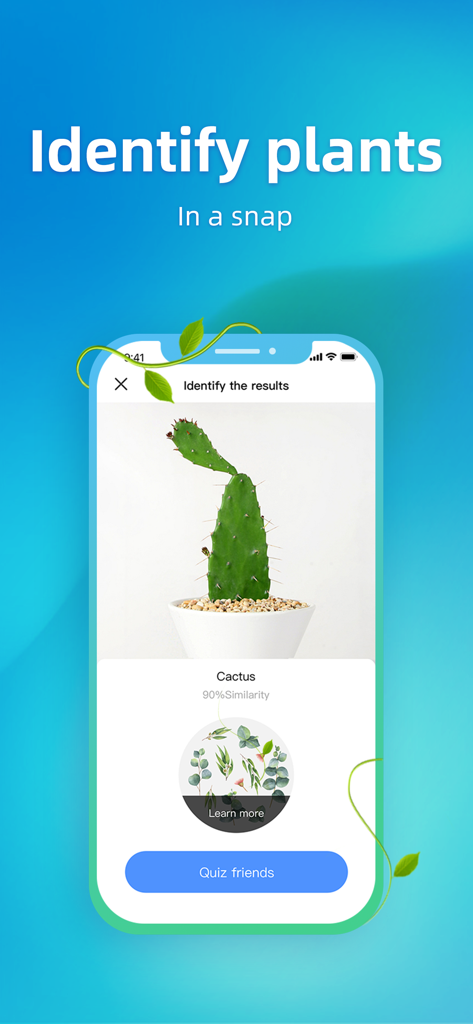
FP Scanner app interface showing a plant identification result for a cactus with 90 percent similarity
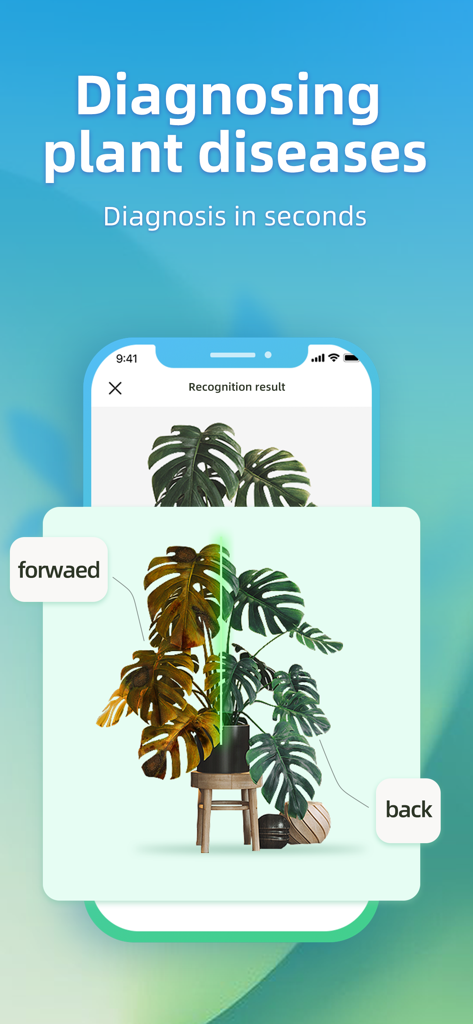
FP Scanner app interface demonstrating a plant disease diagnosis feature with a split-screen photo comparison of a houseplant
Everything You Need for a Paperless Life
The tools that make this app stand out, trusted by 788K+ users.
📝
Instant OCR & Extraction
Turn photos into editable text instantly. Accurately extract data from textbooks, receipts, and contracts in over 20 languages to save hours of manual typing.
💎
Pro Quality, No Watermarks
Generate clean, high-resolution PDF scans with automatic background removal. Your documents stay professional and free of intrusive branding for all your formal needs.
☁️
Secure iCloud Syncing
Keep your documents safe and accessible across all your Apple devices. With end-to-end encryption, your sensitive information remains private and protected.
Review Analysis
Insights from user reviews.
Sentiment Score
21%
Negative
Summary
This app receives overwhelmingly negative feedback from users. Many report that the app consistently fails to work as advertised, frequently crashes, and is riddled with bugs, making it unreliable for its intended purpose. A significant number of complaints stem from its aggressive subscription model, requiring immediate payment for basic functionality and often revoking access to previously scanned documents without a paid plan. Users also express frustration over excessive and intrusive advertisements, which appear constantly and interrupt usage.
Common Themes
App Performance/Bugs(20)
Subscription Model(16)
Misleading Features/Claims(12)
Excessive Advertising(10)
Data Access/Loss(4)
About the app
Everything you need to know about FP Scanner-photo scan.
Description
***For Free NOW***
Always going to the print shop?
*FP scanner is the top and easy to use App of its kind, which can help you save a lot of money. It is tiny yet powerful, and there is no need to pay. It is committed to becoming the best scanner for your IPhone.
Still typing one by one?
*Fast Text recognition&Extraction. Whether it is PPT courseware, company documents transcription, paper books, shopping receipts, photo translation text, ID card recognition and so on, FP Scanner can accurately and efficiently extract all of the text for you.
Work with peace of mind and leave the rest to me!
----Key Feature----
[Precise trimming, No watermark]
-Excellent image processing engine, Remove cluttered backgrounds automatically, and generate PDF files comparable to scanners.
-No watermark, You may rest assured to use for formal occasions.
[Text recognition, Accurate and Efficient]
- Automatic detection of multiple languages, supporting OCR function of English, Chinese, Japanese, Korean, French, Spanish, Arabic, Italian, German, Portuguese, Vietnamese, Malay, Russian, Dutch, Swedish, Finnish, Danish, Norwegian, Hungarian, Thai and other languages.
- Automatic segmentation of recognition results, free editing and selection, can be copied to a variety of APP for use.
- Image upload encryption processing, No privacy disclosure.
[Unlimited export, Easy manage]
-3s extremely fast export file, refused to crash.
-Support iCLOUD SYNC and local management, wherever you go, there is a record, everything is recorded, and you can completely release your brainpower.
[Concise page, Efficient editing]
-Function-oriented, flashy and useless design can only reduce efficiency.Your scanning experience should be rapid and humanized.
-A variety of image optimization modes, manual adjustment of image parameters, quickly converted to a clear scan.
[Subscribe Service]
* Subscribe reminder: This product may contain pay fees, please pay attention to management subscriptions.
FP Scanner provides a monthly subscription, becoming a FP Scanner member to unlock more interesting features.
- Pay: After successful subscription, the iTunes account will be charged.
- Renewal: The iTunes account will deduct a deduction 24 hours before the current subscription cycle, and the subscription service will be delayed after the renewal fee is successful.
- Cancellation: If you need to cancel the renewal after successful purchase, you need to manually turn the automatic renewal function in iTunes / Apple ID settings 24 hours before the current subscription. This subscription will be automatically renewed if the subscription is not closed at least 24 hours ago at the end of the subscription period.
Terms of Service:http://resource.guansuqx.com/FP_Scanner/service.html
Privacy Policy:http://resource.guansuqx.com/FP_Scanner/privacy.html
We’d love to hear your feedback:
1.Tap the "Setting" icon -- Help
2.Send e-mail to: fpfreescanner@gmail.com
3.Like us on Facebook&Instagram:FP Scanner
REMINDER:
In order to bring a better scanning experience, please ensure that your documents are smooth and sensitive to light.
When scanning with old equipment, it is recommended to scan at least 25cm away from the document to avoid problems such as blurring of the finished product.
It is recommended to use a dead color background to make the scanning more accurate.
Latest Version
2.1.7
Size
240.0 MB
First Released
Apr 13, 2021
Professional Scanning Made Simple, Fast, and Watermark-Free
Stop paying for print shops and wasting time on manual typing. Join 788K+ users who turn their iPhone into a high-powered document hub with instant OCR and secure iCloud sync.
App information, icons, screenshots, and descriptions displayed on this page are sourced from the Apple App Store and are the property of their respective developers. Download estimates and rankings are based on MWM's proprietary models and may not reflect actual figures. This page is provided for informational and analytical purposes only.
Believe this page infringes your intellectual property? File a dispute