
This page is not an official page of the app or its developer, but an independent editorial publication created for informational and commentary purposes. Unless expressly stated otherwise, neither the app nor its developer is affiliated with, endorsed by, sponsored by, authorized by, or otherwise officially connected with MWM, Apple, Google Play, the app publisher, or the app's developer, and nothing on this page implies that the app was developed using MWM's services. Any trademarks, logos, screenshots, and other content remain the property of their respective owners.


Framework Markup Language
Skip the build loop and test your FML templates in real-time. The ultimate sandbox for developers and architects to showcase and validate UI layouts without compiling source code.
Downloads
3K+User Rating
Total Ratings
0Publisher
Category
Developer ToolsLocales
1Latest Version
3.3.4Size
120.7 MBFirst Released
Jun 22, 2022Accelerate Your Development Workflow
FML empowers developers to build, test, and showcase high-performance templates without the overhead of source code compilation.
Instant UI Previews
Bypass the compile-and-deploy loop. Render your markup-driven UI on a physical device in real-time without waiting for Xcode builds.
Sandbox Validation
Connect to multiple hosting applications to safely showcase and validate FML templates without needing to manage provisioning profiles.
The following screenshots and description are sourced directly from the app's official store listing and are the property of the app developer.
App Store
Screenshots
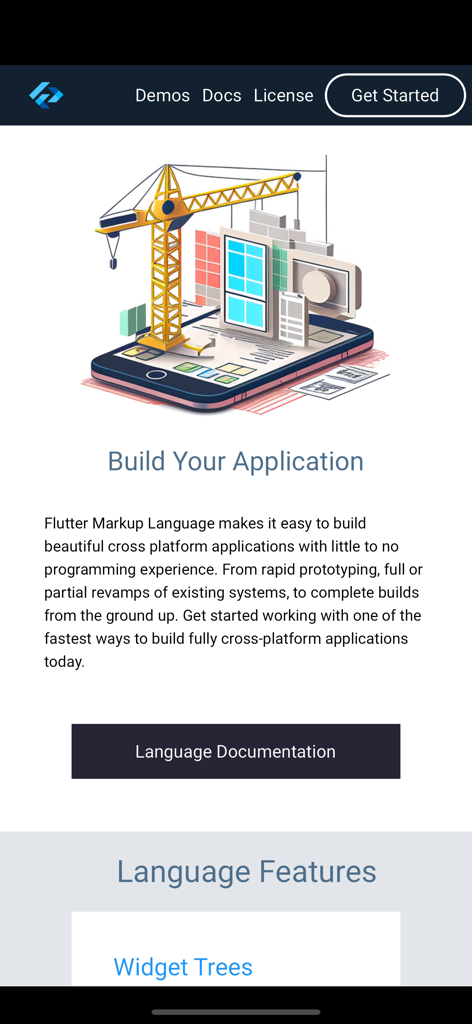
Screenshot showing the build your application section with an illustration of a crane constructing a mobile app on a smartphone screen.
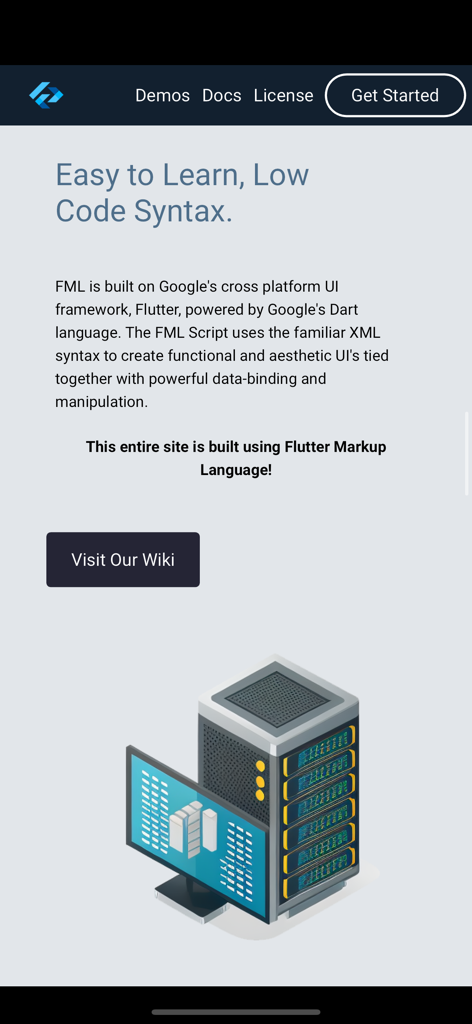
A screen from the Framework Markup Language app explaining its low code syntax and Flutter integration alongside a 3D illustration of a server and monitor.
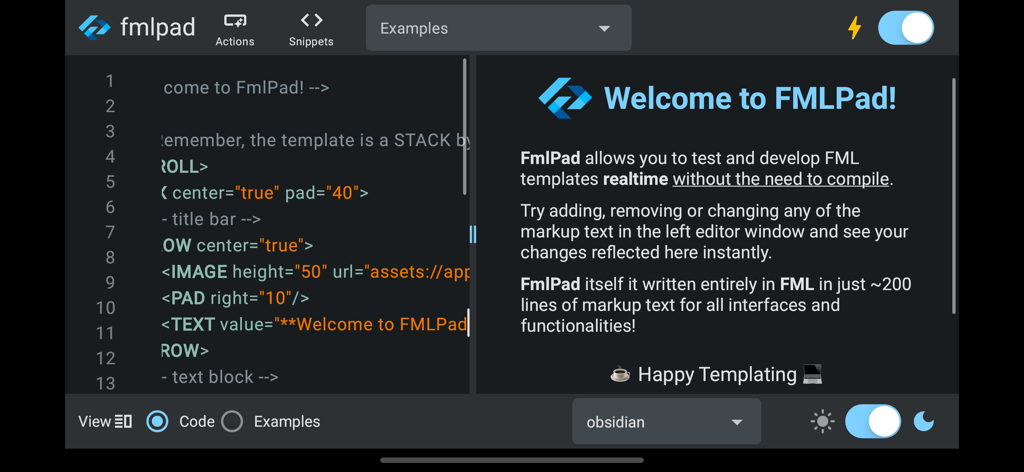
The FMLPad interface showing a split screen with a code editor on the left and a live preview on the right
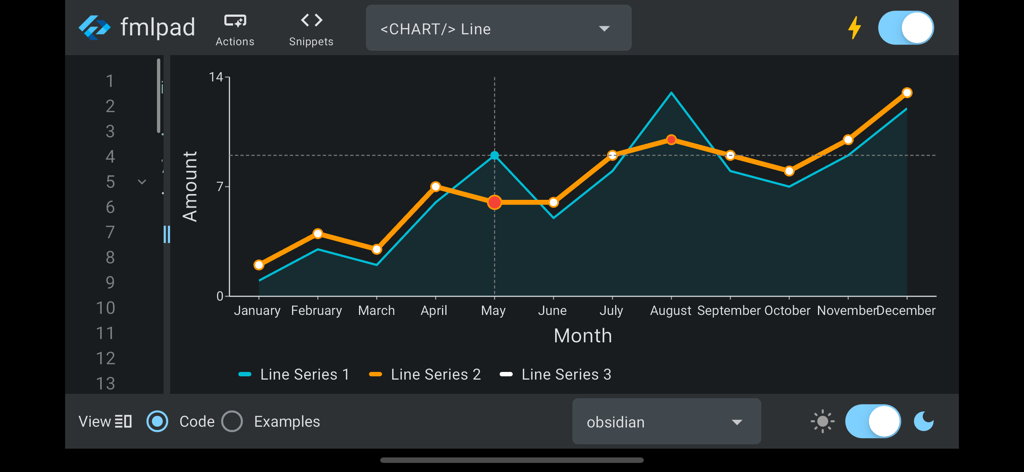
A line chart component rendered in the Framework Markup Language developer app using a dark theme.
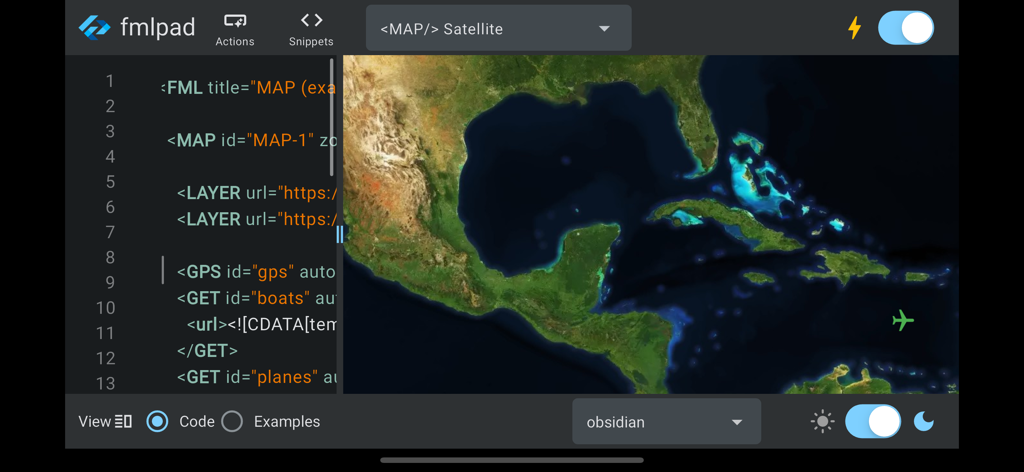
The FMLpad interface showing a code editor for Framework Markup Language alongside a live satellite map preview
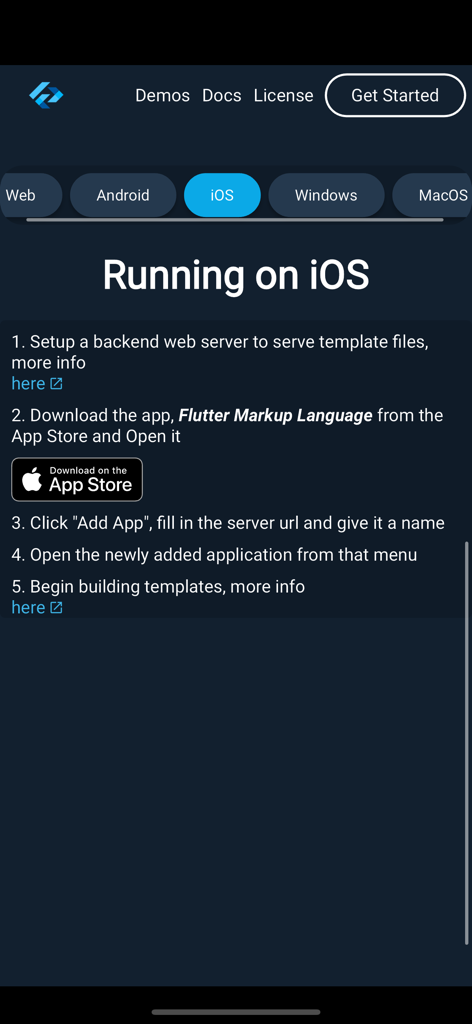
A step-by-step guide for developers on how to run Framework Markup Language on iOS devices
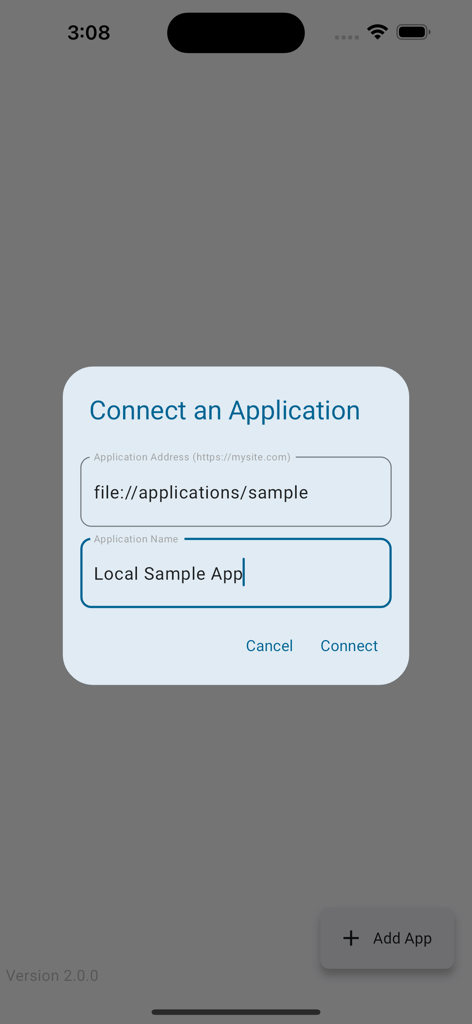
A modal window titled Connect an Application with input fields for application address and name within the Framework Markup Language app.
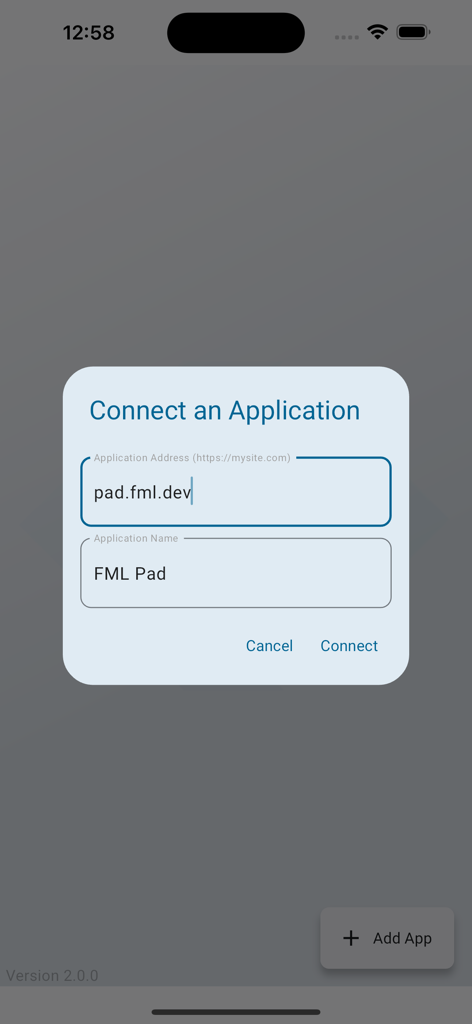
A screen showing a dialog to connect an FML application by entering its address and name.
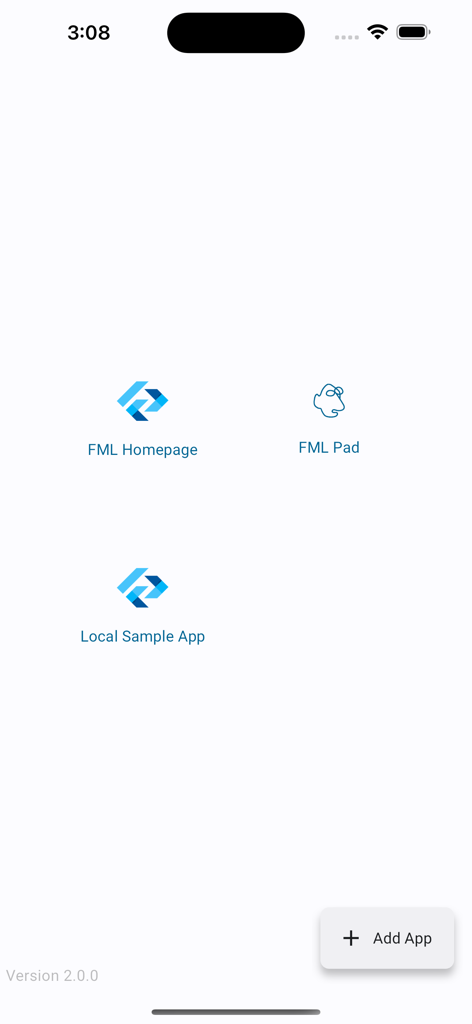
The main dashboard of the Framework Markup Language app showing icons for FML Homepage FML Pad and Local Sample App with an Add App button
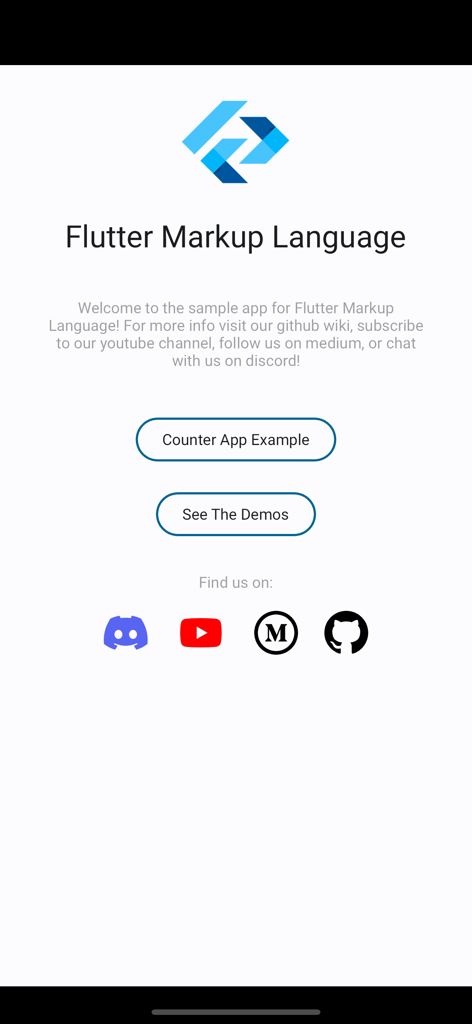
Welcome screen of the Flutter Markup Language app featuring buttons for a counter app example and demos
Description
Download
More Like This
Top-ranked apps in the same category

TestFlight
Apple Inc.

Replit: Vibe Code Apps
Replit, Inc

GitHub
GitHub

O-KAM Pro
Shenzhen VeePai IoT Intelligent Technology LLC

Apple Developer
Apple Inc.

Expo Go
650 Industries, Inc.

Scriptable
Simon Stovring

App Store Connect
Apple Inc.

Sekai: Create · Remix · Play
Versa AI, Inc.
This page is not an official page of the app or its developer, but an independent editorial publication created for informational and commentary purposes. Unless expressly stated otherwise, neither the app nor its developer is affiliated with, endorsed by, sponsored by, authorized by, or otherwise officially connected with MWM, Apple, Google Play, the app publisher, or the app's developer, and nothing on this page implies that the app was developed using MWM's services. Any trademarks, logos, screenshots, and other content remain the property of their respective owners.