
FreePDF - PDF Editor & Reader

Streamline your workflow with the ultimate document tool for iOS. Scan, sign, and edit with precision using Apple Pencil, and boost productivity with our advanced AI Writing Assistant.
Publisher
Category
BusinessDownloads
7K+User Rating
Total Ratings
0Locales
10Discover the interface used by 7K+ users.
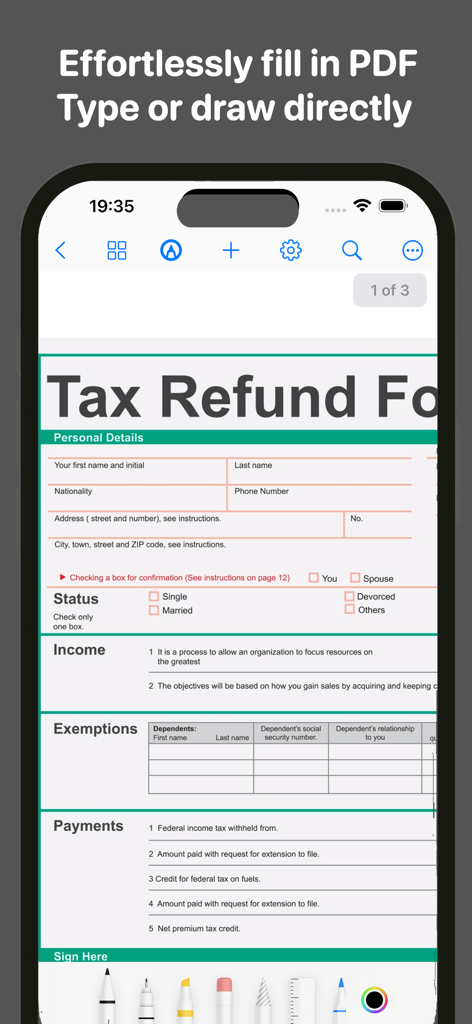
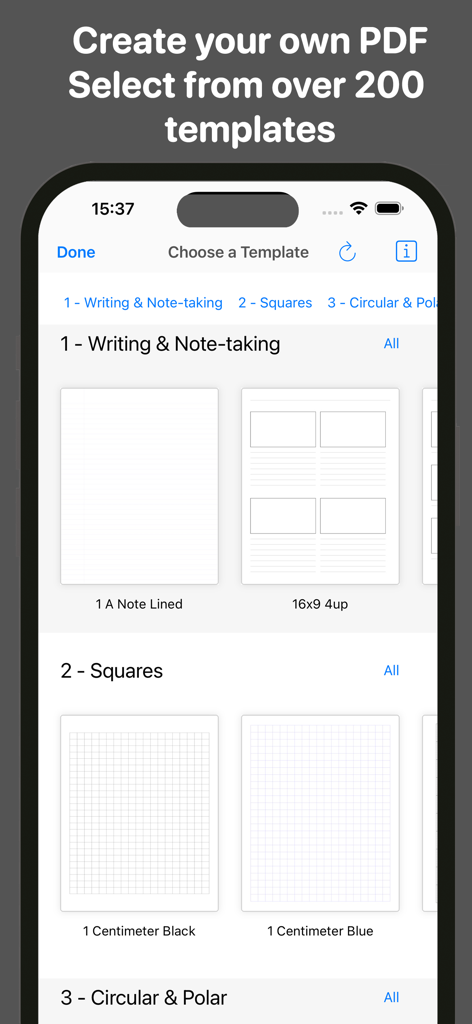
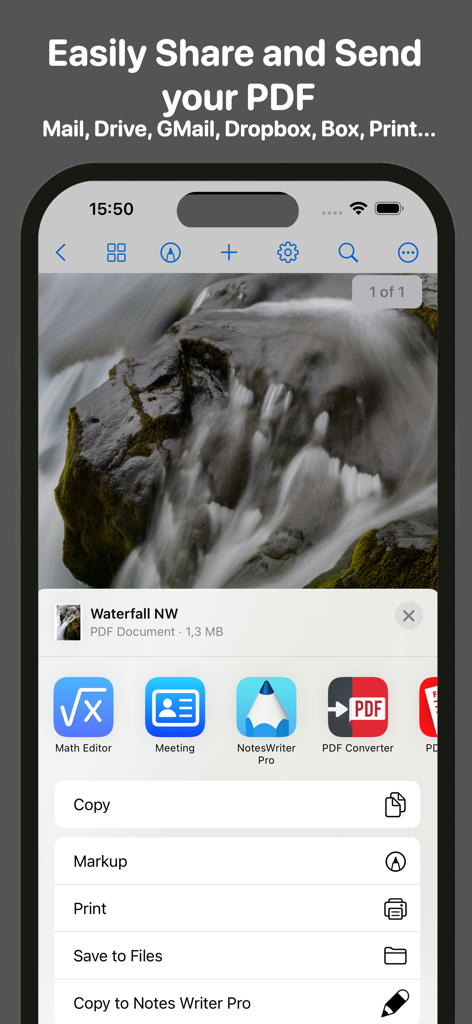
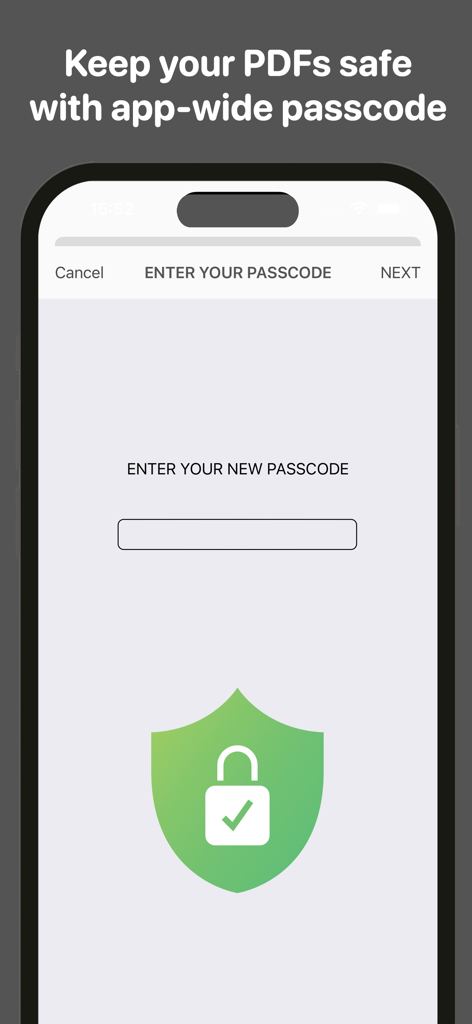
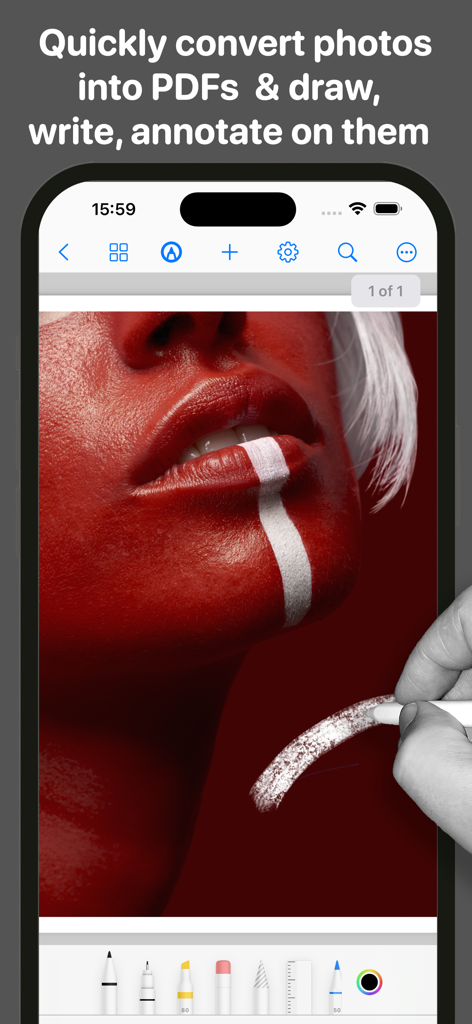
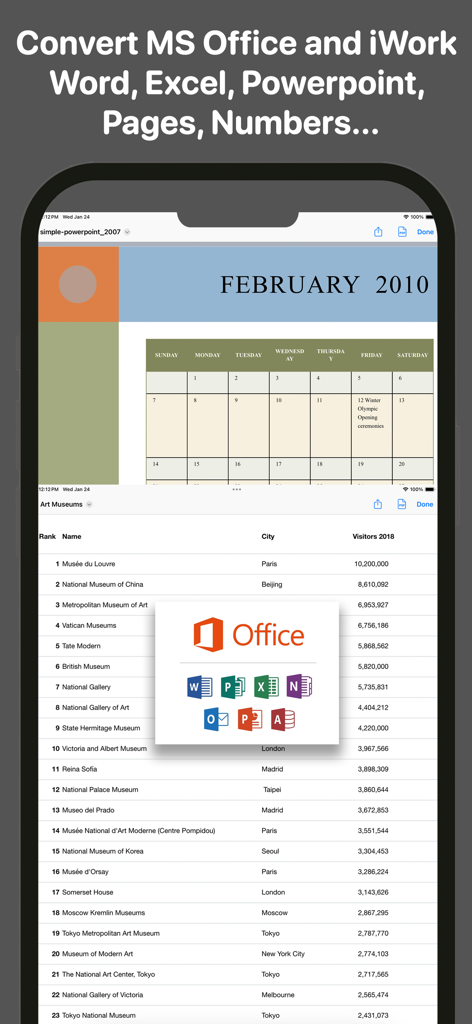
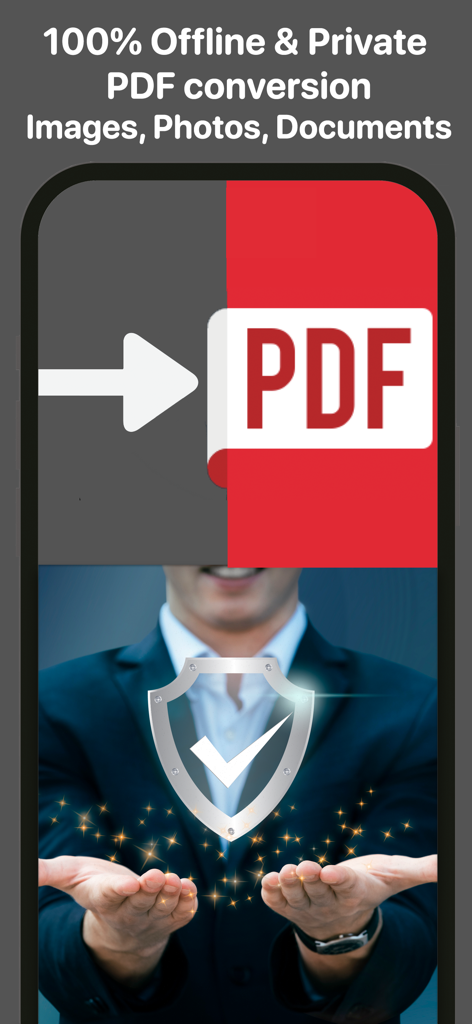
The tools that make this app stand out, trusted by 7K+ users.
Boost your productivity by summarizing long reports or drafting new content directly within your PDFs using our integrated AI tools.
Take notes naturally with full Apple Pencil support, featuring tilt and pressure sensitivity for a seamless, paper-like experience.
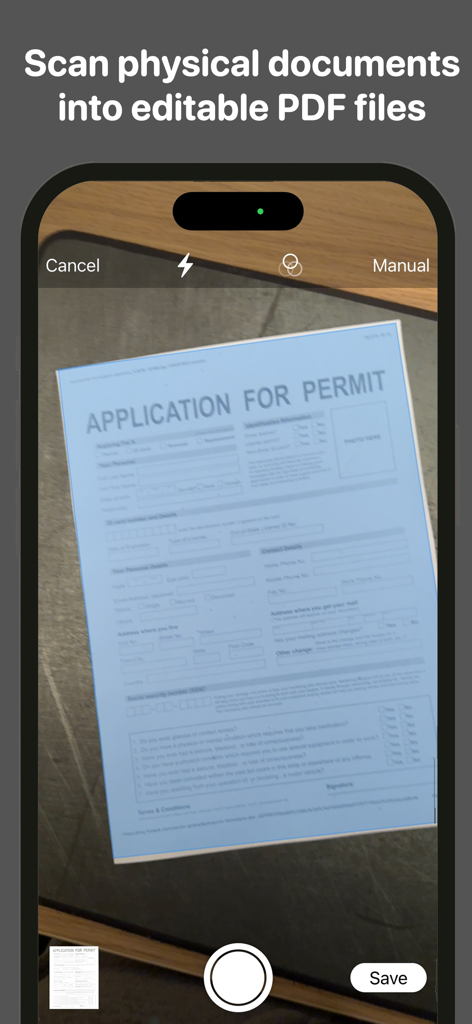
Scan physical documents, sign contracts, and convert Office or iWork files into PDFs instantly—no more switching between multiple apps.
Everything you need to know about FreePDF - PDF Editor & Reader.
Description
Latest Version
1.7.1
Size
317.1 MB
First Released
May 6, 2024
Join thousands of professionals and students using the ultimate AI-powered PDF tool. Start your 3-day risk-free trial today and simplify your digital life.
Everything you need to know about FreePDF - PDF Editor & Reader
FreePDF is a robust, secure, and versatile PDF app for iOS, iPadOS, and macOS. It offers comprehensive features to manage, scan, convert, fill, sign, and edit PDFs, including an AI Assistant and Writing Helper.
Yes, FreePDF allows users to scan physical documents, objects, and photos using their iOS device's camera. Scanned files are editable and annotatable with a full suite of tools.
Yes, FreePDF is fully compatible with Apple Pencil. It supports precision, natural experience, tilt and pressure sensitivity, and palm rejection for annotating, filling, signing, and highlighting PDFs.
FreePDF converts images (PNG, TIFF, JPG, SVG, HEIF, GIF) and documents (TXT, RTF, WORD, HTML, PPT, XLS, PAGES, NUMBERS, KEY) to PDF. It also converts files from Microsoft Office and Apple iWork suites.
FreePDF safeguards your PDFs with secure app-wide passcodes. This feature keeps sensitive information confidential and protected directly on your device, ensuring privacy.
FreePDF offers integrated sharing options including iCloud, Gmail, Mail, Google Drive, Dropbox, One Drive, Box, and iMessage. Users can also print PDFs directly from the app.
FreePDF can be downloaded for free and offers a 3-day risk-free trial. However, users require a subscription to unlock all the features after the trial period.
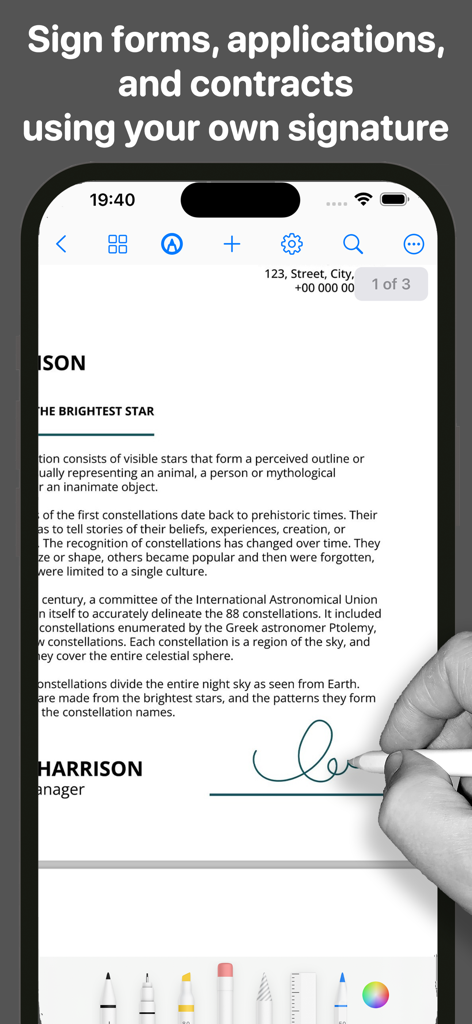
Yes, FreePDF allows users to sign documents using personalized or predefined signatures. This feature supports signing forms, applications, and contracts with ease using a stylus, pencil, or finger.
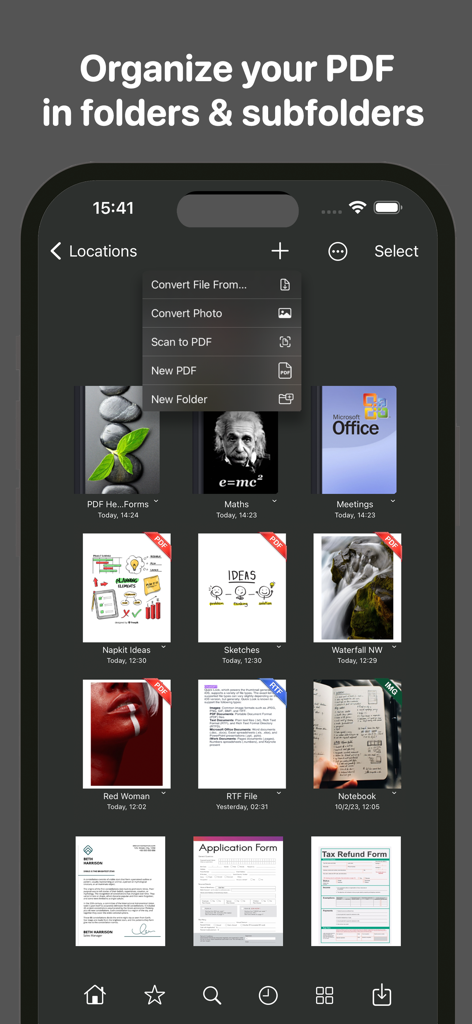
FreePDF provides efficient document management capabilities, allowing users to organize PDF files effortlessly in folders and subfolders. It features a user-friendly interface and search functionality for easy file retrieval.
Yes, FreePDF ensures 100% offline and private PDF conversion for images, photos, and documents. This allows users to convert files without needing an internet connection.
Apps with similar features and user experience

Balzo srl

NEXT K.U.M. LTD

INTSIG Information Co., Ltd

Adobe Inc.

KINGSOFT OFFICE SOFTWARE CORPORATION LIMITED

ILOVEPDF S.L.

The Grizzly Labs

Microsoft Corporation

INDY MOBILE APP COMPANY LIMITED
App information, icons, screenshots, and descriptions displayed on this page are sourced from the Apple App Store and are the property of their respective developers. Download estimates and rankings are based on MWM's proprietary models and may not reflect actual figures. This page is provided for informational and analytical purposes only.
Believe this page infringes your intellectual property? File a dispute