
FRITZ!App Wi-Fi


Measure your signal strength, eliminate dead zones, and find the ideal position for your repeaters with real-time data and expert insights.
Publisher
Category
UtilitiesDownloads
2M+User Rating
Total Ratings
6K+Locales
7Discover the interface used by 2M+ users.
The tools that make this app stand out, trusted by 2M+ users.
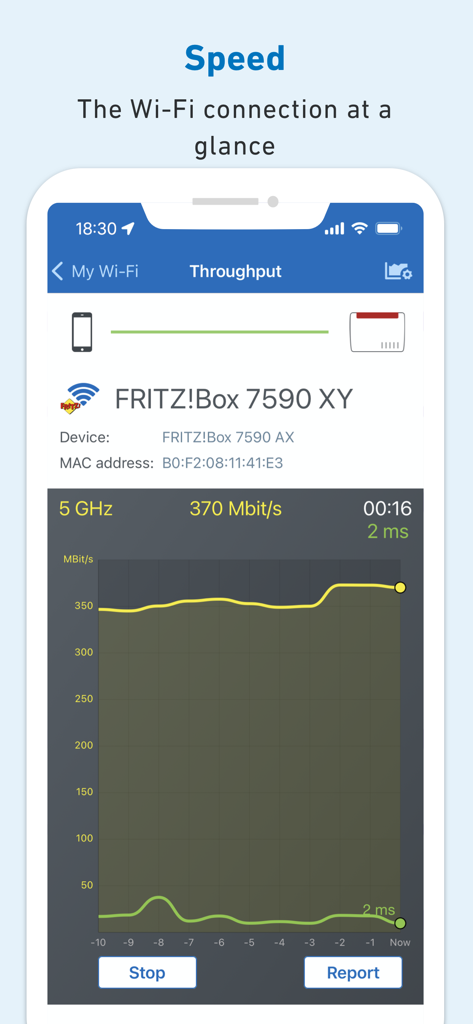
Identify WiFi holes and measure real-time throughput to find the perfect spot for your gaming and streaming needs.
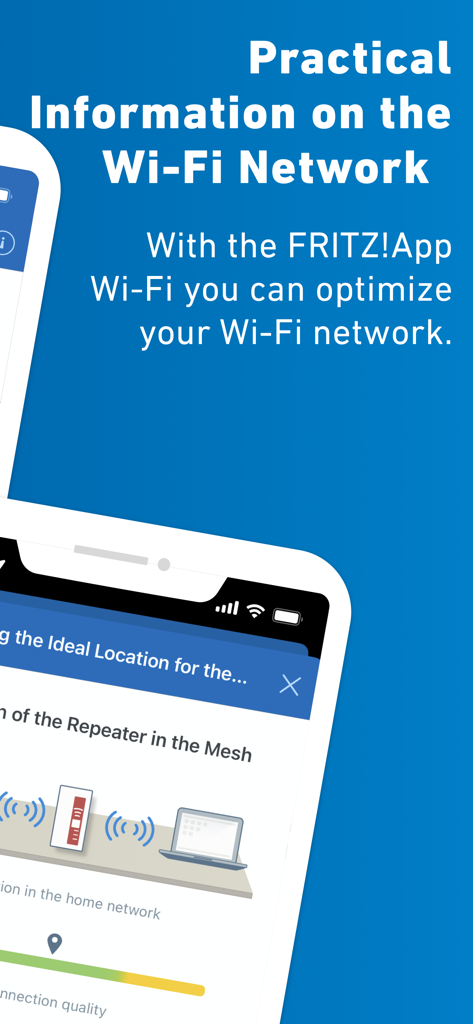
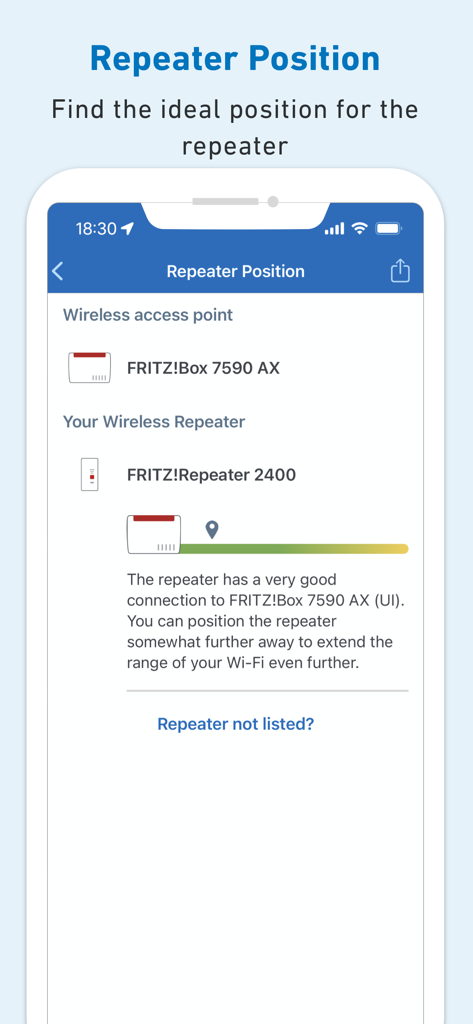
Stop guessing where to plug in. Get precise feedback to ensure your repeaters maintain the strongest link to your FRITZ!Box.
Monitor all access points at a glance and stay secure with instant notifications for the latest FRITZ!OS updates.
Everything you need to know about FRITZ!App Wi-Fi.
Description
Latest Version
1.12.3
Size
35.2 MB
First Released
Aug 3, 2018
Join over 2 million prosumers optimizing their connectivity. Download the FRITZ!App Wi-Fi to eliminate dead zones and ensure peak performance across your entire network.
Everything you need to know about FRITZ!App Wi-Fi
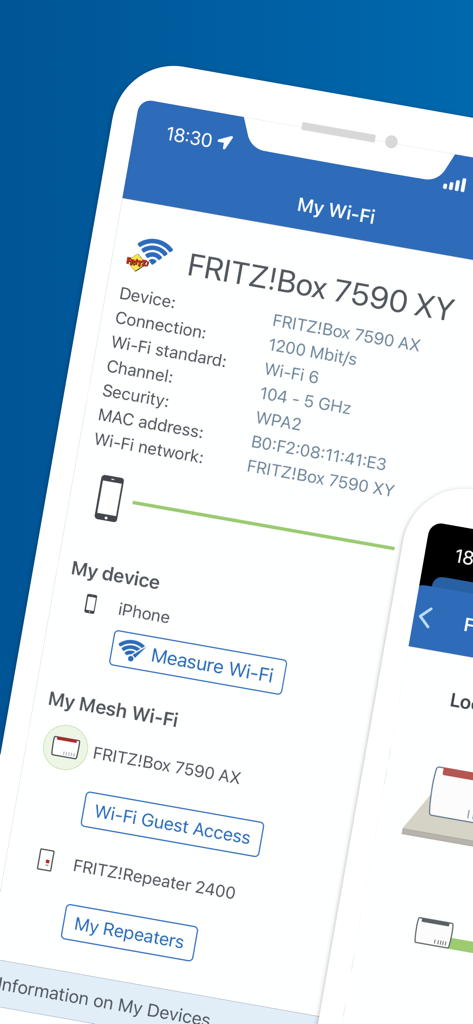
The FRITZ!App Wi-Fi provides an overview of home network access points, notifies about FRITZ!OS updates, and helps optimize Wi-Fi with features like "Measure WiFi" and "Evaluate Repeater Position."
The FRITZ!App Wi-Fi uses the "Measure WiFi" function to evaluate wireless LAN performance at various locations. It helps identify potential Wi-Fi coverage holes within your home network.
Yes, the FRITZ!App Wi-Fi evaluates the connection quality between your FRITZ!Box and FRITZ!Repeater. It directs you to position the FRITZ!Repeater optimally for improved network configuration.
The FRITZ!App Wi-Fi requires iOS version 15 or newer. Additionally, your FRITZ! devices must run on FRITZ!OS 06.50 or newer for the app to function properly.
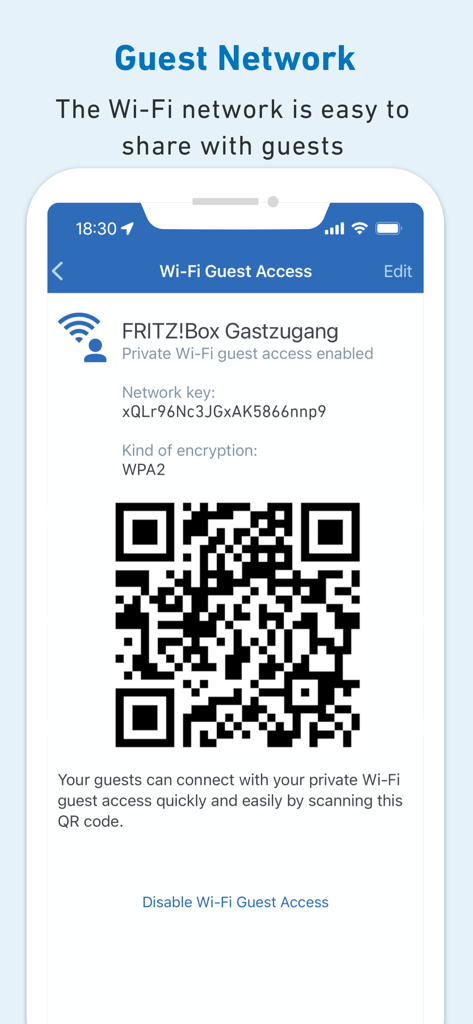
Yes, the FRITZ!App Wi-Fi allows for easy management of the Wi-Fi guest network. Users can enable, disable, and share guest access details, including a QR code, directly through the app.
Yes, measuring Wi-Fi with the FRITZ!App Wi-Fi can increase home network traffic. This might temporarily impair connection speeds for other devices, potentially reducing video streaming quality.
The FRITZ!App Wi-Fi displays device connection details including the Wi-Fi standard (e.g., Wi-Fi 6), channel, security type (e.g., WPA2), MAC address, and the connected Wi-Fi network name.
Apps with similar features and user experience

TP-Link Systems Inc.

AT&T Services, Inc.

TP-Link Systems Inc.

eero LLC

MERCUSYS Technologies Co., Ltd.

TP-Link Systems Inc.

eero LLC

NETGEAR, Inc.

Ubiquiti Inc.
App information, icons, screenshots, and descriptions displayed on this page are sourced from the Apple App Store and are the property of their respective developers. Download estimates and rankings are based on MWM's proprietary models and may not reflect actual figures. This page is provided for informational and analytical purposes only.
Believe this page infringes your intellectual property? File a dispute
