
This page is not an official page of the app or its developer, but an independent editorial publication created for informational and commentary purposes. Unless expressly stated otherwise, neither the app nor its developer is affiliated with, endorsed by, sponsored by, authorized by, or otherwise officially connected with MWM, Apple, Google Play, the app publisher, or the app's developer, and nothing on this page implies that the app was developed using MWM's services. Any trademarks, logos, screenshots, and other content remain the property of their respective owners.


MERCUSYS
Eliminate dead zones and take charge of your family’s digital life with effortless setup, device prioritization, and advanced parental controls.
Downloads
660K+User Rating
Total Ratings
9K+Publisher
Category
UtilitiesLocales
29Latest Version
2.4.328Size
696.9 MBFirst Released
Jun 30, 2021Complete Control Over Your Home Connectivity
Manage your mesh network, protect your family, and optimize performance across every room with one intuitive interface designed for your modern home.
Smart Parental Controls
Set healthy digital boundaries with custom screen time limits, content filtering, and the ability to pause the internet for bedtime instantly.
Eliminate Wi-Fi Dead Zones
Get expert guidance on placing your Halo units to ensure seamless, high-speed coverage from the basement to the backyard without signal drops.
Frequently Asked Questions
Everything you need to know about MERCUSYS
How do I set up my MERCUSYS Halo/Router network using the app?
Yes, you set up your MERCUSYS Halo/Router network by plugging one unit into your modem and following the instructions in the MERCUSYS app. The app also guides optimal placement for additional Halo units.
Does the MERCUSYS app offer parental controls for Wi-Fi management?
Yes, the MERCUSYS app provides comprehensive parental controls. You can restrict website access, set time limits, or pause Wi-Fi on children's devices directly through the app.
Can I prioritize devices for better Wi-Fi performance using the MERCUSYS app?
Yes, the MERCUSYS app includes Quality of Service (QoS) features. You can prioritize specific devices on your network to ensure they receive optimal Wi-Fi bandwidth for a better experience.
What are the benefits of the MERCUSYS Whole Home Mesh Wi-Fi System?
The MERCUSYS Whole Home Mesh Wi-Fi System provides faster, stronger Wi-Fi connections that do not drop out as you move between rooms. It ensures seamless connectivity throughout your entire home.
Can the MERCUSYS app display connected devices and manage guest Wi-Fi networks?
Yes, the MERCUSYS app allows you to view all connected devices on your Wi-Fi network. You can also easily share and manage your guest network for visitors directly from the app dashboard.
Is the MERCUSYS app EAA compliant?
Yes, the MERCUSYS app has met EAA requirements. This confirms the app adheres to specific standards, including aspects related to security and data privacy.
Can I add other users to manage my network with the MERCUSYS app?
Yes, the MERCUSYS app allows you to add a family member as a network manager. This enables them to help monitor and manage your home network settings and connected devices.
The following screenshots and description are sourced directly from the app's official store listing and are the property of the app developer.
App Store
Screenshots
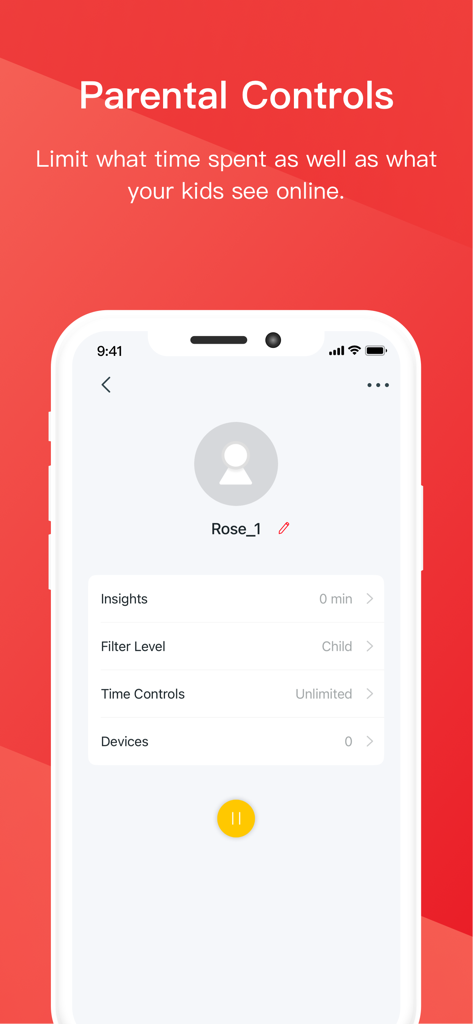
Screen from the MERCUSYS app showing parental control settings for a child profile including time restrictions and filter levels.
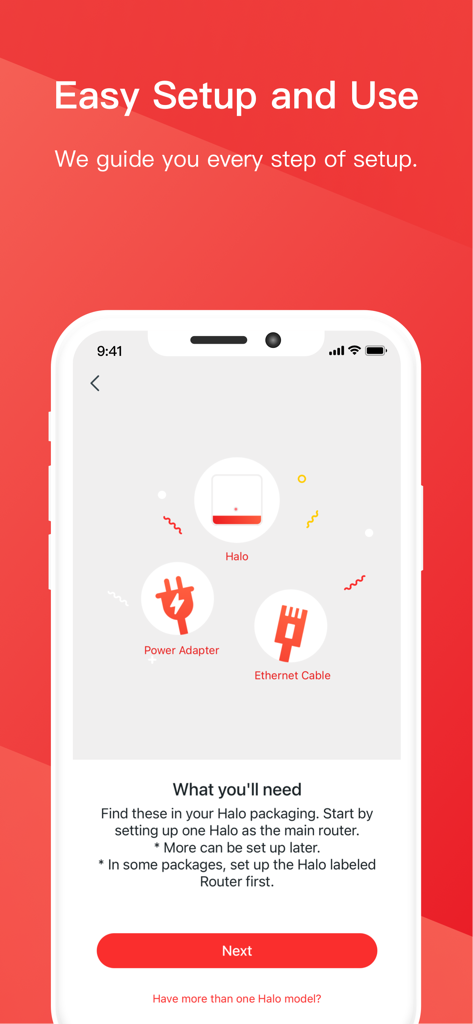
MERCUSYS app screen showing the hardware needed for an easy Halo mesh Wi-Fi system setup
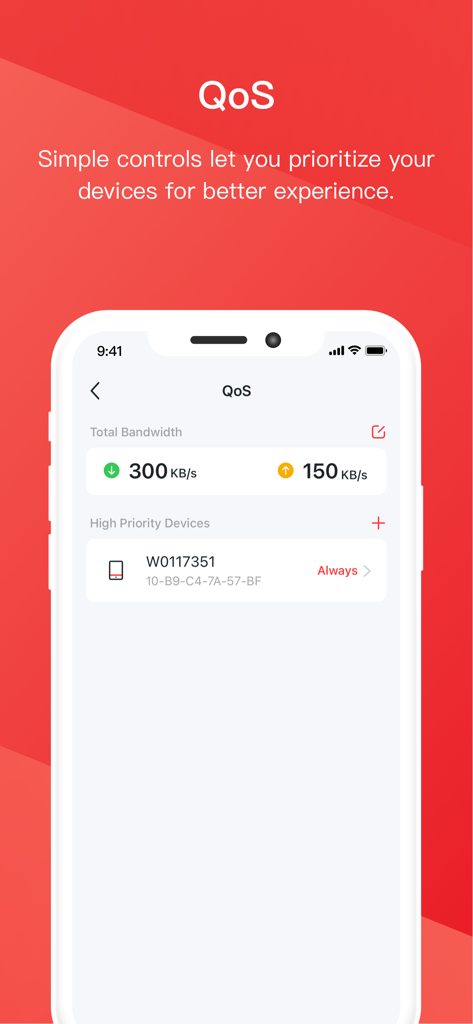
Mercusys app interface showing QoS settings for prioritizing devices and managing bandwidth.
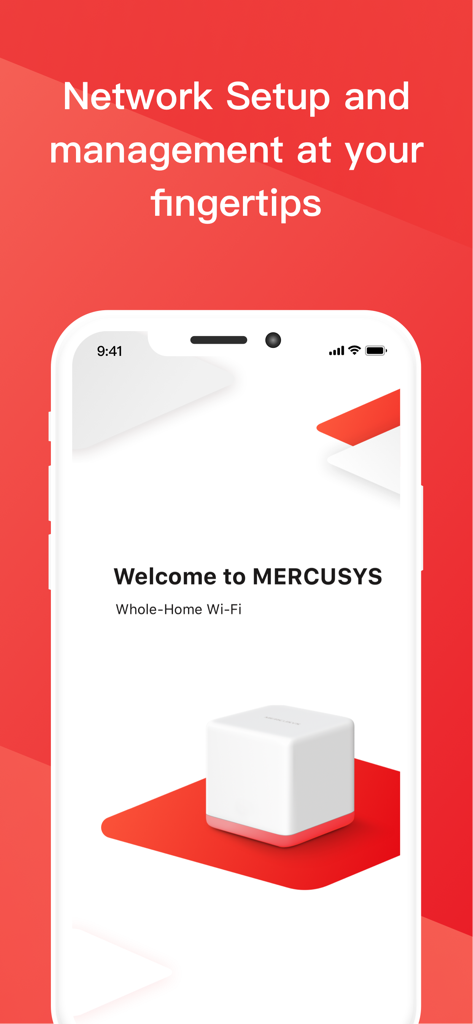
A smartphone displaying the Mercusys app welcome screen for whole-home mesh Wi-Fi network setup and management.
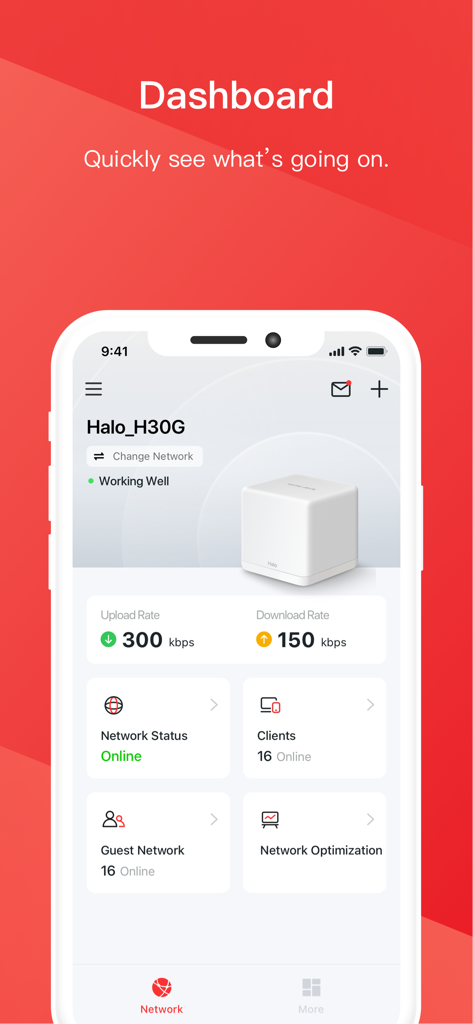
The Mercusys app dashboard displaying real-time network status, upload and download rates, and connected device information.
Description
Download
More Like This
Apps with similar features and user experience

TP-Link Tether
TP-Link Systems Inc.

Smart Home Manager
AT&T Services, Inc.

TP-Link Deco
TP-Link Systems Inc.

eero wifi system
eero LLC

TP-Link Aginet
TP-Link Systems Inc.

T-Mobile Fiber: eero
eero LLC

NETGEAR Nighthawk - WiFi App
NETGEAR, Inc.

UniFi
Ubiquiti Inc.

Freebox Connect
Freebox
This page is not an official page of the app or its developer, but an independent editorial publication created for informational and commentary purposes. Unless expressly stated otherwise, neither the app nor its developer is affiliated with, endorsed by, sponsored by, authorized by, or otherwise officially connected with MWM, Apple, Google Play, the app publisher, or the app's developer, and nothing on this page implies that the app was developed using MWM's services. Any trademarks, logos, screenshots, and other content remain the property of their respective owners.