
This page is not an official page of the app or its developer, but an independent editorial publication created for informational and commentary purposes. Unless expressly stated otherwise, neither the app nor its developer is affiliated with, endorsed by, sponsored by, authorized by, or otherwise officially connected with MWM, Apple, Google Play, the app publisher, or the app's developer, and nothing on this page implies that the app was developed using MWM's services. Any trademarks, logos, screenshots, and other content remain the property of their respective owners.


Game Booster - Headshot Tool
Unlock your full potential with pro-level GFX optimization, perfect sensitivity settings, and lag-free performance designed for the ultimate competitive edge on iOS.
Downloads
3K+User Rating
Total Ratings
500Publisher
Category
UtilitiesLocales
1Latest Version
1.0.2Size
32.4 MBFirst Released
Oct 30, 2025Unlock Your Elite Gaming Potential
Equip yourself with the pro-level tools used by top players to eliminate lag, optimize graphics, and master every shot with precision.
Pro-Level GFX Optimization
Eliminate frustrating lag and frame drops with advanced graphic tuning designed for maximum smoothness and responsiveness on any iOS device.
Precision Sensitivity Finder
Stop guessing your settings. Get the exact DPI and sensitivity balance required to hit consistent "Only Red" headshots like a pro.
Frequently Asked Questions
Everything you need to know about Game Booster - Headshot Tool
What is the main purpose of the Game Booster - Headshot Tool app?
The Game Booster - Headshot Tool enhances gaming by providing sensitivity settings, GFX graphics customization, and headshot accuracy training for unmatched precision.
How much does the Only Red Headshot GFX & Sensitivity Tool cost?
The Only Red Headshot GFX & Sensitivity Tool offers a yearly subscription plan for $19.99/year. This plan auto-renews unless canceled at least 24 hours before the period ends.
What mobile games does the FF4 Sensi Tool support?
The FF4 Sensi Tool supports most mobile games, including popular titles like Garena Free Fire, Call of Duty Mobile, PUBG, New State Mobile, War Sniper, and Shadowgun Legends.
Can users customize their graphics with the Game Booster - Headshot Tool?
Yes, the Game Booster - Headshot Tool features an Advanced GFX Tool to customize graphics for smoother and lag-free gameplay, ensuring optimal performance.
How does the Only Red Headshot GFX & Sensitivity Tool improve headshot accuracy?
The Only Red Headshot GFX & Sensitivity Tool provides Headshot Training Support, allowing users to master the drag technique and improve their precision for better headshot accuracy.
Does the FF4 Sensi Tool offer crosshair customization?
Yes, the FF4 Sensi Tool allows users to customize their aiming reticle through its "CROSSHAIR SETUP" feature. Options include Classic, Cross, and T-Shape styles.
How can I contact support for the Game Booster - Headshot Tool?
For support regarding the Game Booster - Headshot Tool, users can contact the developers via email at gengaming@gmail.com.
Does the Only Red Headshot GFX & Sensitivity Tool provide gaming wallpapers?
Yes, the Only Red Headshot GFX & Sensitivity Tool provides access to a library of high-quality pro gaming wallpapers for users to customize their device.
What types of settings can be adjusted in the FF4 Sensi Tool?
The FF4 Sensi Tool allows adjustment of training difficulty, auto-save progress, haptic feedback, sound effects, notifications, and app theme settings.
Is the Game Booster - Headshot Tool considered safe to use?
Yes, the Game Booster - Headshot Tool is described as easy to use, fast, and safe. It is recommended by top players for "Only Red" headshot precision.
The following screenshots and description are sourced directly from the app's official store listing and are the property of the app developer.
App Store
Screenshots
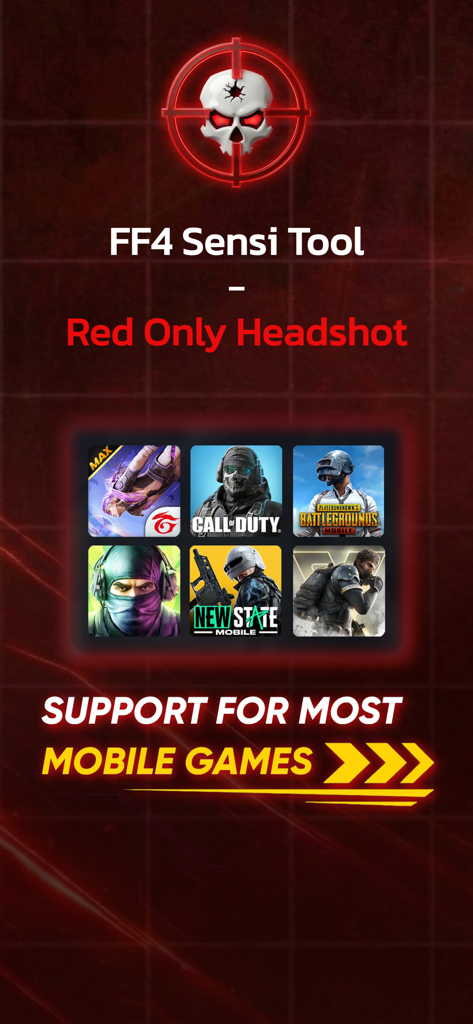
Game Booster Headshot Tool interface showing compatibility with multiple mobile games like Free Fire and Call of Duty
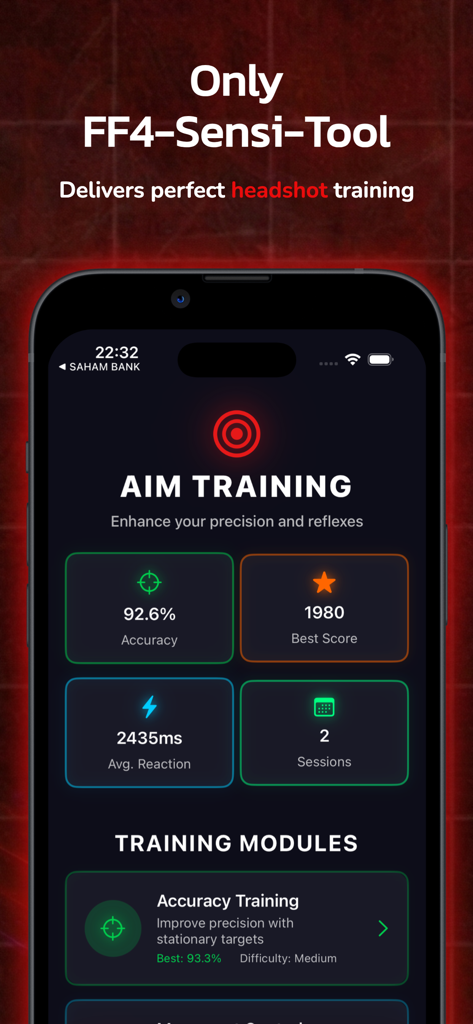
Headshot tool aim training dashboard displaying accuracy and reaction time statistics.
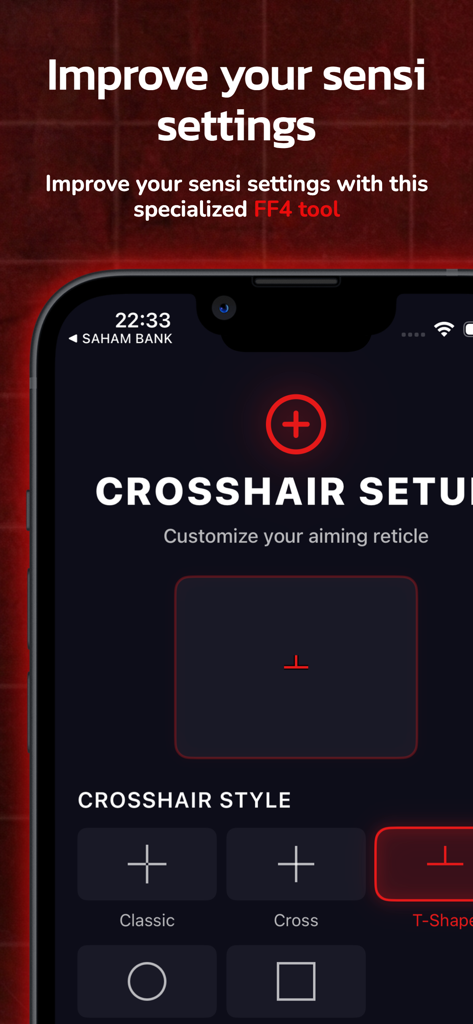
Mobile app interface showing the crosshair setup screen with different aiming reticle styles like classic and T-shape for FPS games.
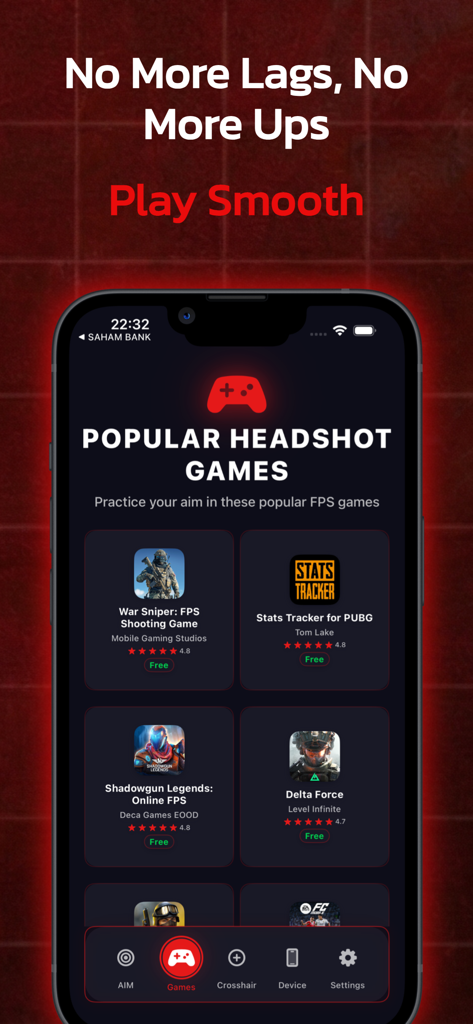
Interface showing a list of popular FPS games recommended for aim practice in the Game Booster app
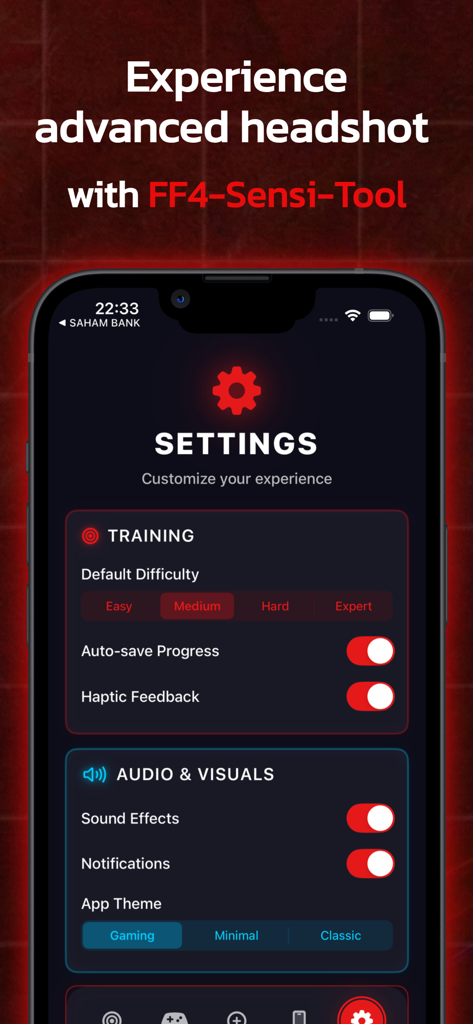
Settings screen of the Game Booster Headshot Tool app showing training difficulty levels and visual customization options.
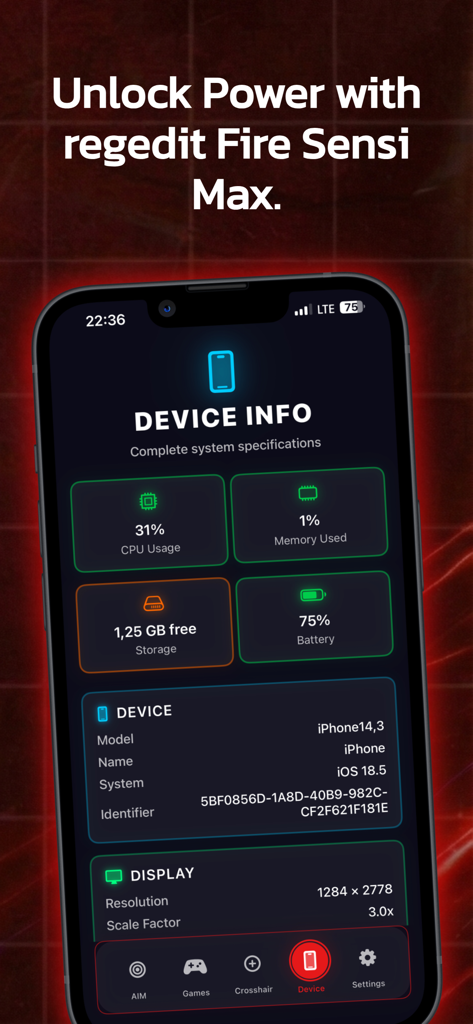
Game Booster app interface displaying iPhone system specifications including CPU usage, memory, and battery status.
Description
Download
More Like This
Top-ranked apps in the same category

Google LLC

Google Chrome
Google LLC

中国移动(手机营业厅)
China Mobile Online Services Co., Ltd.

Google Authenticator
Google LLC

CNH do Brasil
Servicos e Informacoes do Brasil

Cleanup: Phone Storage Cleaner
DEEP FLOW SOFTWARE SERVICES - FZCO

gov.br
Servicos e Informacoes do Brasil

中国电信-全国统一官方服务平台
CHINA TELECOM Corporation Ltd.

Microsoft Edge: AI Browser
Microsoft Corporation
This page is not an official page of the app or its developer, but an independent editorial publication created for informational and commentary purposes. Unless expressly stated otherwise, neither the app nor its developer is affiliated with, endorsed by, sponsored by, authorized by, or otherwise officially connected with MWM, Apple, Google Play, the app publisher, or the app's developer, and nothing on this page implies that the app was developed using MWM's services. Any trademarks, logos, screenshots, and other content remain the property of their respective owners.