
This page is not an official page of the app or its developer, but an independent editorial publication created for informational and commentary purposes. Unless expressly stated otherwise, neither the app nor its developer is affiliated with, endorsed by, sponsored by, authorized by, or otherwise officially connected with MWM, Apple, Google Play, the app publisher, or the app's developer, and nothing on this page implies that the app was developed using MWM's services. Any trademarks, logos, screenshots, and other content remain the property of their respective owners.


Gantt chart AI planner Ingantt
Stop manual scheduling. Simply describe your project and let AI instantly build intelligent, MS Project-compatible schedules to keep your work, home renovations, or events on time and under budget.
Downloads
2K+User Rating
Total Ratings
0Publisher
Category
ProductivityLocales
1Latest Version
2.4.32Size
32.6 MBFirst Released
Sep 22, 2023Master Your Projects in Minutes
Stop wasting hours on manual scheduling. Our AI-driven toolset helps you build professional Gantt charts, manage budgets, and hit milestones without the complexity of traditional software.
Instant AI Project Planning
Skip the blank page. Simply describe your project in plain English and our AI instantly generates a comprehensive schedule with logical task dependencies.
Professional Cost & Tracking
Stay on budget and on time. Monitor progress and manage resources with enterprise-grade features that are compatible with Microsoft Project formats.
The following screenshots and description are sourced directly from the app's official store listing and are the property of the app developer.
App Store
Screenshots
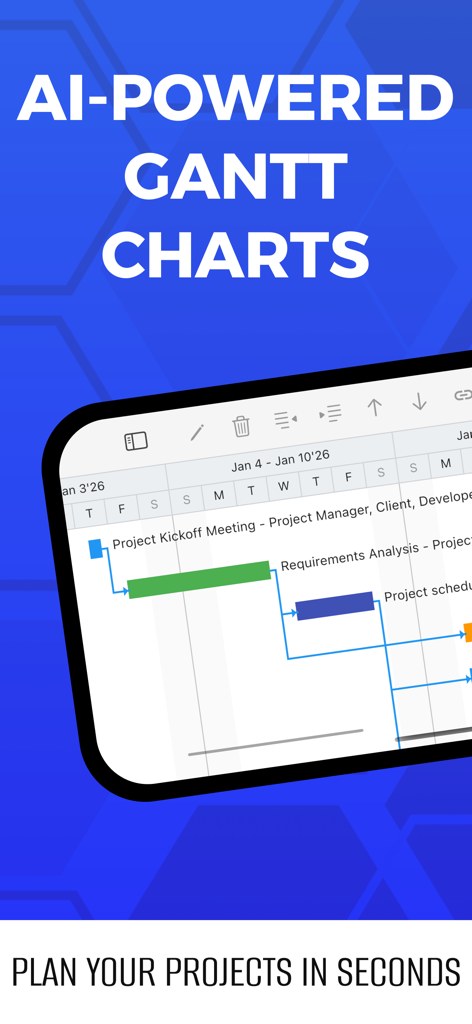
Ingantt mobile app interface showing an AI generated Gantt chart for project scheduling
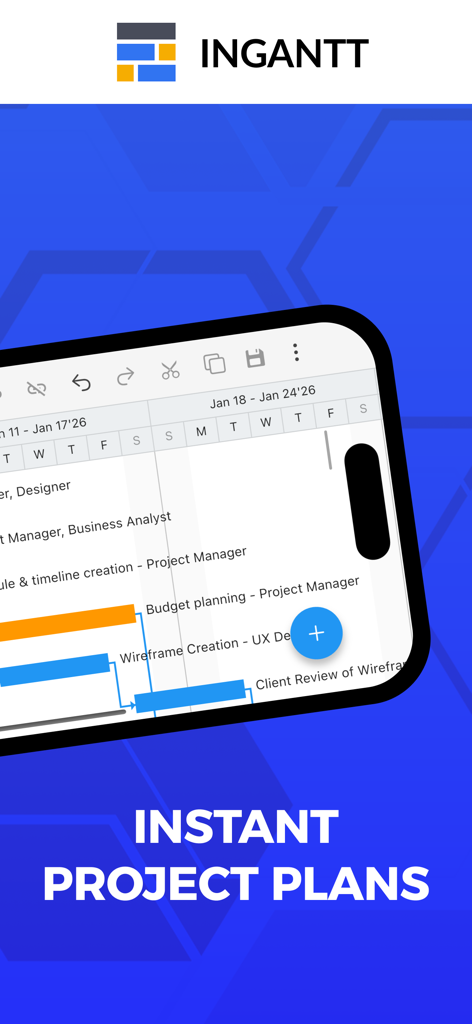
Smartphone screen showing a professional Gantt chart with project tasks and timelines generated by AI
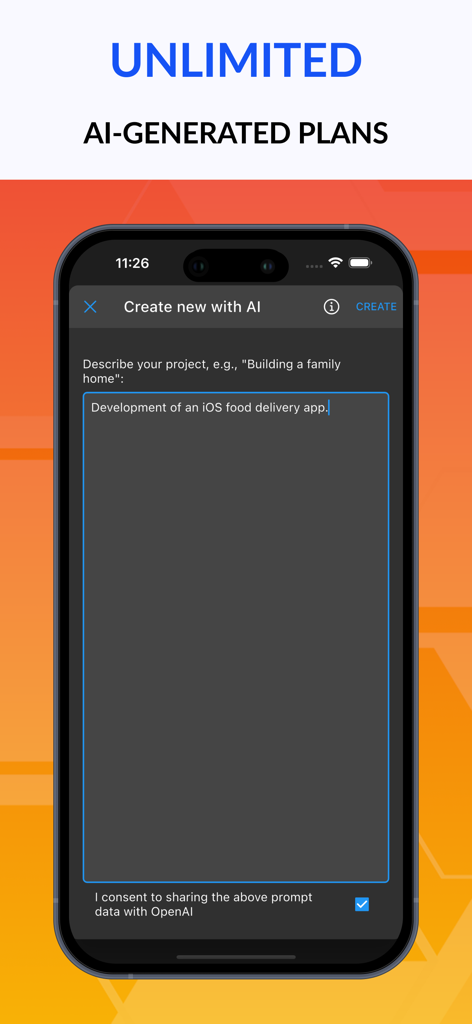
Ingantt mobile app interface showing a prompt to create a new project plan using AI
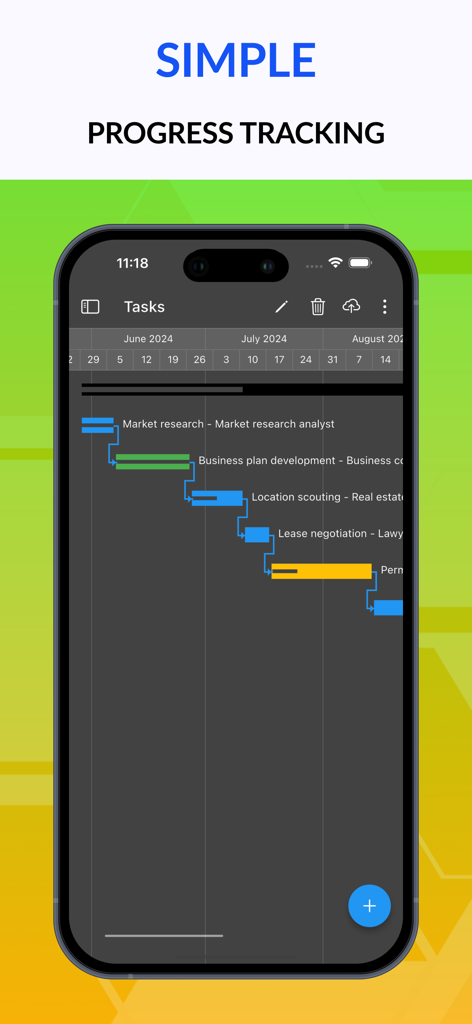
Ingantt mobile app interface displaying a project Gantt chart for progress tracking
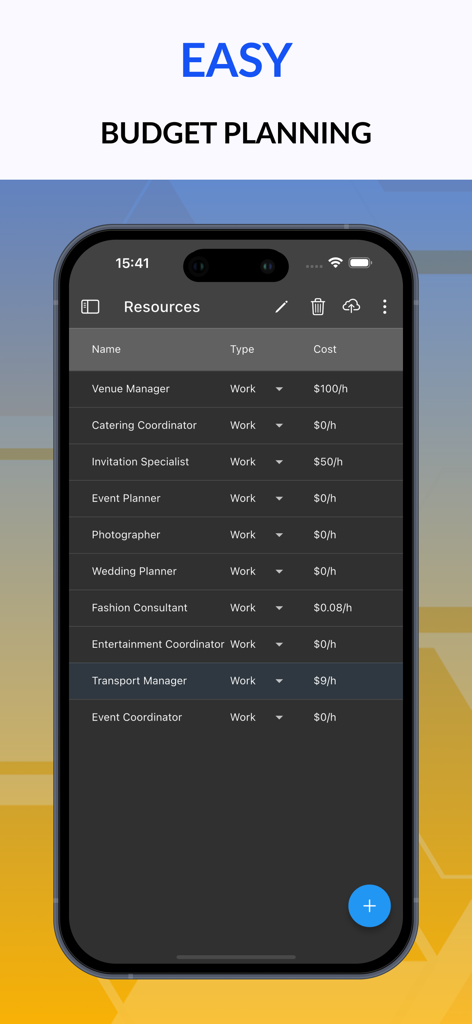
Ingantt mobile app screen showing a list of project resources with hourly rates for budget planning.
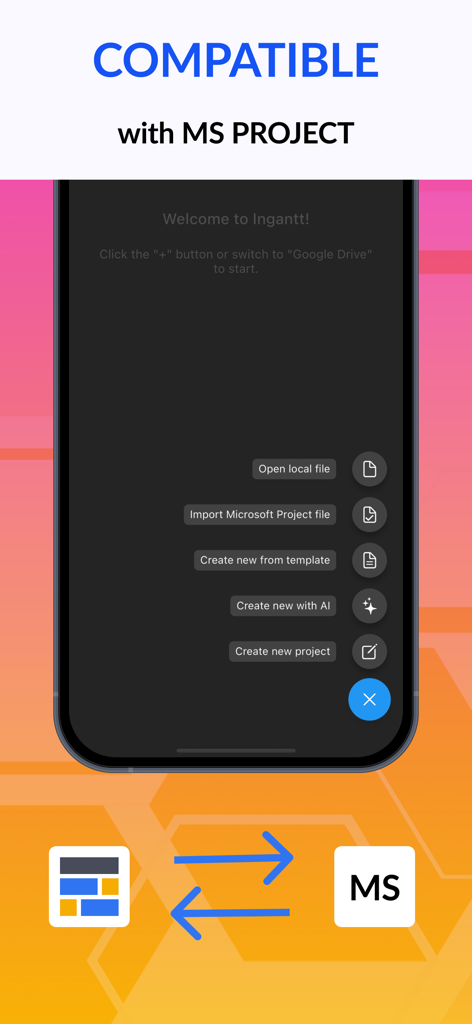
Ingantt mobile app interface showing options to import Microsoft Project files and create plans with AI
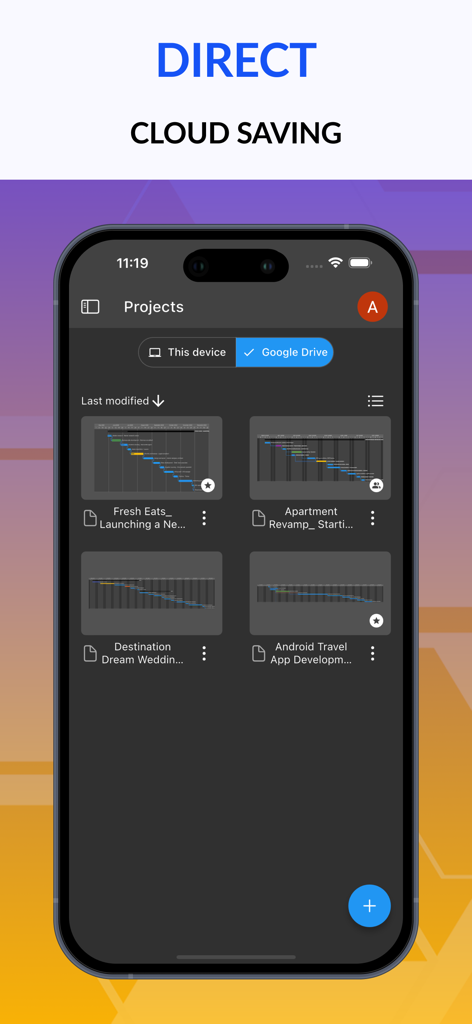
Ingantt app interface showing a list of project Gantt charts saved to Google Drive on a mobile device.
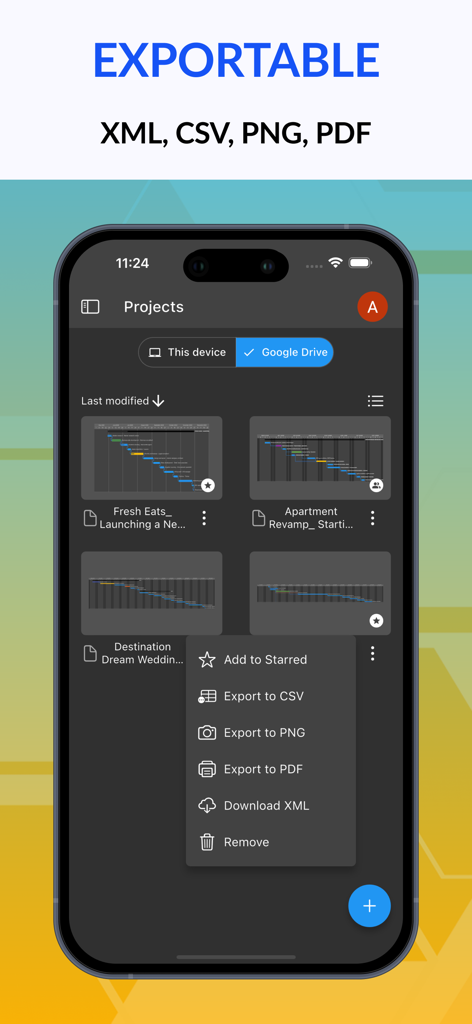
Ingantt mobile app showing export options for CSV PNG PDF and XML formats
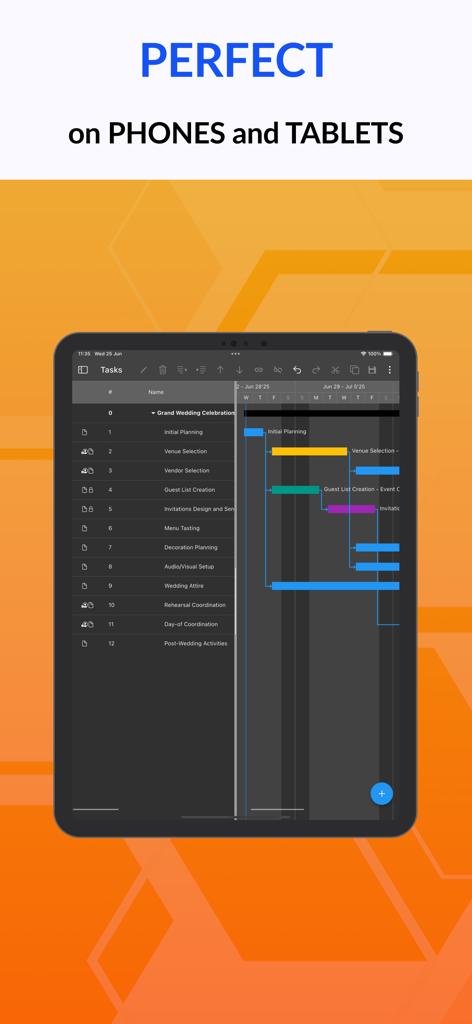
Ingantt app interface on a tablet showing a Gantt chart for wedding planning

Ingantt AI project planner shown on a laptop highlighting web mobile and desktop compatibility
Description
Download
More Like This
Top-ranked apps in the same category

ChatGPT
OpenAI OpCo, LLC

Google Gemini
Google LLC

Grok
X.AI Corporation

Gmail - Email by Google
Google LLC

千问 - 阿里最强大模型官方AI助手
Shanghai Zhixin Puhui Technology Co., Ltd.

Google Drive
Google LLC

Microsoft Authenticator
Microsoft Corporation

Google Sheets
Google LLC

Google Docs
Google LLC
This page is not an official page of the app or its developer, but an independent editorial publication created for informational and commentary purposes. Unless expressly stated otherwise, neither the app nor its developer is affiliated with, endorsed by, sponsored by, authorized by, or otherwise officially connected with MWM, Apple, Google Play, the app publisher, or the app's developer, and nothing on this page implies that the app was developed using MWM's services. Any trademarks, logos, screenshots, and other content remain the property of their respective owners.