
This page is not an official page of the app or its developer, but an independent editorial publication created for informational and commentary purposes. Unless expressly stated otherwise, neither the app nor its developer is affiliated with, endorsed by, sponsored by, authorized by, or otherwise officially connected with MWM, Apple, Google Play, the app publisher, or the app's developer, and nothing on this page implies that the app was developed using MWM's services. Any trademarks, logos, screenshots, and other content remain the property of their respective owners.


GIF Maker Studio - Create Fun
The ultimate creative toolkit for your pocket. Transform photos and videos into high-quality GIFs with stickers, filters, and effects to make your chats and social stories stand out.
Downloads
223K+User Rating
Total Ratings
200Publisher
Category
Photo & VideoLocales
12Latest Version
1.76Size
87.3 MBFirst Released
Jan 25, 2023Create Reactions That Stick
Transform your gallery into a viral playground with tools built for speed, humor, and effortless social sharing.
Instant Video-to-GIF
Convert videos and Live Photos into high-quality loops in seconds, perfectly optimized for iMessage and social apps.
Sticker & Text Magic
Add personality with animated stickers and custom text to ensure your reaction GIFs always win the group chat.
Frequently Asked Questions
Everything you need to know about GIF Maker Studio - Create Fun
What is GIF Maker Studio - Create Fun?
GIF Maker Studio - Create Fun is an application that converts photos and videos into animated GIFs. It enables users to add various creative elements like stickers, effects, and text.
Can I add stickers to my GIFs in GIF Maker Studio?
Yes, GIF Maker Studio - Create Fun allows users to add animated stickers to their GIFs. This feature is directly accessible within the app's editing interface.
Does GIF Maker Studio - Create Fun allow text overlay on GIFs?
Yes, GIF Maker Studio - Create Fun enables users to add text to their GIFs. This function provides customization for messages or creative expressions directly within the app.
Can I control GIF speed and looping in GIF Maker Studio?
Yes, GIF Maker Studio - Create Fun offers controls for GIF speed, looping, and FPS adjustments. Users can also reverse the GIF's direction for creative effects.
What types of effects are available in GIF Maker Studio?
GIF Maker Studio - Create Fun provides various effects such as Glitch, Lens, Light Leak, Scanlines, Chromatic Distortion, Grain, and Collage. It also includes over 20 filters for image enhancement.
How can I edit individual frames in GIF Maker Studio?
GIF Maker Studio - Create Fun allows users to edit individual frames. It provides options to change duration, reorder frames, and add, delete, or modify specific frames.
How does the PRO Subscription billing work for GIF Maker Studio?
The GIF Maker Studio PRO Subscription bills monthly or annually and auto-renews. The fee charges to the Apple ID at purchase confirmation. Users manage auto-renewal in App Store account settings.
Where is the Privacy Policy for GIF Maker Studio - Create Fun located?
The Privacy Policy for GIF Maker Studio - Create Fun is located at https://net-sigma.com/privacy-policy. This link is provided directly within the application's store description.
The following screenshots and description are sourced directly from the app's official store listing and are the property of the app developer.
App Store
Screenshots
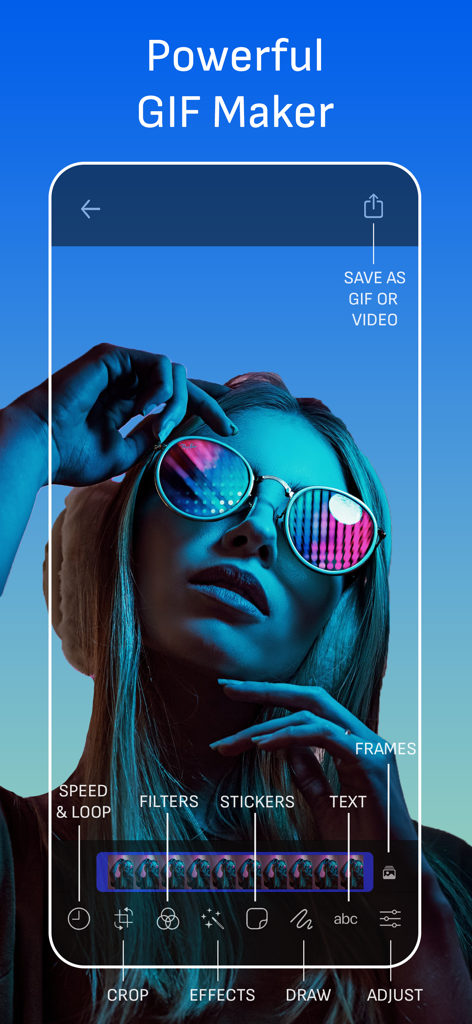
Screenshot of the GIF Maker Studio app interface displaying editing features like filters and stickers
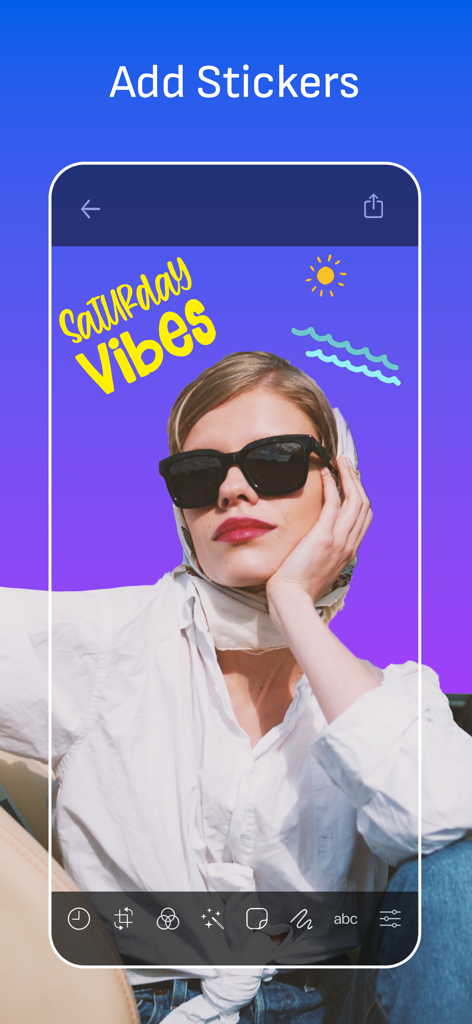
Interface of GIF Maker Studio app showing a photo of a woman with added stickers and Saturday Vibes text.
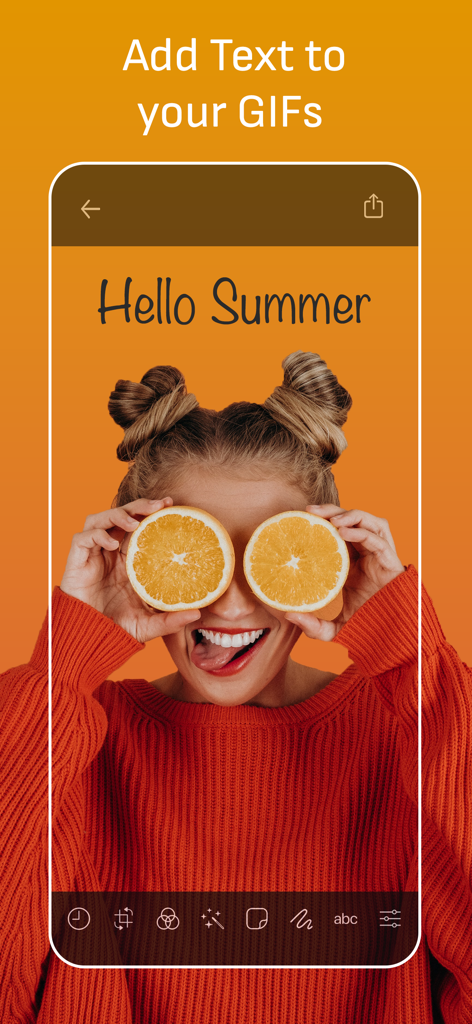
A mobile interface for adding custom text to a GIF with the phrase Hello Summer on an image of a woman with orange slices.
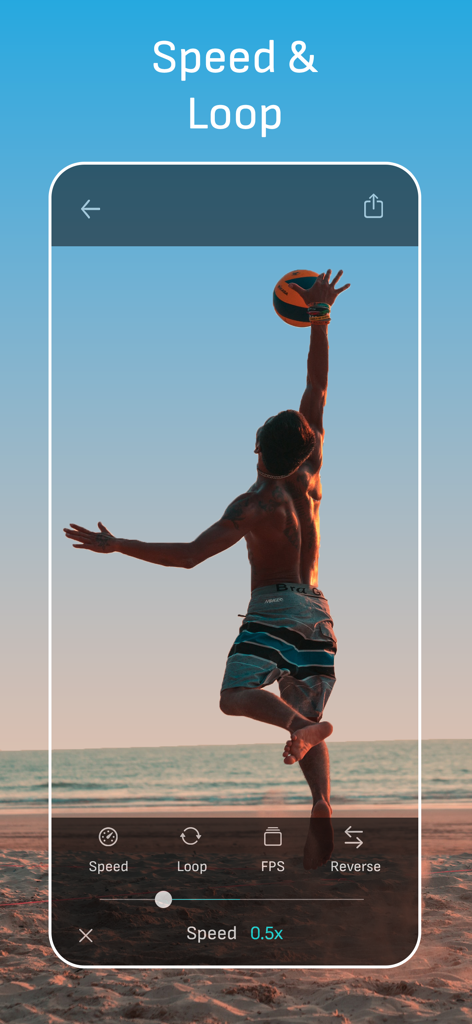
GIF Maker Studio app interface showing speed and loop editing controls for a video
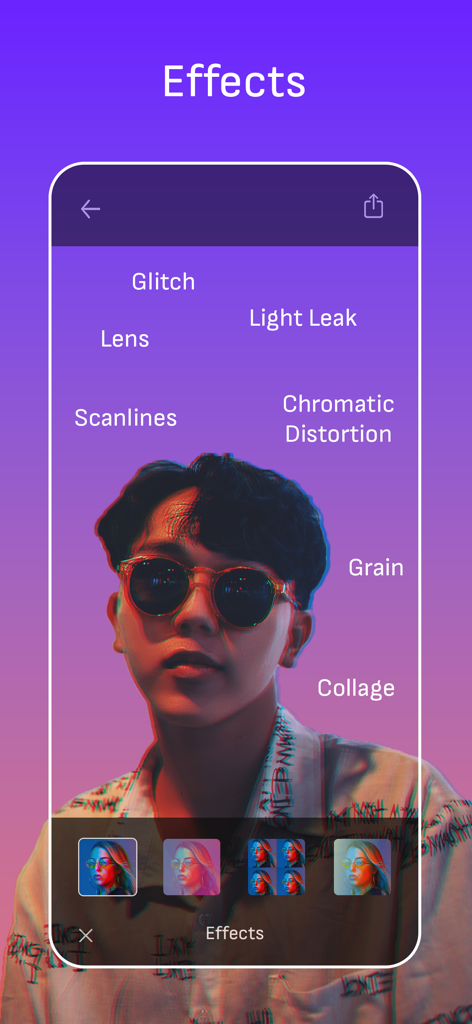
A mobile interface displaying various visual effects like glitch and chromatic distortion on a portrait photo for GIF creation
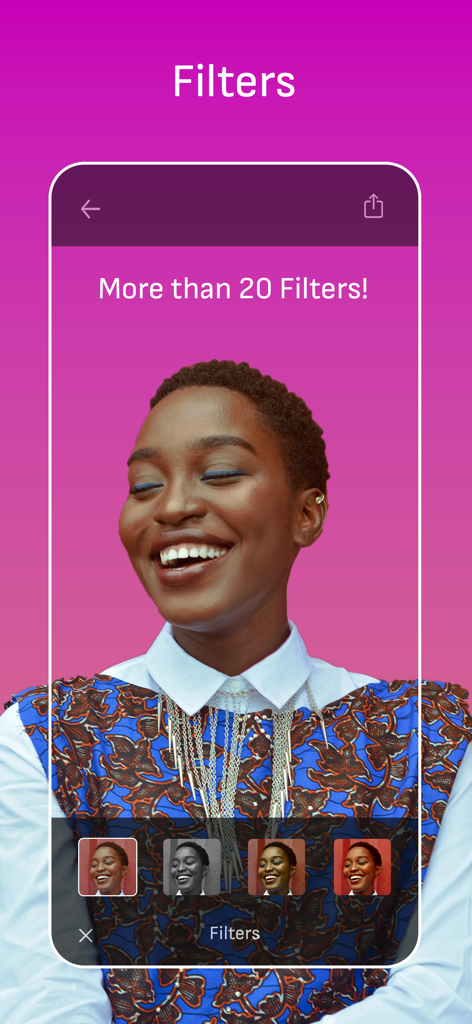
A person laughing in a gif maker app showcasing more than 20 different photo filters
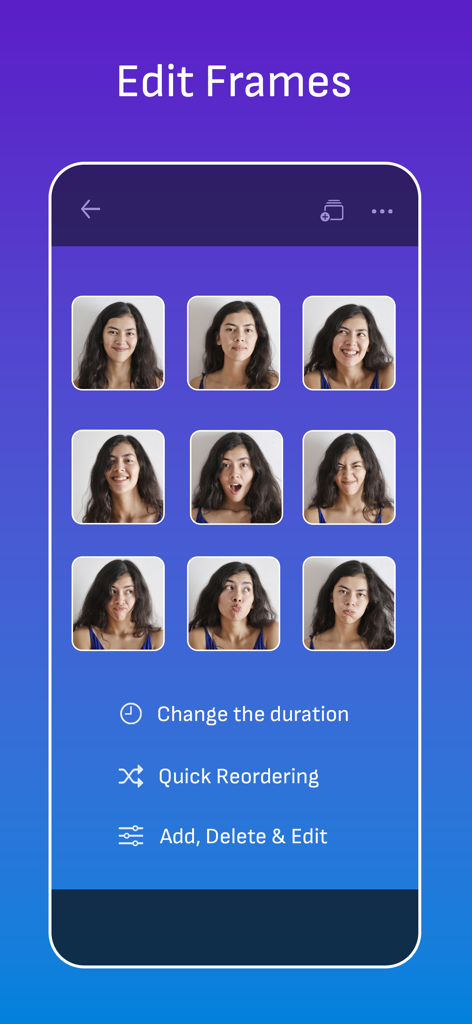
Interface of the GIF Maker Studio app showing a grid of individual frames and options to edit duration and reorder them
Description
Download
More Like This
Top-ranked apps in the same category

CapCut: Photo & Video Editor
BYTEDANCE PTE. LTD.

Instagram, Inc.

YouTube
Google LLC

Canva: AI Photo & Video Editor
Canva Pty Ltd

Snapchat
Snap, Inc.

快手
Beijing Kwai Technology Co., Ltd.

Edits: Video Editor
Instagram, Inc.

Meitu- AI Photo & Video Editor
Xiamen Meitu Technology Co., Ltd.

Google Photos: Backup & Edit
Google LLC
This page is not an official page of the app or its developer, but an independent editorial publication created for informational and commentary purposes. Unless expressly stated otherwise, neither the app nor its developer is affiliated with, endorsed by, sponsored by, authorized by, or otherwise officially connected with MWM, Apple, Google Play, the app publisher, or the app's developer, and nothing on this page implies that the app was developed using MWM's services. Any trademarks, logos, screenshots, and other content remain the property of their respective owners.