
This page is not an official page of the app or its developer, but an independent editorial publication created for informational and commentary purposes. Unless expressly stated otherwise, neither the app nor its developer is affiliated with, endorsed by, sponsored by, authorized by, or otherwise officially connected with MWM, Apple, Google Play, the app publisher, or the app's developer, and nothing on this page implies that the app was developed using MWM's services. Any trademarks, logos, screenshots, and other content remain the property of their respective owners.


GLKVM
The professional command center for your GL.iNet KVM hardware. Take total control of your infrastructure with BIOS-level access, encrypted communication, and full external peripheral support on your mobile device.
Downloads
0User Rating
Total Ratings
0Publisher
Category
UtilitiesLocales
1Latest Version
1.0Size
51.4 MBFirst Released
Jan 14, 2026Professional-Grade Remote Management
GLKVM bridges the gap between hardware reliability and mobile convenience, giving you secure, BIOS-level access to your servers and workstations from anywhere.
BIOS-Level Remote Access
Take control even when the OS isn't booting. Manage BIOS settings and system recovery with intuitive touch gestures or external peripherals.
Secure, Encrypted Connectivity
Eliminate cloud vulnerabilities with account-based access control and end-to-end encryption designed for privacy-conscious IT professionals.
Frequently Asked Questions
Everything you need to know about GLKVM
What is GLKVM used for?
GLKVM, developed by GL.iNet, connects to and manages its KVM devices. It provides secure remote access and control from a phone or tablet, offering convenient operation.
Does GLKVM allow control with external keyboards and mice?
Yes, GLKVM supports connecting external keyboards and mice to your phone or tablet. This makes remote control of GL.iNet KVM devices feel natural, like using a computer.
How does GLKVM ensure security for remote access?
GLKVM ensures security through account-based access control and encrypted communication. These measures protect both data and operational integrity when managing GL.iNet KVM hardware.
Can GLKVM manage multiple KVM devices simultaneously?
Yes, GLKVM enables multi-device wireless access. Users can control various GL.iNet KVM devices remotely from their phone or tablet anytime, anywhere.
Does GLKVM support high-definition video quality?
Yes, GLKVM supports seamless HD operations. It delivers video quality up to 2560x1440 at 60Hz, ensuring clear visual feedback for remote control tasks.
What kind of remote access does GLKVM provide?
GLKVM provides convenient remote access and control to GL.iNet KVM devices. It uses intuitive touch gestures for a smooth and natural interaction directly from your mobile device.
The following screenshots and description are sourced directly from the app's official store listing and are the property of the app developer.
App Store
Screenshots
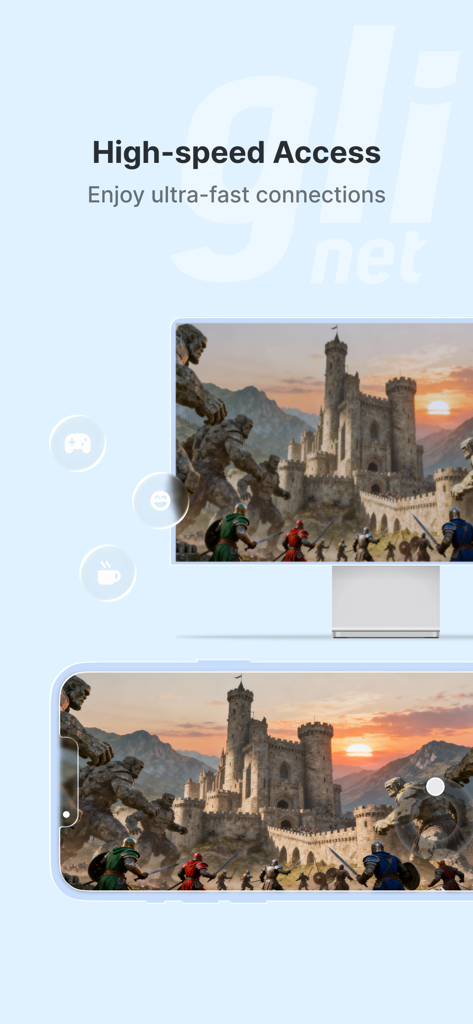
Screenshot of GLKVM app showing high speed remote access between a monitor and a smartphone
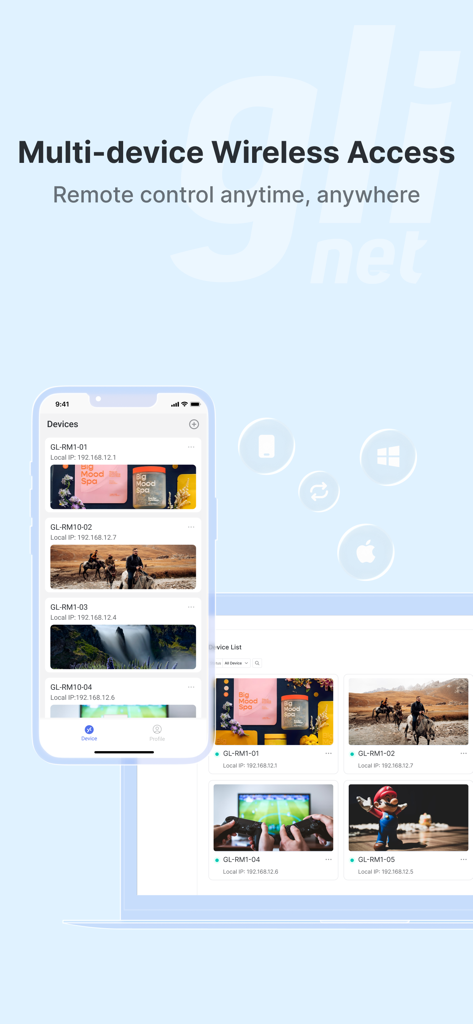
GLKVM mobile app interface showing a list of remote devices for wireless access and control across multiple platforms.
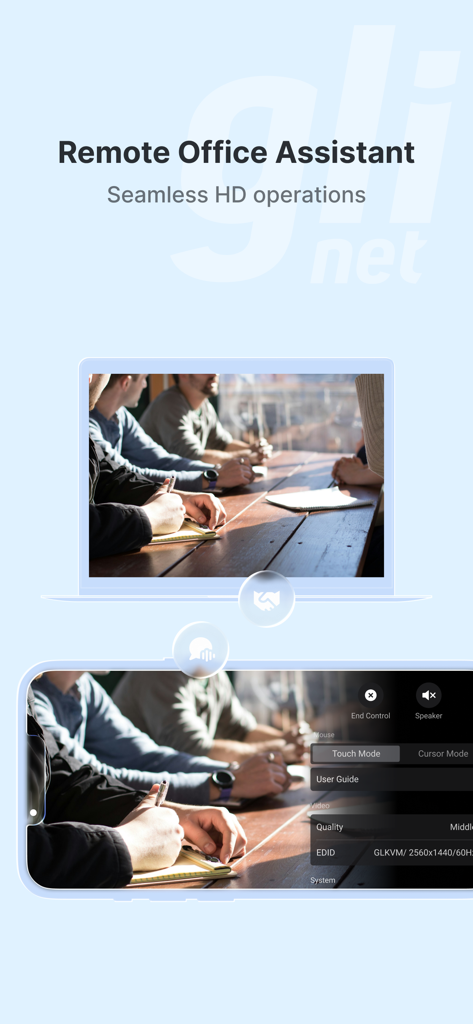
GLKVM app interface showing remote desktop access and HD management on a mobile phone and laptop.
Description
Download
More Like This
Top-ranked apps in the same category

Google LLC

Google Chrome
Google LLC

中国移动(手机营业厅)
China Mobile Online Services Co., Ltd.

Google Authenticator
Google LLC

CNH do Brasil
Servicos e Informacoes do Brasil

Cleanup: Phone Storage Cleaner
DEEP FLOW SOFTWARE SERVICES - FZCO

gov.br
Servicos e Informacoes do Brasil

中国电信-全国统一官方服务平台
CHINA TELECOM Corporation Ltd.

Microsoft Edge: AI Browser
Microsoft Corporation
This page is not an official page of the app or its developer, but an independent editorial publication created for informational and commentary purposes. Unless expressly stated otherwise, neither the app nor its developer is affiliated with, endorsed by, sponsored by, authorized by, or otherwise officially connected with MWM, Apple, Google Play, the app publisher, or the app's developer, and nothing on this page implies that the app was developed using MWM's services. Any trademarks, logos, screenshots, and other content remain the property of their respective owners.