
GoodReader PDF Editor & Viewer

Trusted by millions of power users for over 13 years. Experience military-grade security, advanced PDF annotations, and desktop-class file control designed for your professional mobile workflow.
Publisher
Category
ProductivityDownloads
848K+User Rating
Total Ratings
70K+Locales
1Discover the interface used by 848K+ users.
The tools that make this app stand out, trusted by 848K+ users.
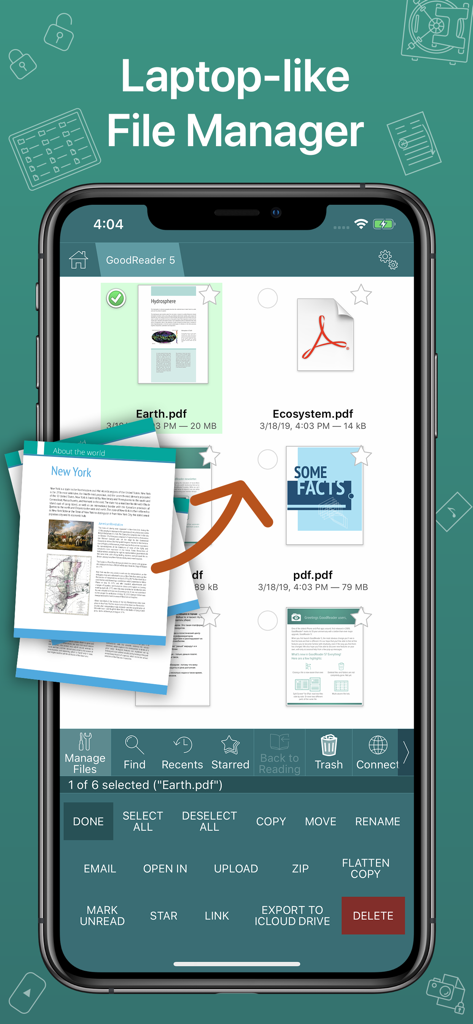
Bring a professional file system to your iOS device. Organize complex hierarchies and sync effortlessly with office servers, SMB, FTP, or any major cloud provider.
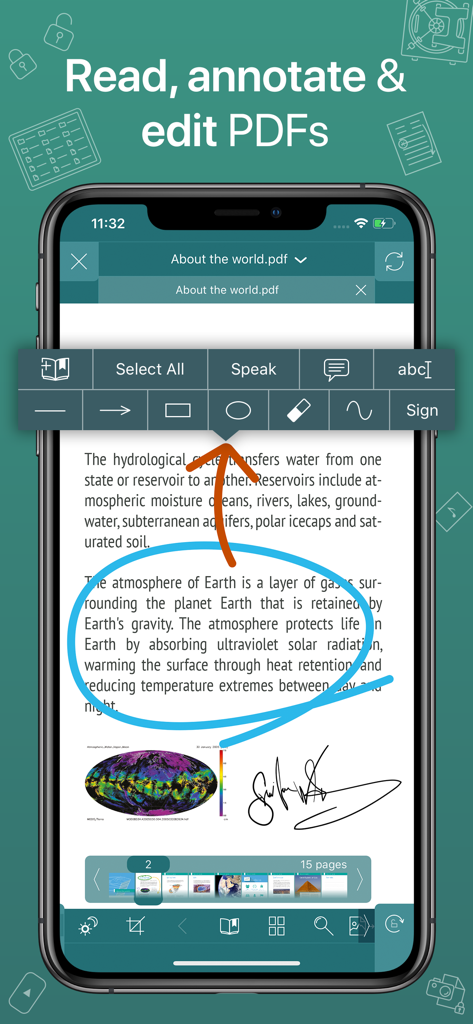
Go beyond simple viewing. Use PDF Reflow to eliminate horizontal scrolling and leverage advanced tools to sign, markup, and share collaborative summaries instantly.
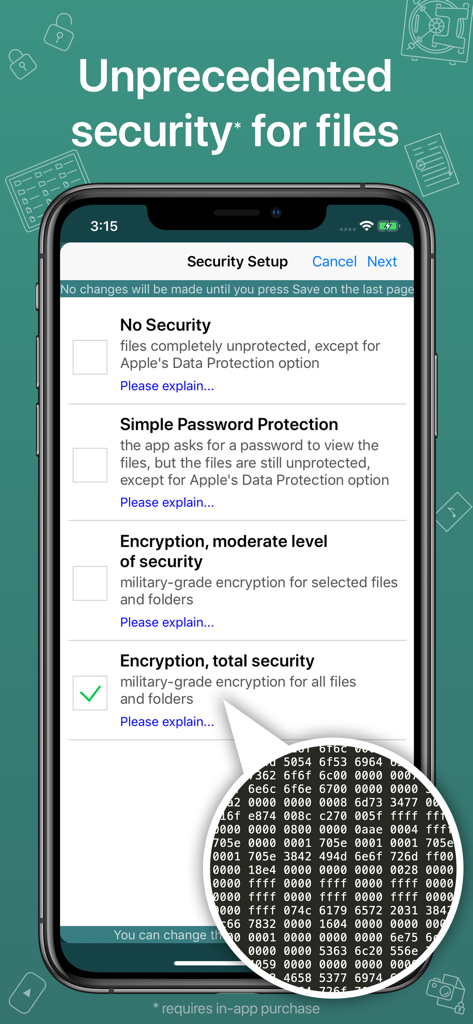
Protect sensitive client information with independent AES-256 encryption. Keep your confidential files secure with a layer of protection that goes far beyond standard device locks.
Everything you need to know about GoodReader PDF Editor & Viewer.
Description
Latest Version
5.19.1220
Size
49.1 MB
First Released
May 7, 2014
Join 70,000+ professionals who trust GoodReader for military-grade security and elite document management. Your office, anywhere.
Everything you need to know about GoodReader PDF Editor & Viewer
GoodReader is an iOS app that combines document-reading and file-managing capabilities. It supports viewing various file types, PDF annotation, and comprehensive file organization, serving as a central hub for digital documents.
Yes, GoodReader allows users to annotate PDF files. Features include adding notes and drawings, highlighting text, and sharing annotated files or annotation summaries.
GoodReader supports viewing PDF, TXT, MS Office, iWork, HTML, pictures, music & audio-books, and videos. Users can also edit TXT files within the app.
Yes, GoodReader functions as a central file management hub. It allows users to manage, organize, and access files, effectively bringing a personal computer experience to mobile devices.
GoodReader integrates with Dropbox, OneDrive, Google Drive, Box.com, WebDAV, SMB, AFP, FTP, and SFTP. Users can download, upload, and sync files with these services.
Yes, GoodReader offers advanced security. The Pro Pack provides AES-256 military-grade encryption for all user data, independent of Apple's built-in data protection.
No, the AES-256 military-grade encryption in GoodReader is part of the Pro Pack, which requires a separate subscription. This is sold as an in-app purchase.
Yes, GoodReader features a Split-Screen mode, allowing users to view two files side-by-side on an iPad screen. It also supports viewing two different parts of the same file simultaneously.
No, the Split-Screen feature in GoodReader requires a subscription to the Pro Pack. This pack is sold separately as an in-app purchase.
GoodReader was first released in 2009, making it a veteran of the App Store with over 13 years of continuous development and updates.
Apps with similar features and user experience

Balzo srl

NEXT K.U.M. LTD

INTSIG Information Co., Ltd

Adobe Inc.

KINGSOFT OFFICE SOFTWARE CORPORATION LIMITED

ILOVEPDF S.L.

The Grizzly Labs

Microsoft Corporation

INDY MOBILE APP COMPANY LIMITED
App information, icons, screenshots, and descriptions displayed on this page are sourced from the Apple App Store and are the property of their respective developers. Download estimates and rankings are based on MWM's proprietary models and may not reflect actual figures. This page is provided for informational and analytical purposes only.
Believe this page infringes your intellectual property? File a dispute

