
This page is not an official page of the app or its developer, but an independent editorial publication created for informational and commentary purposes. Unless expressly stated otherwise, neither the app nor its developer is affiliated with, endorsed by, sponsored by, authorized by, or otherwise officially connected with MWM, Apple, Google Play, the app publisher, or the app's developer, and nothing on this page implies that the app was developed using MWM's services. Any trademarks, logos, screenshots, and other content remain the property of their respective owners.

GOV.UK ID Check
The fast, official way to access HMRC and GOV.UK One Login services. Skip the paperwork and verify your identity in minutes using just your photo ID and your iPhone.
Downloads
9M+User Rating
Total Ratings
202K+Publisher
Category
UtilitiesLocales
2Latest Version
1.49.0Size
26.6 MBFirst Released
Aug 1, 2022The Fast Lane to UK Government Services
Designed for the global professional, our app lets you verify your identity for HMRC and GOV.UK One Login from the US without leaving your home or office.
Cross-Border Convenience
Avoid the risk of mailing your passport across the Atlantic. Securely verify your identity digitally to manage your UK tax, pensions, and property.
Instant Biometric Matching
Skip the consulate visit. Use your iPhone to match your face to your photo ID and scan biometric chips in seconds for immediate verification.
Frequently Asked Questions
Everything you need to know about GOV.UK ID Check
What is the GOV.UK ID Check app used for?
GOV.UK ID Check helps you prove your identity to access HMRC services via Government Gateway or to change how you receive security codes for GOV.UK One Login. It verifies identity by matching your face to your photo ID.
What types of photo ID can I use with GOV.UK ID Check?
Yes, GOV.UK ID Check supports UK photocard driving licences, UK passports, non-UK passports with biometric chips, UK BRP, BRC, and FWP. Expired BRP, BRC, or FWP are usable up to 18 months post-expiry.
Can I use an expired ID document with the GOV.UK ID Check app?
Yes, you can use an expired UK Biometric Residence Permit (BRP), UK Biometric Residence Card (BRC), or UK Frontier Worker Permit (FWP) up to 18 months after its expiry date with GOV.UK ID Check.
What are the device and iOS requirements for GOV.UK ID Check?
GOV.UK ID Check requires an iPhone 8 or newer and iOS 16.7 or higher. You also need a well-lit area to take a quality photograph.
How does the GOV.UK ID Check app verify my identity?
For a driving licence, you photograph your licence and then scan your face. For a passport, BRP, BRC, or FWP, you photograph the ID, scan its biometric chip with your phone, and then scan your face.
Does GOV.UK ID Check store my personal data?
No, the GOV.UK ID Check app does not store your personal information. It securely collects data and deletes it when no longer needed, ensuring your data is not stored in the app or on your phone.
What happens after I complete an identity check with GOV.UK ID Check?
After using GOV.UK ID Check, the app confirms your identity. You then return to the government service website you were accessing to view the results of your identity check.
The following screenshots and description are sourced directly from the app's official store listing and are the property of the app developer.
App Store
Screenshots
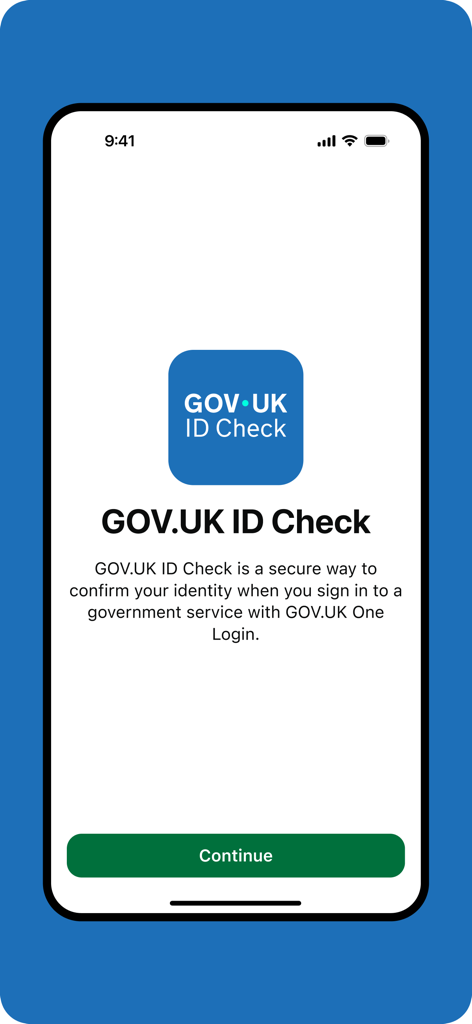
GOV.UK ID Check welcome screen on a mobile phone
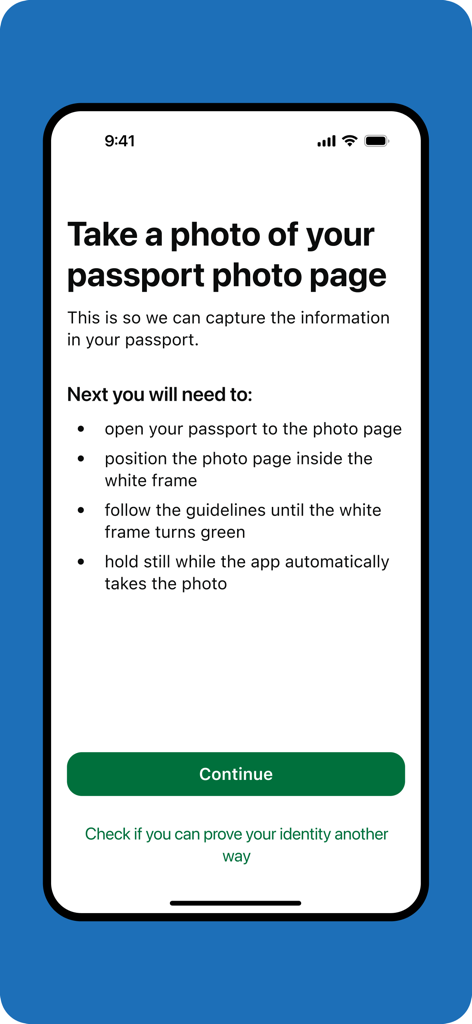
A screen from the GOV.UK ID Check app showing instructions on how to take a photo of a passport photo page
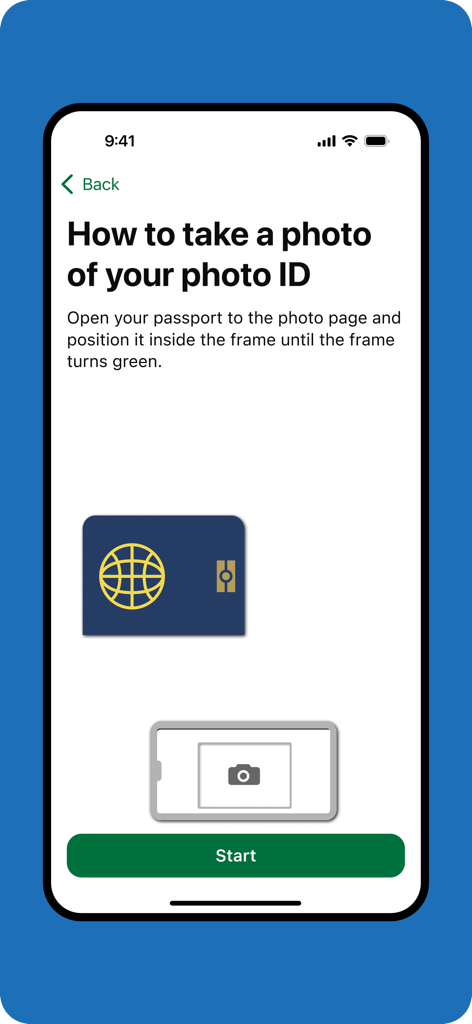
Instructional screen in the GOV.UK ID Check app showing how to scan a passport for identity verification.
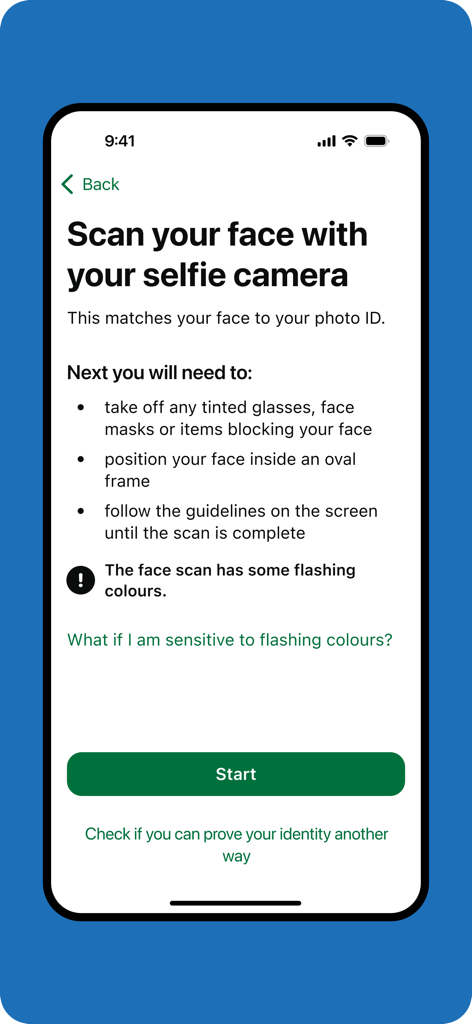
GOV.UK ID Check app screen showing instructions for a biometric face scan using the selfie camera to verify identity.
Description
Download
More Like This
Apps with similar features and user experience

HPO
HD SAISON FINANCE CO.,LTD

ALDI TALK Registrierung
MEDION AG

IDnow AutoIdent
IDnow Gmbh

ID-Pal
ID-Pal Ltd.

MyID O'zbekiston
Center UZINFOCOM SUE

Ockto
Ockto B.V.

Experian Candidate RTW
T4 Communications UK Limited
Datakeeper
Datakeeper B.V.

My Rightcheck
T4 Communications UK Limited
This page is not an official page of the app or its developer, but an independent editorial publication created for informational and commentary purposes. Unless expressly stated otherwise, neither the app nor its developer is affiliated with, endorsed by, sponsored by, authorized by, or otherwise officially connected with MWM, Apple, Google Play, the app publisher, or the app's developer, and nothing on this page implies that the app was developed using MWM's services. Any trademarks, logos, screenshots, and other content remain the property of their respective owners.