
This page is not an official page of the app or its developer, but an independent editorial publication created for informational and commentary purposes. Unless expressly stated otherwise, neither the app nor its developer is affiliated with, endorsed by, sponsored by, authorized by, or otherwise officially connected with MWM, Apple, Google Play, the app publisher, or the app's developer, and nothing on this page implies that the app was developed using MWM's services. Any trademarks, logos, screenshots, and other content remain the property of their respective owners.


GPS Geotag Map Camera - Tagofy
Capture every detail with automated GPS stamps, custom timestamps, and brand logos. The ultimate tool for real estate, field work, and documenting your global adventures.
Downloads
418K+User Rating
Total Ratings
5K+Publisher
Category
Photo & VideoLocales
1Latest Version
3.5Size
190.8 MBFirst Released
Aug 29, 2023Smart Documentation, Richer Memories
Combine high-precision GPS tracking with professional branding to create photos that tell the full story, whether you are on a job site or a mountain peak.
Automatic Precision Geotagging
Instantly embed exact addresses, coordinates, and altitude into your photos for absolute location accuracy and accountability.
Professional Custom Branding
Upload your business logo and add custom project notes to transform simple captures into verified professional reports.
Frequently Asked Questions
Everything you need to know about GPS Geotag Map Camera - Tagofy
What is the GPS Geotag Map Camera - Tagofy app?
The GPS Geotag Map Camera - Tagofy app captures photos with embedded date-time, geotag, location coordinates, weather, and compass information. It also adds a timestamp watermark to images.
How does GPS Geotag Map Camera - Tagofy add location to photos?
Tagofy adds GPS location to photos by automatically embedding stamps after app installation and customization. Users select a stamp, adjust its format, and then take a photo within the app.
Can users customize watermarks in the GPS Geotag Map Camera - Tagofy app?
Yes, users can customize watermarks in the GPS Geotag Map Camera - Tagofy app. Options include toggling the watermark, customizing a logo, and adding customized text for personalization.
Does GPS Geotag Map Camera - Tagofy support video recording?
Yes, GPS Geotag Map Camera - Tagofy supports capturing high-quality videos. Users can adjust quality and bitrate, choosing between MOV and MP4 formats, and record time-lapse videos with stabilization.
What types of information can GPS Geotag Map Camera - Tagofy embed in photos?
Tagofy can embed date-time, geotag, latitude, longitude, altitude, weather, magnetic field, timestamp, and compass information. Users can also add addresses, notes, logos, and hashtags to photos.
Does the GPS Geotag Map Camera - Tagofy app offer creative templates for geotagged photos?
Yes, the GPS Geotag Map Camera - Tagofy app provides creative templates for geotagged photos. These templates automatically fetch stamp details, simplifying the process of adding information to images.
Can I add a custom brand logo to photos using GPS Geotag Map Camera - Tagofy?
Yes, users can upload their own brand logo to personalize photos in the GPS Geotag Map Camera - Tagofy app. This feature is accessible within the Advance Template section settings.
What custom camera options are available in GPS Geotag Map Camera - Tagofy?
Tagofy's custom GPS camera includes options for grid, ratio, front and selfie camera, flash, focus, mirror, timer, and capture sound support for diverse photography needs.
The following screenshots and description are sourced directly from the app's official store listing and are the property of the app developer.
App Store
Screenshots

Collage of travel photos with location and time stamps from the Tagofy GPS Geotag Map Camera app.
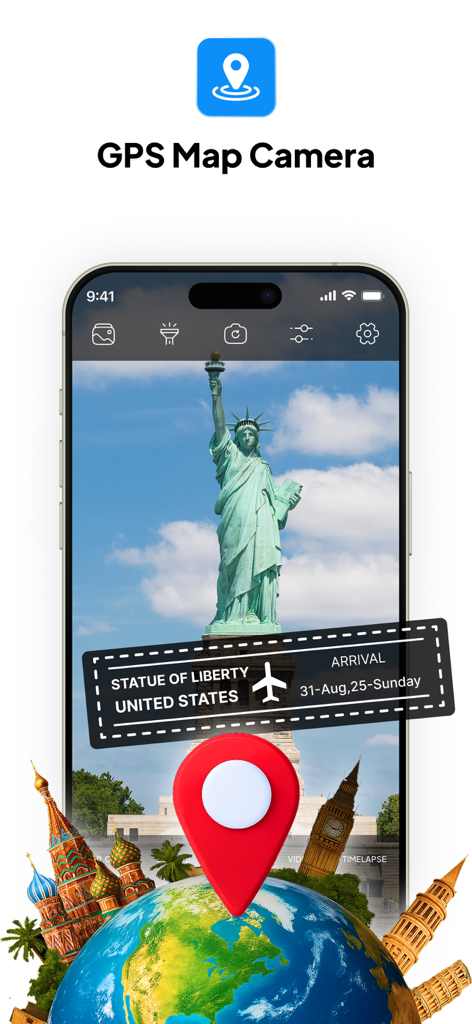
GPS map camera app interface with location and date stamp on a Statue of Liberty photo
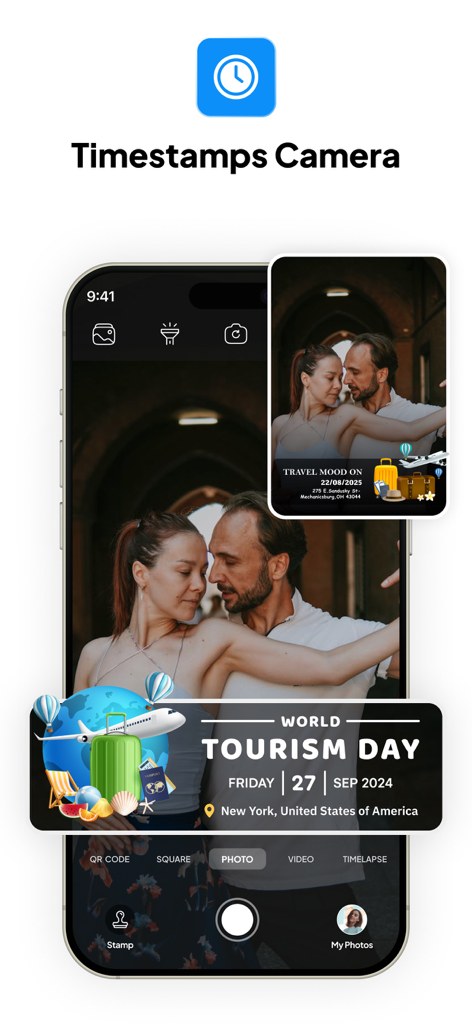
Tagofy app interface with a photo featuring a GPS geotag stamp for World Tourism Day in New York
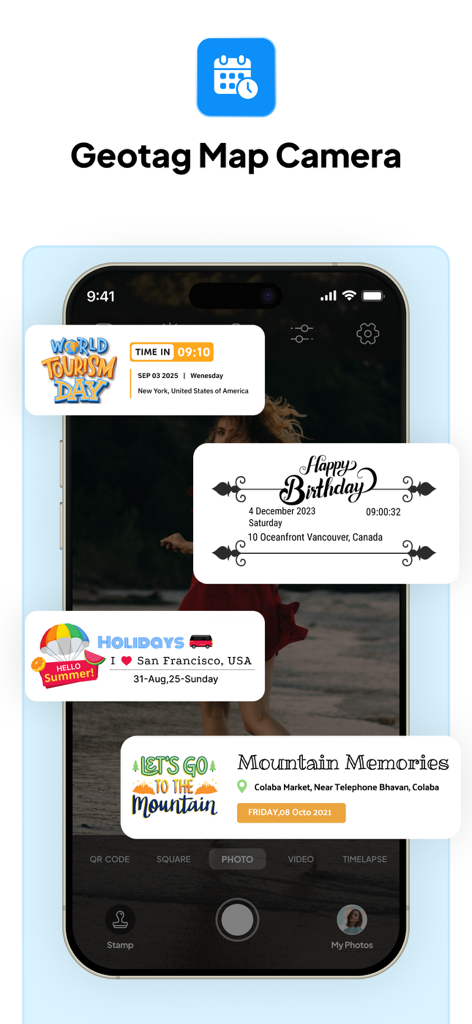
Tagofy app interface showing custom photo stamps for travel and events with GPS location data
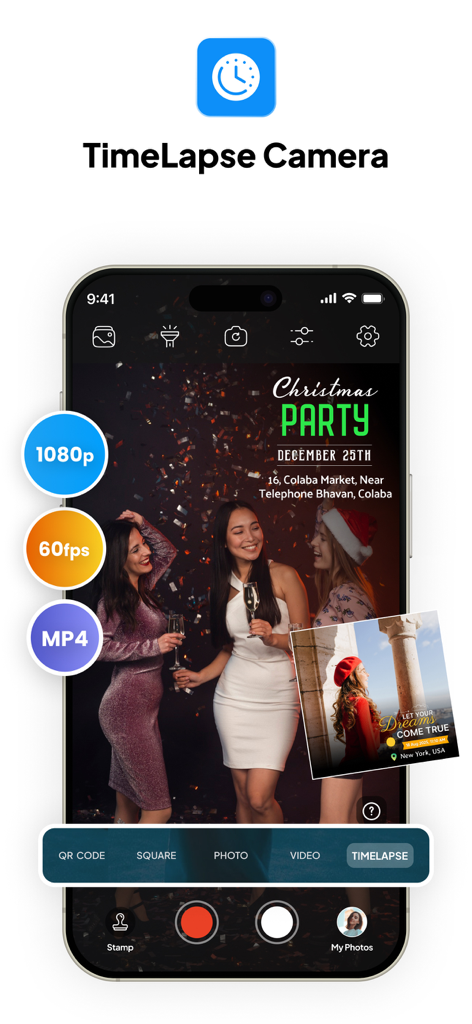
Tagofy app interface showing timelapse camera mode with 1080p and 60fps settings
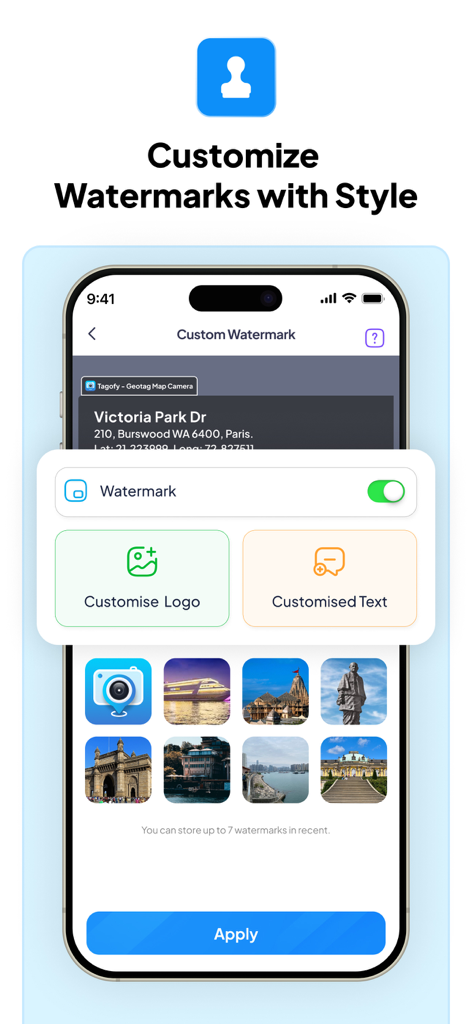
Smartphone screen showing the Tagofy app watermark customization menu with options for custom logos and text.
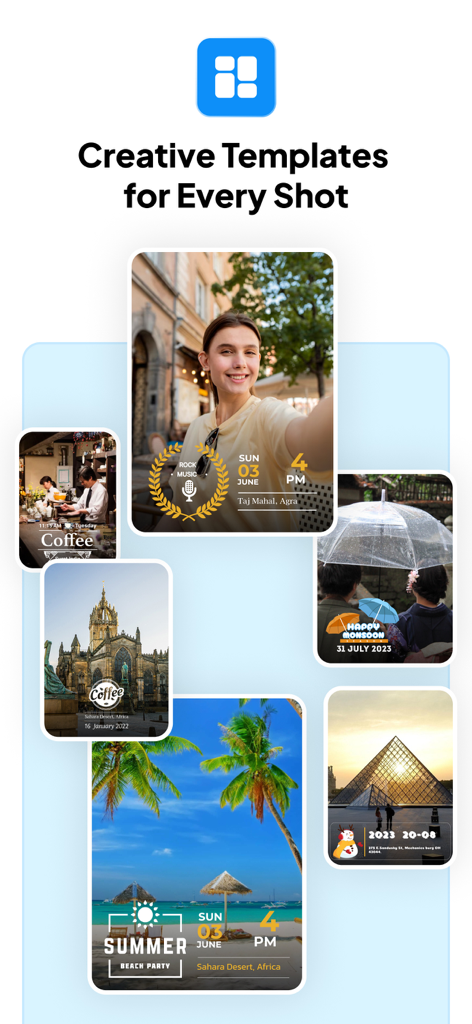
A collection of photos showing creative templates for GPS geotags and timestamps
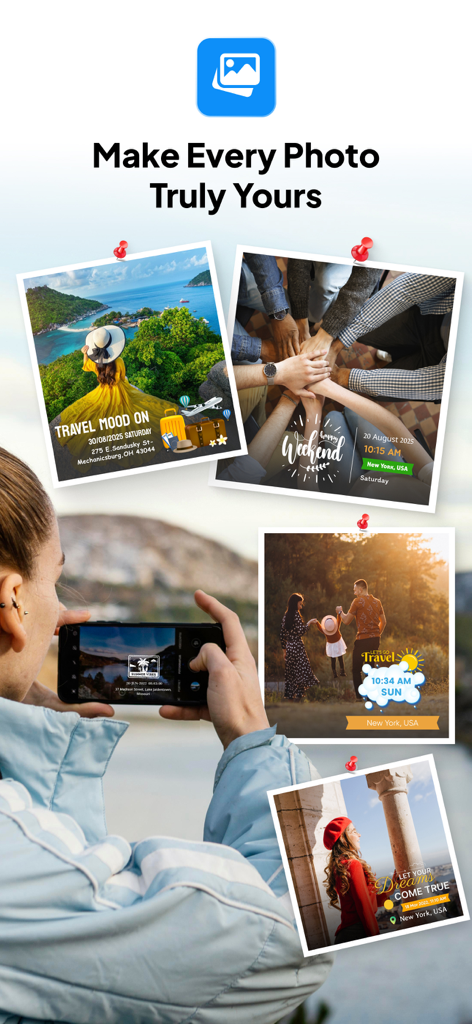
Collage of travel photos with customized GPS location and date stamps from the Tagofy app
Description
Download
More Like This
Apps with similar features and user experience

Timestamp Camera -AI Timestamp
Shanghai Zongchong Information Technology Co., Ltd

Timestamp Camera - Date Stamp
Artify Inc.

Timestamp Camera: Time & GPS
Practical Apps from Sweden AB

Timestamp camera - gps cam
Guangzhou Siyue Network Technology Co., Ltd.

DateStamper
Jordan Hipwell

Timestamp Camera Basic
玉彬 陈

GPS Map Camera : Geo Photos
Chirag Gabani

Timestamp Camera: Time stamp
燕倩 费

Timestamp Camera - Time & GPS
Shaanxi Ruidebao Technology Co.,Ltd
This page is not an official page of the app or its developer, but an independent editorial publication created for informational and commentary purposes. Unless expressly stated otherwise, neither the app nor its developer is affiliated with, endorsed by, sponsored by, authorized by, or otherwise officially connected with MWM, Apple, Google Play, the app publisher, or the app's developer, and nothing on this page implies that the app was developed using MWM's services. Any trademarks, logos, screenshots, and other content remain the property of their respective owners.