Graintouch

Graintouch

Download on App Store
Logo of Graintouch

Graintouch: Digital drawing with the soul of print

Capture the tactile charm of Risograph aesthetics on your screen. Layer rich ink textures, embrace beautiful imperfections, and create resolution-independent vector art with a minimalist toolset built for the modern digital artisan.

Publisher

IORAMA AB

Category

Graphics & Design

Downloads

18K+

User Rating

3.8/5

Total Ratings

0

Locales

1

Beauty in the Grain

Discover the interface used by 18K+ users.
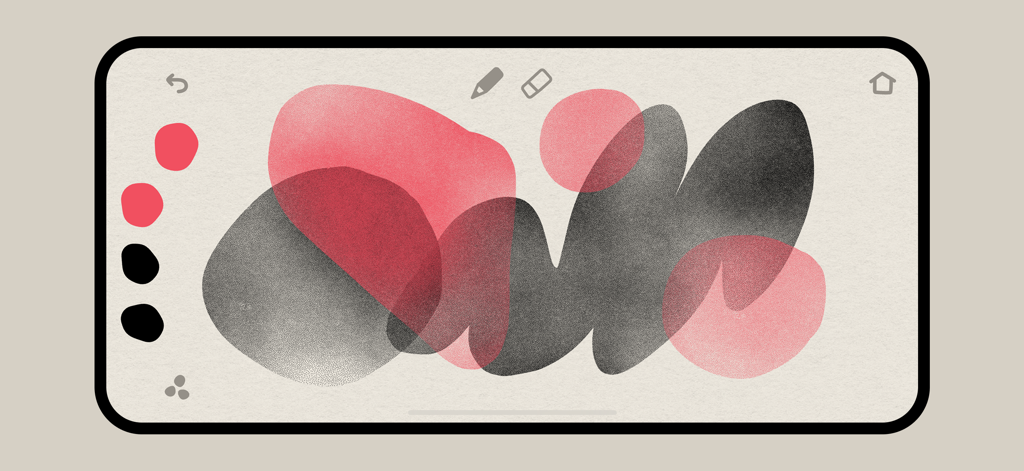
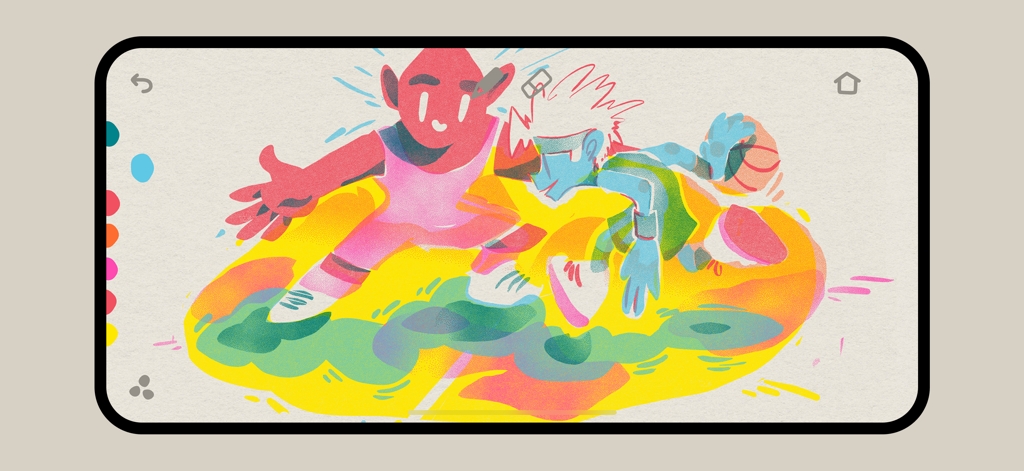
Minimal interface of the Graintouch app showing textured pink and black organic shapes overlapping on a paper-like canvas

Minimal interface of the Graintouch app showing textured pink and black organic shapes overlapping on a paper-like canvas

A colorful digital illustration with grainy ink textures and a minimal drawing interface in the Graintouch app

A colorful digital illustration with grainy ink textures and a minimal drawing interface in the Graintouch app

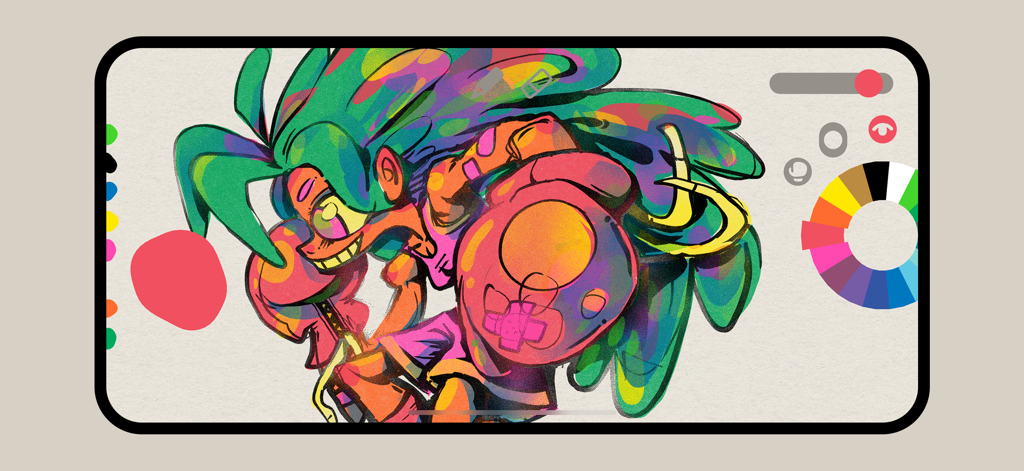
A colorful digital illustration of a character with green hair displayed within the Graintouch app interface

A colorful digital illustration of a character with green hair displayed within the Graintouch app interface

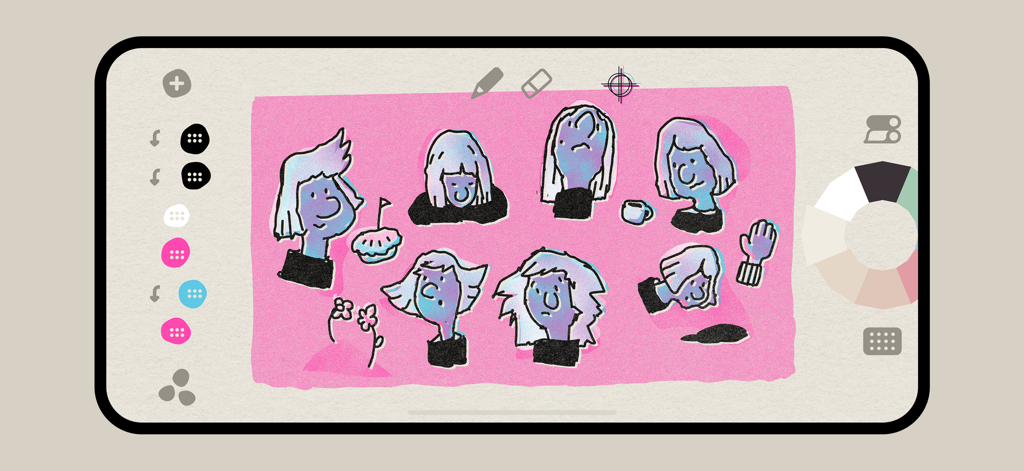
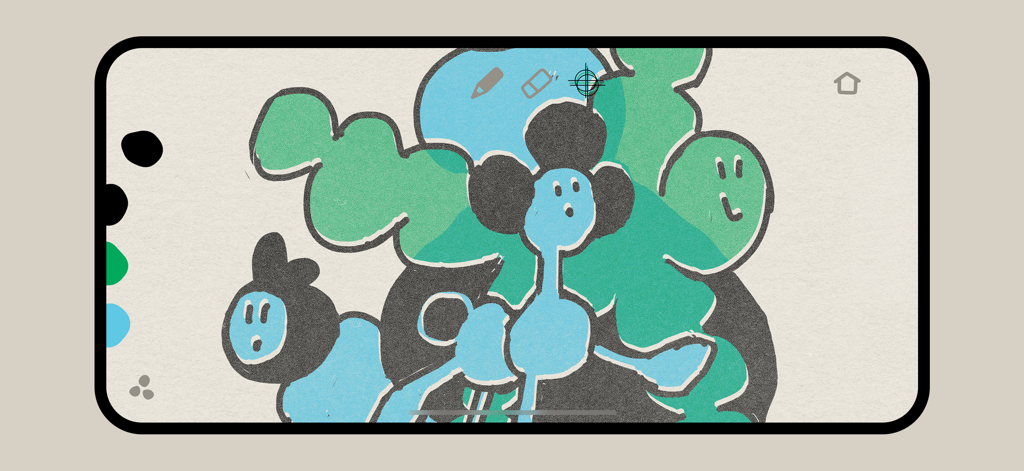
Graintouch app interface showing a risograph style illustration of character faces with grainy ink textures

Graintouch app interface showing a risograph style illustration of character faces with grainy ink textures

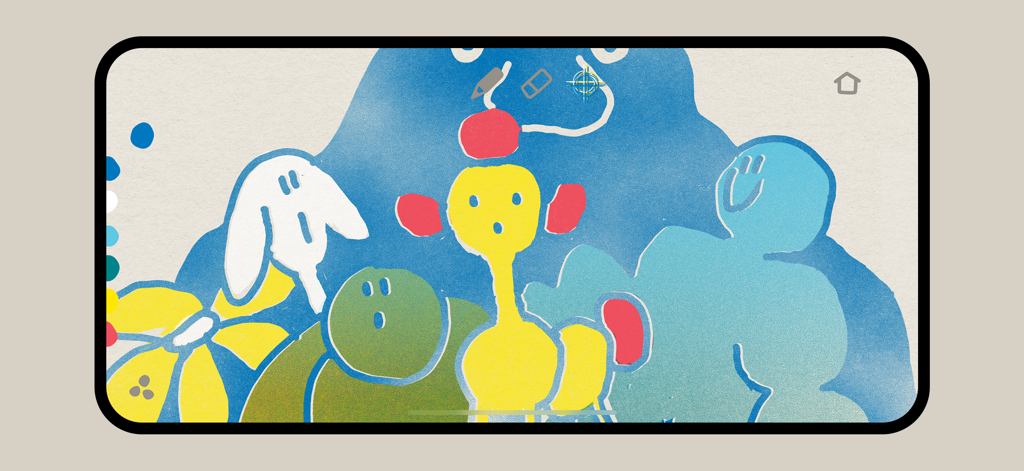
Digital illustration with colorful grainy ink textures and risograph aesthetic in the Graintouch app

Digital illustration with colorful grainy ink textures and risograph aesthetic in the Graintouch app

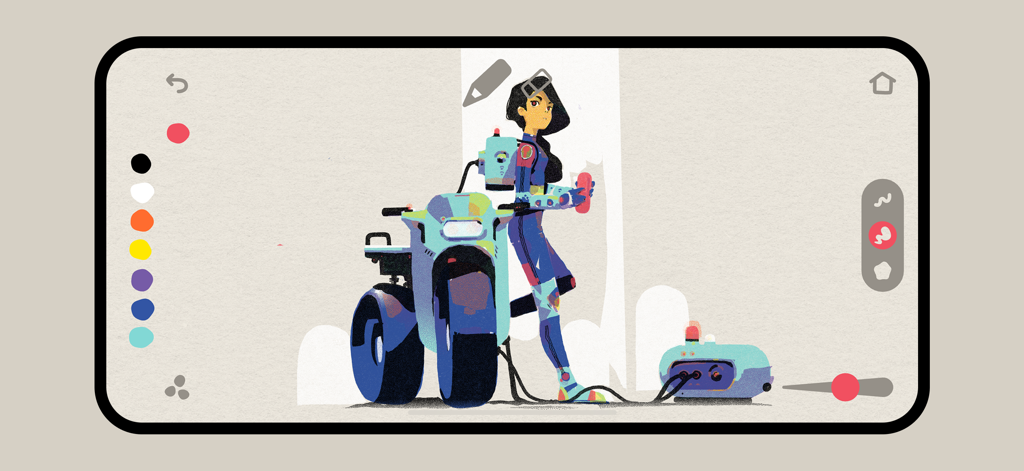
A textured digital illustration of a character and a futuristic vehicle in the Graintouch app interface with a minimal design.

A textured digital illustration of a character and a futuristic vehicle in the Graintouch app interface with a minimal design.

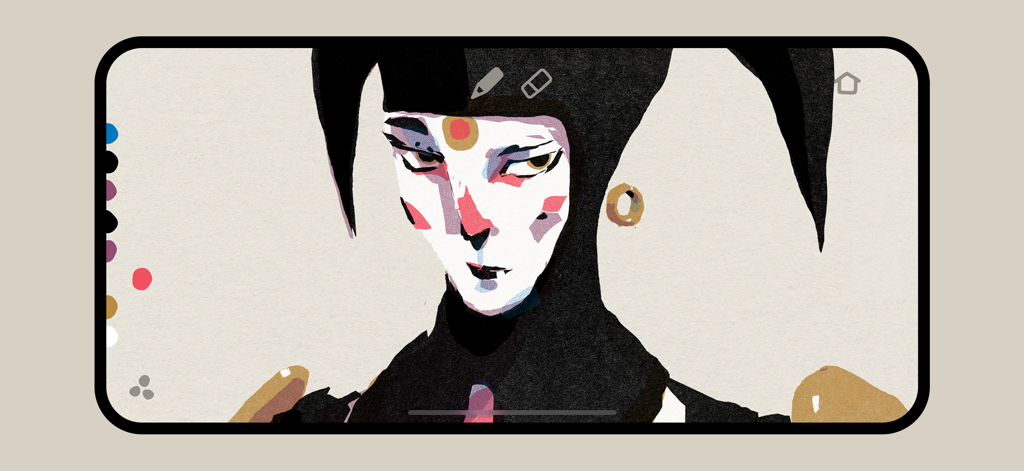
Digital portrait illustration with grain and ink textures in the Graintouch app interface

Digital portrait illustration with grain and ink textures in the Graintouch app interface

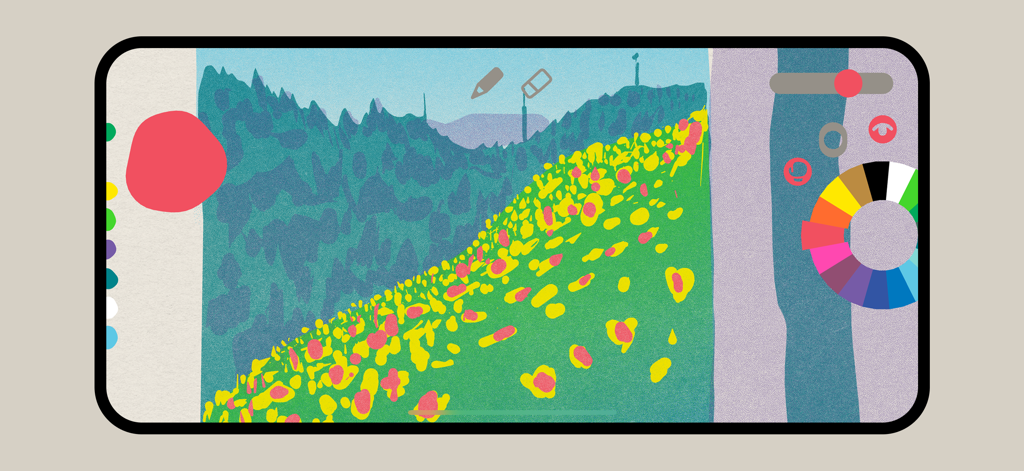
Graintouch app interface showing a grainy landscape drawing with a circular ink palette.

Graintouch app interface showing a grainy landscape drawing with a circular ink palette.

A mobile interface of the Graintouch app featuring a grainy risograph-style illustration with minimal UI.

A mobile interface of the Graintouch app featuring a grainy risograph-style illustration with minimal UI.

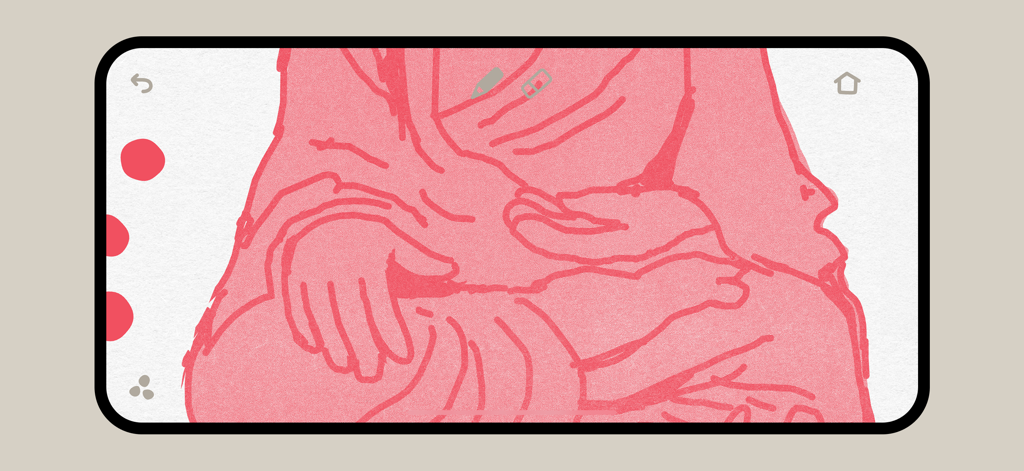
Pink textured illustration of hands using Graintouch drawing app

Pink textured illustration of hands using Graintouch drawing app

Analog Soul, Digital Precision

The tools that make this app stand out, trusted by 18K+ users.

🎨

Authentic Print Simulation

Capture the warmth of real ink with layered tints and beautiful imperfections that make digital art feel human and tactile.

📐

Infinite Vector Stencils

Scale your textures to any size and export clean, color-separated layers perfect for professional print production or zines.

🌈

Creativity Through Constraints

Beat decision fatigue with 18 handpicked inks designed to stack and blend just like a real high-end print run.

About the app

Everything you need to know about Graintouch.

Description

Graintouch is a drawing app with the soul of print. Inspired by Risograph™ aesthetics, it lets you layer, blend, and create with the warmth of real ink—right on your screen. BOOL BRUSH A bold, organic vector brush that stacks colors like ink on paper. Blend, overlap, knockout and build rich textures with effortless strokes. PRINT SIMULATION See your artwork as if it just rolled off a risograph. Offset imperfections, layered tints, and the charm of real ink—without the mess. MINIMAL UI Nothing in your way, just pure drawing. A clean, focused space where tools feel like an extension of your hand. COLORFUL CONSTRAINTS A playful palette of 18 handpicked inks, straight from the riso universe. Instead of endless choice, you get meaningful constraints that spark creativity—just like mixing real inks on a print run. VECTOR STENCILS Every Layer becomes a crisp, resolution-independent stencil. Your drawings export as clean vector stencils, perfect for scaling, separating by color, and bringing straight to print—no loss, just pure shapes.

Latest Version

1.1

Size

81.3 MB

First Released

Jul 1, 2025

Give Your Pixels the Warmth of Ink

Join 18,000+ digital artisans today. Transform your iPad into a professional Risograph studio and start creating with the soul of print.

Download on App Store
FAQ

Frequently Asked Questions

Everything you need to know about Graintouch

What is Graintouch?

Graintouch is a drawing app that emulates Risograph aesthetics. It allows users to layer and blend colors with the warmth and imperfections of real ink, all on a digital canvas.

Does Graintouch support vector drawing?

Yes, Graintouch uses a BOOL BRUSH which is an organic vector brush. It also exports layers as crisp, resolution-independent vector stencils, suitable for scaling and printing.

How does Graintouch simulate print imperfections?

Graintouch simulates print imperfections by rendering artwork as if it just rolled off a risograph. This includes offset imperfections, layered tints, and the overall charm of real ink without the physical mess.

What kind of brushes are available in Graintouch?

Graintouch features the BOOL BRUSH, an organic vector brush. This brush stacks colors like ink on paper, enabling users to blend, overlap, knockout, and build rich textures with effortless strokes.

How many colors are available in Graintouch?

Graintouch provides a playful palette of 18 handpicked inks. These colors are directly inspired by the riso universe, offering meaningful constraints that foster creativity.

Does Graintouch have a complex user interface?

No, Graintouch features a minimal UI designed for pure drawing. It provides a clean, focused space where tools feel like an extension of your hand, ensuring no distractions.

Can Graintouch artwork be used for professional printing?

Yes, Graintouch artwork exports as clean vector stencils. These are resolution-independent, perfect for scaling, separating by color, and bringing straight to print without any loss of quality.

App information, icons, screenshots, and descriptions displayed on this page are sourced from the Apple App Store and are the property of their respective developers. Download estimates and rankings are based on MWM's proprietary models and may not reflect actual figures. This page is provided for informational and analytical purposes only.

Believe this page infringes your intellectual property? File a dispute