
This page is not an official page of the app or its developer, but an independent editorial publication created for informational and commentary purposes. Unless expressly stated otherwise, neither the app nor its developer is affiliated with, endorsed by, sponsored by, authorized by, or otherwise officially connected with MWM, Apple, Google Play, the app publisher, or the app's developer, and nothing on this page implies that the app was developed using MWM's services. Any trademarks, logos, screenshots, and other content remain the property of their respective owners.

Dot Lab - Perler beads pattern
The all-in-one design suite for pixel artists and makers. Create stunning designs, generate numbered patterns for Perler beads or crochet, and use our smart Work Station to bring your creations to life.
Downloads
111K+User Rating
Total Ratings
200Publisher
Category
Graphics & DesignLocales
3Latest Version
2.1.9Size
61.4 MBFirst Released
Jun 27, 2024From Digital Pixels to Handmade Masterpieces
The ultimate toolkit to design pixel art and seamlessly transform your creations into Perler bead patterns, crochet designs, and cross-stitch art.
Precision Drawing Suite
Create flawless pixel art with symmetry tools, hex-code palettes, and custom canvases designed for the modern maker.
Smart Crafting Work Station
Skip the eye strain by highlighting matching colors and segmenting large projects for easy, error-free physical assembly.
Frequently Asked Questions
Everything you need to know about Dot Lab - Perler beads pattern
What is Dot Lab?
Dot Lab is a user-friendly pixel art creation app for beginners and experienced artists. It allows users to create NFTs, pixel avatars, and patterns for fuse beads, Perler beads, crochet, and cross-stitch.
Can I create Perler bead patterns with Dot Lab?
Yes, Dot Lab is designed to assist in creating patterns for Perler beads. The app name itself, "Dot Lab - Perler beads pattern", and premium features like the Work Station support this functionality.
What drawing tools does Dot Lab offer?
Dot Lab provides efficient drawing tools including bucket fill, continuous drawing, selection, move, mirror, and reference guidelines. Advanced drawing tools like Symmetry are available as premium features.
Does Dot Lab support custom canvas sizes?
Yes, Dot Lab allows users to choose from multiple canvas sizes. Premium users can set custom aspect ratios and custom canvas dimensions for their pixel art projects.
How can I manage colors and palettes in Dot Lab?
Dot Lab offers rich color options, including built-in colors, customization, and Hex code input. Users can create, import, and switch palettes, and export diagrams with corresponding color codes.
Can Dot Lab help with secondary creations like cross-stitch?
Yes, Dot Lab's premium Work Station is specifically designed to assist with secondary creations such as Perler beads, crochet, beading, and cross-stitch by highlighting colors and segmenting work.
How do premium features enhance Dot Lab's functionality?
Premium features in Dot Lab include pattern generation with grid numbers and color codes, a Work Station for crafting, custom canvas sizes, advanced drawing tools like Symmetry, and unlimited palette creation.
Does Dot Lab allow sharing and saving artwork?
Yes, Dot Lab allows users to share their artwork with one tap or save it directly to their gallery. It also supports sharing source files and backing up data.
How does Dot Lab assist in breaking down complex patterns?
Dot Lab assists in breaking down complex patterns, making them clearer and easier. Features like highlighting same colors and segmented work in the premium Work Station aid this process.
Are there any limitations on palettes for free Dot Lab users?
Yes, free users of Dot Lab can create or import up to 3 palettes. Premium users have the ability to create or import an unlimited number of palettes.
The following screenshots and description are sourced directly from the app's official store listing and are the property of the app developer.
App Store
Screenshots
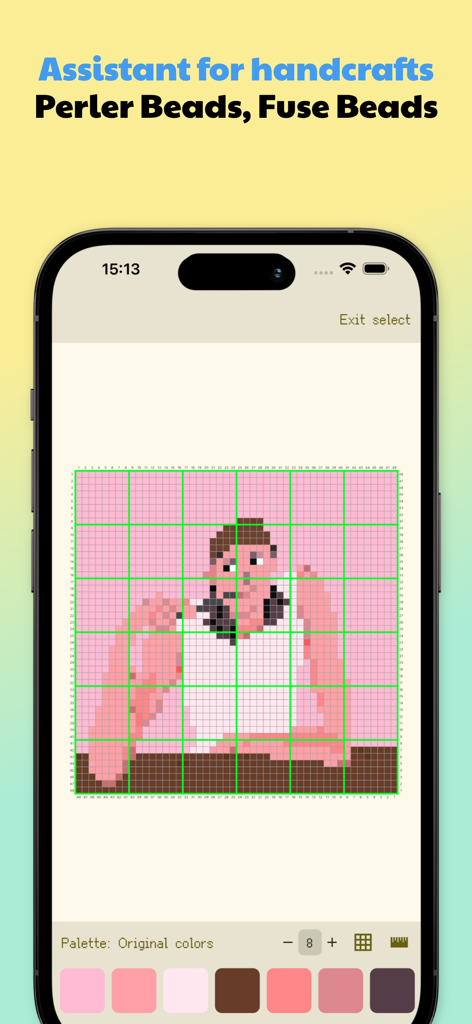
Dot Lab app interface showing a pixel art pattern on a numbered grid for perler bead crafts.
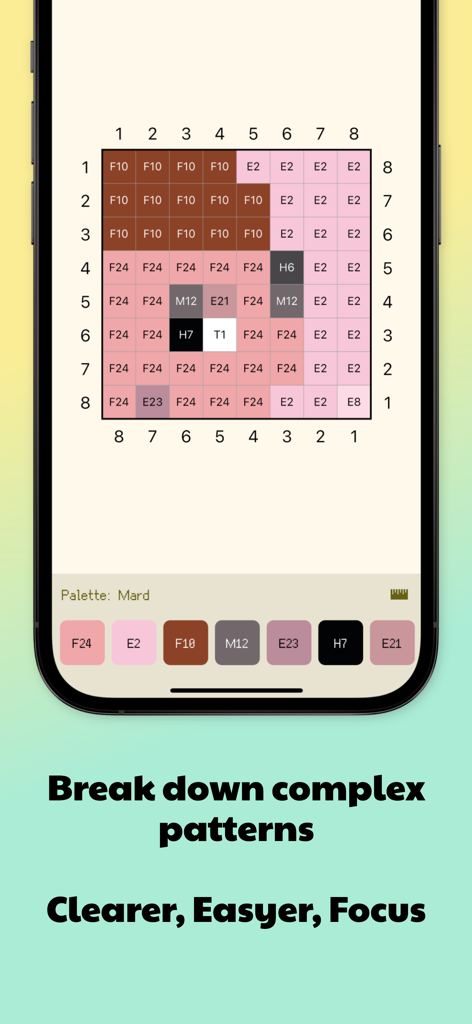
Dot Lab app interface showing a numbered grid with color codes for a perler bead pattern
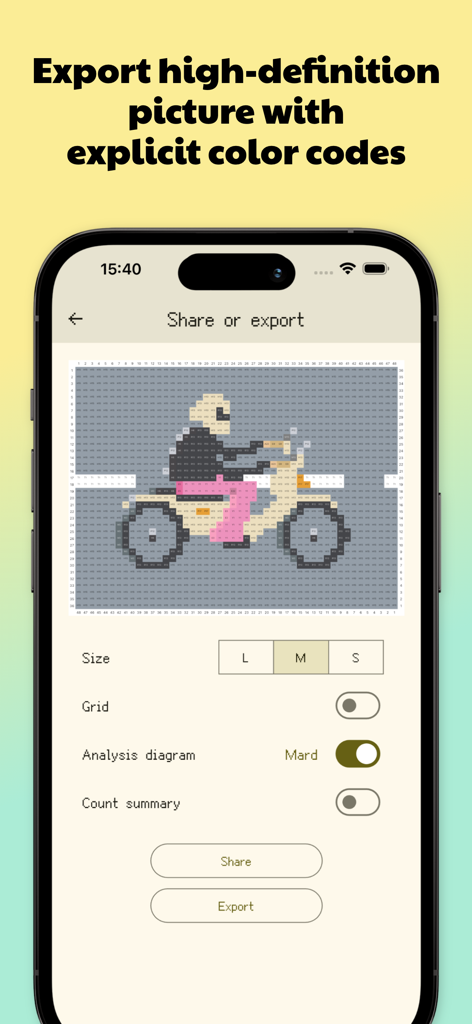
Dot Lab app interface showing export options for a motorcycle pixel art pattern with color codes
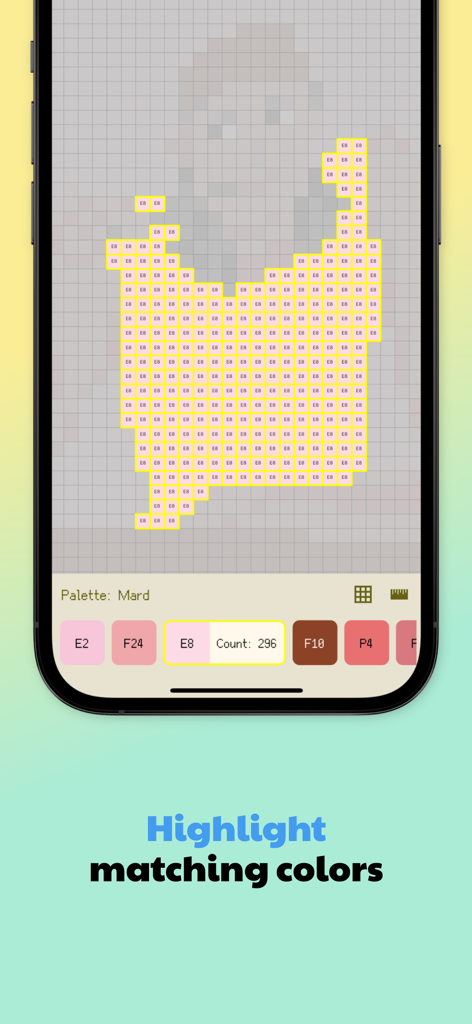
Screenshot of Dot Lab app showing a pixel art grid with matching colors highlighted and a bead count for crafting
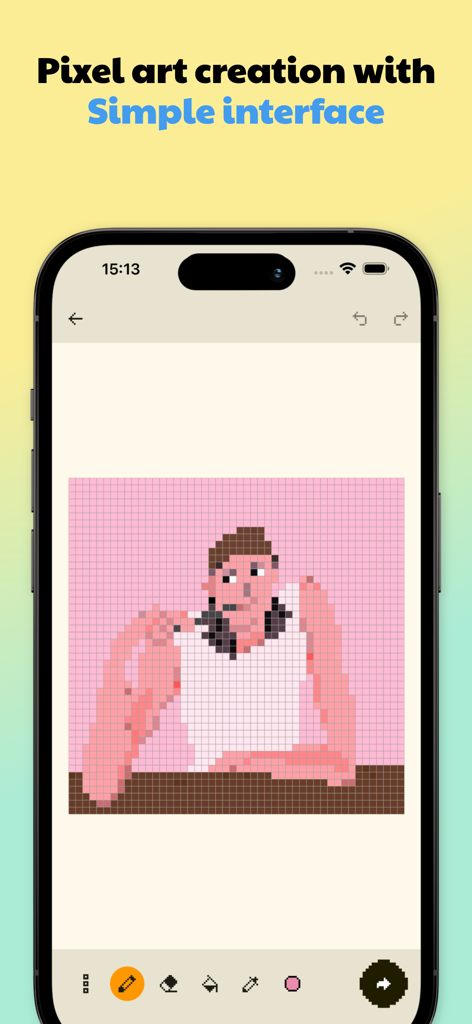
Smartphone screen showing the Dot Lab app interface with a pixel art character on a grid canvas and drawing tools
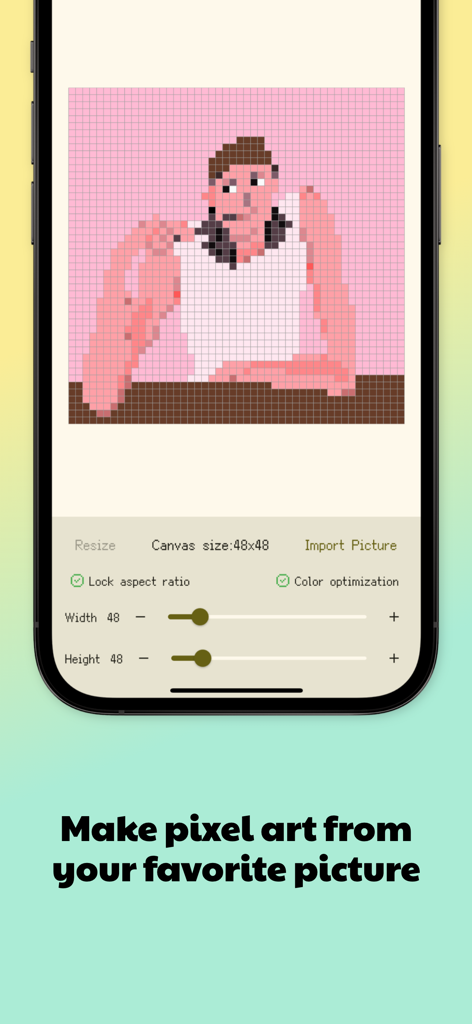
Interface of Dot Lab app showing a photo of a person converted into a 48 by 48 pixel art grid pattern
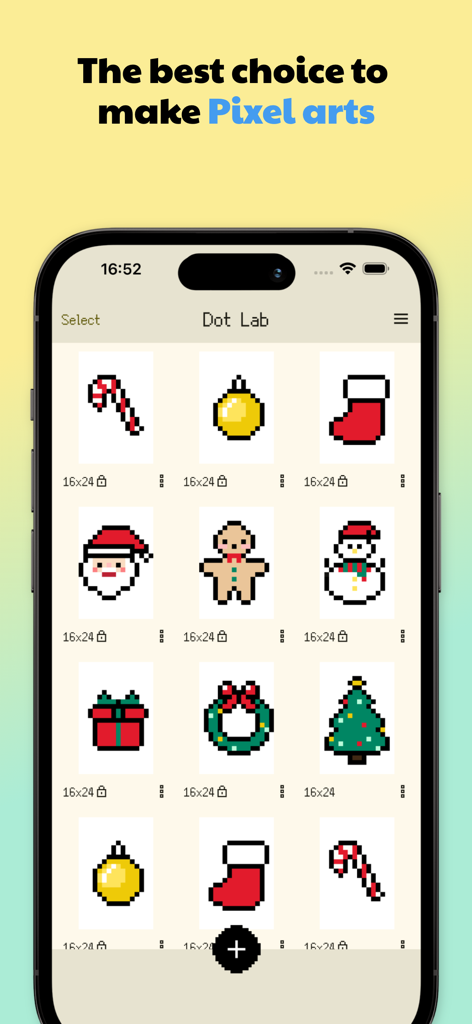
A mobile screen showing the Dot Lab app gallery with various Christmas themed pixel art patterns including Santa Claus a gingerbread man and a snowman
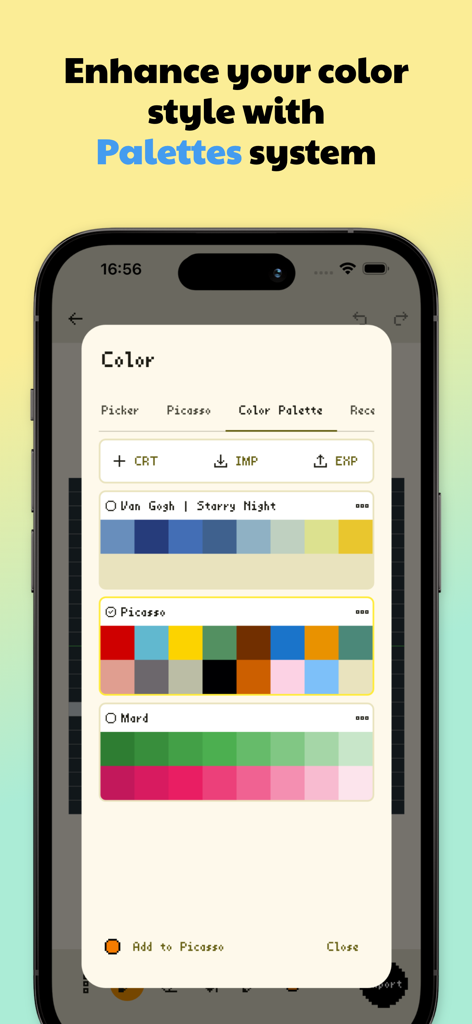
Dot Lab app interface showing color palette management with artist inspired schemes for pixel art
Description
Download
More Like This
Apps with similar features and user experience
Super T-Shirt Designer
Shenzhen Bigger Lens LLC

iShaper: Custom Surfboards
Ryan Kotzebue

Fonts & Designs For DIY Space
UN Global

Cricut Design Space
Cricut, Inc.
Creality Cloud - 3D Printing
CREALITY 3D HK TECHNOLOGY LIMITED

Tinkercad
Autodesk

HelloBlink
Shenzhen Yihengke Electronic Technology Co.,Ltd.

Easy-PhotoPrint Editor
Canon Inc.
Design Creator Space
Hardline Software LLC
This page is not an official page of the app or its developer, but an independent editorial publication created for informational and commentary purposes. Unless expressly stated otherwise, neither the app nor its developer is affiliated with, endorsed by, sponsored by, authorized by, or otherwise officially connected with MWM, Apple, Google Play, the app publisher, or the app's developer, and nothing on this page implies that the app was developed using MWM's services. Any trademarks, logos, screenshots, and other content remain the property of their respective owners.