
This page is not an official page of the app or its developer, but an independent editorial publication created for informational and commentary purposes. Unless expressly stated otherwise, neither the app nor its developer is affiliated with, endorsed by, sponsored by, authorized by, or otherwise officially connected with MWM, Apple, Google Play, the app publisher, or the app's developer, and nothing on this page implies that the app was developed using MWM's services. Any trademarks, logos, screenshots, and other content remain the property of their respective owners.

Super T-Shirt Designer
Create stunning custom apparel for events, gifts, or your brand. Use 300+ templates and powerful editing tools to bring your unique style to life in seconds.
Downloads
1M+User Rating
Total Ratings
16K+Publisher
Category
LifestyleLocales
2Latest Version
4.3.3Size
69.8 MBFirst Released
Apr 21, 2016Your Studio, Your Style
Unleash your creativity with professional tools designed for the mobile creator. Whether it’s for a side hustle or your squad, we’ve got you covered with everything you need to stand out.
300+ Ready-to-Use Templates
Skip the design school. Pick from hundreds of trending layouts to create professional-grade apparel for events or everyday wear in minutes.
Smart Photo & Text Editor
Drag, drop, and refine. Use powerful image effects and unique fonts to make your photos pop and ensure your design looks viral-worthy.
Frequently Asked Questions
Everything you need to know about Super T-Shirt Designer
What does the Super T-Shirt Designer app allow users to do?
The Super T-Shirt Designer app allows users to customize clothes and T-Shirts for men and women by adding photos, text, and applying unique image effects from 300 templates.
Can users add their own photos and text in Super T-Shirt Designer?
Yes, Super T-Shirt Designer allows users to drag and drop their photos and images directly onto a shirt. Users can also customize text with a range of fonts and colors.
Does Super T-Shirt Designer offer cloud storage for designs?
Yes, Super T-Shirt Designer provides cloud storage to backup designs. Users can upload and save their designs as drafts and edit them across multiple devices with a VIP subscription.
What benefits does a VIP designer subscription offer in Super T-Shirt Designer?
A VIP designer subscription in Super T-Shirt Designer provides cloud storage for design backups, access to new monthly templates, and the ability to save and edit designs across devices.
Does the Super T-Shirt Designer VIP subscription auto-renew?
Yes, the VIP designer subscription in Super T-Shirt Designer automatically renews for the same price and duration unless auto-renew is turned off at least 24 hours before the current period ends.
How can a user cancel their Super T-Shirt Designer VIP subscription?
Users can manage their Super T-Shirt Designer VIP subscription and turn off auto-renewal via their iTunes Account Settings after purchase. Cancellation of an active subscription is not allowed.
Can users cancel a free trial for Super T-Shirt Designer without being charged?
Yes, users can cancel a free trial for Super T-Shirt Designer via their iTunes account's subscription settings. This must be done at least 24 hours before the end of the trial period.
How many design templates are available in the Super T-Shirt Designer app?
The Super T-Shirt Designer app offers 300 cool templates for users to choose from to customize their clothes and T-Shirts.
Can Super T-Shirt Designer be used for different types of apparel, not just T-shirts?
Yes, Super T-Shirt Designer supports customizing various clothes, including T-shirts for men and women, as well as providing templates for styles like hoodies and sweatshirts.
Where can I find the Privacy Policy for the Super T-Shirt Designer app?
The Privacy Policy for the Super T-Shirt Designer app is available at: https://www.freeprivacypolicy.com/live/c0e0bd73-8c79-455b-8abb-e2fa102ef809.
The following screenshots and description are sourced directly from the app's official store listing and are the property of the app developer.
App Store
Screenshots
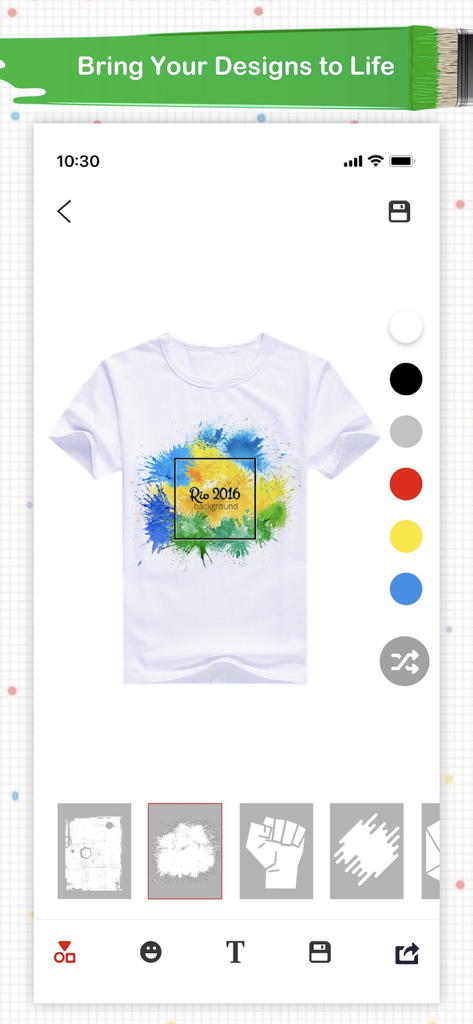
Mobile app screen showing a white t-shirt with a colorful graphic design and a selection of shirt colors.
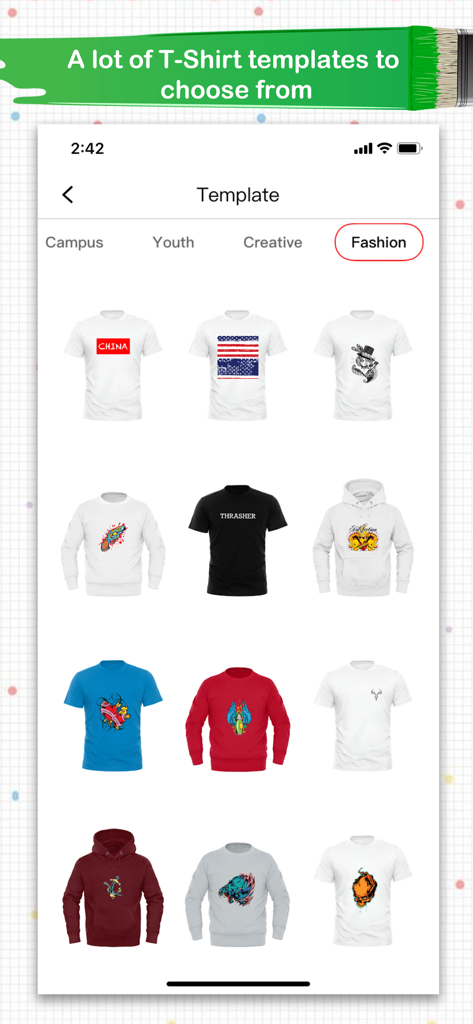
A variety of tshirt and hoodie design templates in the fashion category
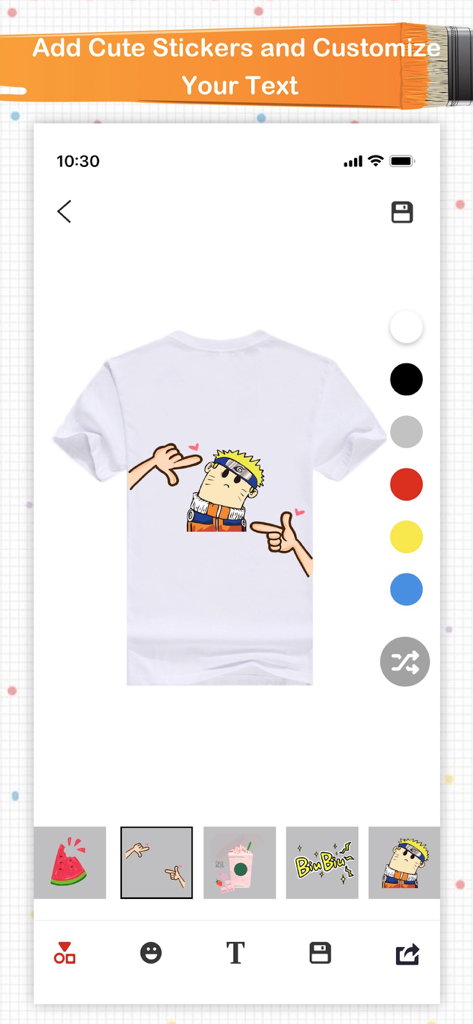
Mobile interface of Super T-Shirt Designer app showing a custom white t-shirt mockup with an anime character sticker.
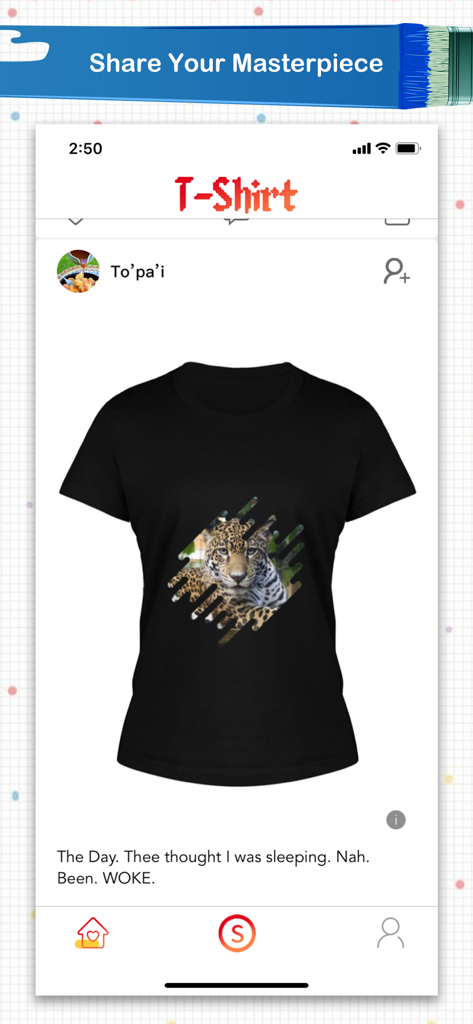
A custom black t-shirt with a leopard graphic displayed in a social media style feed within the app.
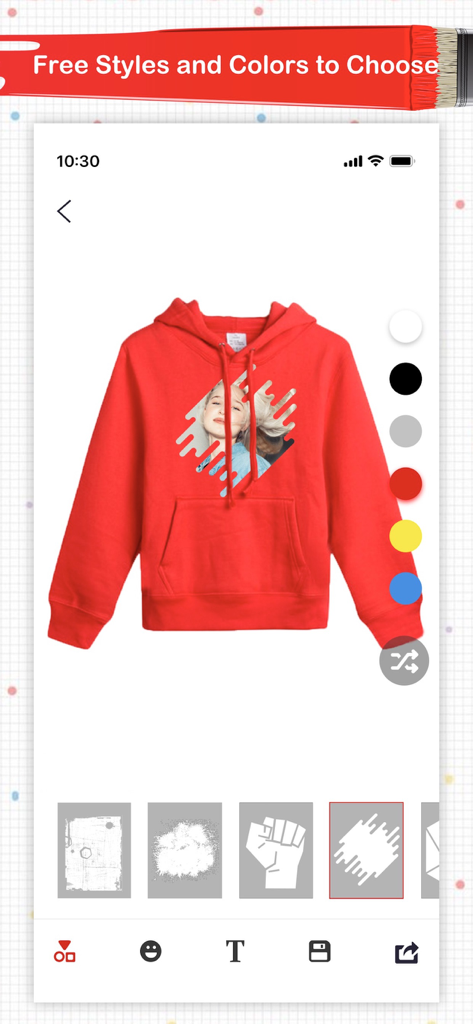
Interface of the Super T-Shirt Designer app showing a custom red hoodie with a photo effect and color selection tools.
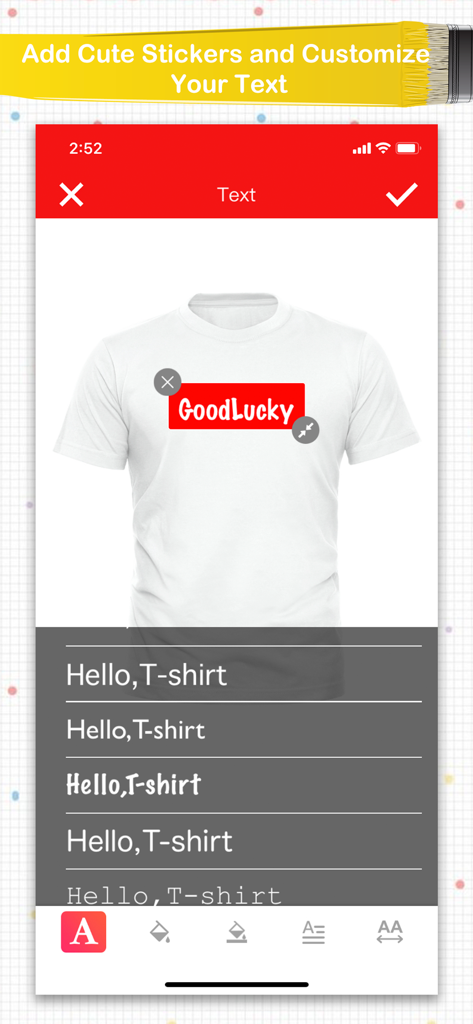
Mobile app interface showing font styles and text customization for a white t-shirt design
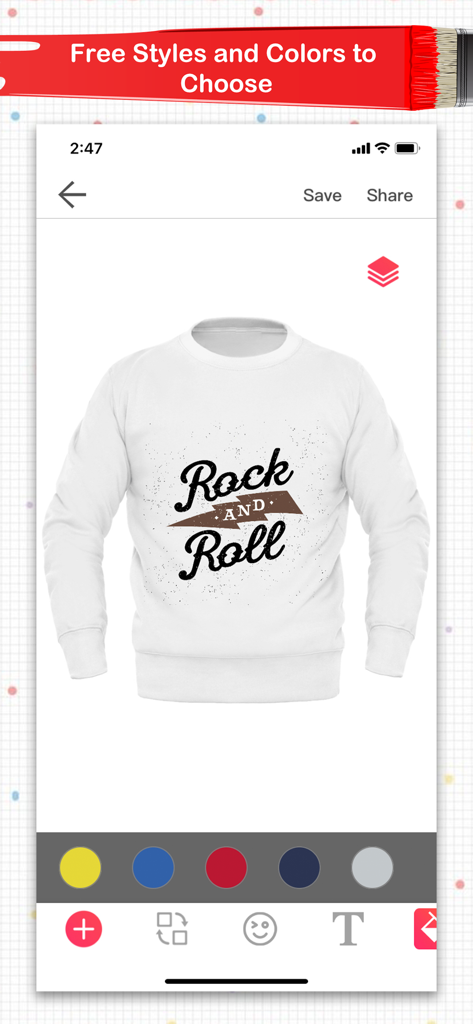
Mobile app interface showing a white sweatshirt with a Rock and Roll graphic and color customization tools
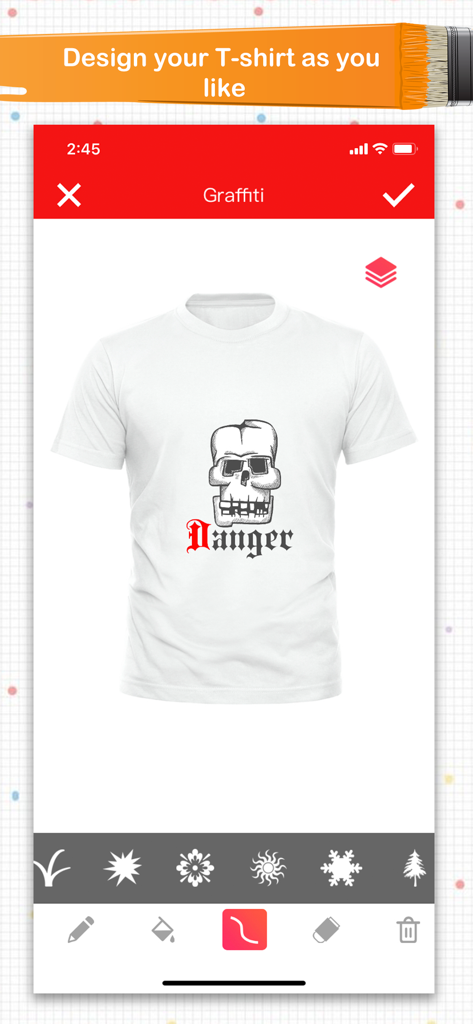
Interface of the Super T-Shirt Designer app showing a white shirt with a skull graphic and Danger text
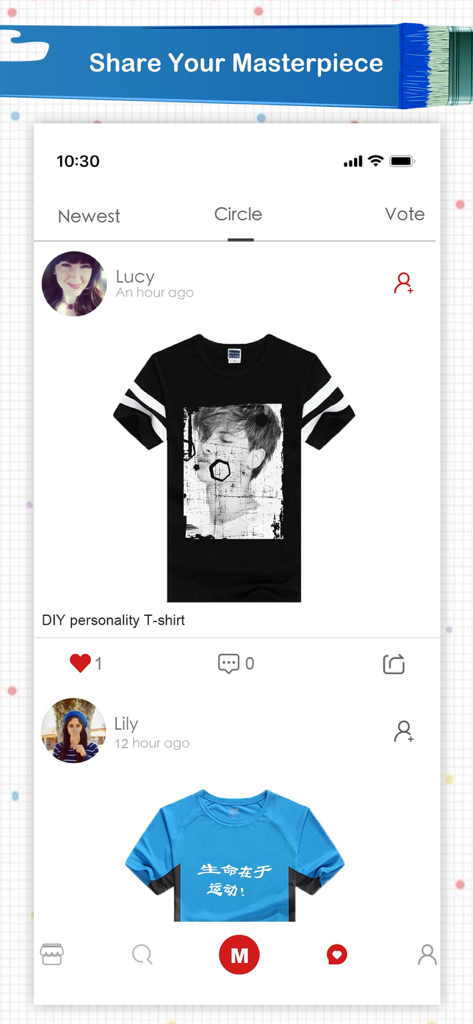
Mobile app screen showing a social community feed where users share and vote on custom t-shirt designs.
Description
Download
More Like This
Apps with similar features and user experience

iShaper: Custom Surfboards
Ryan Kotzebue

Fonts & Designs For DIY Space
UN Global

Cricut Design Space
Cricut, Inc.
Creality Cloud - 3D Printing
CREALITY 3D HK TECHNOLOGY LIMITED

Tinkercad
Autodesk

HelloBlink
Shenzhen Yihengke Electronic Technology Co.,Ltd.
Easy-PhotoPrint Editor
Canon Inc.

Dot Lab - Perler beads pattern
桂华 冉

Design Creator Space
Hardline Software LLC
This page is not an official page of the app or its developer, but an independent editorial publication created for informational and commentary purposes. Unless expressly stated otherwise, neither the app nor its developer is affiliated with, endorsed by, sponsored by, authorized by, or otherwise officially connected with MWM, Apple, Google Play, the app publisher, or the app's developer, and nothing on this page implies that the app was developed using MWM's services. Any trademarks, logos, screenshots, and other content remain the property of their respective owners.