
This page is not an official page of the app or its developer, but an independent editorial publication created for informational and commentary purposes. Unless expressly stated otherwise, neither the app nor its developer is affiliated with, endorsed by, sponsored by, authorized by, or otherwise officially connected with MWM, Apple, Google Play, the app publisher, or the app's developer, and nothing on this page implies that the app was developed using MWM's services. Any trademarks, logos, screenshots, and other content remain the property of their respective owners.


Cricut Design Space
Turn your DIY dreams into reality with total creative freedom. From personalized gifts to custom home decor, design your next masterpiece on the go and sync it seamlessly with your Cricut machine.
Downloads
9M+User Rating
Total Ratings
887K+Publisher
Category
Graphics & DesignLocales
22Latest Version
6.39.0Size
332.6 MBFirst Released
Jun 4, 2014Design Your Dream Projects Anywhere
Turn your creative sparks into professional-grade crafts with easy-to-use tools, thousands of templates, and seamless mobile syncing for your Cricut machine.
Cloud-Powered Creativity
Start a design on your lunch break and have it ready to cut at home. Your projects sync automatically across all your devices so you never lose an idea.
Endless Design Library
Access over 50,000 images and professional fonts. Perfect for creating custom nursery decor, personalized gifts, or high-quality products for your Etsy shop.
Frequently Asked Questions
Everything you need to know about Cricut Design Space
What is Cricut Design Space used for?
Cricut Design Space is a companion app for Cricut Explore and Maker machines, enabling users to design, cut, or draw DIY projects. It offers creative freedom to start from scratch or browse its extensive image library.
Which Cricut machines are compatible with Cricut Design Space?
Cricut Design Space connects to Cricut Explore™ or Cricut Maker™ machines. Users with Cricut Joy™ machines should use the dedicated Cricut Joy™ app for their projects.
Does Cricut Design Space offer free content?
Yes, Cricut Design Space offers over 50,000 FREE images, fonts, and projects. Users can also upload their own compatible image files for editing without additional cost.
Can I upload my own images to Cricut Design Space?
Yes, Cricut Design Space allows users to upload and edit their own compatible image files. Supported formats include .jpg, .bmp, .png, .gif, .svg, and .dxf.
How do I set up my new Cricut machine with Cricut Design Space?
New Cricut users activate their machines at cricut.com/setup. The Cricut Design Space app also allows machine setup and activation directly from within the application.
Does Cricut Design Space support Bluetooth connectivity?
Yes, Cricut Design Space connects to compatible Cricut cutting machines using a Bluetooth® connection. A Bluetooth adapter may be required and is sold separately.
What is the SnapMat™ feature in Cricut Design Space?
The SnapMat™ feature in Cricut Design Space helps users make the most of material scraps. It allows them to visualize and position artwork precisely on the scrap material.
Does Cricut Design Space have project costs?
Yes, some projects and images within Cricut Design Space may have costs, such as $0.99, as indicated for specific ready-to-make designs or individual images. The app also offers free content.
Can I edit text and fonts in Cricut Design Space?
Yes, Cricut Design Space allows users to easily position, resize, and rotate text. It also features kerning for fonts and supports browsing Cricut fonts or utilizing system fonts.
Does Cricut Design Space offer step-by-step project instructions?
Yes, Cricut Design Space provides step-by-step project instructions to guide users through creating various items. This includes projects like cards, 3D models, and fashion accessories.
The following screenshots and description are sourced directly from the app's official store listing and are the property of the app developer.
App Store
Screenshots
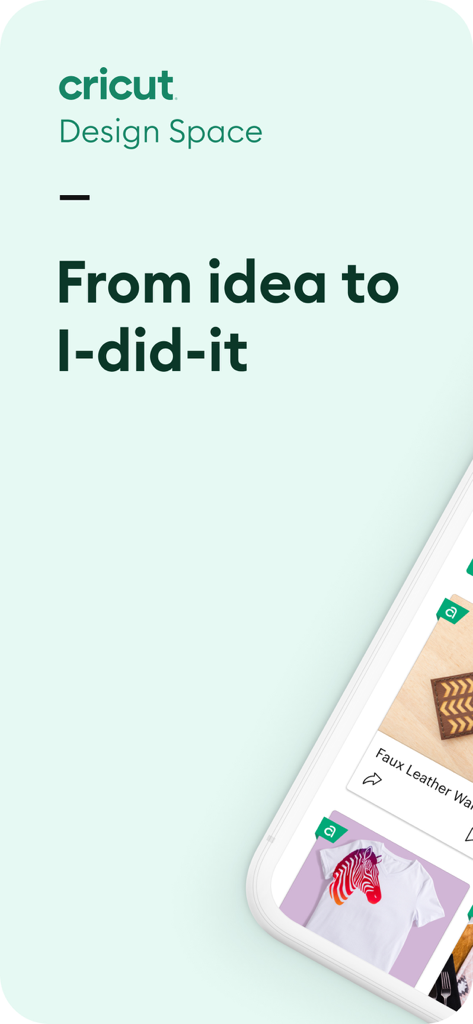
Cricut Design Space mobile app interface showing DIY craft projects and the slogan From idea to I did it
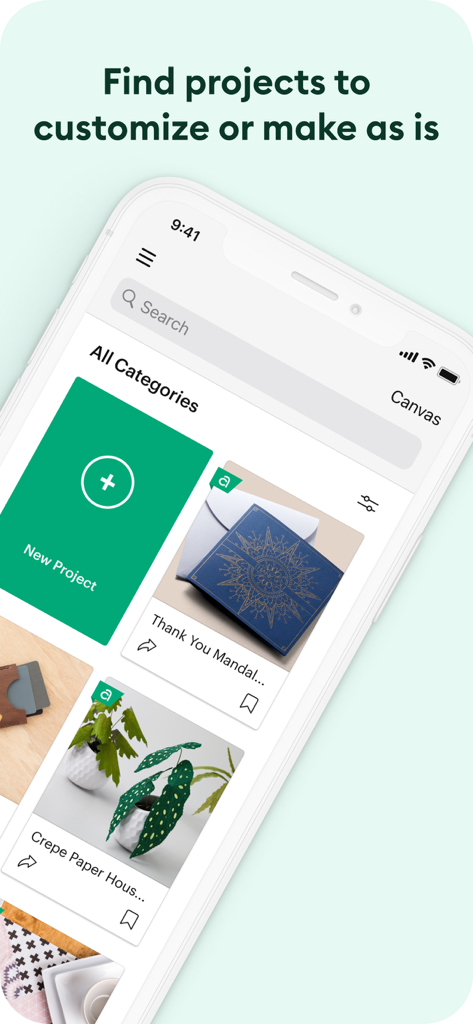
Cricut Design Space mobile app screen showing a library of DIY crafting projects to customize
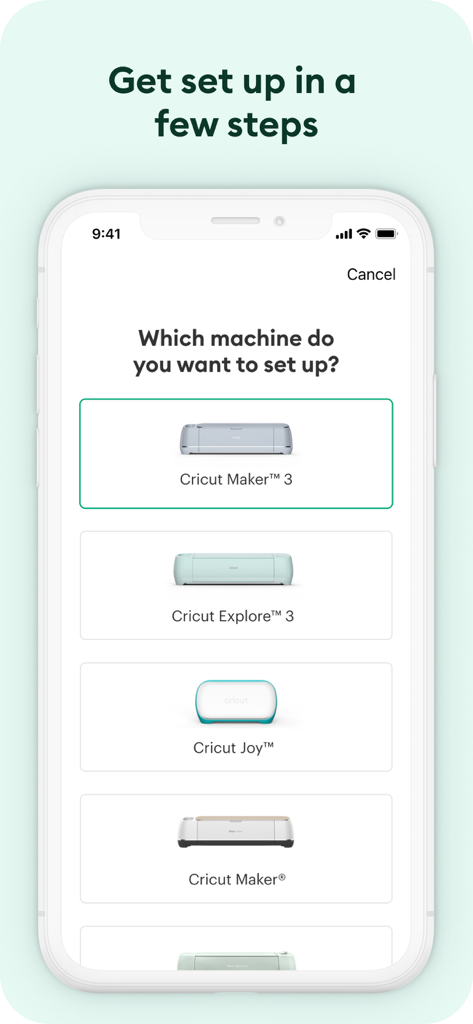
Cricut Design Space app machine setup screen showing selection for Cricut Maker 3 Explore 3 and Cricut Joy
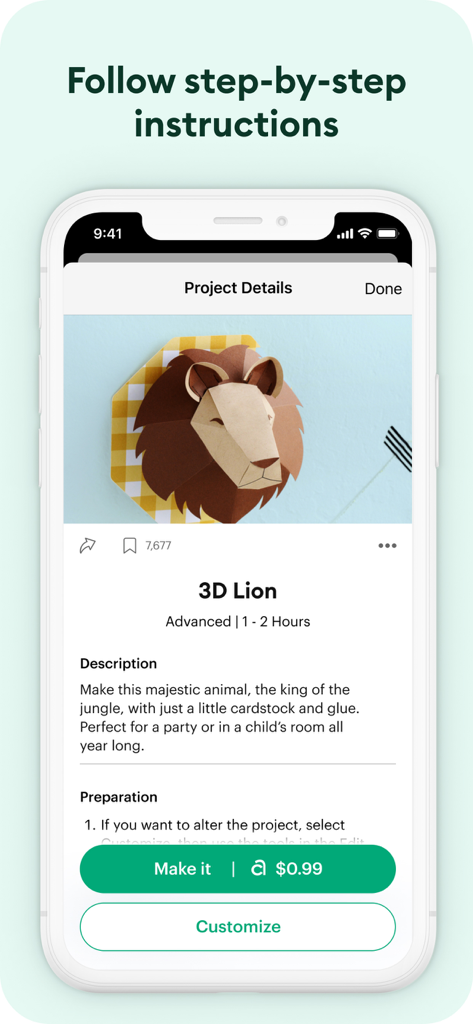
A screenshot of the Cricut Design Space app showing step-by-step instructions and project details for making a 3D cardstock lion.
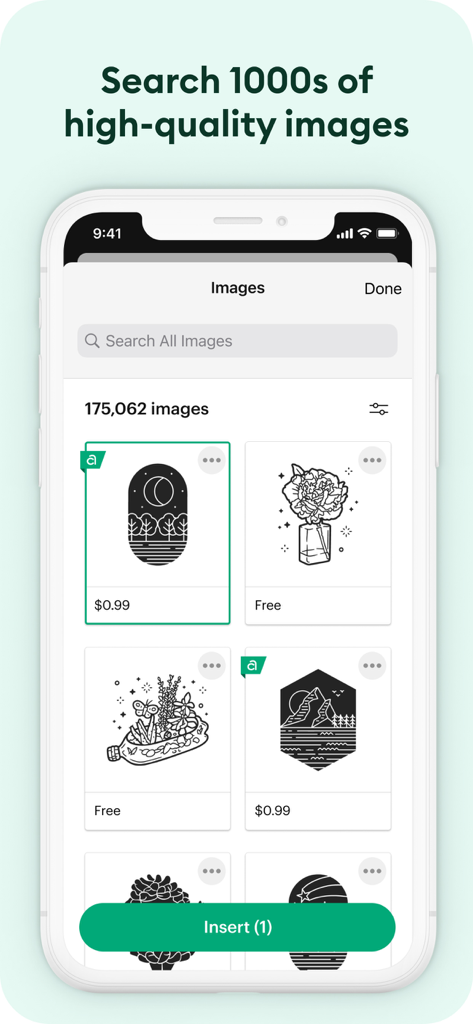
Cricut Design Space app interface showing a searchable library of high quality images for DIY projects
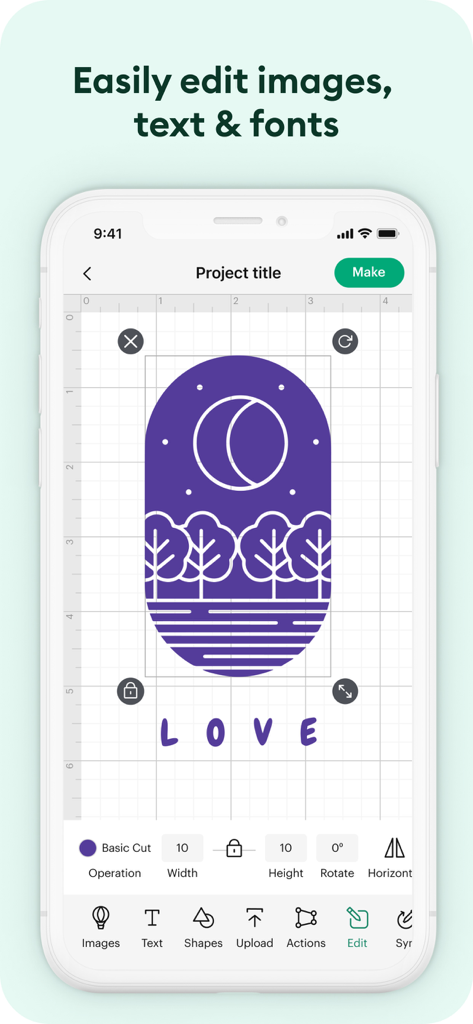
Cricut Design Space app interface showing the image and text editor with a nature graphic and the word LOVE
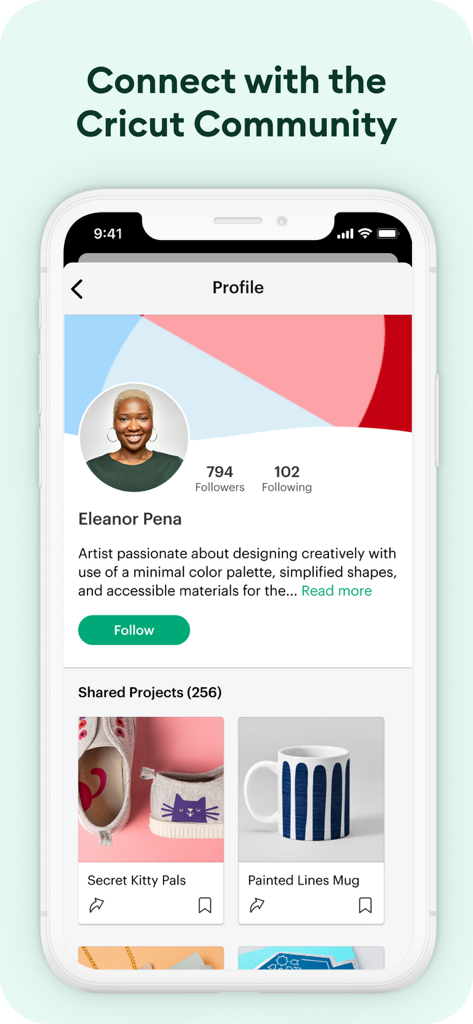
Cricut Design Space app user profile screen showing shared craft projects and community followers
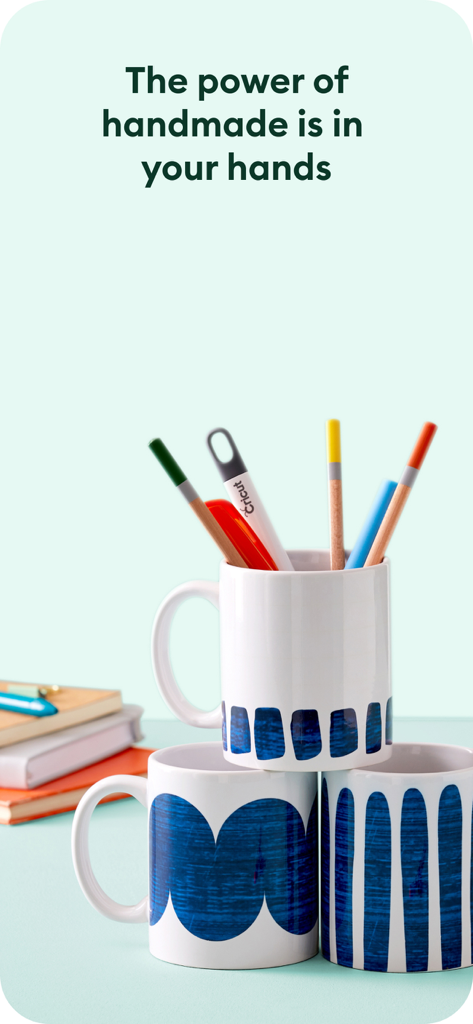
Customized mugs with blue patterns and crafting tools with text about the power of handmade
Description
Download
More Like This
Apps with similar features and user experience
Super T-Shirt Designer
Shenzhen Bigger Lens LLC

iShaper: Custom Surfboards
Ryan Kotzebue

Fonts & Designs For DIY Space
UN Global
Creality Cloud - 3D Printing
CREALITY 3D HK TECHNOLOGY LIMITED

Tinkercad
Autodesk

HelloBlink
Shenzhen Yihengke Electronic Technology Co.,Ltd.

Easy-PhotoPrint Editor
Canon Inc.

Dot Lab - Perler beads pattern
桂华 冉

Design Creator Space
Hardline Software LLC
This page is not an official page of the app or its developer, but an independent editorial publication created for informational and commentary purposes. Unless expressly stated otherwise, neither the app nor its developer is affiliated with, endorsed by, sponsored by, authorized by, or otherwise officially connected with MWM, Apple, Google Play, the app publisher, or the app's developer, and nothing on this page implies that the app was developed using MWM's services. Any trademarks, logos, screenshots, and other content remain the property of their respective owners.