
This page is not an official page of the app or its developer, but an independent editorial publication created for informational and commentary purposes. Unless expressly stated otherwise, neither the app nor its developer is affiliated with, endorsed by, sponsored by, authorized by, or otherwise officially connected with MWM, Apple, Google Play, the app publisher, or the app's developer, and nothing on this page implies that the app was developed using MWM's services. Any trademarks, logos, screenshots, and other content remain the property of their respective owners.

HelloBlink
Transform your photos, drawings, and favorite memories into high-quality stickers. The ultimate companion for bullet journaling, scrapbooking, and personalizing your world.
Downloads
189K+User Rating
Total Ratings
30K+Publisher
Category
UtilitiesLocales
1Latest Version
1.4.8Size
27.3 MBFirst Released
Jun 21, 2024Bring Your Aesthetic to Life
Turn your digital gallery into a physical playground. HelloBlink makes it easy to personalize your world with custom stickers in seconds.
Unlimited Creativity
Transform your digital art, sketches, or favorite selfies into high-quality stickers for your phone, laptop, or water bottle.
The Journaler's Essential
Level up your Bullet Journal or scrapbook. Turn fleeting digital memories into lasting physical mementos and personalized decor.
Frequently Asked Questions
Everything you need to know about HelloBlink
What is the HelloBlink app used for?
The HelloBlink app assists in printing photographs, drawings, and images from its library using the Hello Blink sticker maker. Users select images, send them to the printer, and print them on stickers.
How do I set up my printer with the HelloBlink app?
Users begin setting up their printer by selecting the "Set Up Your Printer" option within the HelloBlink app interface. This initiates the connection process for the Hello Blink sticker maker.
What types of labels does the HelloBlink app support?
The HelloBlink app supports printing on two types of labels: "Square" and "Circle". Users can choose their preferred label shape before printing their stickers.
Can I print my own photos using the HelloBlink app?
Yes, the HelloBlink app allows users to print their own photos. It offers options to take a new photo using "Photo" or import existing images using "Import" for sticker creation.
Does HelloBlink include an image library?
Yes, the HelloBlink app includes an image library. Users can access a selection of pre-designed images within the app to choose from and print as stickers.
The following screenshots and description are sourced directly from the app's official store listing and are the property of the app developer.
App Store
Screenshots
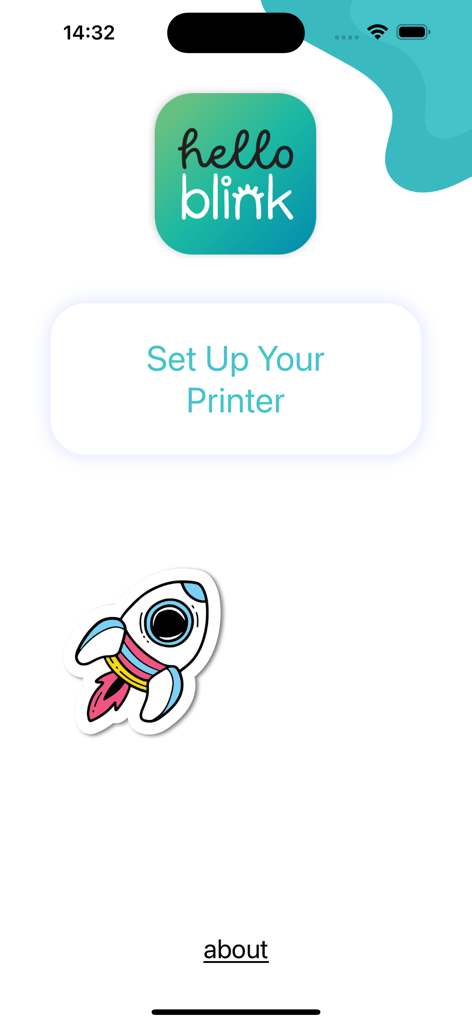
HelloBlink app interface showing the printer setup button and a colorful rocket sticker graphic
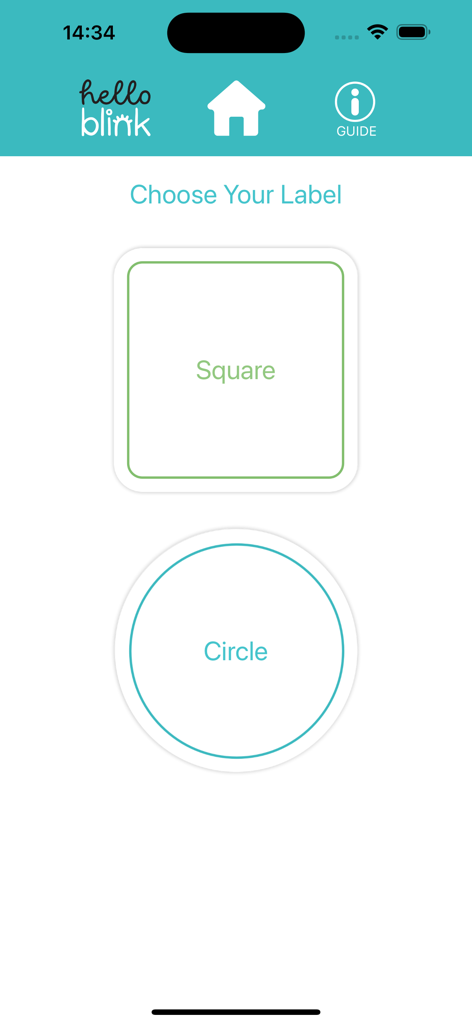
Selection screen in HelloBlink app showing square and circle sticker label options
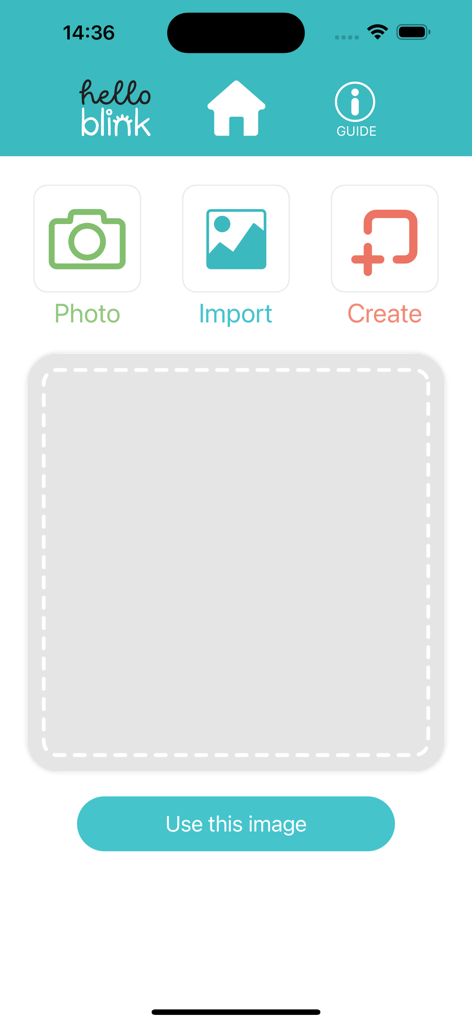
HelloBlink mobile app home screen with options to photo, import, and create stickers.
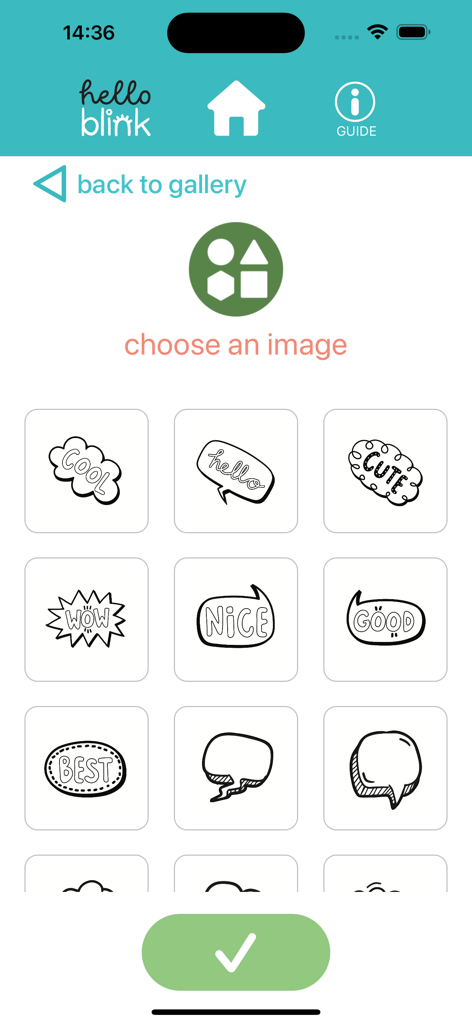
A selection of cute speech bubble stickers in the HelloBlink app interface for DIY crafting and printing.
Description
Download
More Like This
Apps with similar features and user experience

iShaper: Custom Surfboards
Ryan Kotzebue

Fonts & Designs For DIY Space
UN Global

Cricut Design Space
Cricut, Inc.
Creality Cloud - 3D Printing
CREALITY 3D HK TECHNOLOGY LIMITED

Tinkercad
Autodesk
Easy-PhotoPrint Editor
Canon Inc.

Dot Lab - Perler beads pattern
桂华 冉
Super T-Shirt Designer
Shenzhen Bigger Lens LLC

Design Creator Space
Hardline Software LLC
This page is not an official page of the app or its developer, but an independent editorial publication created for informational and commentary purposes. Unless expressly stated otherwise, neither the app nor its developer is affiliated with, endorsed by, sponsored by, authorized by, or otherwise officially connected with MWM, Apple, Google Play, the app publisher, or the app's developer, and nothing on this page implies that the app was developed using MWM's services. Any trademarks, logos, screenshots, and other content remain the property of their respective owners.