
This page is not an official page of the app or its developer, but an independent editorial publication created for informational and commentary purposes. Unless expressly stated otherwise, neither the app nor its developer is affiliated with, endorsed by, sponsored by, authorized by, or otherwise officially connected with MWM, Apple, Google Play, the app publisher, or the app's developer, and nothing on this page implies that the app was developed using MWM's services. Any trademarks, logos, screenshots, and other content remain the property of their respective owners.


Easy-PhotoPrint Editor
Turn your phone's gallery into stunning physical memories. Choose from hundreds of ready-to-use templates for collages, calendars, and stickers—perfect for families, crafters, and small businesses.
Downloads
3M+User Rating
Total Ratings
147K+Publisher
Category
Photo & VideoLocales
20Latest Version
1.10.2Size
93.6 MBFirst Released
Sep 3, 2018Turn Your Best Moments into Masterpieces
From sentimental family collages to professional branding for your side hustle, our all-in-one editor makes printing from your iPhone effortless and beautiful.
Stunning Templates for Every Occasion
Skip the design stress with hundreds of ready-to-use layouts for calendars, greeting cards, and collages that look professionally made in seconds.
Your Ultimate DIY Crafting Companion
Bring your scrapbooks to life by printing custom pattern papers and personalized stickers designed to make your creative projects stand out.
Frequently Asked Questions
Everything you need to know about Easy-PhotoPrint Editor
What is Easy-PhotoPrint Editor?
Easy-PhotoPrint Editor is a photo print app offering templates and a free-layout editor. It allows users to create and print photo layouts, cards, collages, calendars, disc labels, photo IDs, business cards, stickers, and posters.
What types of prints can I create with Easy-PhotoPrint Editor?
You can create photo layouts, cards, collages, calendars, disc labels, photo IDs, business cards, stickers, and posters using Easy-PhotoPrint Editor. It also offers pattern paper for art works.
Does Easy-PhotoPrint Editor offer templates for creative projects?
Yes, Easy-PhotoPrint Editor provides many useful templates. These include options for photo layouts, cards, collages, calendars, business cards, photo IDs, stickers, and posters to simplify creation.
Can I print disc labels using Easy-PhotoPrint Editor?
Yes, Easy-PhotoPrint Editor allows you to print disc labels directly from your smartphone, provided your Canon Inkjet printer supports this specific function.
What editing functions are available in Easy-PhotoPrint Editor?
Easy-PhotoPrint Editor offers various editing functions. Users can crop or expand photos, and decorate them with colored edges, text, and stamps to personalize their prints.
Which printers are compatible with Easy-PhotoPrint Editor?
Easy-PhotoPrint Editor supports Canon Inkjet Printers. A specific website link is provided in the app description to check for supported printer models.
What operating systems does Easy-PhotoPrint Editor support?
Easy-PhotoPrint Editor supports iOS 17.0 and later versions. Users must ensure their device runs on a compatible iOS version for the app to function.
What should I do if Easy-PhotoPrint Editor cannot find my printer?
If the app cannot find your printer, ensure it is on the supported list and connected to your network. Use the "Canon PRINT" app to connect your printer to the network if necessary.
Can I create business cards with Easy-PhotoPrint Editor?
Yes, Easy-PhotoPrint Editor allows users to easily create business cards. The app also supports creating photo IDs, stickers, and other everyday items.
Does Easy-PhotoPrint Editor provide options for creating photo collages?
Yes, Easy-PhotoPrint Editor includes templates for creating photo collages. The app offers a variety of ready-to-use templates that can incorporate multiple photos into designs.
The following screenshots and description are sourced directly from the app's official store listing and are the property of the app developer.
App Store
Screenshots
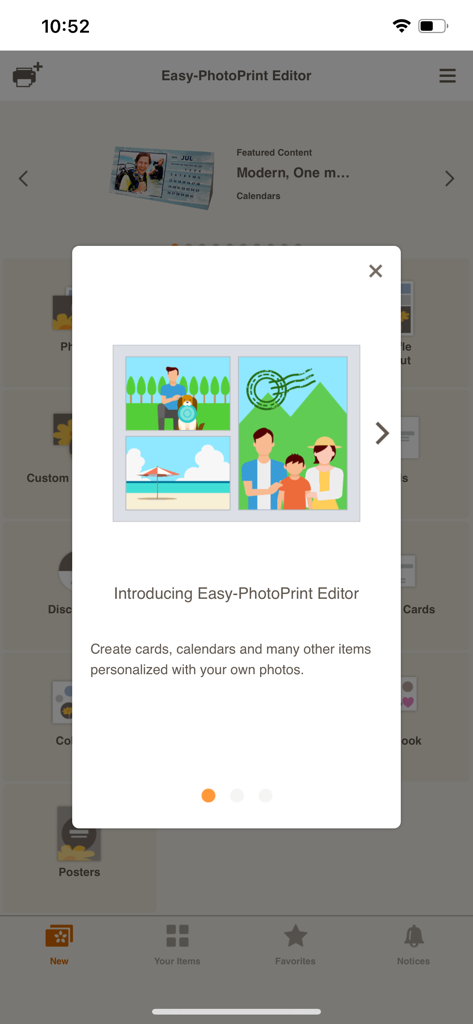
Introduction screen of the Canon Easy-PhotoPrint Editor app featuring personalized photo templates.
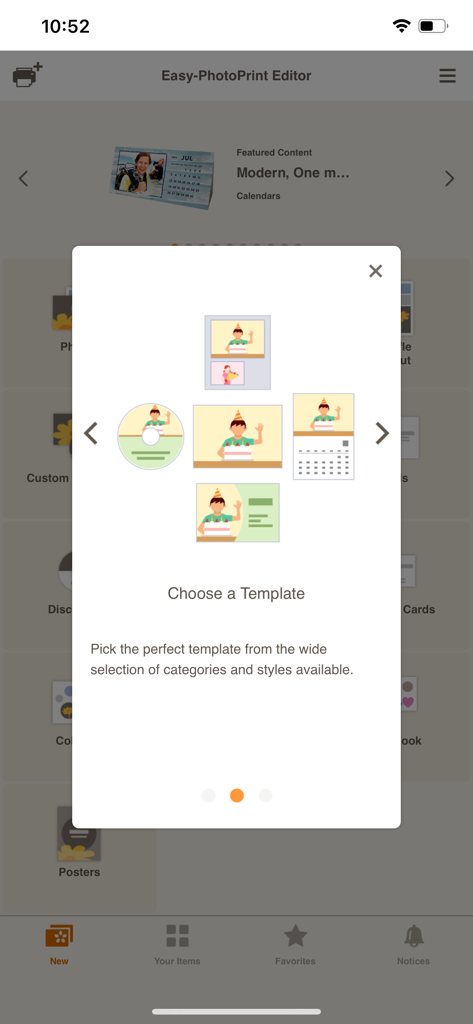
Screen displaying template options for calendars, business cards, and photos in the Canon Easy-PhotoPrint Editor app.
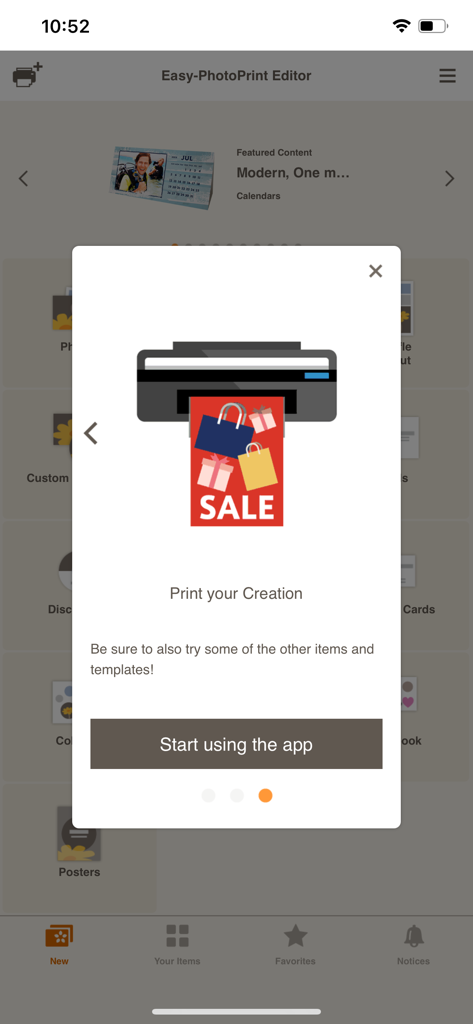
Onboarding screen for the Canon Easy-PhotoPrint Editor app showing a printer icon and a start using the app button.
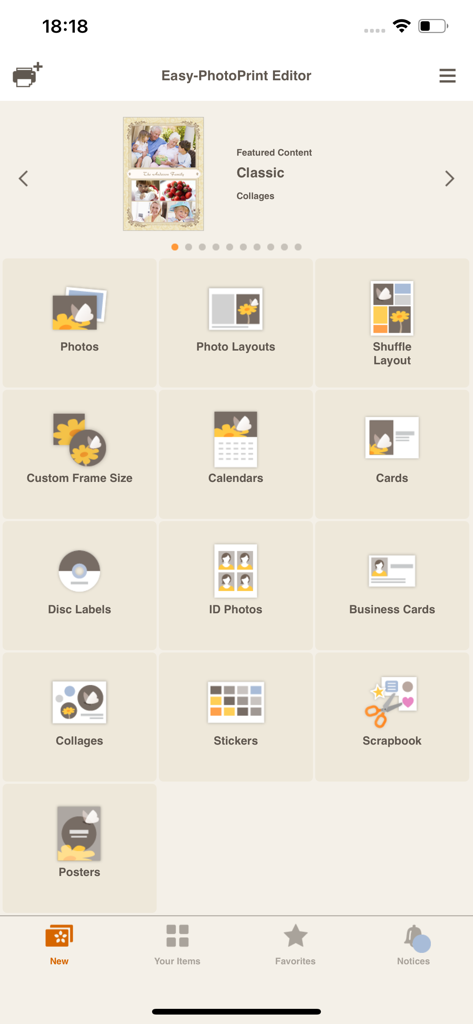
Main menu of the Easy PhotoPrint Editor app displaying various print categories including photos calendars and business cards
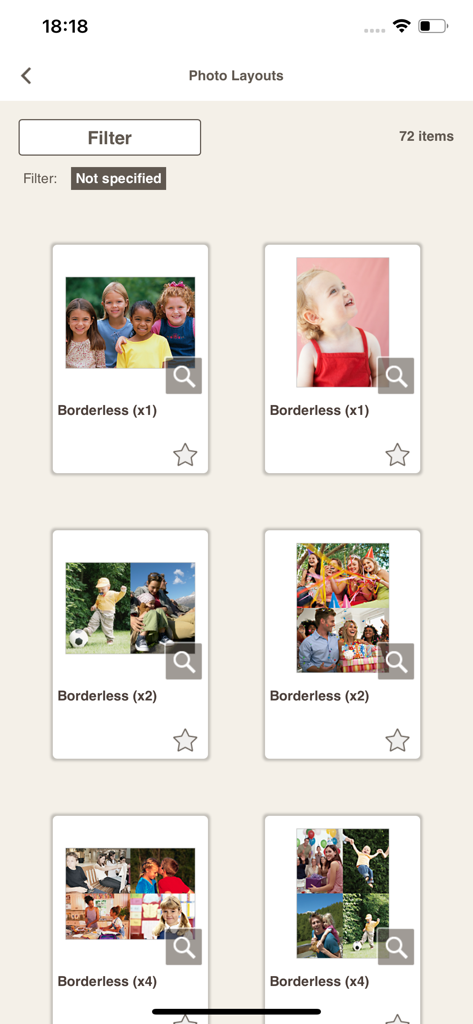
A gallery of borderless photo print layouts and collage templates available in the Canon Easy-PhotoPrint Editor app
Description
Download
More Like This
Apps with similar features and user experience

Super T-Shirt Designer
Shenzhen Bigger Lens LLC

iShaper: Custom Surfboards
Ryan Kotzebue

Fonts & Designs For DIY Space
UN Global

Cricut Design Space
Cricut, Inc.
Creality Cloud - 3D Printing
CREALITY 3D HK TECHNOLOGY LIMITED

Tinkercad
Autodesk

HelloBlink
Shenzhen Yihengke Electronic Technology Co.,Ltd.

Dot Lab - Perler beads pattern
桂华 冉

Design Creator Space
Hardline Software LLC
This page is not an official page of the app or its developer, but an independent editorial publication created for informational and commentary purposes. Unless expressly stated otherwise, neither the app nor its developer is affiliated with, endorsed by, sponsored by, authorized by, or otherwise officially connected with MWM, Apple, Google Play, the app publisher, or the app's developer, and nothing on this page implies that the app was developed using MWM's services. Any trademarks, logos, screenshots, and other content remain the property of their respective owners.