
This page is not an official page of the app or its developer, but an independent editorial publication created for informational and commentary purposes. Unless expressly stated otherwise, neither the app nor its developer is affiliated with, endorsed by, sponsored by, authorized by, or otherwise officially connected with MWM, Apple, Google Play, the app publisher, or the app's developer, and nothing on this page implies that the app was developed using MWM's services. Any trademarks, logos, screenshots, and other content remain the property of their respective owners.


grandMA3 Remote (G3Link)
Stop walking back to FOH. Focus fixtures, update presets, and trigger macros directly from your pocket with a high-performance, OSC-based remote built for the rigors of live production.
Downloads
500User Rating
Total Ratings
0Publisher
Category
ProductivityLocales
1Latest Version
1.2.8Size
29.9 MBFirst Released
Jul 1, 2025Professional Control in Your Pocket
Eliminate the back-and-forth between FOH and the stage. G3Link provides high-performance, OSC-based remote access to your grandMA3 system, designed specifically for the high-pressure demands of live production.
Rapid Fixture Testing
Streamline your load-in. Select fixtures, toggle highlights, and verify your rig directly from the stage floor without needing a second operator at the console.
Full Preset & Group Access
Unlock Pro capabilities to call up groups and update All-type presets on the fly. Stay mobile during technical rehearsals while maintaining total creative control.
The following screenshots and description are sourced directly from the app's official store listing and are the property of the app developer.
App Store
Screenshots
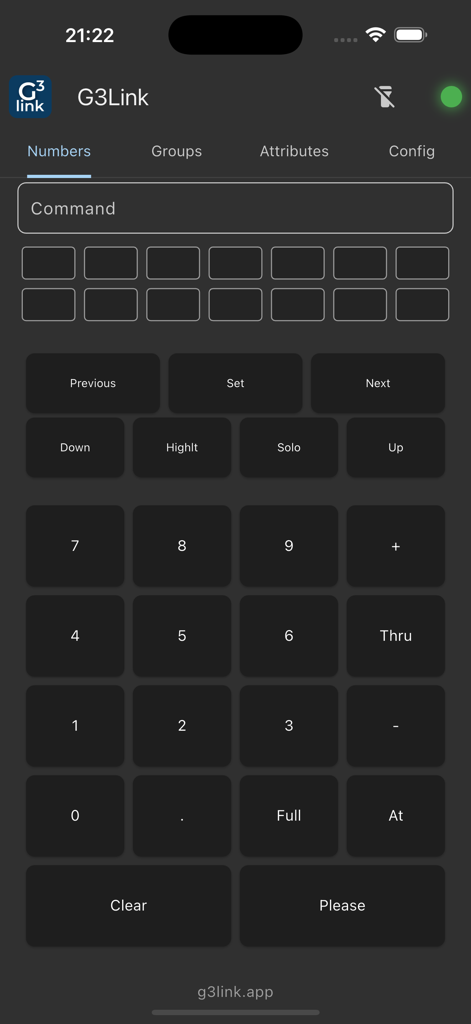
Numeric keypad and command buttons on the grandMA3 Remote app interface.
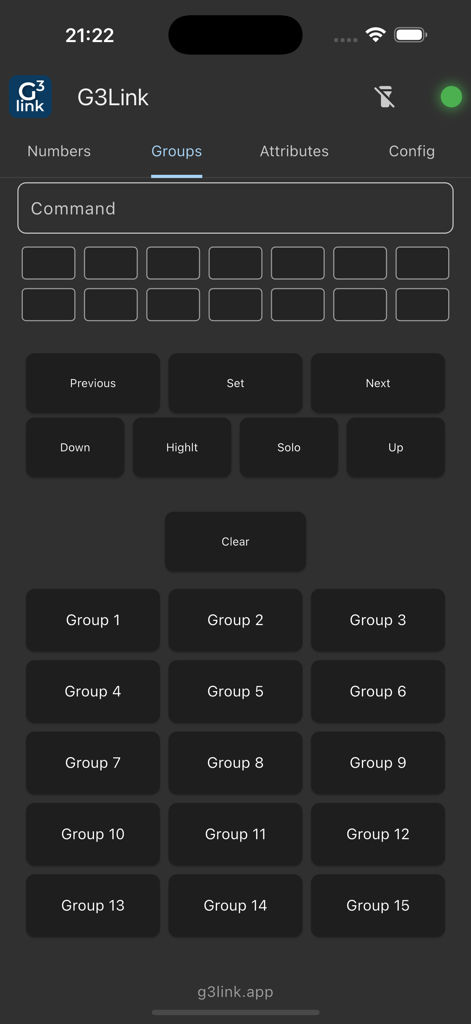
G3Link mobile app interface showing the groups control page for grandMA3 lighting consoles.
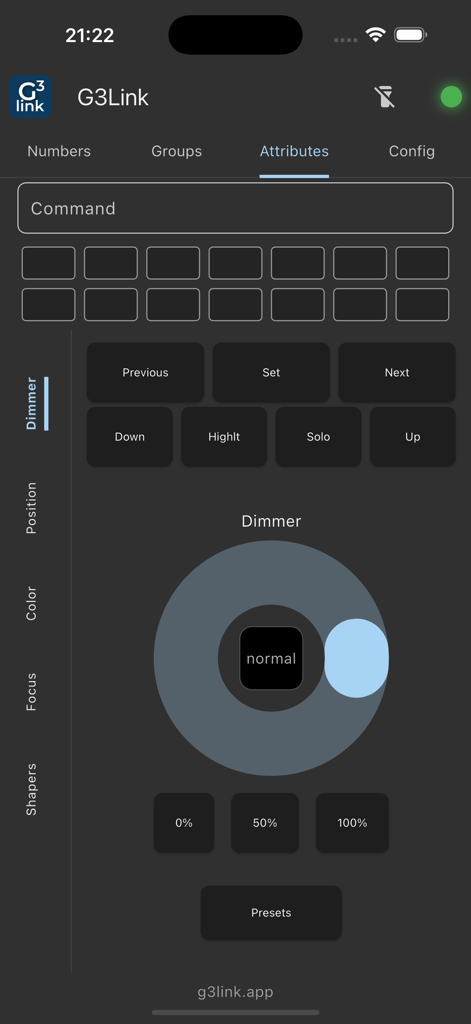
G3Link app interface showing dimmer attribute controls and navigation buttons for grandMA3.
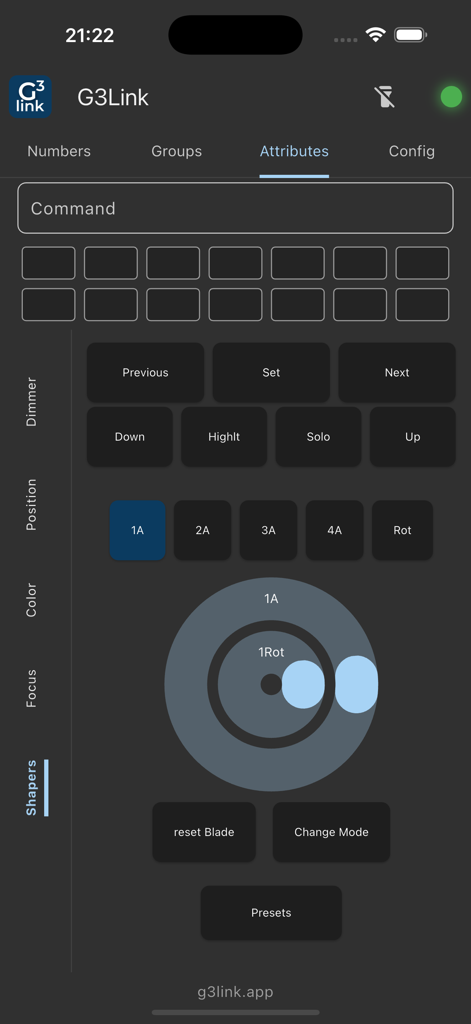
G3Link mobile app interface showing lighting fixture shaper attribute controls
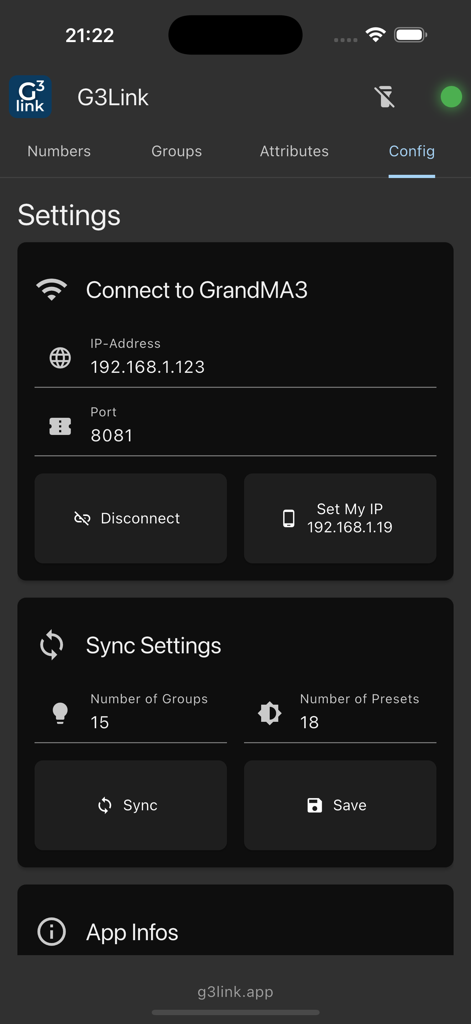
Network configuration and sync settings screen for the G3Link grandMA3 remote app.
Description
Download
More Like This
Top-ranked apps in the same category

ChatGPT
OpenAI OpCo, LLC

Google Gemini
Google LLC

Grok
X.AI Corporation

Gmail - Email by Google
Google LLC

千问 - 阿里最强大模型官方AI助手
Shanghai Zhixin Puhui Technology Co., Ltd.

Google Drive
Google LLC

Microsoft Authenticator
Microsoft Corporation

Google Sheets
Google LLC

Google Docs
Google LLC
This page is not an official page of the app or its developer, but an independent editorial publication created for informational and commentary purposes. Unless expressly stated otherwise, neither the app nor its developer is affiliated with, endorsed by, sponsored by, authorized by, or otherwise officially connected with MWM, Apple, Google Play, the app publisher, or the app's developer, and nothing on this page implies that the app was developed using MWM's services. Any trademarks, logos, screenshots, and other content remain the property of their respective owners.